





 Laptop Computers
 Desktop Computers
 Printers

 Network
 Software
 Laptop Accessories
 Laptop Components
 Office
 Desktop peripherals
 Server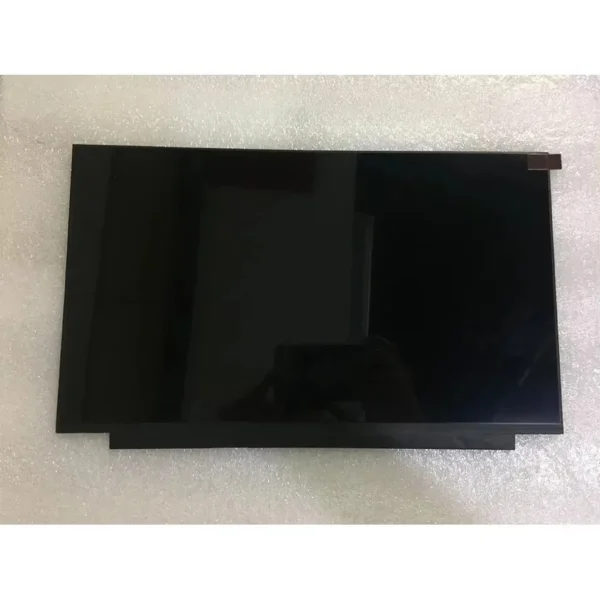
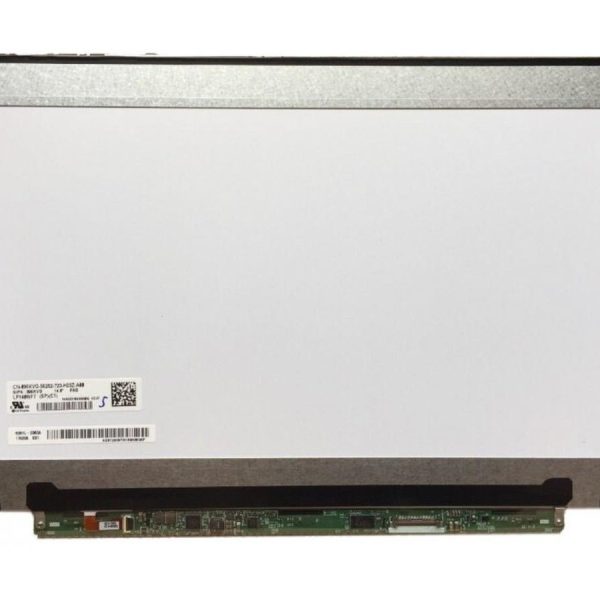
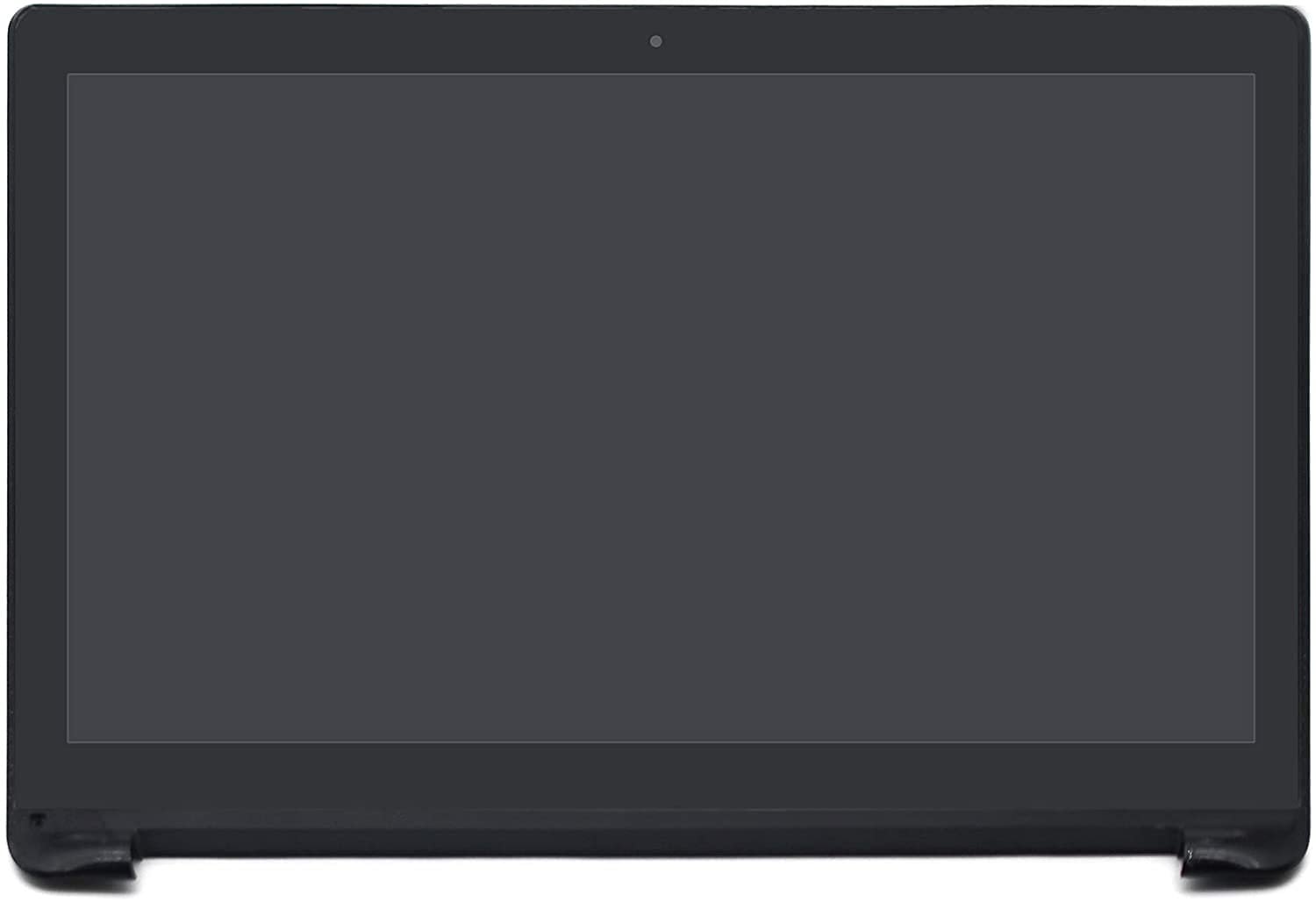
This product is a full screen assembly replacement for the ASUS Q551L laptop, ideal for users experiencing cracked touch panels, unresponsive screens, or flickering issues. Installed by certified technicians at Lansotech Solutions, this screen will restore both visuals and touchscreen functionality to your device.
Product Name: ASUS Q551L LCD
Screen Size: 15.6-inch
Resolution: Full HD 1920 x 1080
Touch Functionality: Yes (Capacitive Multi-touch)
Connector Type: 30-pin eDP
Panel Surface: Glossy (Touch-sensitive)
Condition: Brand New
Warranty: 90 Days
Screen Type: LED LCD

Hurry and get discounts on all Apple devices up to 20%
Sale_coupon_15
KSh6,500.00 excl. VAT
Payment Methods:

At Lansotech Solutions, we offer top-rated laptop repair services in Nairobi, specializing in screen replacements for all Asus models, including the versatile and high-performance ASUS Q551L 2-in-1 laptop. Whether your screen is cracked, flickering, has dead pixels, or is completely black, we deliver fast, affordable, and professional ASUS Q551L screen replacement services.
The ASUS Q551L is a powerful convertible laptop featuring a 15.6-inch Full HD touchscreen display, ideal for professionals, designers, students, and creatives. Its combination of flexibility and performance makes it a favorite among hybrid laptop users. But like all laptops, the screen is susceptible to damage due to accidental drops, pressure, or aging.
Instead of replacing the entire laptop, a screen replacement by Lansotech Solutions restores it to like-new condition, saving you time and money.
We use only OEM-quality replacement panels, compatible with ASUS Q551L, including touchscreen digitizers. Our screens maintain the original specifications — 1920×1080 resolution, touch functionality, and crystal-clear brightness.
Touchscreen laptops like the ASUS Q551L require careful handling and precision tools. Our technicians are highly trained in 2-in-1 convertible laptop repairs, ensuring no internal damage during screen replacement.
We aim to complete most screen replacements within 3-6 hours if the parts are in stock. Our Nairobi CBD repair center is fully equipped for both diagnostics and repairs.
Our ASUS Q551L screen replacement cost includes screen panel, digitizer (if needed), professional installation, and testing. No hidden charges. Every screen replacement comes with a 90-day warranty.
Cracked or shattered glass
Touchscreen not responding
Ghost touches or flickering
Black screen but laptop powers on
Vertical/horizontal lines across the screen
Dim display or dark patches
If your ASUS Q551L screen is damaged, don’t delay — continuing to use a broken display can damage the motherboard or affect touchscreen sensors.
We confirm the exact model and screen version (including digitizer type) to ensure accurate replacement.
We shut down the device and disconnect the internal battery to prevent electric damage.
Using precision tools, we detach the digitizer glass and separate it from the LCD panel carefully. The Q551L features a touchscreen assembly, so this requires specialized skill.
We install a brand-new LCD with touch functionality, connect all display and digitizer cables, and secure it to the laptop chassis.
After installation, we run diagnostic tests to check for touch accuracy, display clarity, resolution, and backlight uniformity.
Extending the life of your laptop screen is easy with the right care. Follow these expert tips:
Avoid slamming the lid shut. Sudden pressure can crack the screen or damage internal cables.
Invest in a high-quality screen protector, especially for touchscreen laptops like the ASUS Q551L. It reduces scratches, smudges, and even pressure damage.
Never stack items on a closed laptop or press hard on the lid. This can cause internal pressure spots or LCD bleed.
Use a microfiber cloth and screen-safe cleaner to remove dust and fingerprints. Never spray liquid directly on the screen.
Excessive heat can warp or damage the screen panel. Always use the laptop on hard surfaces to avoid overheating.
For touchscreen laptops, calibrate the digitizer periodically to maintain accuracy and prevent ghost touches.
No account yet?
Create an Account











 ASUS
ASUS



