







 Laptop Computers
 Desktop Computers
 Printers

 Network
 Software
 Laptop Accessories
 Laptop Components
 Office
 Desktop peripherals
 Server

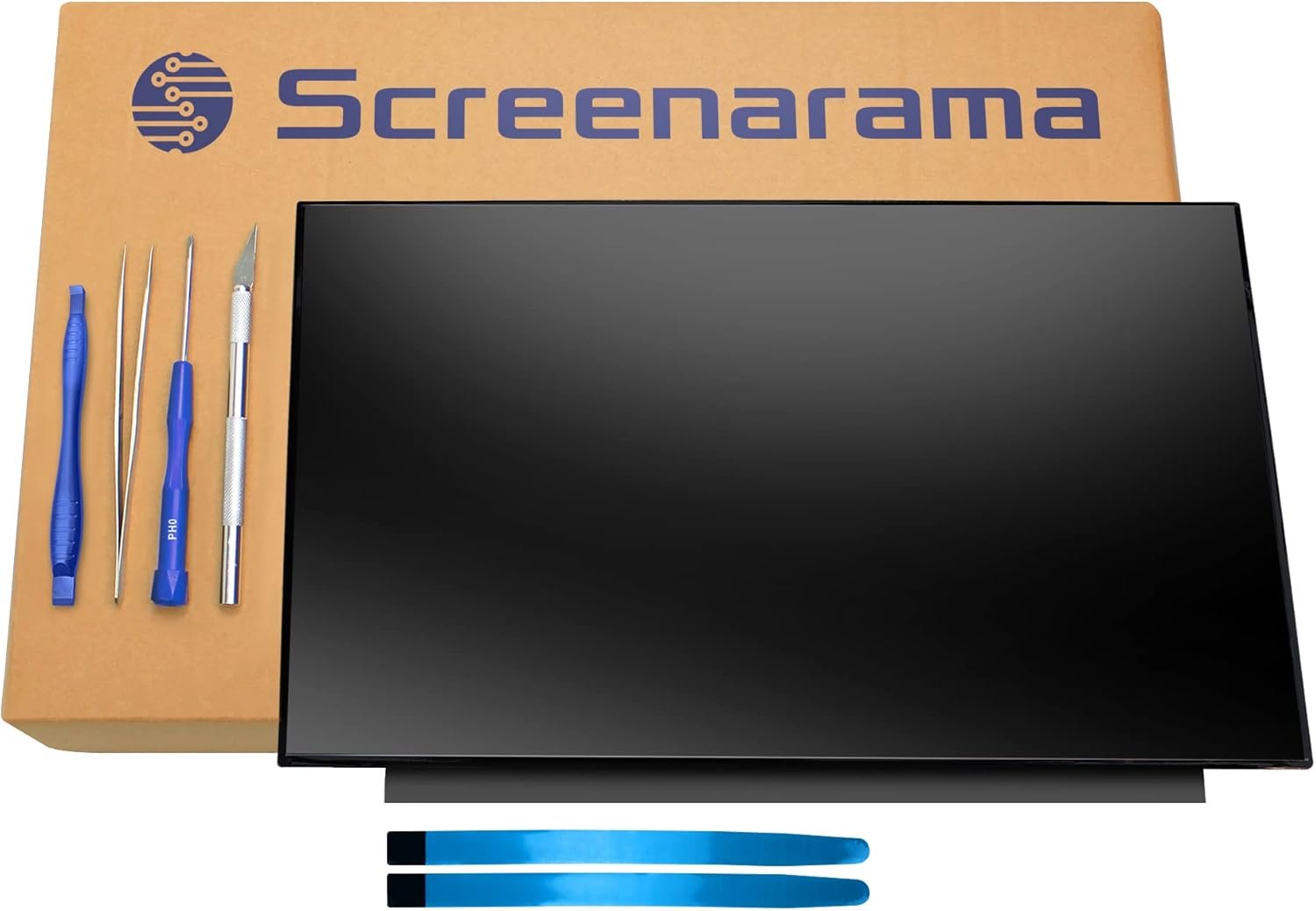
Product Name: ASUS TUF FX505DT Replacement Screen
Screen Size: 15.6 inches
Resolution: 1920×1080 (Full HD)
Refresh Rate: 60Hz, 120Hz, or 144Hz
Panel Type: IPS (wide viewing angle) or TN (fast response)
Surface Finish: Matte anti-glare
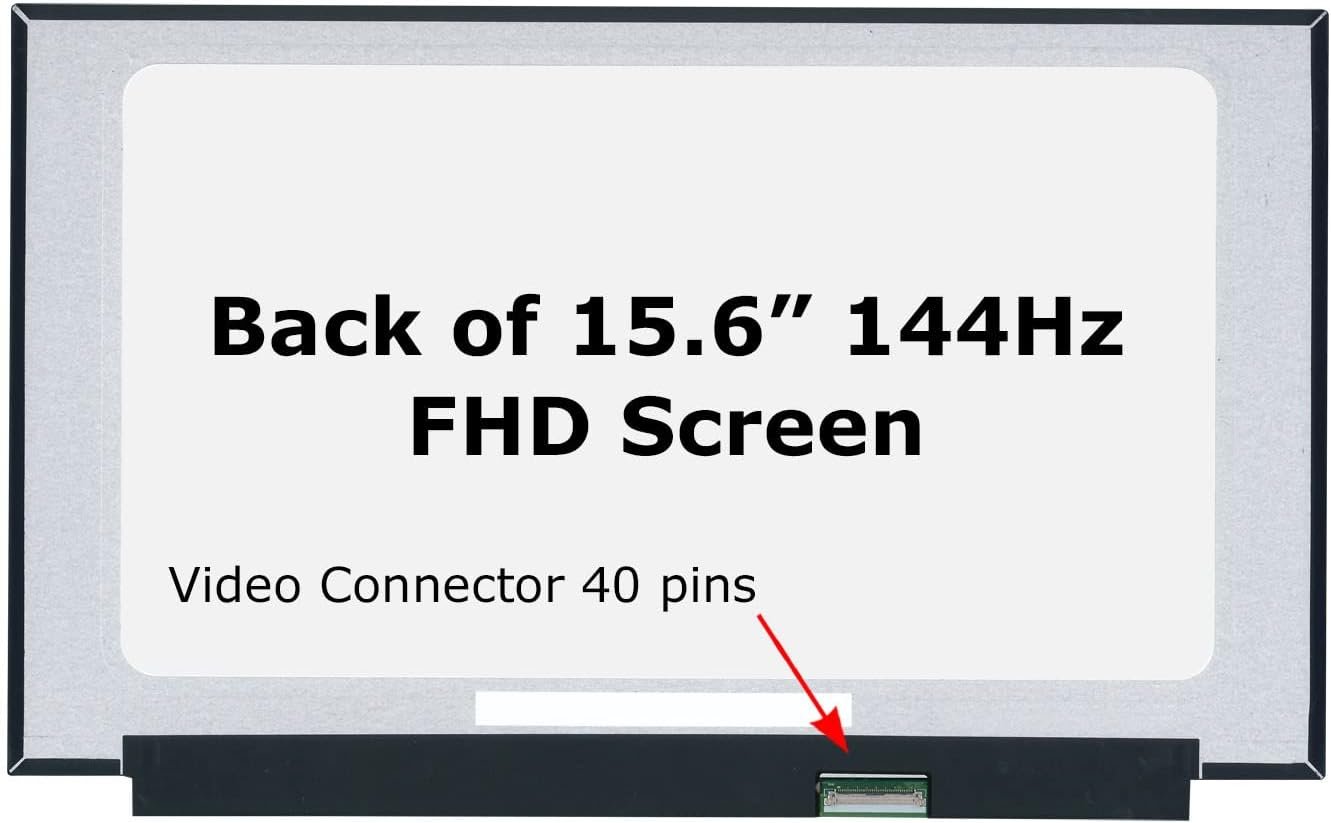
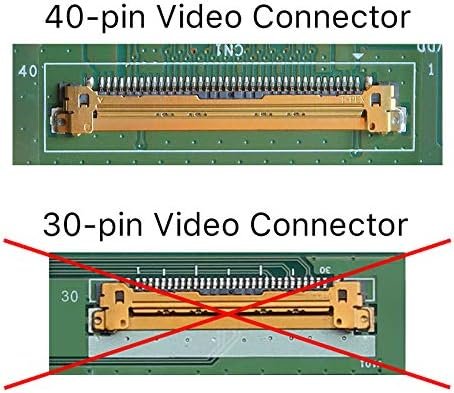
Connector Type: 40-pin eDP
Condition: Brand New, A+ Grade
Touchscreen: No
Warranty: 90 Days
Installation Time: 1–3Hours

Hurry and get discounts on all Apple devices up to 20%
Sale_coupon_15
KSh12,000.00 excl. VAT
Payment Methods:

Is your ASUS TUF FX505DT screen cracked, flickering, or no longer displaying correctly? At Lansotech Solutions, we specialize in ASUS gaming laptop screen replacements, including the powerful FX505DT model. We provide fast, high-quality service in Nairobi, using original, OEM-grade LCD/LED panels to ensure your laptop performs like new again.
Whether you’re a gamer, content creator, or student, your ASUS TUF FX505DT deserves nothing but the best screen replacement service.
The ASUS TUF Gaming FX505DT is known for its 15.6-inch Full HD 120Hz or 144Hz display, AMD Ryzen processors, NVIDIA GTX 1650 GPU, and military-grade durability. This gaming laptop is engineered for high-intensity use. However, its screen remains vulnerable to physical damage such as cracks, black lines, dead pixels, or flickering due to daily use or accidental drops.
If your laptop display is compromised, it can negatively impact both gaming and productivity. That’s why screen replacement should be done with precision and care.
Cracked or shattered screen
Flickering display or backlight issues
Distorted visuals or dead pixels
Screen blackouts or ghosting
Inconsistent brightness or color
Horizontal/vertical lines across the screen
Screen not displaying even though the system powers on
These symptoms usually point to a damaged or failing LCD/LED panel. Immediate replacement is advised to prevent further hardware stress.
We use only authentic, high-quality replacement panels that match the original ASUS FX505DT screen specs, such as:
Screen Size: 15.6 inches
Resolution: 1920×1080 (Full HD)
Refresh Rate: 60Hz / 120Hz / 144Hz (depending on your original screen)
Panel Type: IPS or TN
Connector Type: 40-pin eDP
Surface Type: Matte Anti-glare
Backlight: LED
We carefully match screen models (e.g., B156HAN08.2, N156HRA-EA1) to ensure perfect compatibility.
We believe in complete transparency. Here’s how we ensure screen authenticity:
OEM Labeling & Part Numbers: Genuine screens have model numbers and original manufacturer stickers from AU Optronics, BOE, LG, or Innolux.
Panel Matching: We cross-check the original part number inside your laptop to match a compatible model.
Visual & Performance Testing: After installation, we test the new panel for brightness, color depth, refresh rate, and pixel accuracy.
Warranty Guarantee: We provide a 90-day warranty on all our screen replacements.
Our skilled technicians can replace most ASUS FX505DT screens in under 2 hours. With many screen models in stock, we can often complete the job the same day you walk in.
We perform a detailed diagnostic to ensure the issue is screen-related and confirm your current screen specs (e.g., refresh rate, panel type).
Using anti-static tools, we carefully open the laptop, remove the bezel, and unscrew the damaged panel.
We find your panel’s part number and match it to an identical or fully compatible replacement model from our inventory.
We install the new screen, reconnect the eDP cable, and secure the panel within the bezel frame.
We test resolution, brightness, backlight bleed, color calibration, and screen refresh rate.
To protect your new display and maximize its lifespan, follow these screen care tips:
A matte or glossy screen protector reduces glare and prevents micro-scratches.
Always use a microfiber cloth with a gentle LCD-safe cleaning solution. Avoid harsh chemicals and tissues.
Don’t place heavy objects on top of the laptop. Use a padded bag during transport.
Overheating can affect screen brightness and internal backlight function. Always use your laptop on a hard, ventilated surface.
Never slam your laptop shut. Ensure there’s nothing (USBs, pens) on the keyboard when closing the lid.
Don’t let a broken screen interrupt your work or gaming. At Lansotech Solutions, we offer top-tier ASUS TUF FX505DT screen replacement services at competitive rates — with same-day turnaround, authentic screens, and warranty coverage.
No account yet?
Create an Account











 ASUS
ASUS



