





 Laptop Computers
 Desktop Computers
 Printers

 Network
 Software
 Laptop Accessories
 Laptop Components
 Office
 Desktop peripherals
 Server
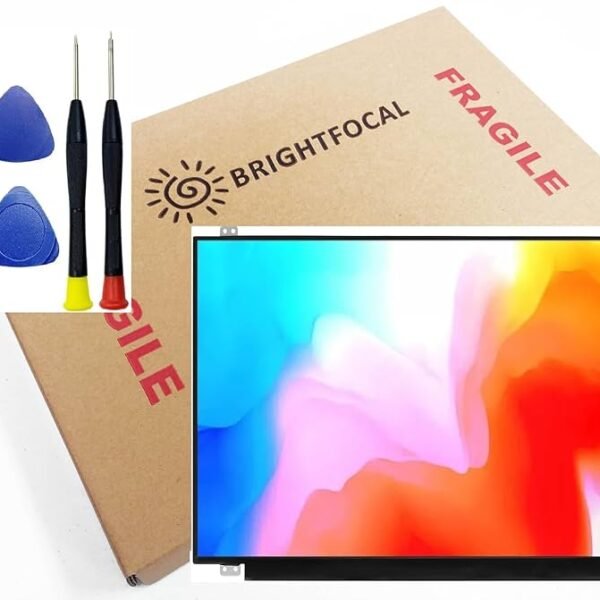
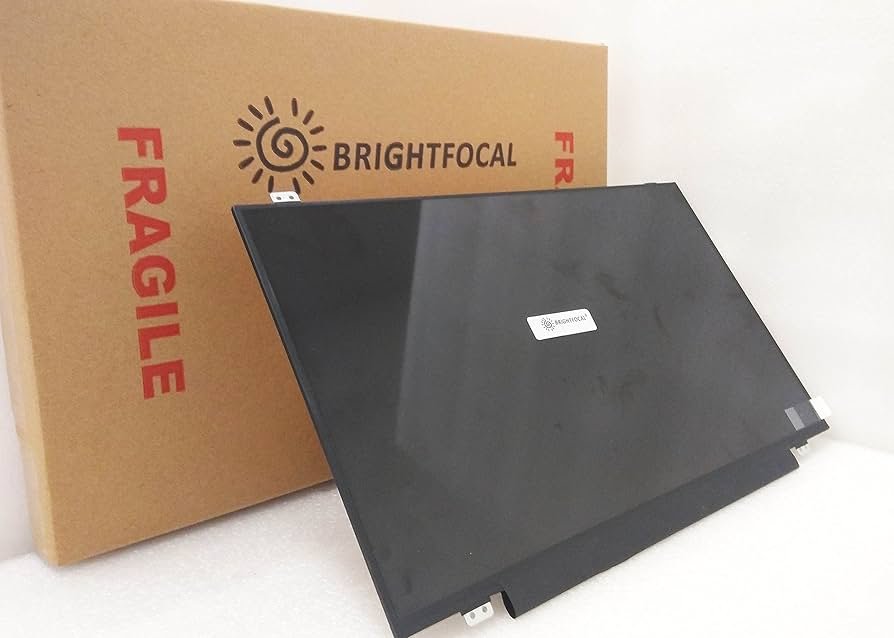
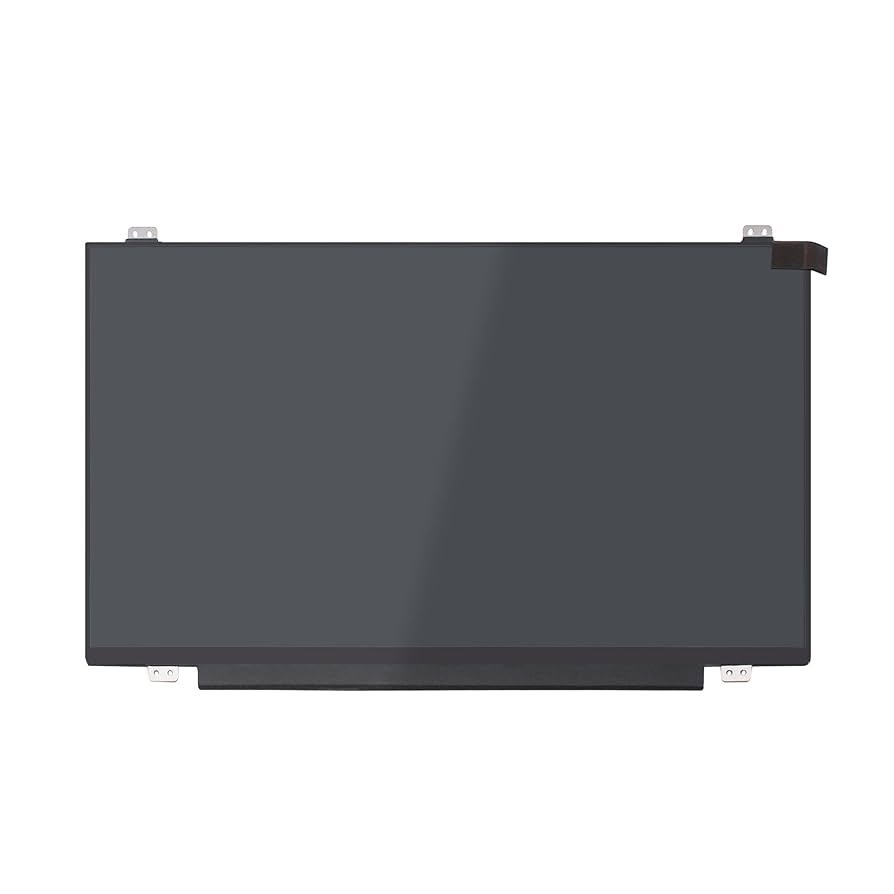
Screen Size: 14.0 inches
Resolution: 1920×1080 (Full HD)
Panel Type: IPS / LED
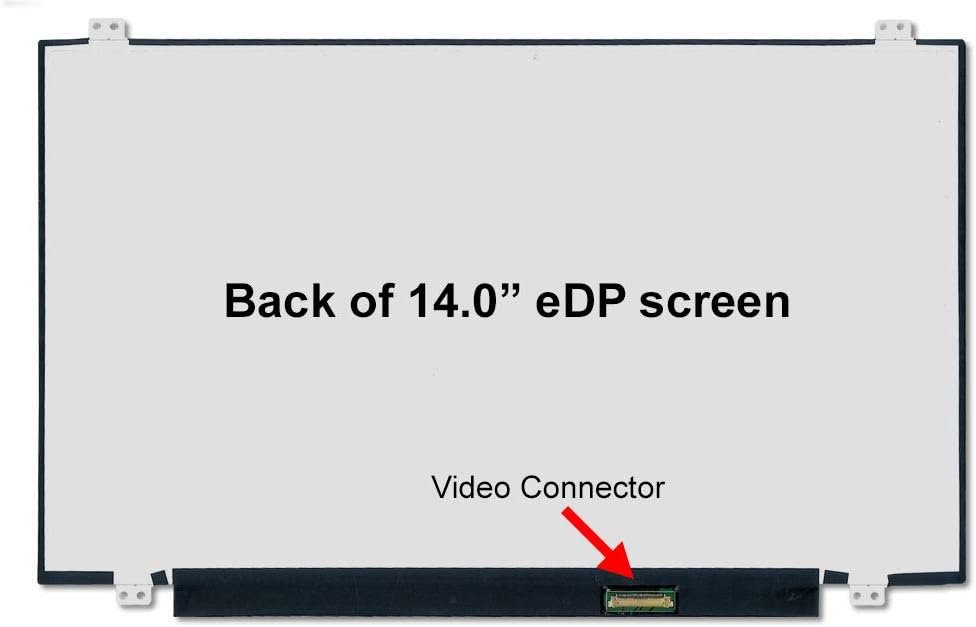
Connector: 30-pin or 40-pin eDP (as per model)
Finish: Matte or Glossy
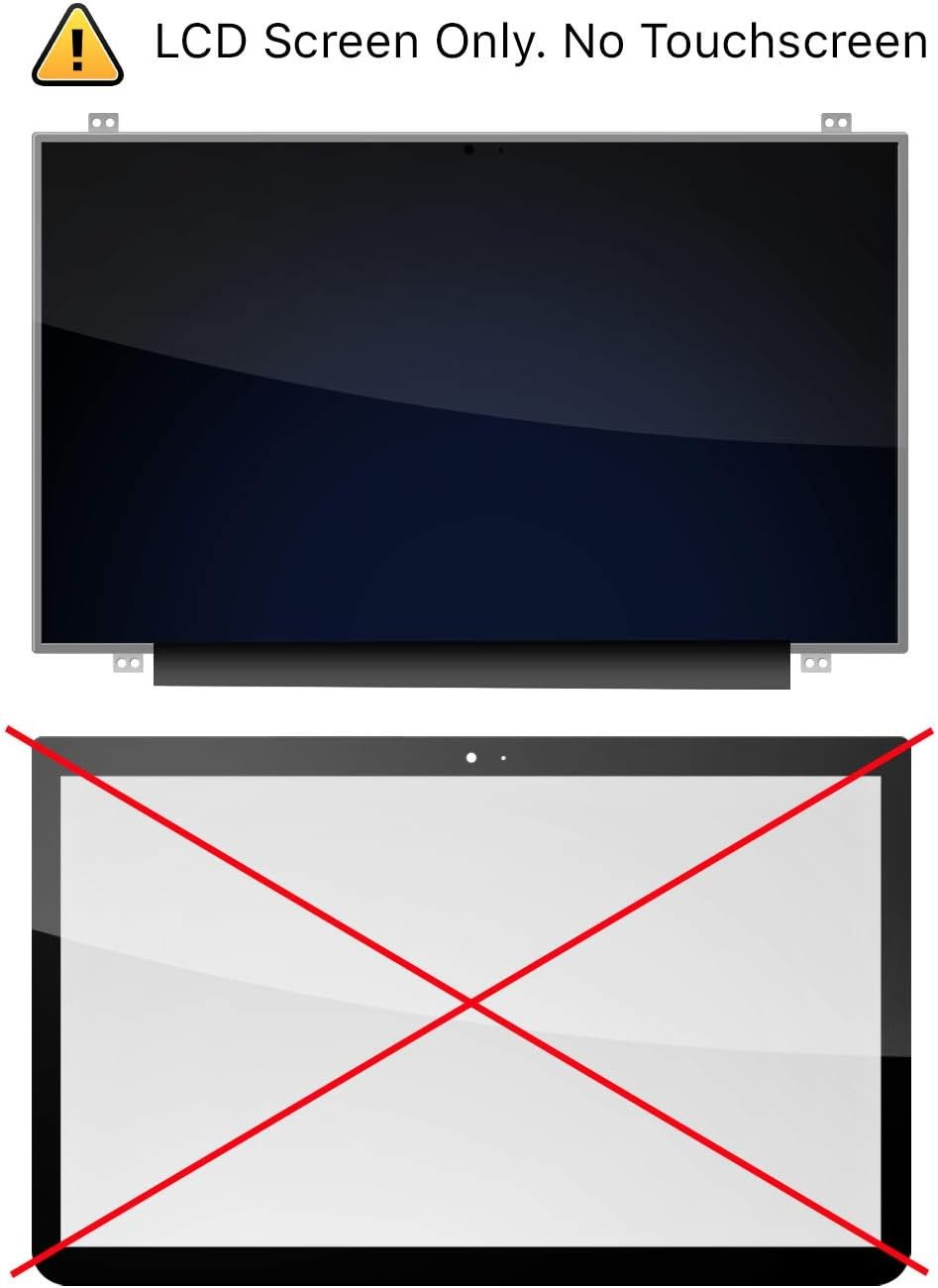
Touchscreen Option: Available (based on variant)
Compatibility: ASUS UX430U, UX430UN, UX430UA
Warranty: 90 Days (Parts & Labor)
Condition: Brand New, Grade A+ OEM
Installation Time: 1–3 Hours
Price Range: KES 8,000 – 13,000 (depends on panel type and touch variant)
This screen is ideal for users who demand true color reproduction, durability, and high-definition clarity.

Hurry and get discounts on all Apple devices up to 20%
Sale_coupon_15
KSh8,000.00 excl. VAT
Payment Methods:

When your ASUS UX430U screen is cracked, flickering, or completely black, you don’t have to panic or spend a fortune replacing the entire laptop. At Lansotech Solutions, we provide professional ASUS UX430U screen replacement in Nairobi, using genuine OEM-grade panels that restore your device’s performance and visuals to factory standards. Whether you use your laptop for business, school, design, or content creation, we ensure your display is repaired quickly, correctly, and affordably.
The ASUS ZenBook UX430U is a lightweight ultrabook with a 13.3-inch or 14-inch Full HD (1920×1080) NanoEdge display, powerful Intel Core i5/i7 processors, SSD storage, and a premium aluminum design. Its ultra-slim profile and ultra-thin bezels make it a top choice for portability and performance.
However, its thin screen and delicate construction can easily suffer from damage — especially from pressure, accidental drops, or hinge stress. If you’re experiencing visual issues, a professional screen replacement is the best solution.
Cracked or shattered display glass
Blank screen or no display despite power
Flickering or intermittent backlight
Vertical or horizontal lines on the screen
Black spots, dead pixels, or discoloration
Ghosting or poor color accuracy
Unresponsive touch (if touch-enabled)
These signs typically mean the LCD panel or internal connections are damaged, and full screen replacement is the only reliable fix.
We only use original-quality panels sourced from reliable manufacturers such as BOE, AUO, LG, or Innolux. You receive a screen that:
Matches the exact resolution (Full HD 1920×1080)
Has the same 30-pin or 40-pin eDP connector
Maintains brightness, contrast, and sharpness
Fits precisely into your ZenBook’s ultra-slim bezel
Whether your screen is non-touch or touchscreen, we provide the correct panel with perfect visual fidelity.
At Lansotech, we ensure transparency by educating our customers on how to confirm screen authenticity:
Part Number Match: We check and match the original panel’s part number (e.g., B140HAN01.3, LP140WF6-SPB1) with the replacement.
OEM Branding: All screens have manufacturer labels (LG, AUO, BOE, etc.) and barcodes.
Tested Before and After Installation: We run quality tests to ensure resolution, brightness, color accuracy, and zero dead pixels.
Seamless Fit: Genuine screens fit flush into the frame without bulging or backlight bleeding.
Warranty Coverage: We provide a 90-day warranty to back our claims.
We offer same-day service for most ASUS UX430U screen replacements, typically completing the job in 1–3 hours. With our skilled technicians and in-stock components, we ensure quick, precise repairs.
We inspect your laptop to ensure the issue is with the screen and not the GPU, ribbon cable, or motherboard.
We remove the damaged screen to identify the exact panel model and connector type.
We use static-free tools and soft prying methods to open your ultrabook without damaging the body, hinges, or components.
We install the replacement panel with precision, ensuring proper connection and no pressure points on the LCD.
Post-installation, we check brightness, viewing angles, color uniformity, and dead pixels to guarantee flawless performance.
Protect your display from minor scratches and finger smudges.
Avoid paper towels or random cloths. Use LCD-safe cleaners and gentle pressure.
Don’t apply force to the screen or lid. Use both hands when closing to avoid pressure damage.
Use your laptop on flat surfaces to maintain airflow. Heat can damage screen circuitry and reduce backlight lifespan.
Never slide your ZenBook into a tight or unpadded bag. A dedicated laptop sleeve can absorb shocks and prevent display cracking.
“I broke my ASUS UX430U screen and was afraid I’d lose my important files. Lansotech replaced the screen in just 2 hours — looks and feels brand new!”
— Brian K., Kilimani
“They explained how to confirm the screen was original. The clarity, brightness, and color are excellent. Highly recommend their work.”
— Linda M., Parklands
Don’t let a broken display stop your productivity. At Lansotech Solutions, we combine professionalism, quality parts, and quick service to get your ASUS ZenBook UX430U back in perfect working order.
No account yet?
Create an Account











 ASUS
ASUS



