







 Laptop Computers
 Desktop Computers
 Printers

 Network
 Software
 Laptop Accessories
 Laptop Components
 Office
 Desktop peripherals
 Server
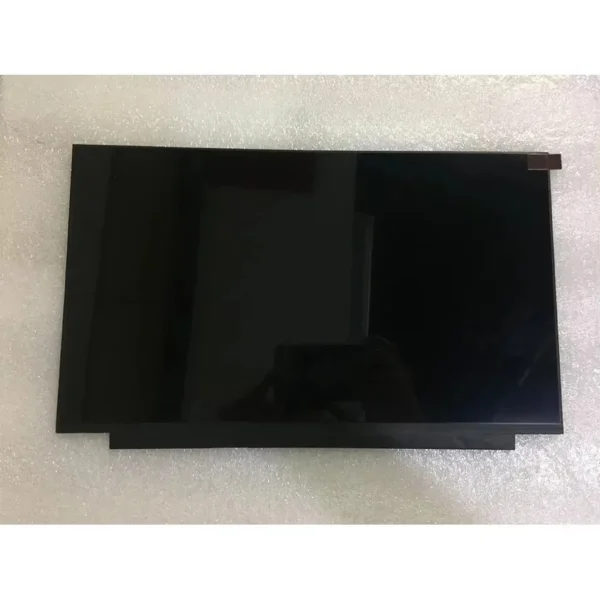
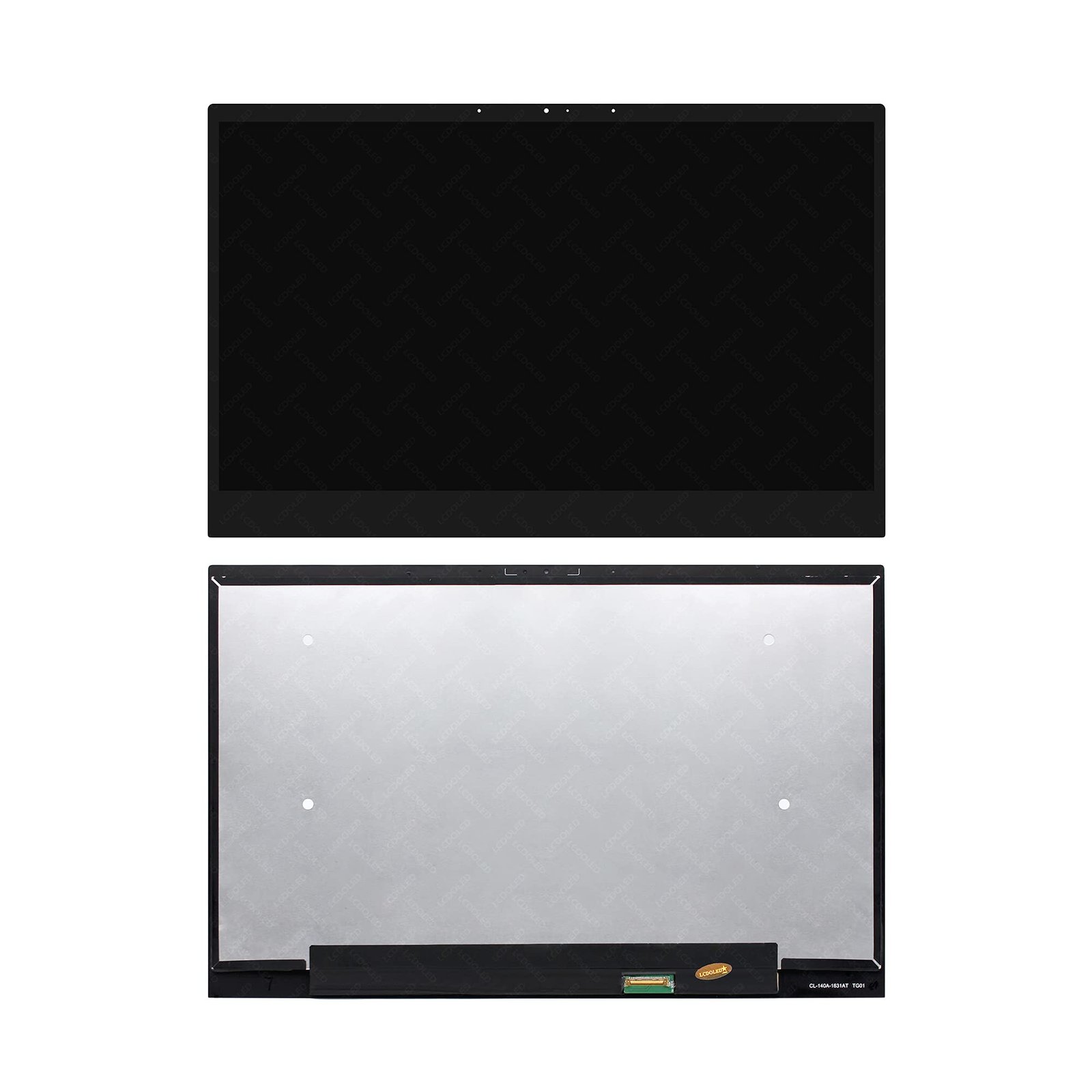
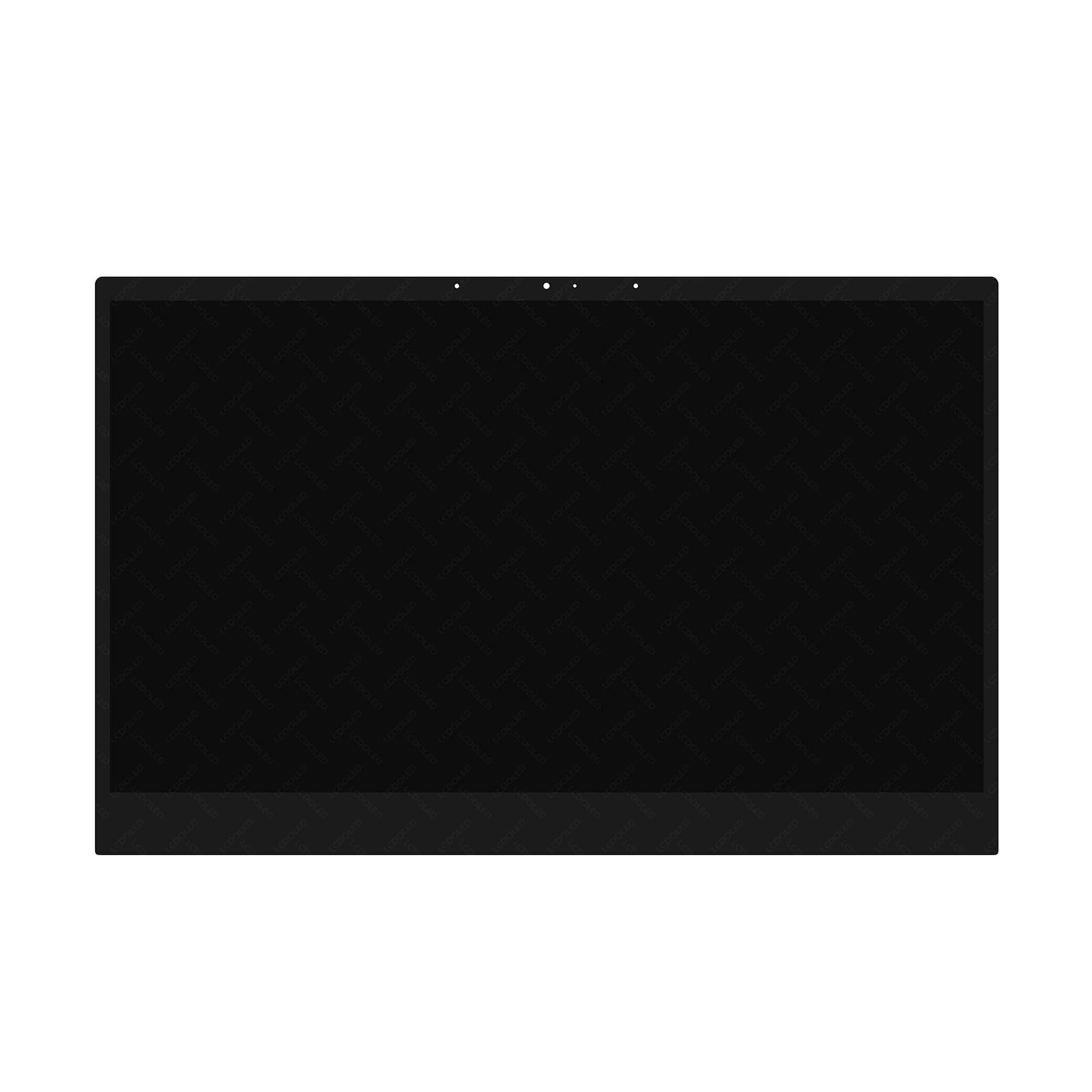
Product Name: ASUS ZenBook UX431F LCD Replacement Panel
Screen Size: 14-inch
Resolution: 1920×1080 Full HD
Panel Type: IPS / LED Backlit
Surface: Matte / Anti-glare (dependent on model)
Connector: 30-pin or 40-pin eDP
Condition: Brand New
Warranty: 90 Days
Installation Time: 3–6 Hours
Efficiency and Durability with minimal power consumption.
Reliable Connection via the 3.3V eDP (Embedded DisplayPort) interface.
This is a high-quality replacement screen suitable for the ASUS UX431F series. It offers the same visual experience as the original panel and is installed by certified professionals at Lansotech Solutions for optimal display restoration.

Hurry and get discounts on all Apple devices up to 20%
Sale_coupon_15
KSh6,000.00 excl. VAT
Payment Methods:

At Lansotech Solutions, we specialize in premium laptop repair services across all Asus models, including the elegant and ultra-slim ASUS UX431F ZenBook. As Nairobi’s trusted repair center and leading provider of genuine laptop components and accessories, we deliver fast, reliable, and affordable ASUS UX431F screen replacement services using certified parts and skilled hands.
The ASUS UX431F is a sleek and powerful ultrabook from Asus’ ZenBook series, offering a 14-inch Full HD NanoEdge display, Intel Core i processors, and a refined metal chassis that appeals to business professionals, students, and creatives. However, despite its robust performance, the screen is delicate and vulnerable to damage from falls, pressure, or aging.
If your ASUS UX431F screen is cracked, flickering, displaying lines, or showing no display at all, a replacement is often the best option — and we’re here to help.
We stock and install OEM-grade replacement panels for the ASUS UX431F, ensuring identical specifications to the original screen — including 1920×1080 resolution, IPS technology, and 100% sRGB color accuracy (model-dependent). Our screens guarantee brightness, clarity, and performance on par with the factory unit.
The UX431F features a compact and delicate ultrabook construction, which requires technical precision. Our experienced technicians are certified to safely disassemble, install, and calibrate ZenBook displays, ensuring a flawless finish without risk to internal components.
We offer same-day diagnosis and quick screen replacement, often within 3–6 hours if the screen is in stock. We also provide expedited service for corporate clients and remote professionals who rely heavily on their devices.
No hidden charges. We provide a full quote before repair begins. All UX431F screen replacements come with a 90-day warranty covering manufacturer defects and workmanship.
If you notice any of the following issues with your ZenBook UX431F screen, it’s time for a professional replacement:
Cracked or shattered screen
Flickering or flashing display
Dead pixels or black spots
No display (black screen) even when the device is on
Vertical/horizontal colored lines
Dim backlight or uneven brightness
Don’t delay—continued use of a damaged screen can result in further internal complications such as cable damage or motherboard strain.
At Lansotech Solutions, every repair follows a systematic and safe procedure:
We begin with a full hardware diagnostic to rule out GPU or motherboard issues. We then match your laptop to the exact screen model to ensure flawless compatibility.
The ASUS UX431F’s screen is integrated into a slim chassis with adhesive and internal screw locks. We carefully open the unit using precision tools and anti-static precautions.
The damaged screen is gently removed from the display frame. We disconnect the 30-pin/40-pin eDP connector and prepare the unit for the new screen.
We install a brand-new Full HD screen, secure it in place, reconnect all internal ribbons, and reassemble the laptop.
We run a full display calibration, test for brightness uniformity, resolution accuracy, color quality, and make sure there are no backlight issues or screen bleeding.
Keeping your ultrabook screen in good condition requires a bit of care. Here’s how to ensure long-term screen longevity:
This protects the display from scratches, fingerprints, and pressure points—especially useful for slim bezels like those on the UX431F.
Never stack books or place bags on a closed laptop. The thin metal chassis can easily flex, leading to screen cracks.
Use a microfiber cloth and screen-safe solution. Avoid paper towels or harsh chemicals that can damage anti-reflective coatings.
Closing the lid too fast or with items left on the keyboard (like pens or USBs) is one of the most common causes of screen damage.
Always use the laptop in a ventilated, dry environment. Heat buildup can affect the backlight or LCD crystals over time.
If your ASUS ZenBook UX431F screen is broken or malfunctioning, don’t wait until the issue worsens. At Lansotech Solutions, we combine technical expertise, quality parts, and fast service to give your laptop a new life.
No account yet?
Create an Account











 ASUS
ASUS



