






 Laptop Computers
 Desktop Computers
 Printers

 Network
 Software
 Laptop Accessories
 Laptop Components
 Office
 Desktop peripherals
 Server

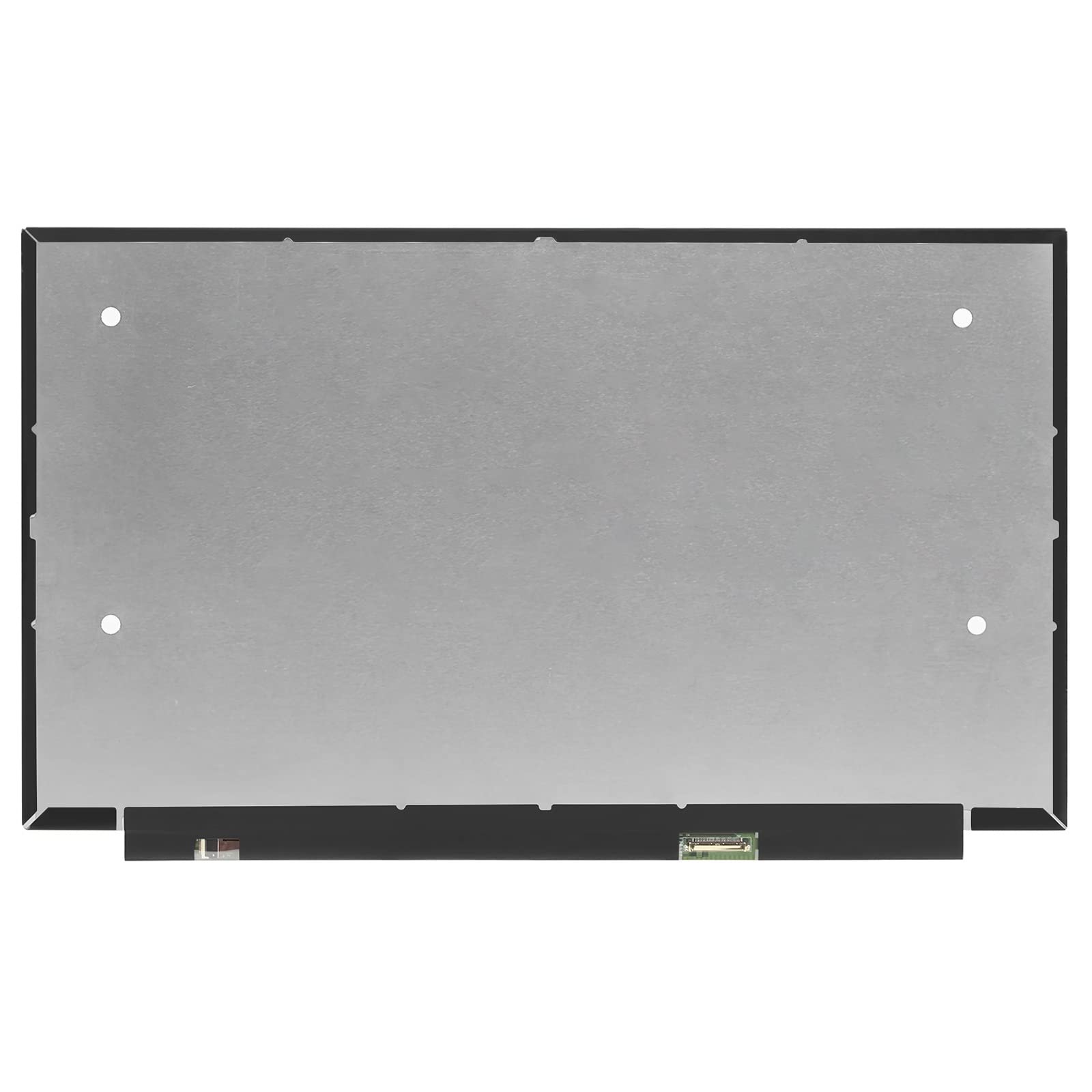
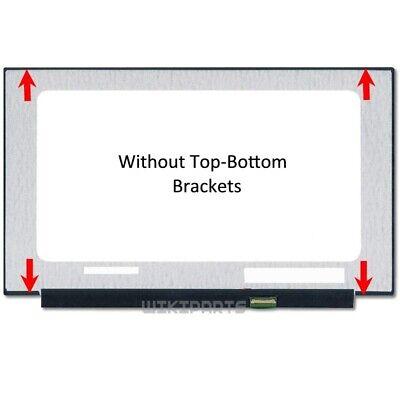
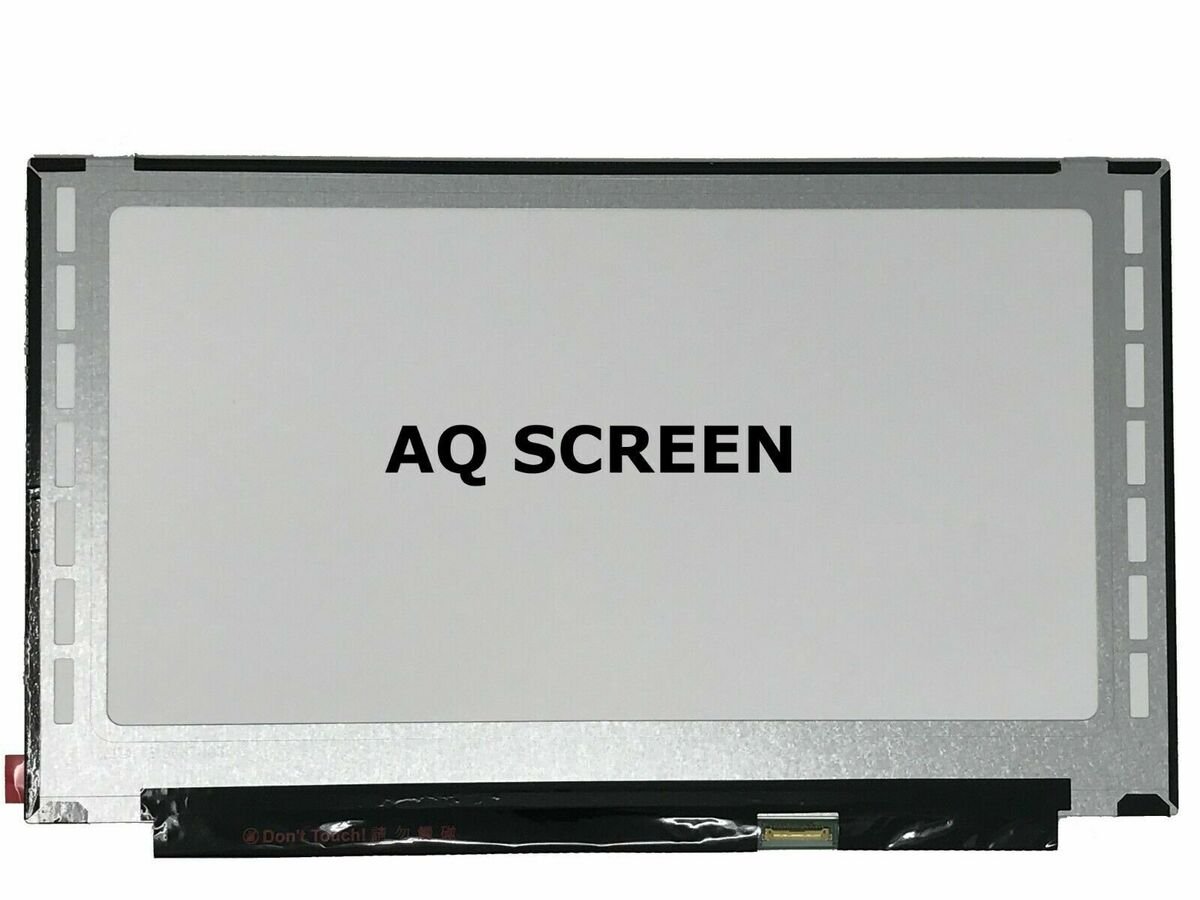
Product Name: ASUS X515 Replacement Screen
Compatible Models: X515MA, X515EA, X515JA, X515FA, etc.
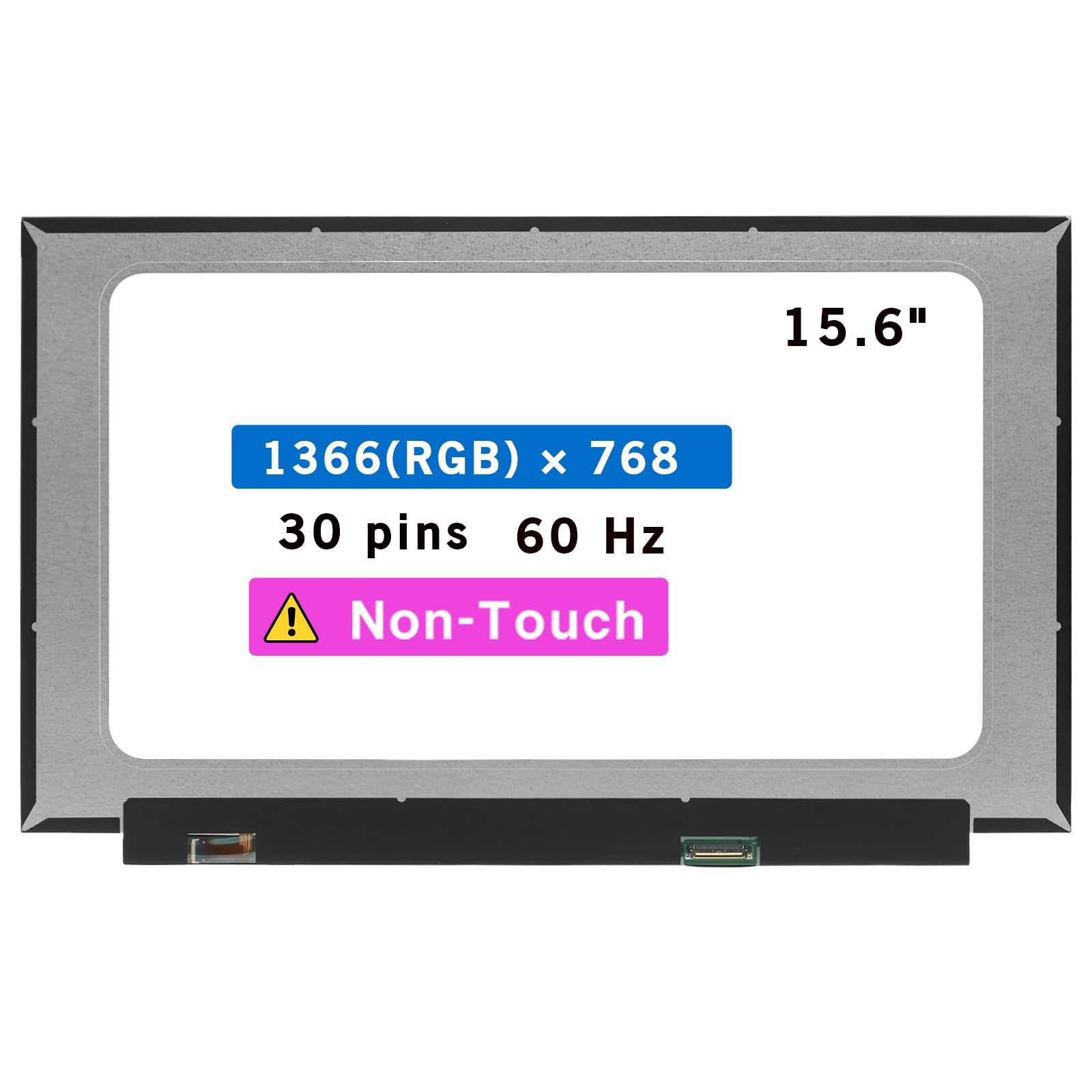
Screen Size: 15.6″
Resolution: 1366×768 (HD) or 1920×1080 (FHD)
Panel Type: LED-backlit LCD
Surface Finish: Matte or Glossy
Connector: 30-pin eDP
Touch Support: No
Condition: Brand New
Installation Time: 1–2 hours
Warranty: 90 Days
Brand: Non Touch Screen
Side: Bottom Right
Frame: Narrow Frame
Refresh Rate: 60Hz

Hurry and get discounts on all Apple devices up to 20%
Sale_coupon_15
KSh9,000.00 excl. VAT
Payment Methods:

Is your ASUS X515 screen cracked, flickering, or displaying distorted visuals? At Lansotech Solutions, we specialize in ASUS X515 screen replacement in Nairobi, providing high-quality, genuine or OEM replacement displays that restore your laptop’s clarity and usability — all with fast turnaround times and a 90-day warranty.
Our expert technicians are fully trained to handle delicate ASUS screen replacements, ensuring your laptop is in safe, professional hands.
The ASUS X515 is one of the most popular mid-range laptops in Kenya, favored by students, professionals, and business users alike. It typically features:
A 15.6-inch LED-backlit display
Resolution options ranging from HD (1366×768) to Full HD (1920×1080)
Non-touch matte or glossy finish
Slim, lightweight design ideal for portability
However, this slim design also makes it prone to screen damage from drops, pressure, or moisture.
If your ASUS X515 is showing any of the following symptoms, you likely need a screen replacement:
Cracked or shattered screen glass
Horizontal or vertical lines across the screen
Flickering or dim backlight
Screen turns black but the laptop powers on
White or black spots on the display
Watermarks or stains from moisture exposure
Display ghosting or screen burn-in
Don’t delay repairs — continuing to use a damaged screen can cause further internal issues.
We install only genuine or high-quality OEM displays that match your exact laptop model, including:
Screen Size: 15.6 inches
Resolution: 1366×768 (HD) or 1920×1080 (FHD)
Panel Type: LED-backlit TN or IPS
Surface: Matte (anti-glare) or Glossy
Connector Type: 30-pin eDP
Touch Support: Most X515 variants are non-touch
Every screen is sourced from trusted brands like BOE, AUO, Innolux, and LG Display.
Many customers ask how to verify they’re receiving a genuine screen. Here’s how we ensure authenticity:
Matching Part Numbers: We open the device and match the screen’s part number (e.g., B156XTN04.1, N156BGA-EA3).
Brand Labels: Our replacement screens come with the manufacturer’s original branding and QC stickers.
Live Testing: You’ll view the screen before and after installation.
Warranty Coverage: A 90-day screen warranty gives you peace of mind.
We understand that your laptop is essential for your daily work. That’s why we offer:
1–2 hour turnaround time
No appointment required (walk-ins welcome)
Experienced technicians using static-safe tools
Thorough testing and cleaning after installation
Screen care is just as important as the replacement. Follow these expert tips to prevent future damage:
Always carry your ASUS X515 in a padded sleeve or backpack. Avoid tight bags that put pressure on the screen.
Use a soft microfiber cloth. Never spray liquids directly on the display — instead, apply cleaner to the cloth first.
Pen caps, cables, and flash drives left on the keyboard can crack the screen when the lid is closed.
Moisture can cause screen flickering, discoloration, or electrical shorting. Keep drinks away from your laptop at all times.
An anti-glare or tempered screen protector helps prevent scratches and minor impact damage.
Diagnostic & Model Verification
We begin by confirming the screen model and assessing the damage.
Disassembly
Using precision tools, we remove the bezel and disconnect the damaged screen safely.
Part Matching & Replacement
We install a compatible screen with the exact specifications, ensuring perfect brightness, resolution, and fit.
Quality Assurance Check
We test the new screen for pixel integrity, brightness, and color uniformity.
Final Assembly & Warranty Tagging
Once passed, the device is reassembled, cleaned, and covered with a 3-month warranty.
A cracked or flickering screen shouldn’t slow you down. Visit Lansotech Solutions, the most trusted name in laptop screen replacement in Nairobi, and enjoy quick service, genuine parts, and a device that feels like new.

No account yet?
Create an Account











 ASUS
ASUS



