






 Laptop Computers
 Desktop Computers
 Printers

 Network
 Software
 Laptop Accessories
 Laptop Components
 Office
 Desktop peripherals
 Server

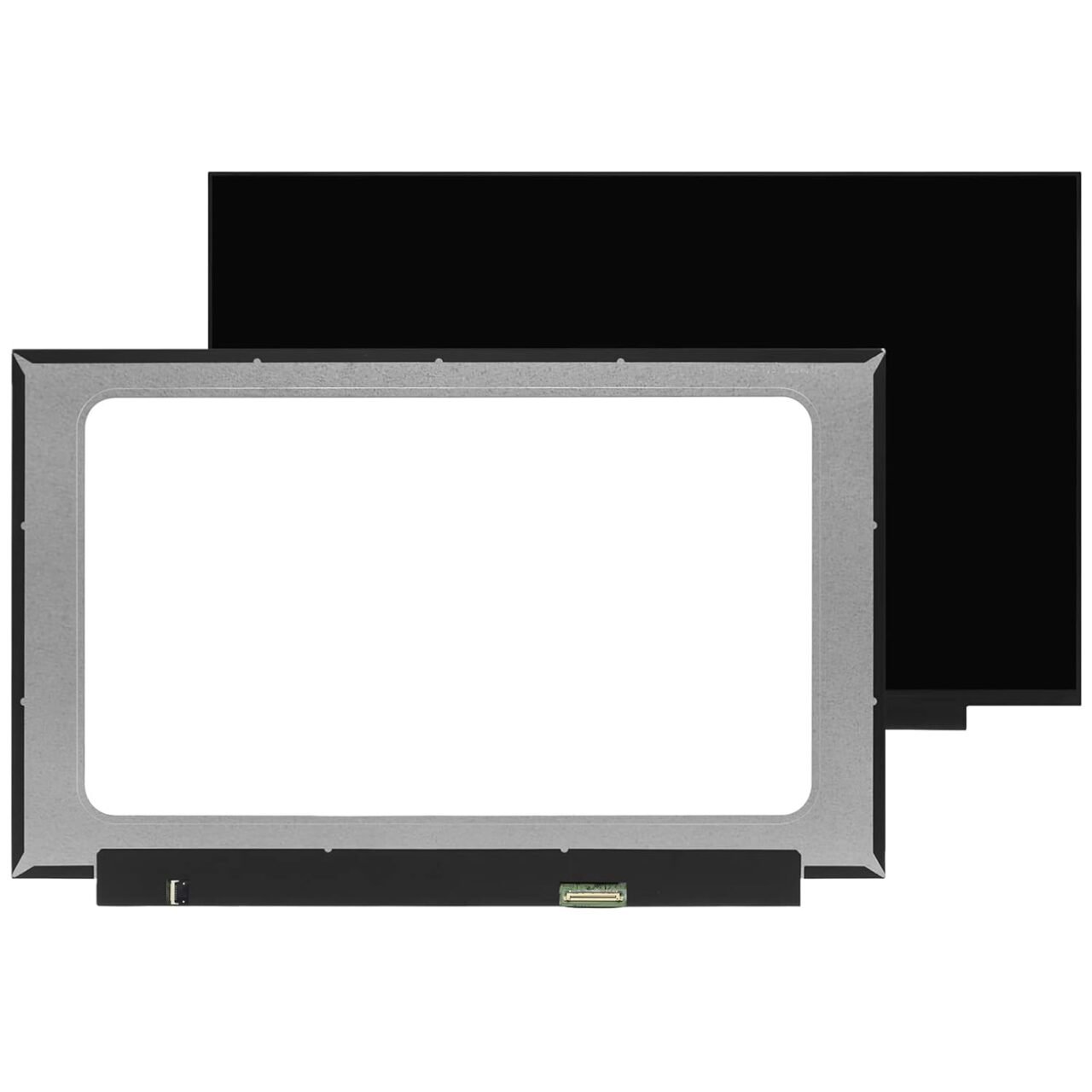
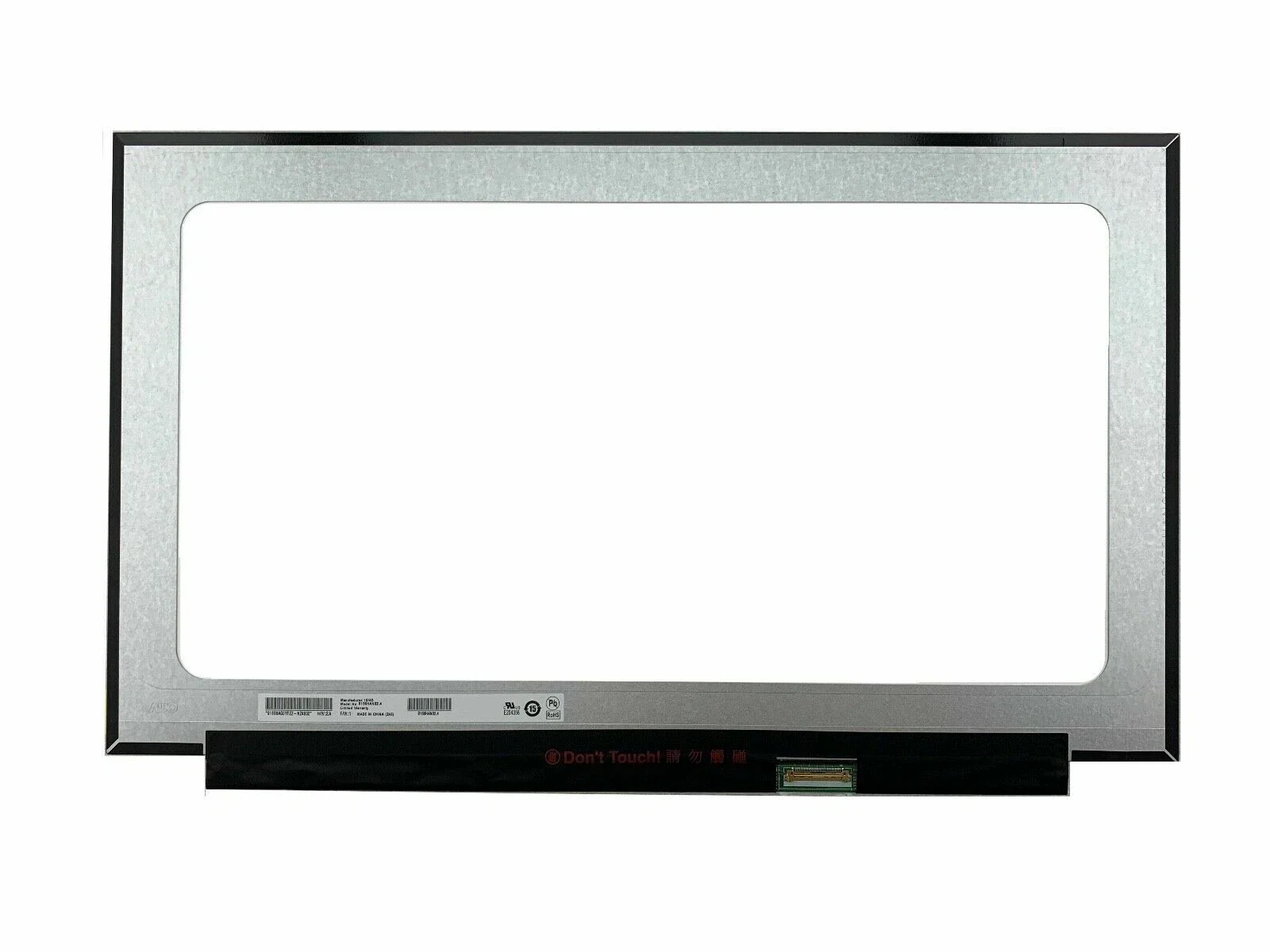
Model Compatibility: HP Chromebook 11A G8 EE (Model Numbers: 9VX71UA, 9VG72UA, etc.)
Display Size: 11.6″
Resolution: HD (1366×768)
Connector: 30-pin eDP
Type: LED, Touch / Non-Touch available
Finish: Matte (Anti-glare) or Glossy

Hurry and get discounts on all Apple devices up to 20%
Sale_coupon_15
KSh6,000.00 excl. VAT
Payment Methods:

If your HP Chromebook 11A G8 EE screen is cracked, flickering, or completely blank, don’t panic — Lansotech Solutions, the leading laptop specialists in Nairobi, Kenya, is here to help. We offer genuine HP Chromebook 11A G8 EE screen replacement services that restore your laptop to its original display quality.
At Lansotech Solutions, we pride ourselves on delivering top-quality laptop repairs and replacements using authentic parts and professional expertise. Whether your screen is broken due to an accident or simply worn out, we’ll ensure your Chromebook looks and works like new again.
The HP Chromebook 11A G8 Education Edition (EE) is built for students and professionals who need a durable, compact device for everyday use. However, even a rugged Chromebook can suffer screen damage from accidental drops or pressure.
We supply and install brand-new, original HP Chromebook 11A G8 EE screens — available in both touch and non-touch variants. Each screen undergoes rigorous testing for brightness, resolution, and touch accuracy before installation.
Here are some common signs that indicate your screen needs replacing:
Cracked or shattered glass
Display flickering or dimming
Touchscreen not responding
Lines, dots, or patches appearing on the screen
Dead pixels or ghosting effects
No display even when the laptop is powered on
If you experience any of these symptoms, it’s best to have your screen professionally checked. At Lansotech Solutions, we provide free diagnostics and recommend the right screen type for your specific Chromebook model.
Before purchasing a replacement screen, you need to confirm that it matches your Chromebook model. Follow these simple steps:
Check the model number: Look at the sticker on the laptop base. It should say HP Chromebook 11A G8 EE.
Confirm the screen size: This model uses an 11.6-inch screen.
Determine if your screen is touchscreen or non-touch.
Resolution: Most models use 1366×768 HD resolution.
Connector type: The display typically uses a 30-pin eDP connection.
Still unsure about your screen type? Bring your device to Lansotech Solutions, and our expert technicians will identify the correct replacement for you.
When you bring your Chromebook to Lansotech Solutions, you can expect a professional, transparent, and efficient repair experience.
Device Diagnosis: We inspect your Chromebook and confirm screen specifications.
Quotation: You receive a clear, all-inclusive price estimate.
Replacement: Our technicians install the new screen with precision.
Testing: We test for brightness, clarity, touch sensitivity, and display quality.
Delivery: You receive your repaired Chromebook looking brand new, with a warranty.
We ensure your Chromebook’s performance and appearance are fully restored.
No account yet?
Create an Account











 ASUS
ASUS



