





 Laptop Computers
 Desktop Computers
 Printers

 Network
 Software
 Laptop Accessories
 Laptop Components
 Office
 Desktop peripherals
 Server
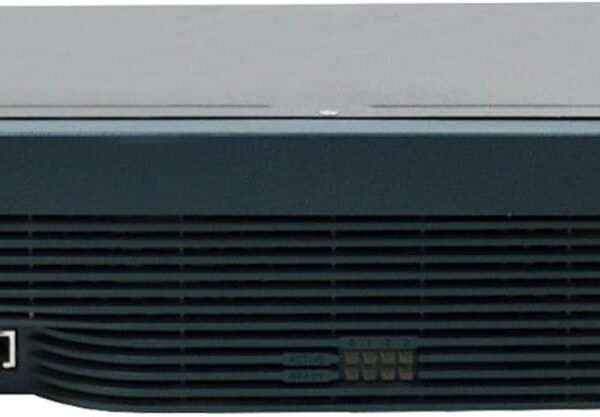
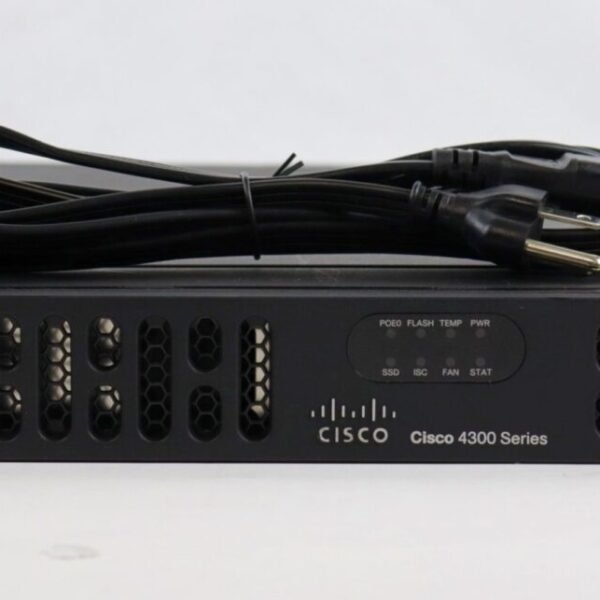
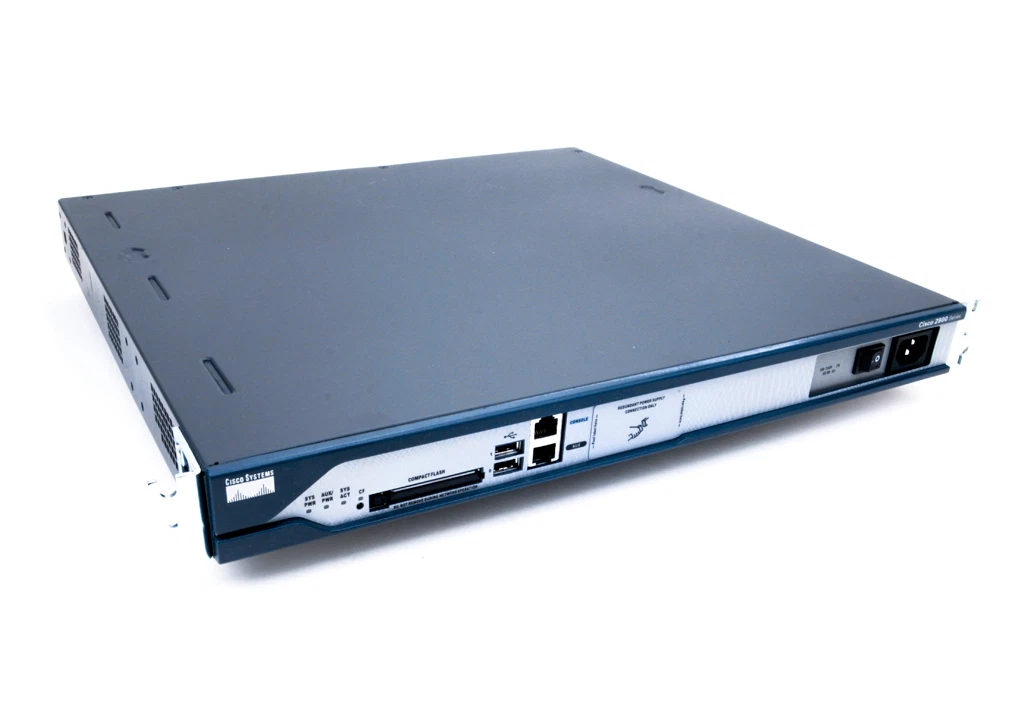
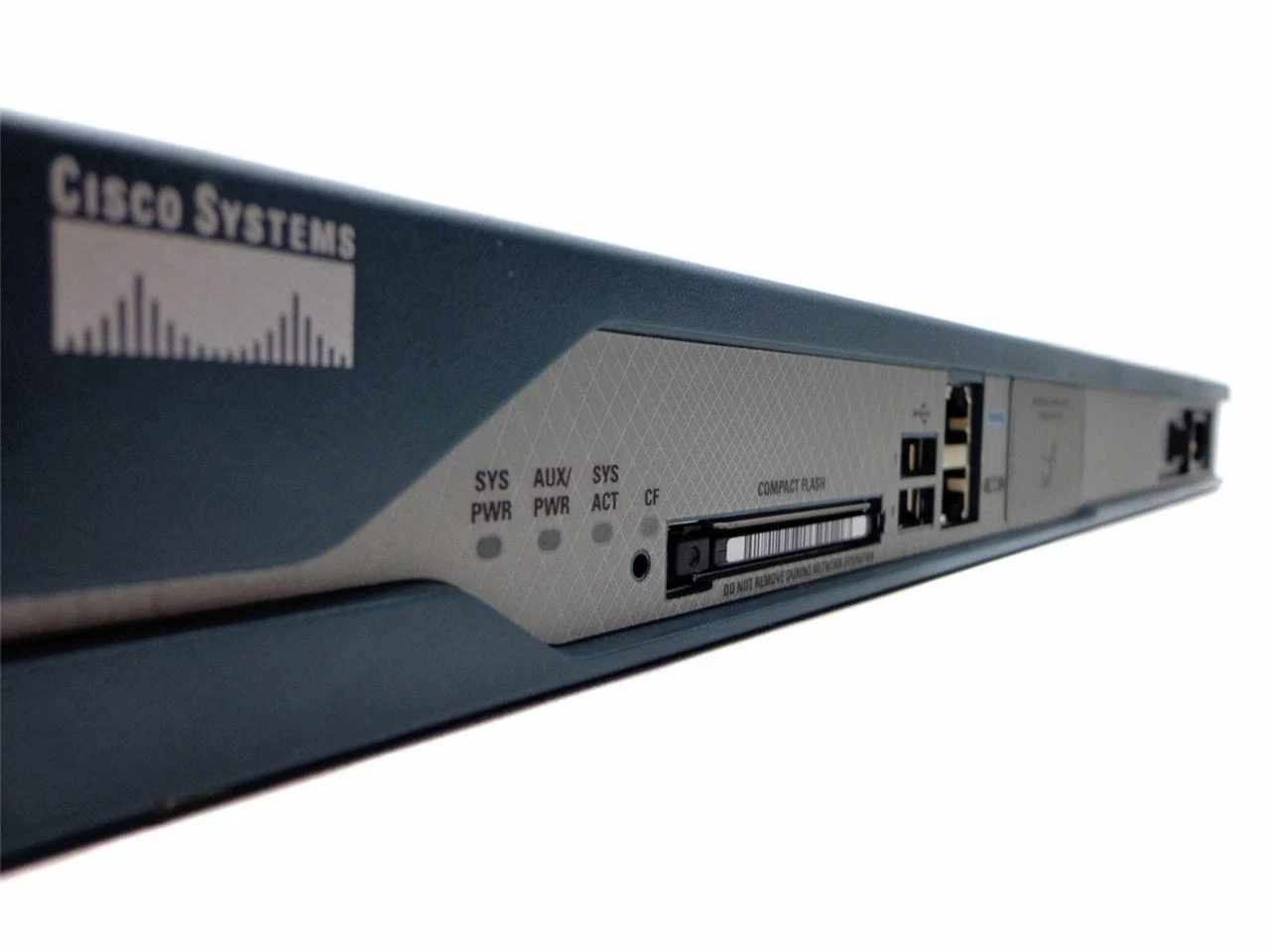
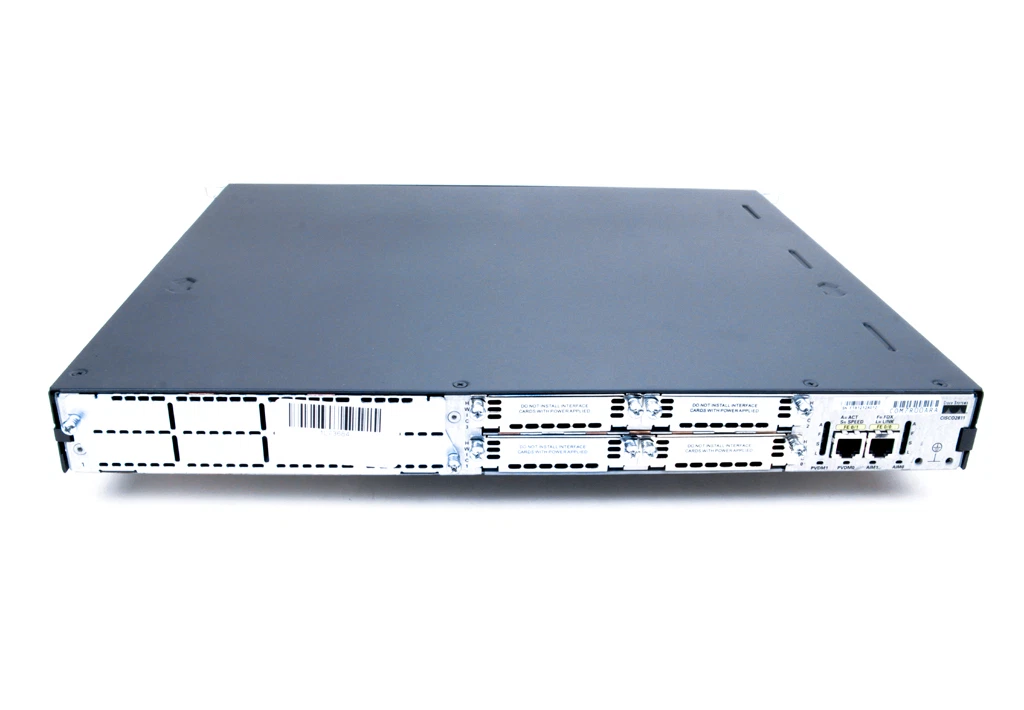
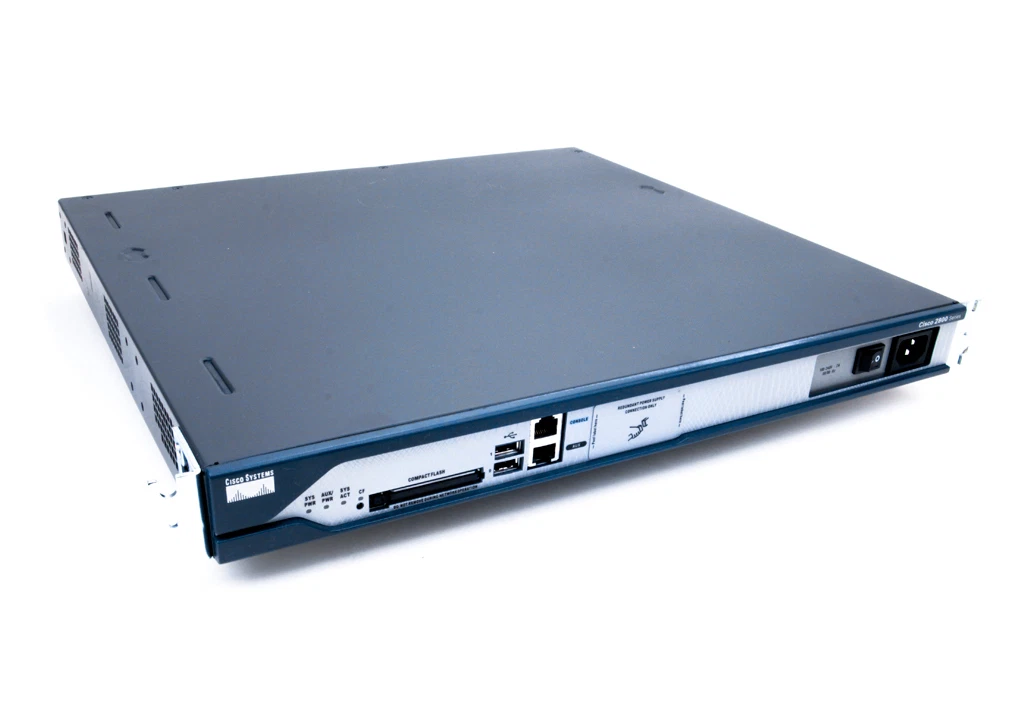
Model: Cisco 2811 Series Integrated Services Router
Device Type: Modular router for enterprise and WAN edge
Form Factor: 1U rack‑mount chassis
Dimensions: Approx. 1.75″ × 17.25″ × 16.4″ (HxWxD)
Weight: ~6.4 kg (fully populated)
Memory & Storage
DRAM: Default ~256 MB (expandable up to 768 MB)
Flash Memory: Default ~64 MB (expandable up to 256 MB)
Interfaces & Slots
Integrated Ports: 2 × 10/100 Mbps Fast Ethernet
Expansion Slots:
4 × HWIC slots for WAN/LAN interfaces
1 × NME slot for network modules
2 × AIM slots for additional services
2 × PVDM slots for voice/data modules
Management Ports: 1 × console, 1 × auxiliary, 2 × USB
Protocols & Services
Routing: Supports Cisco IOS with advanced routing (OSPF, EIGRP, BGP) and WAN technologies.
Security: Firewall, VPN support with encryption standards (DES, 3DES, AES) and intrusion prevention options.
QoS & Services: Traffic prioritisation, VLAN, NAT, and voice services depending on module and IOS image.
Power & Environmental
Power: Internal AC 100–240 VAC autoranging supply
Operating Temperature: 0–40 °C typical
Humidity: 5%–95% non‑condensing

Hurry and get discounts on all Apple devices up to 20%
Sale_coupon_15
Payment Methods:

At Lansotech Solutions, your trusted partner for enterprise networking hardware and professional IT infrastructure in Nairobi, Kenya, we understand that organisations need reliable routing, secure connectivity, and versatile performance across their networks. Therefore, we’re pleased to introduce the Cisco 2811 Series Integrated Services Router — a modular, high‑performance routing platform designed for branch offices, campus networks, and enterprise edge deployments.
Because this router supports modularity, advanced services, and packet forwarding with integrated security features, it’s an option worth considering whether you’re building a new network or upgrading your existing infrastructure. Moreover, knowing how to set it up and the ideal environment to do so helps ensure that your deployment is both efficient and future‑ready. In addition, when you choose Lansotech Solutions as your local partner, you benefit from authentic Cisco hardware, expert setup guidance, and dependable support — making us the best choice for enterprise networking solutions in Kenya.
The Cisco 2811 Series Integrated Services Router is part of the Cisco 2800 ISR family, built to deliver data, security, and voice services over one integrated platform. Its modular design allows you to insert a range of interface cards — including High‑Speed WAN Interface Cards (HWICs), Network Module Enhanced (NME) cards, Advanced Integration Modules (AIMs) and Packet Voice/Data Modules (PVDMs) — giving you the flexibility to tailor connectivity, security, and services to your network demands.
By combining routing, firewalling, VPN, and optional voice support on one platform, the 2811 helps businesses reduce hardware complexity while delivering consistent network performance.
Choosing the right routing platform is crucial for network stability, growth, and security. Therefore, here are key reasons why the Cisco 2811 Series is a strong option and why Lansotech Solutions stands out as your best local partner:
Firstly, the 2811 supports multiple HWIC, NME, AIM and PVDM slots, allowing you to customise LAN, WAN, and voice interfaces based on your current and future needs.
In addition, it provides integrated routing, firewall, VPN, and optional voice capabilities on one platform, reducing the need for multiple devices and simplifying network management.
Moreover, Cisco IOS enables stateful firewall protection, IPSec VPN encryption, and packet inspection — essential for secure business connectivity.
Also, this router handles mixed traffic efficiently, making it suitable for branch uplinks, WAN edge routing, and converged voice/data services.
Finally, by choosing Lansotech Solutions in Nairobi, you get authentic Cisco hardware, competitive pricing, expert configuration, and local technical support — ensuring your Cisco 2811 is optimally deployed for reliability and long‑term value.
Deploying the Cisco 2811 Series Router effectively involves careful preparation and configuration:
Select a rack‑mount location that offers good ventilation and stable environmental conditions.
Ensure stable AC power (100–240 VAC) and, where possible, use a UPS to protect against power interruptions.
Use high‑quality cabling for WAN and LAN connections matching the modules you plan to install.
Secure the router in a standard 19″ rack or cabinet.
Insert required modules (HWIC, NME, AIM, PVDM) based on your connectivity and service needs.
Connect the console or AUX cable for initial access.
Access the Cisco IOS CLI via console to set up basic configurations such as hostname, management IP, routing protocols, and security policies.
Enable secure access tools like SNMPv3, SSH, and HTTPS for ongoing management.
Connect your WAN links, LAN segments, and backbone interfaces according to your network design.
Test routing, security policies, and service performance to confirm network stability.
By setting up the router in a suitable environment and following these steps, you set a solid foundation for reliable network operation.
The Cisco 2811 Series Router is an excellent solution for:
Branch Office Networks — Routing with integrated security and WAN access.
Enterprise Edge Connectivity — Secure uplinks and policy enforcement at network edges.
Campus Networks — Flexible service integration and routing across departments.
Voice‑Enabled Networks — Support for VoIP and integrated telephony services.
No account yet?
Create an Account











 ASUS
ASUS



