





 Laptop Computers
 Desktop Computers
 Printers

 Network
 Software
 Laptop Accessories
 Laptop Components
 Office
 Desktop peripherals
 Server
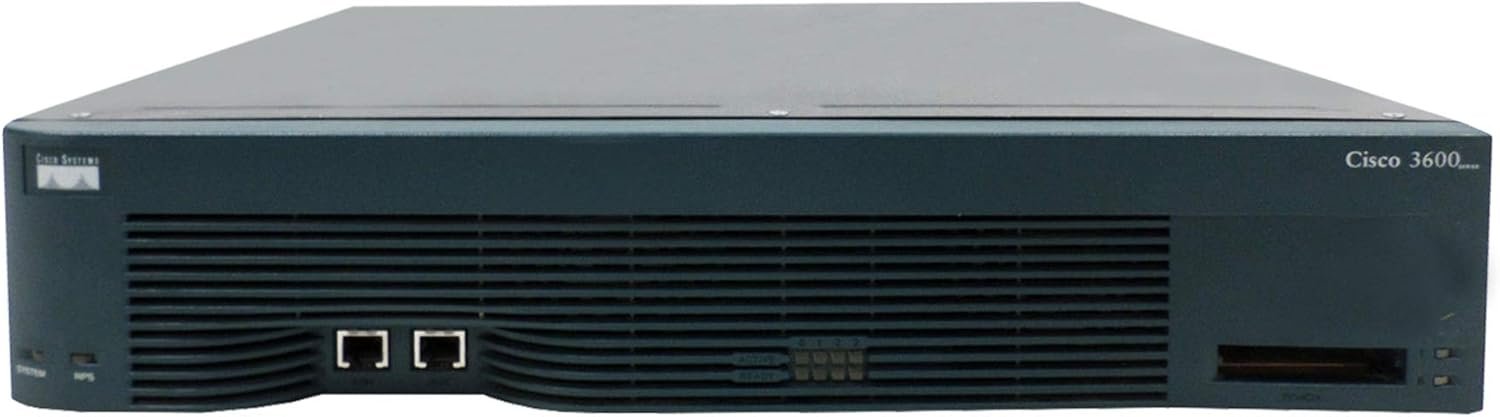
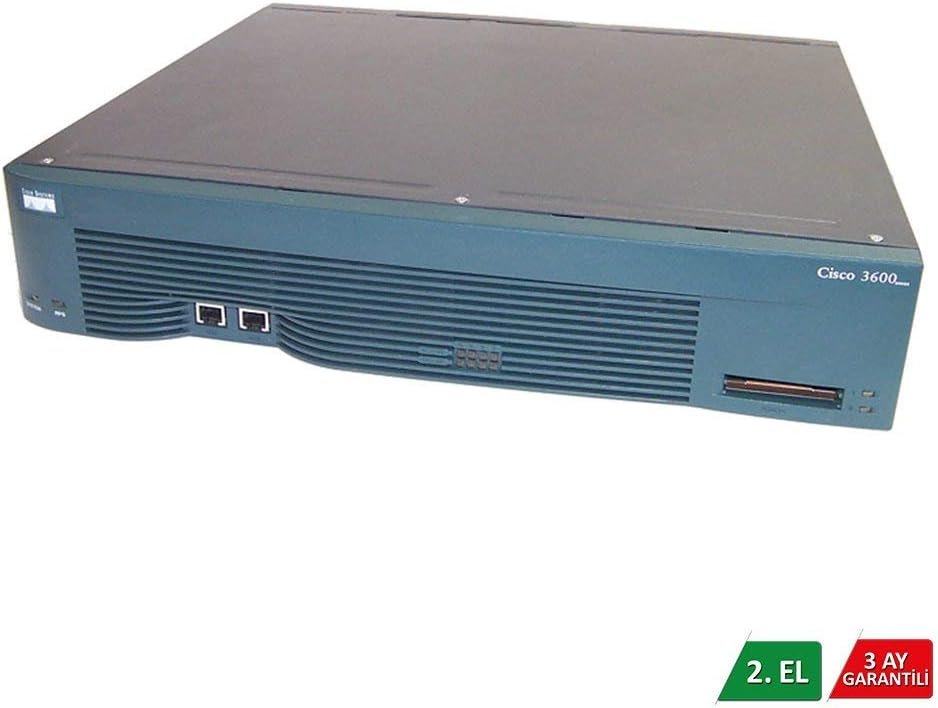
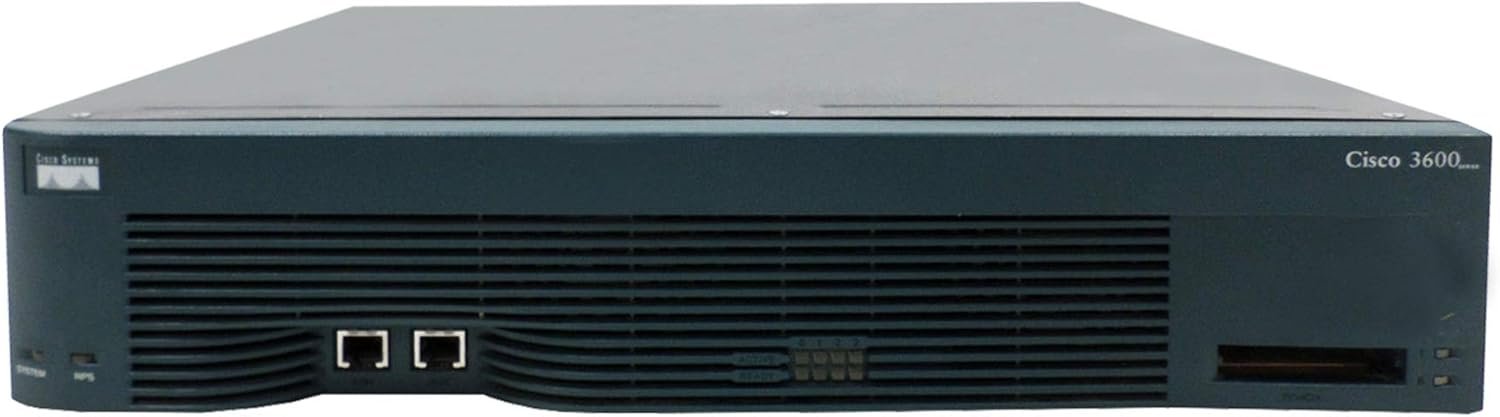
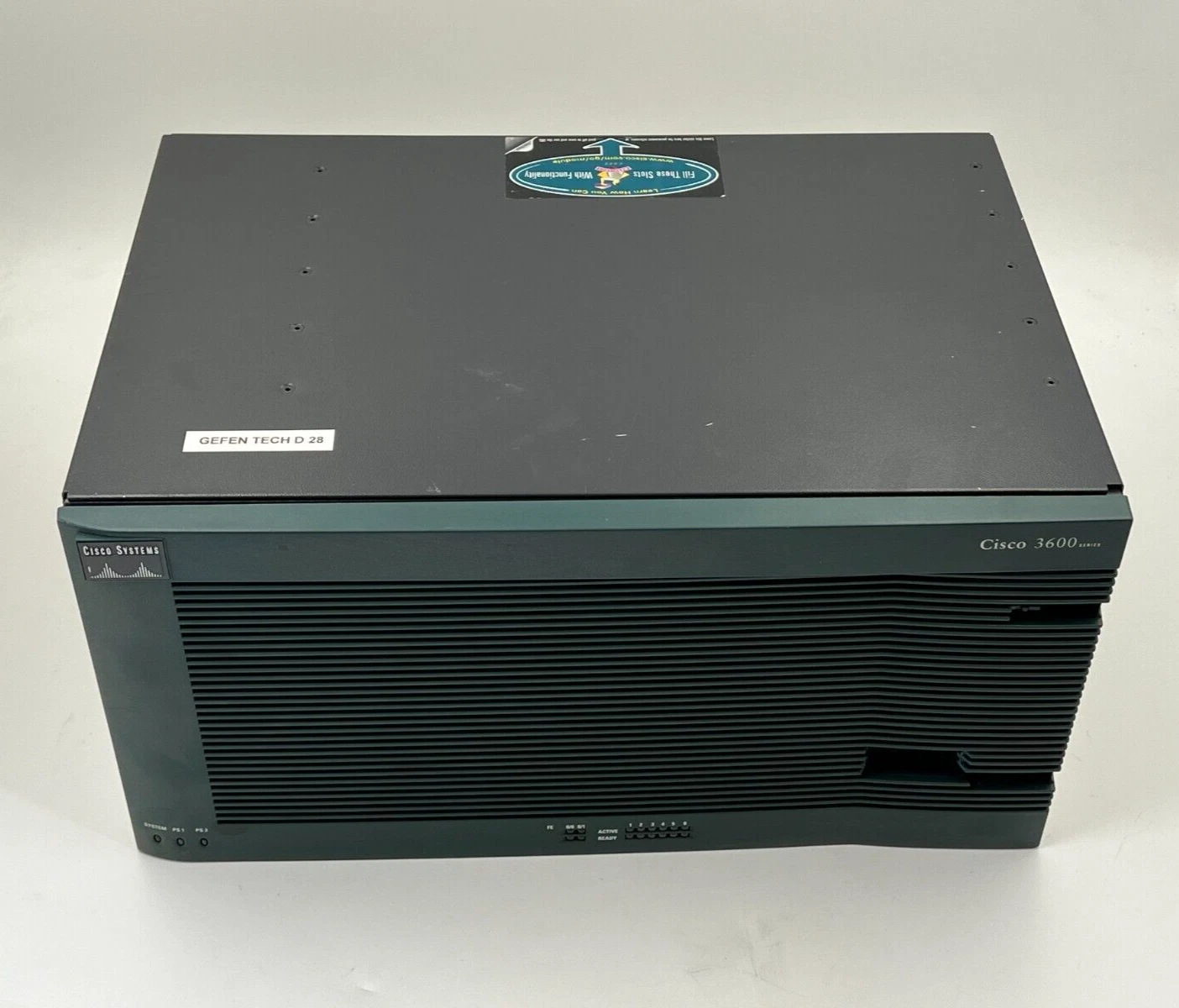
Product Family: Cisco 3600 Series Modular Routers
Models Included: Cisco 3620, Cisco 3640, Cisco 3660
Platform Type: Multiservice Access Router supporting Cisco IOS
Network Module Slots:
Cisco 3620 – 2 slots
Cisco 3640 – 4 slots
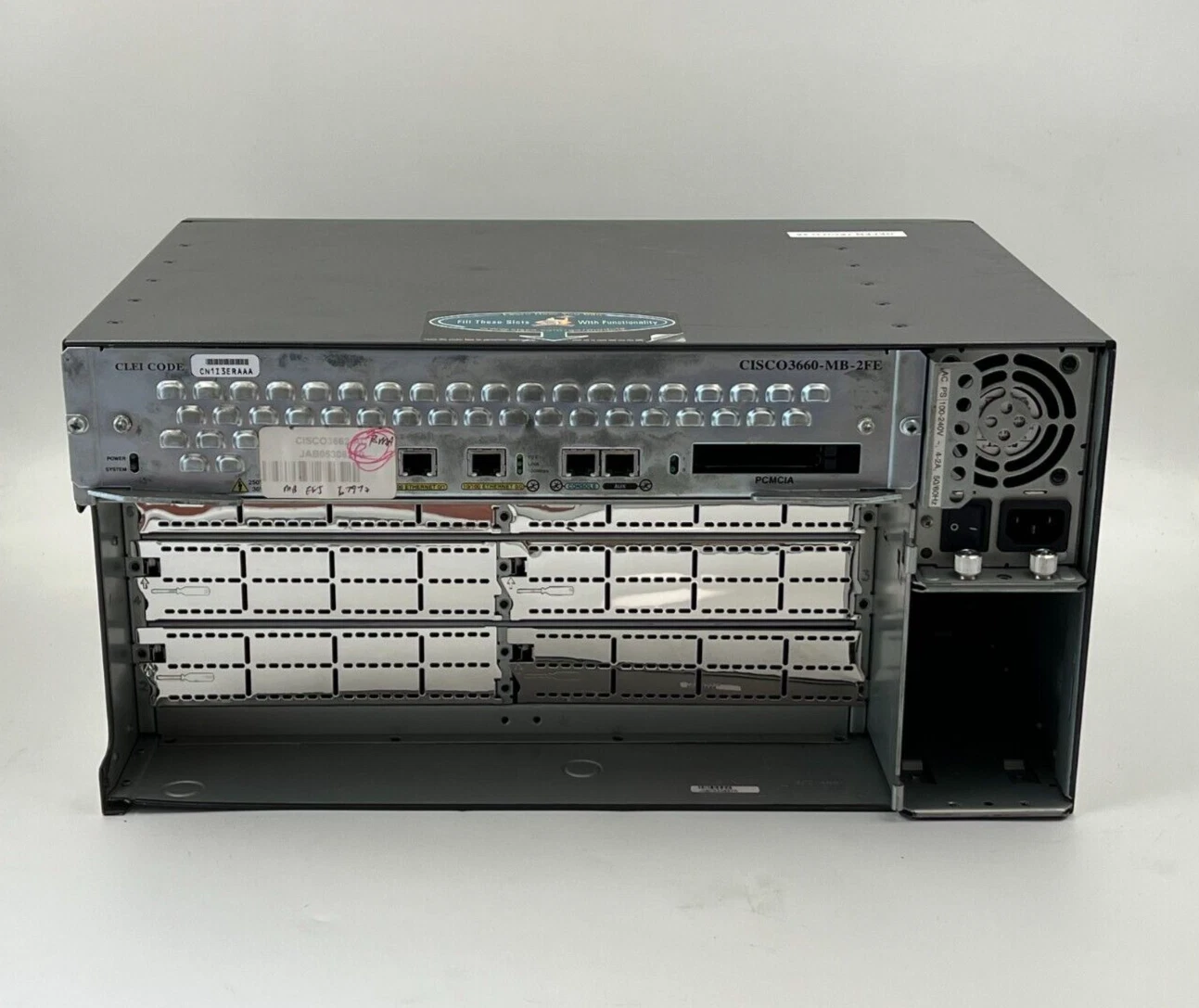
Cisco 3660 – 6 slots
Supported Interfaces & Protocols
LAN Interfaces: Ethernet, Fast Ethernet, Token Ring
WAN Interfaces: Serial (V.35, X.21, EIA/TIA‑232), ISDN BRI/PRI, HSSI, ATM, and more
Protocol Support: Routing (RIP, OSPF, EIGRP, BGP), WAN optimisation, VPN, security features (dependent on IOS image and modules)
Processor & Memory
Processor Options:
Cisco 3620 – 80 MHz RISC
Cisco 3640 – 100 MHz RISC
Cisco 3660 – 225 MHz RISC
DRAM & Flash:
DRAM upgradable depending on model (e.g., up to 128 MB+)
Flash memory (SIMM/ PCMCIA) expandable for IOS storage and images
Power & Environmental
Power Supply: AC (100–240 VAC) with optional DC or redundant configurations
Operating Temperature: ~0 °C to 40 °C (32 °F to 104 °F)
Humidity: 5 %–95 % non‑condensing
Physical Dimensions (Varies by model)
Cisco 3620: Approx. 1.75 × 17.5 × 13.5 in (HxWxD)
Cisco 3640: Approx. 3.44 × 17.5 × 15.7 in
Cisco 3660: Approx. 8.7 × 17.5 × 11.8 in

Hurry and get discounts on all Apple devices up to 20%
Sale_coupon_15
Payment Methods:

At Lansotech Solutions, your trusted provider of professional networking and enterprise infrastructure in Nairobi, Kenya, we understand that businesses, ISPs, and organisations require robust performance, flexible connectivity, and long-term reliability from their core network devices. Therefore, we are pleased to feature the Cisco 3600 Series Router — a modular, high-performance multiservice routing platform designed for medium and large branch offices, campus networks, and service provider environments.
Because this router series supports modularity, advanced protocol support, and versatile WAN/LAN interfaces, it’s an option worth considering when you want a scalable, reliable, and long-lasting routing solution. Moreover, when you choose Lansotech Solutions for your deployment, you benefit from authentic Cisco hardware, expert setup guidance, and professional after-sales support — making us the best partner for complex network solutions in Kenya.
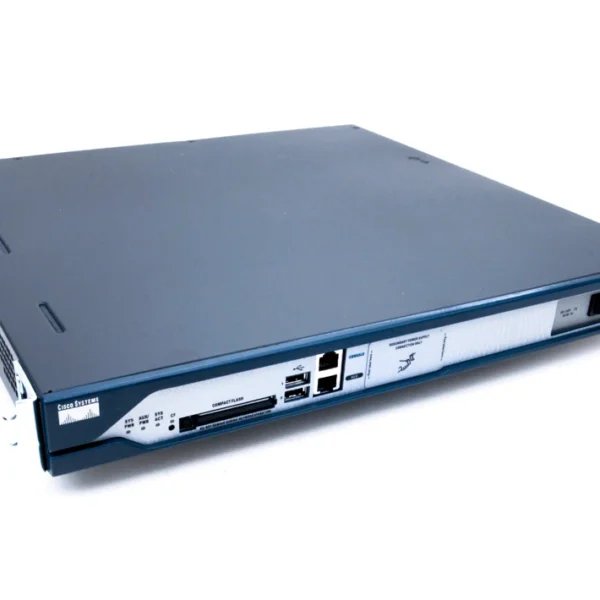
The Cisco 3600 Series is a family of modular access routers that integrates voice, data, and WAN/LAN services into a single platform. Specifically, the series includes models such as the Cisco 3620, 3640, and 3660, each with varying numbers of slots for network modules. These routers support a wide range of interfaces — from Ethernet and Fast Ethernet to Token Ring, serial, ISDN, and high-speed serial interfaces — providing flexible connectivity options for diverse network environments.
Because of this modular design, the 3600 Series lets network administrators customise interfaces and capabilities to match evolving requirements, whether for routing, WAN access, or voice/data integration.
When planning your network architecture, choosing a router that offers scalability, protocol support, and hardware flexibility is essential. Therefore, here’s why the Cisco 3600 Series should be on your shortlist:
Firstly, the 3600 Series supports a large range of modular interface cards, allowing you to mix LAN and WAN interfaces based on your deployment needs — from Ethernet and Fast Ethernet to serial WAN connections and ISDN.
In addition, this series integrates voice, data, and dial services into a single router platform, helping consolidate infrastructure and reduce the number of separate devices needed for voice/data integration.
Support for Advanced Protocols
Moreover, the Cisco 3600 Series runs Cisco IOS software, supporting a range of routing protocols like RIP, OSPF, EIGRP, BGP and more, as well as security and WAN optimisation features — which are critical for enterprise and ISP networks.
Also, built on proven Cisco architecture with expandable memory and modular slots, the 3600 Series delivers durability and stability for business-critical environments.
Finally, sourcing your Cisco 3600 Series Router from Lansotech Solutions means you get authentic Cisco hardware, local warranty support, professional installation services, and network configuration expertise — ensuring your router performs reliably and integrates smoothly with your infrastructure.
Deploying the Cisco 3600 Series Router effectively requires attention to both preparation and configuration. Therefore, here’s a simple, practical guide you can follow:
Before installation, ensure that your network rack or server cabinet has adequate space, cooling, and stable power. The routers typically require 100–240 VAC power and reliable ventilation to maintain optimal operating conditions.
✔ Use quality Ethernet and serial cabling suited to the interface modules you plan to install.
✔ Make sure environmental factors like temperature and humidity are within recommended ranges to prevent hardware issues.
Begin by securing the router in a standard 19-inch rack using the appropriate mounting brackets.
✔ Connect console and auxiliary cables first to establish management access.
✔ Then position network modules and interface cards into available slots as required for your WAN/LAN connections.
Access the Cisco IOS command-line interface (CLI) via the console port to begin configuration.
✔ Set basic network parameters such as hostname, interface IP addresses, routing protocols, and security.
✔ Enable secure management tools (SNMP, SSH) to support monitoring and remote maintenance.
Finally, integrate the router into your existing network backbone:
✔ Connect WAN and LAN interfaces per your topology.
✔ Test connectivity and routing paths to ensure proper forwarding and policy enforcement.
✔ Optimise routing performance and security policies based on traffic patterns.
By setting up your Cisco 3600 Series Router in a well-prepared network environment and following best practices during configuration, you can ensure stability and long-term reliability for your enterprise or ISP network.
The Cisco 3600 Series Router is well suited for:
Enterprise Branch Networks — Reliable routing for offices and corporate sites with mixed LAN/WAN traffic.
ISP Edge and Access Aggregation — Modularity for diverse WAN technologies and multi-protocol support.
Campus Backbone Routing — Flexible interfaces for large campus deployments and advanced protocols.
Remote Office Connectivity — Secure, scalable routing for distributed network sites.
In conclusion, the Cisco 3600 Series Router delivers modular flexibility, advanced routing capabilities, and reliable hardware performance — making it a solid option to consider for medium and large network deployments that require long-term scalability and multi-service support.
Furthermore, when you partner with Lansotech Solutions in Nairobi, Kenya, you benefit from authentic Cisco products, expert installation services, competitive pricing, and ongoing technical support — making us the best choice for sourcing and deploying your Cisco 3600 Series Router with confidence.
No account yet?
Create an Account











 ASUS
ASUS



