






 Laptop Computers
 Desktop Computers
 Printers

 Network
 Software
 Laptop Accessories
 Laptop Components
 Office
 Desktop peripherals
 Server
| Feature | Details |
|---|---|
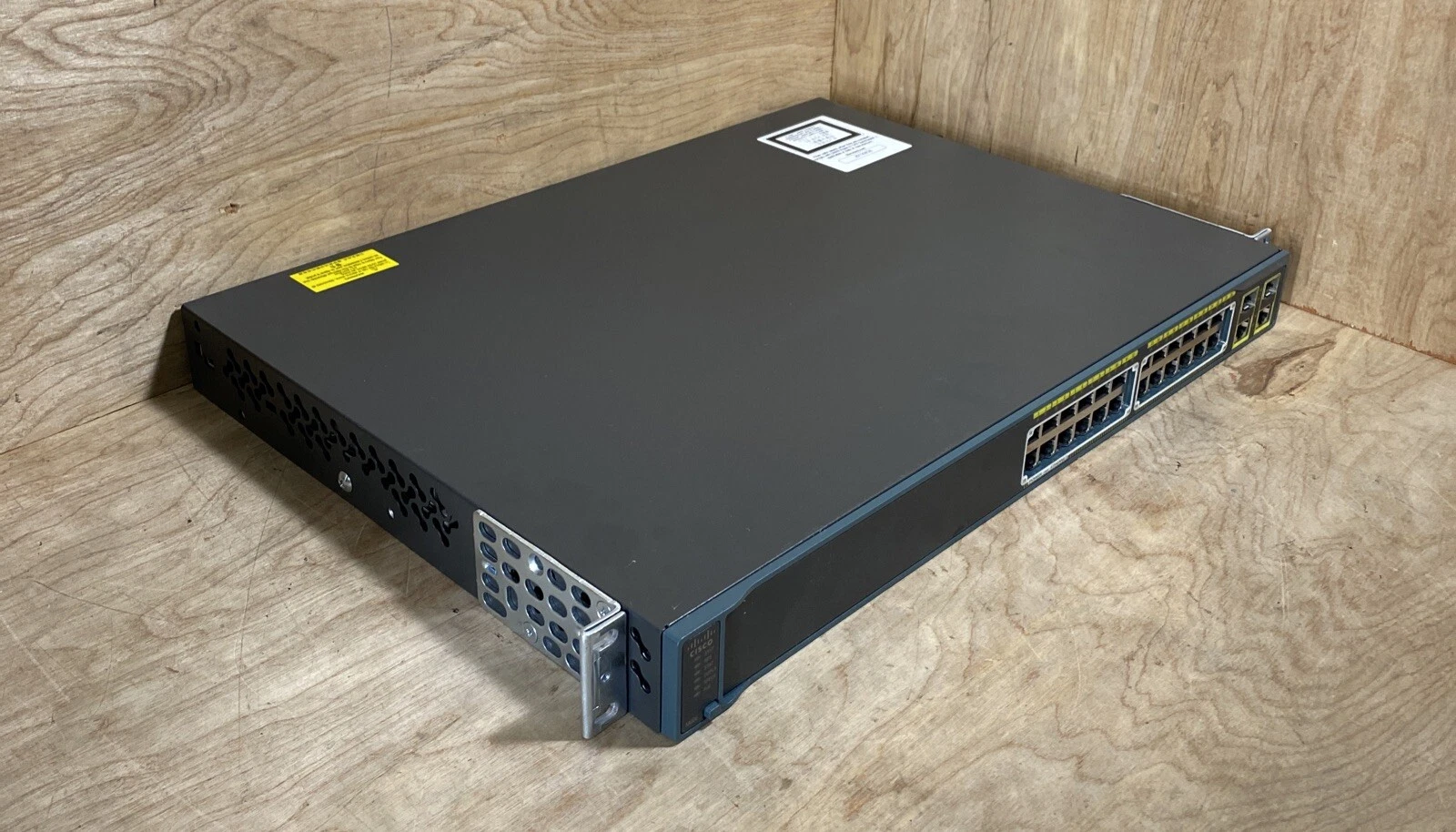
| Total Ports | 24 x 10/100 Mbps (Fast Ethernet) or 10/100/1000 Mbps (Gigabit Ethernet) ports with PoE support. |
| Uplink Ports | Typically include 2 or 4 dual-purpose (copper or SFP) or fixed SFP/SFP+ uplink ports. |
| PoE Support | Adheres to IEEE 802.3af (up to 15.4W per port) or IEEE 802.3at (PoE+, up to 30W per port) standards, depending on the specific model (e.g., WS-C2960-24PC-L or WS-C2960X-24PS-L). |
| Available PoE Power | Total power budget typically around 370W, which can power 24 ports at full 15.4W or a specific number of ports at 30W (PoE+). |
| Switching Capacity | 16 Gbps (Fast Ethernet models) or 32 Gbps (Gigabit Ethernet models). |
| Layer Support | Primarily Layer 2 switching, though some newer “X” series models with IP Lite software offer basic Layer 3 functionality. |
| Stacking | Available on specific models (e.g., 2960S and 2960X series) using FlexStack-Plus technology to manage multiple switches as one unit. |

Hurry and get discounts on all Apple devices up to 20%
Sale_coupon_15
Payment Methods:

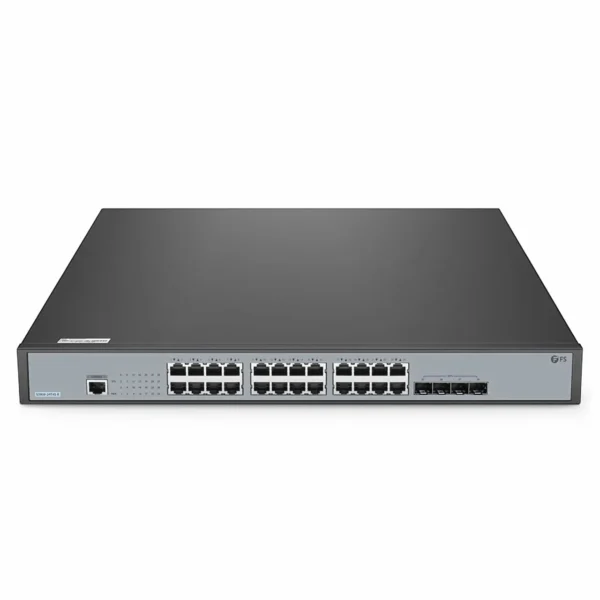
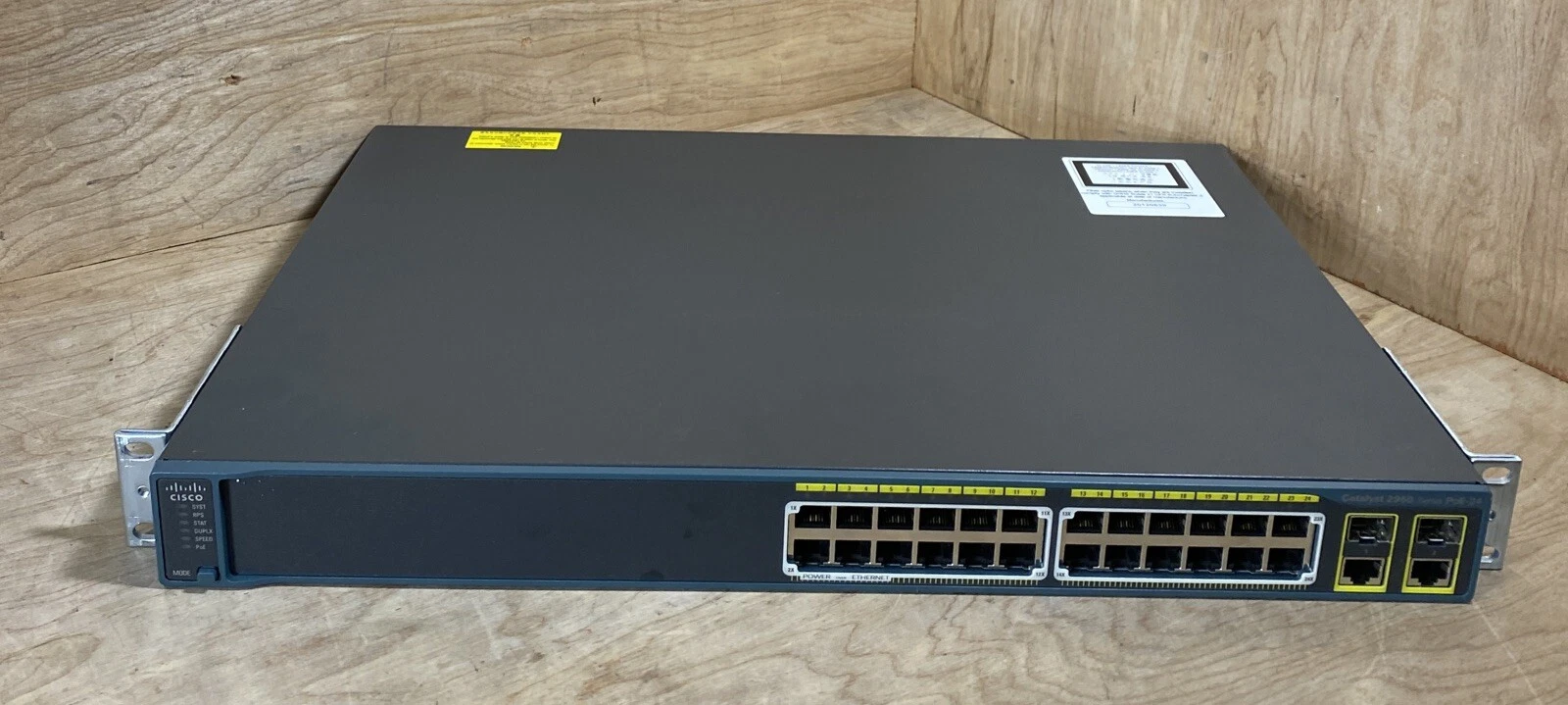
At Lansotech Solutions, the expert partner for enterprise networking and professional IT solutions in Nairobi, Kenya, we know that your business needs switches that deliver reliable connectivity, powerful PoE support, and professional‑grade performance. Therefore, we proudly feature the Cisco Catalyst 2960 PoE 24‑port switch — a trusted choice for powering devices, managing traffic, and building scalable networks for offices, schools, hotels, and enterprise environments.
Because this switch combines Power over Ethernet (PoE), robust layer‑2 management features, and a strong hardware foundation, it’s an option worth considering when planning your network setup or upgrade. Furthermore, understanding how to set it up and the perfect environment to do so helps ensure you get the most from this industry‑proven switch.
The Cisco Catalyst 2960 PoE 24‑port switch is a managed Layer‑2 network switch that provides:
24 × 10/100 PoE ports capable of supplying up to IEEE 802.3af power to connected devices such as IP phones, wireless access points, and security cameras — up to 370 W total PoE budget on many models.
2 uplink ports (10/100/1000 or SFP) for connection to routers, core switches, or fibre links.
Advanced QoS and traffic management features including VLANs, ACLs, and traffic prioritisation for voice, video and data.
Enterprise‑class hardware reliability for 24/7 operation in demanding environments.
Consequently, this switch is ideal for environments where both data connectivity and PoE power delivery are required without adding separate injectors or power supplies.
When it comes to choosing a switch, performance is critical — yet so is support, reliability, and real‑world deployment expertise. Therefore, here’s why the Cisco Catalyst 2960 PoE 24‑port is worth considering:
First, this switch simplifies connectivity by supplying PoE (Power over Ethernet) to up to 24 devices such as VoIP phones, Wi‑Fi access points, and IP cameras — reducing cabling and external power requirements.
Next, it supports features like VLAN segmentation, QoS, and bandwidth management — helping keep voice, video and data traffic flowing smoothly even during peaks.
In addition, Cisco Catalyst switches are known for robust hardware, long MTBF (mean time between failures), and a strong service history in enterprise networks — making them a dependable choice for business critical applications.
Finally, choosing Lansotech Solutions means you benefit from authentic Cisco products, competitive pricing, technical consultation, and professional installation and support — ensuring your deployment is smooth and reliable in Nairobi, Kenya.
Setting up your Cisco Catalyst 2960 switch doesn’t have to be complicated — but preparing the right environment and following best practices makes all the difference:
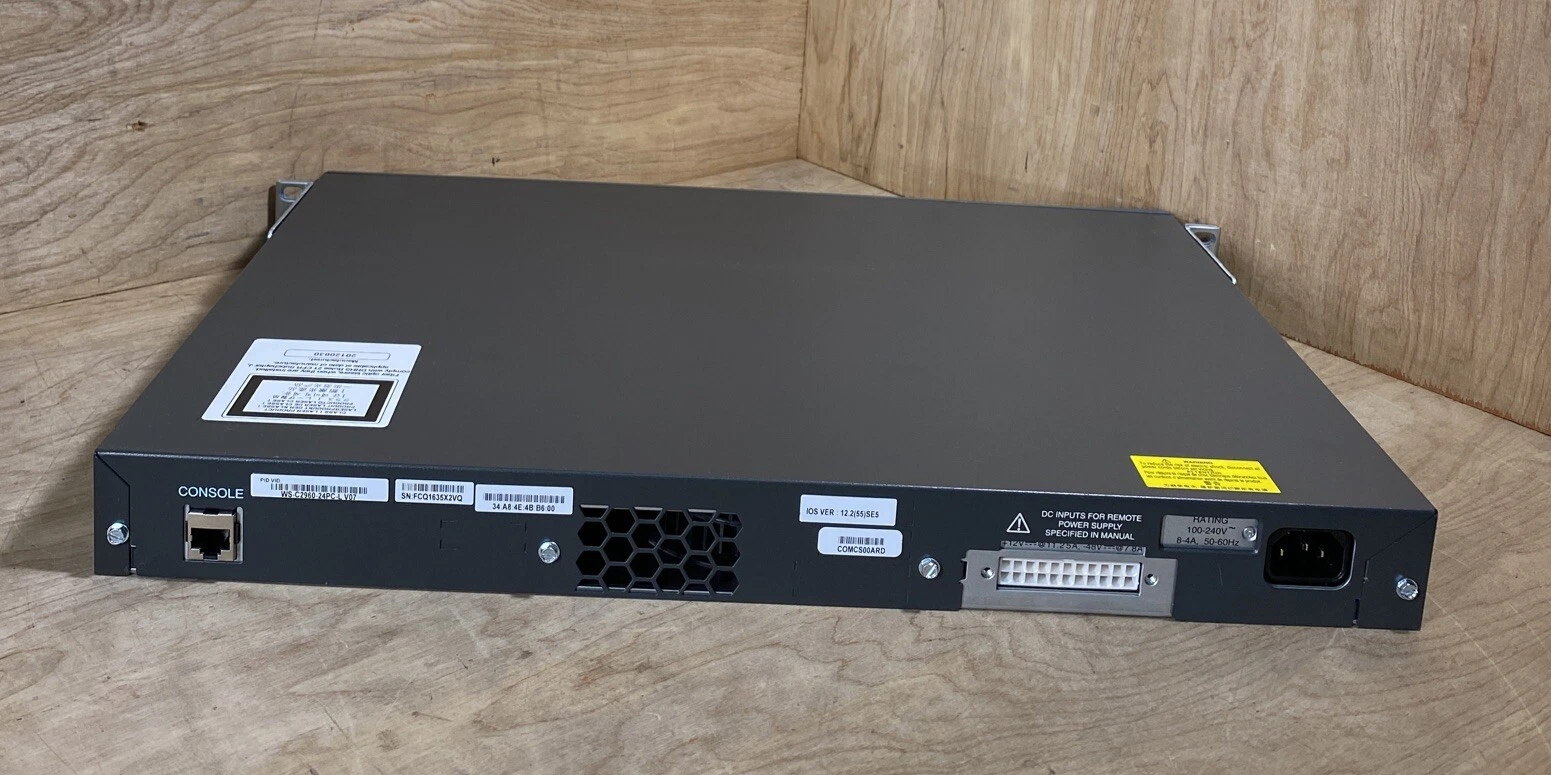
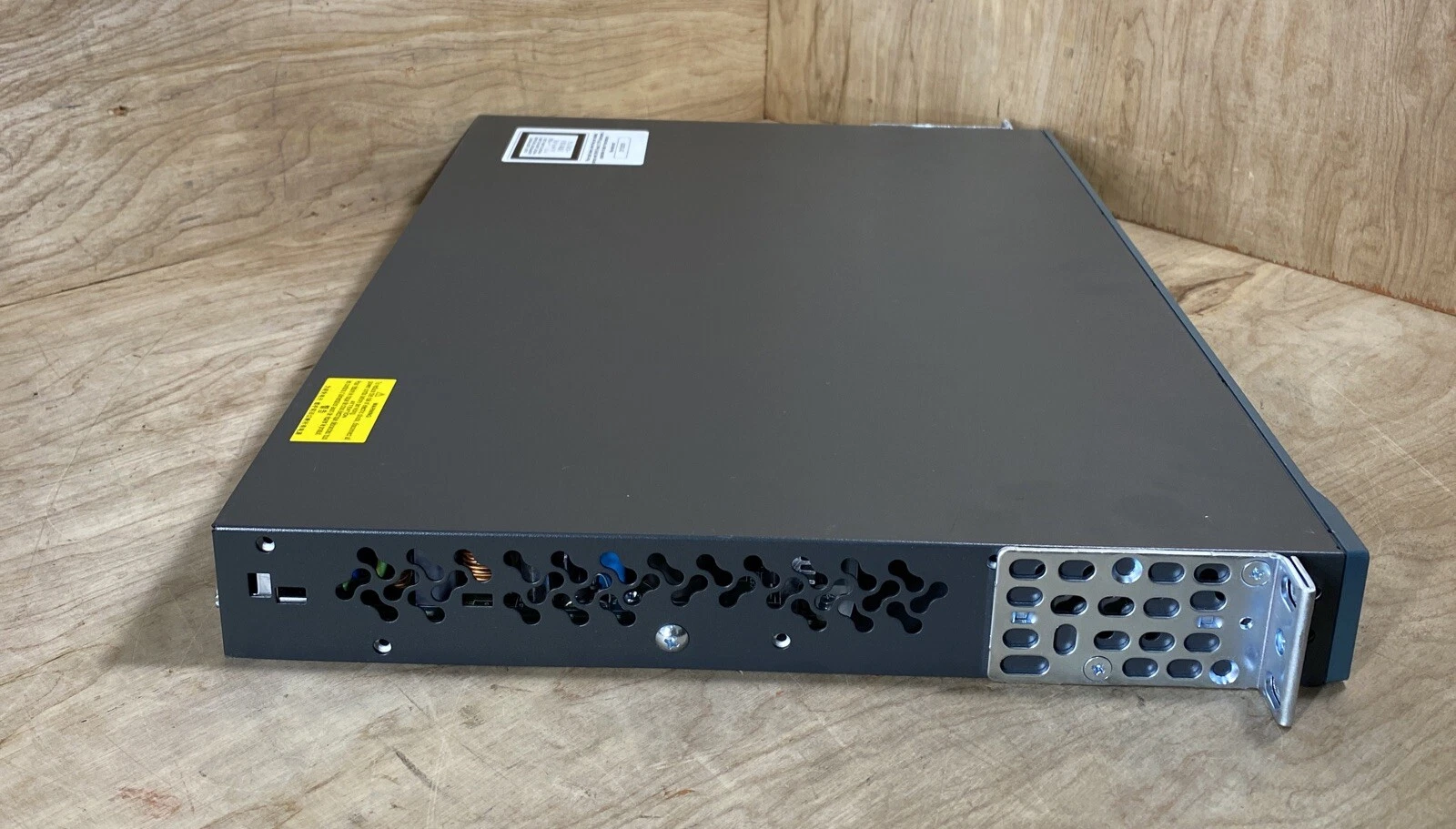
Ensure your network rack or cabinet has proper ventilation, stable power (100–240 VAC), and rack mounting hardware.
Place the switch in a cool, dry environment free from dust and electrical interference — typical operating temperatures range from −5 °C to 45 °C depending on altitude and model.
Use Category 5e or higher Ethernet cabling to connect PoE devices and uplinks for reliable performance.
Connect the switch to a reliable AC source and turn it on.
Attach uplink ports to your core router or upstream switch using either RJ‑45 or SFP modules.
Connect your PoE devices (Wi‑Fi APs, IP phones, cameras) to the PoE ports — the switch will auto‑detect and deliver power if the devices comply with IEEE 802.3af standards.
Use the console port (RJ‑45) or a network management tool to access the switch CLI or GUI.
Configure VLANs to segment traffic logically.
Enable Spanning Tree Protocol (STP) to prevent loops.
Configure PoE power settings if needed (auto, static, or never) based on power needs.
Use Cisco management tools like Cisco Network Assistant, SNMP, or CLI to monitor performance, optimise QoS policies, and troubleshoot issues.
By following these steps and choosing the right environment for your switch deployment, you can ensure the Cisco Catalyst 2960 PoE 24‑port switch performs at its best — powering devices and managing traffic efficiently.
The Cisco Catalyst 2960 PoE 24‑port switch is a strong option for:
Corporate Office Networks — Deliver data and power to workstations, phones, and APs.
Schools & Campuses — Support many PoE clients and secure VLAN segments.
Hotels & Hospitality — Power guest‑facing Wi‑Fi, IP phones, and surveillance cameras.
Branch Offices — Connect local devices and uplinks to the core network.
Because this switch combines PoE, managed features and Cisco reliability, it’s an excellent option when you need a scalable, professional network foundation — especially in environments with both data and powered devices.
In conclusion, the Cisco Catalyst 2960 PoE 24‑port managed switch delivers integrated power delivery, reliable connectivity, and advanced traffic control — making it a strong option to consider for business, enterprise, and campus networks. Moreover, by understanding how to set it up and choosing the right environment, you can achieve a smooth, dependable deployment that meets your network goals.
Above all, Lansotech Solutions provides authentic Cisco hardware, local support, expert installation services, and competitive pricing — making us the best choice for implementing the Catalyst 2960 in Nairobi, Kenya.
No account yet?
Create an Account











 ASUS
ASUS



