





 Laptop Computers
 Desktop Computers
 Printers

 Network
 Software
 Laptop Accessories
 Laptop Components
 Office
 Desktop peripherals
 Server
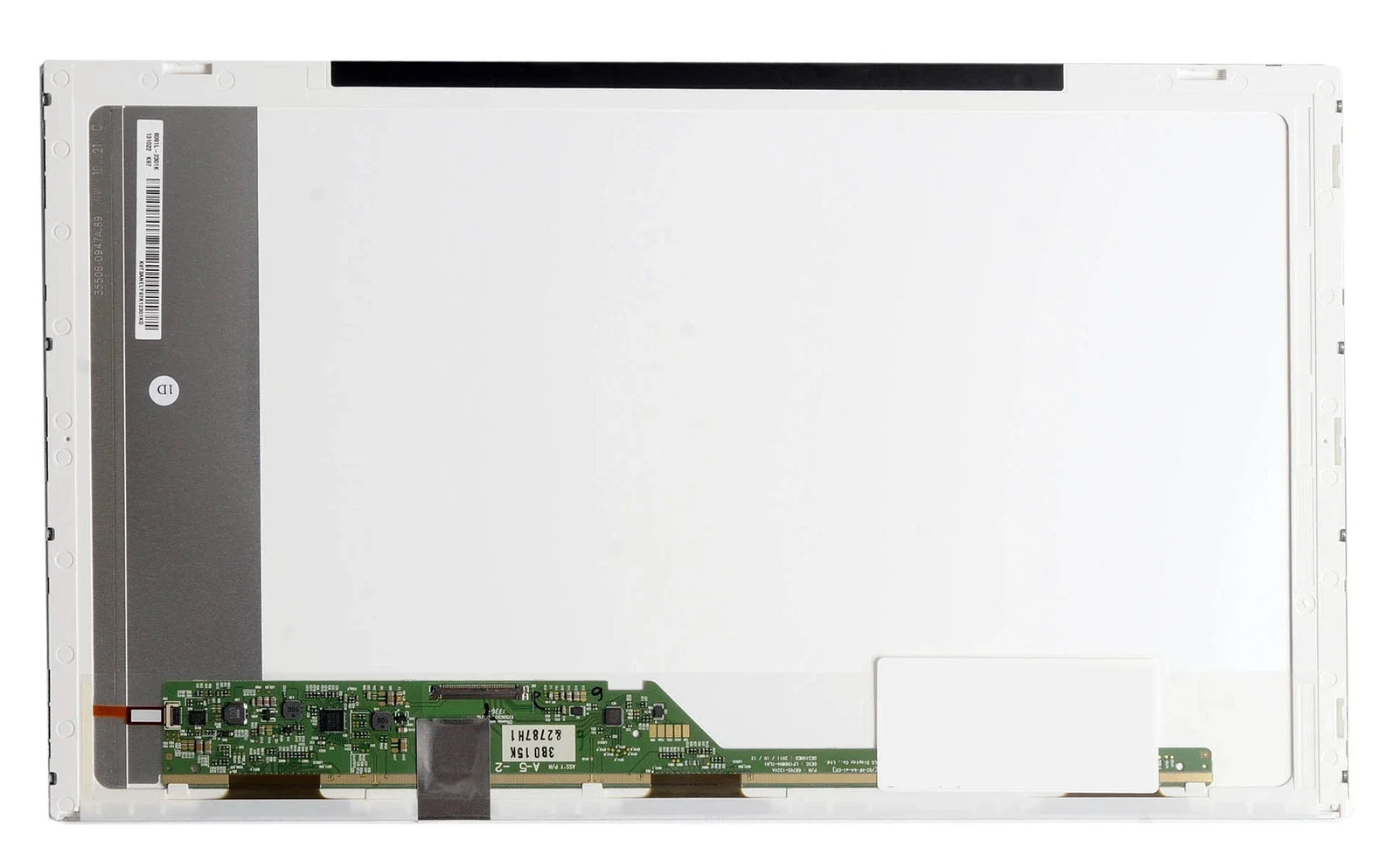
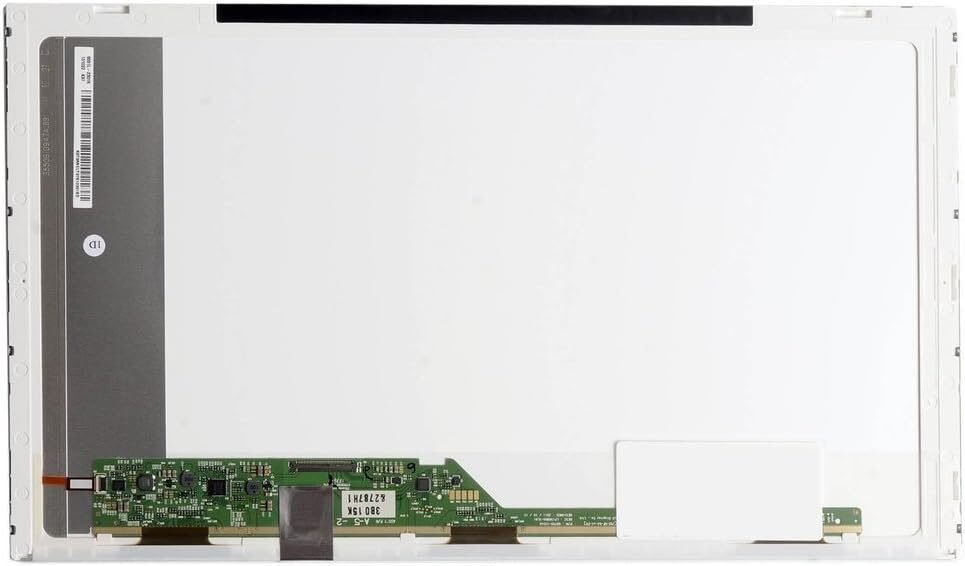
We ensure that the new display matches your original specifications, providing you with sharp visuals, rich colors, and long-lasting performance.

Hurry and get discounts on all Apple devices up to 20%
Sale_coupon_15
KSh4,500.00 excl. VAT
Payment Methods:

At Lansotech Solutions, we offer genuine Compaq CQ61 screen replacement and professional laptop repair services in Nairobi, Kenya. If your Compaq Presario CQ61 laptop screen is cracked, blacked out, flickering, or showing distorted images, our team of certified technicians can replace it with a brand-new original HP/Compaq display quickly and affordably.
As the leading HP and Compaq repair specialists in Nairobi, we guarantee top-quality parts, expert installation, and fast turnaround to get your laptop looking and working like new again.
The Compaq Presario CQ61 is one of HP’s best-selling 15.6-inch laptops, designed for home, school, and office use. It delivers solid performance, affordability, and a clear widescreen display for daily computing.
However, the screen — like most laptop components — can be damaged by accidental drops, pressure cracks, or backlight failure. When that happens, the only reliable fix is a genuine screen replacement done by a professional technician using compatible HP parts.
If your Compaq CQ61 display shows any of the following symptoms, it’s likely time to replace it:
Cracked or shattered screen glass
Dim or completely black display, even when the laptop powers on
Lines, flickering, or color distortion on the screen
White patches, dark spots, or dead pixels
Backlight not functioning correctly
Display showing only partial images
At Lansotech Solutions, we follow a precise, professional, and safe process to replace your damaged Compaq CQ61 screen. Our technicians handle your laptop with care to ensure perfect results every time.
We begin by testing your laptop to confirm that the screen is the root cause of the display issue and not related to internal hardware like the motherboard or display cable.
We disconnect the laptop from all power sources, including the battery, to avoid static or short-circuit damage.
Using professional plastic tools, we gently remove the bezel (frame) surrounding the screen without damaging any clips or casing.
The faulty screen is unscrewed and disconnected carefully from the video connector.
A brand-new genuine Compaq CQ61 screen is securely connected and fitted into place, ensuring perfect alignment and stability.
Before reassembly, the new screen is tested for brightness, sharpness, contrast, and pixel accuracy to guarantee flawless performance.
The bezel is reattached, and the screen is cleaned for a professional finish — ready to perform like new.
Choosing the right repair partner can make all the difference in the quality and lifespan of your laptop. Here’s why Lansotech Solutions is Nairobi’s most trusted HP and Compaq service center:
We install only authentic HP/Compaq screens or premium OEM-grade replacements that meet factory specifications.
Our technicians are HP-certified and have extensive experience handling screen replacements for all HP and Compaq laptop models.
We provide same-day screen replacement service for most models, minimizing your downtime.
We believe in fair pricing with no hidden charges — you pay only for the part and labor.
Every replacement screen comes with a warranty covering both parts and installation.
We serve individuals, corporates, schools, and organizations throughout Nairobi — earning a reputation for reliability and quality.
At Lansotech Solutions, we offer some of the most competitive prices for genuine Compaq screen replacements in Kenya.
Here’s the typical pricing range:
Standard HD LED Screen (1366 x 768): From KES 4,500
Glossy or Matte Finish Option: From KES 7,000
Our prices include diagnosis, labor, and warranty, so you don’t have to worry about additional hidden costs.
While it may seem tempting to replace your Compaq CQ61 screen yourself, it’s a risky task that can easily cause further damage if not done correctly.
A DIY attempt can result in:
Damaged video cables or connectors
Incorrect screen alignment
Broken plastic clips or bezels
Short circuits due to static discharge
Permanent motherboard damage
For safety and quality assurance, it’s always best to trust Lansotech Solutions’ certified technicians, who have the right tools, parts, and experience for a perfect installation.
After replacing your Compaq CQ61 screen, follow these simple care tips to extend its lifespan:
Always close the lid gently using both hands.
Avoid applying pressure or leaning objects on the lid.
Use a screen protector to prevent scratches.
Keep liquids and food away from your laptop.
Clean your screen using a microfiber cloth and screen-safe cleaner only.
Use a padded laptop bag during travel to prevent damage.
These practices will help you maintain your new screen’s clarity and protect your investment.
If you’re experiencing a cracked or faulty Compaq CQ61 screen, bring your laptop to Lansotech Solutions Nairobi for quick, professional, and genuine replacement service.
No account yet?
Create an Account











 ASUS
ASUS



