





 Laptop Computers
 Desktop Computers
 Printers

 Network
 Software
 Laptop Accessories
 Laptop Components
 Office
 Desktop peripherals
 Server

Hurry and get discounts on all Apple devices up to 20%
Sale_coupon_15
KSh6,000.00 excl. VAT
Payment Methods:

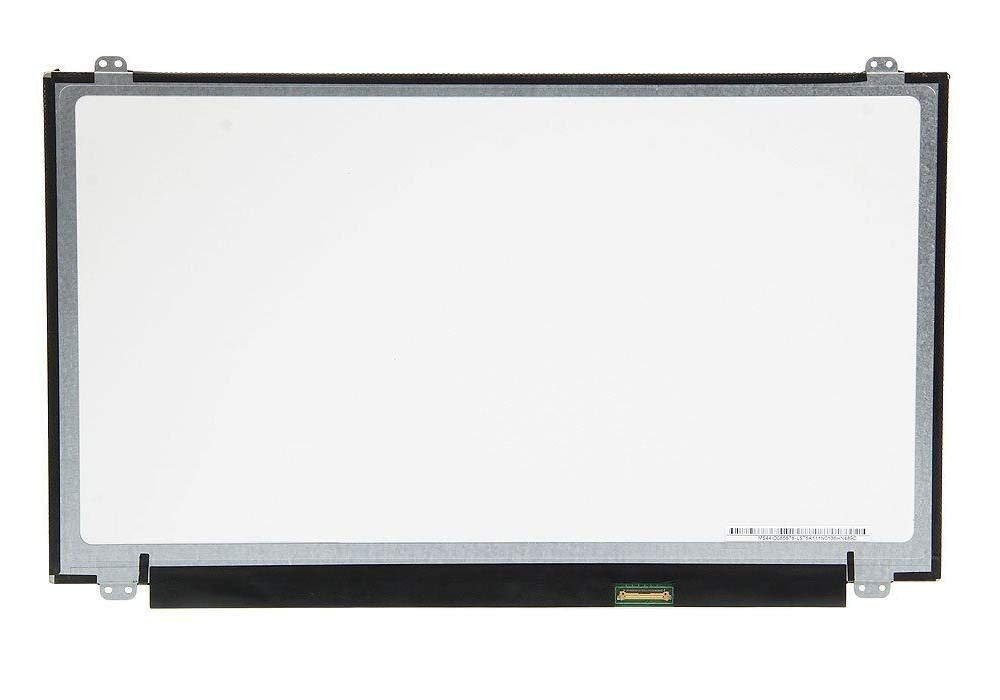
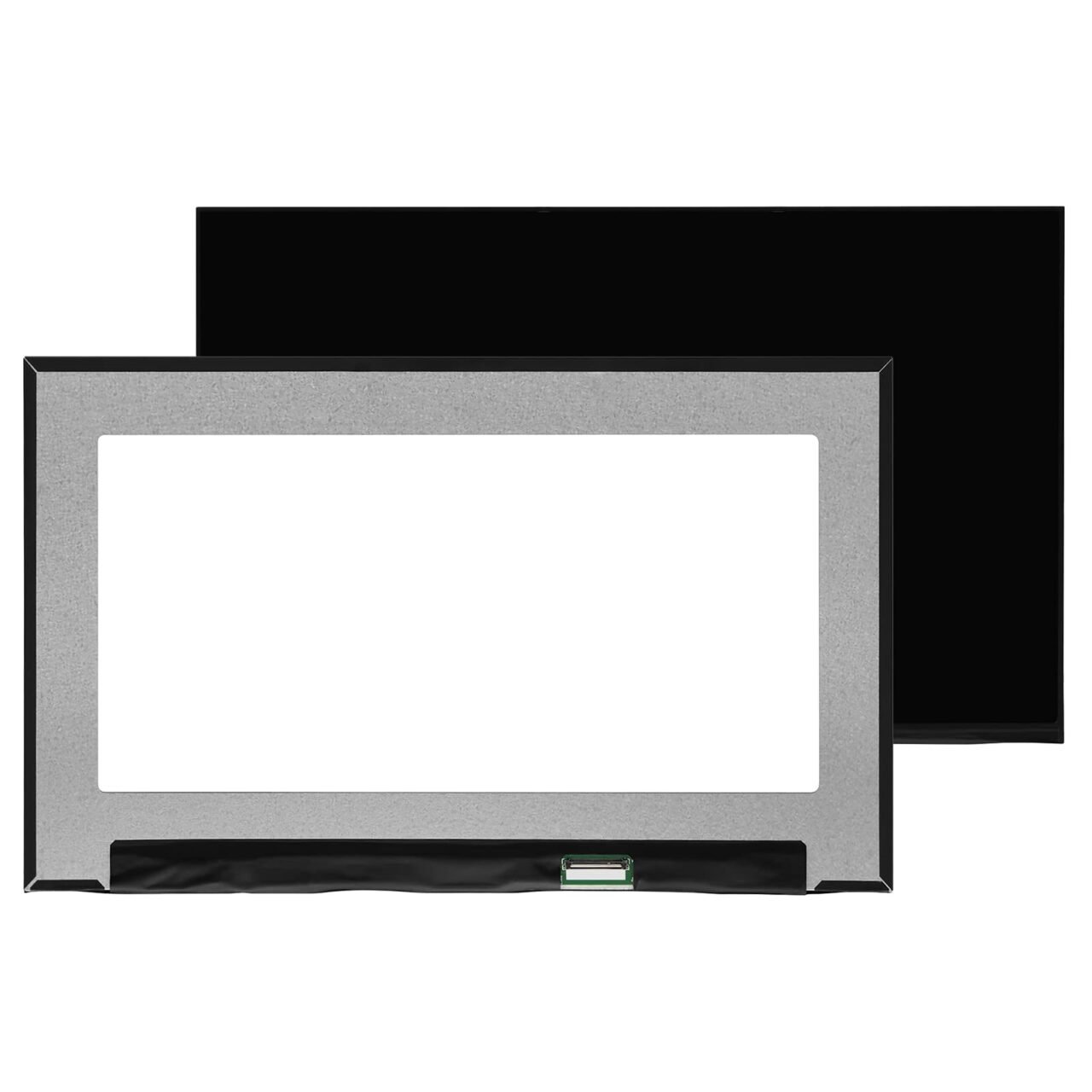
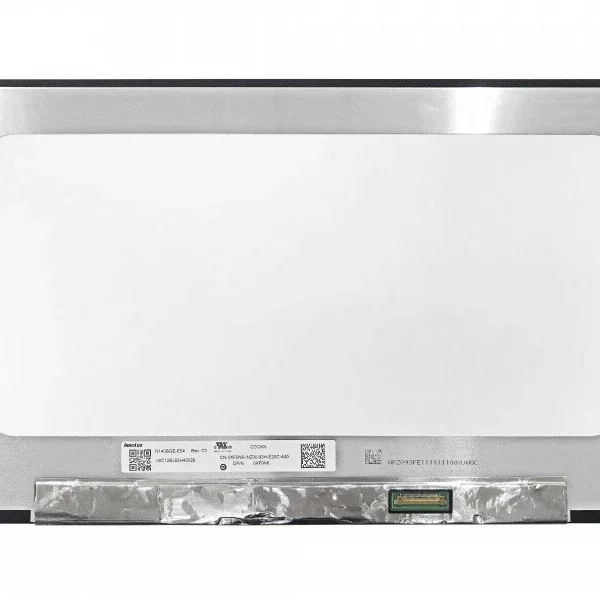
If your Dell Inspiron 15 3000 screen is cracked, dim, or showing lines, it’s time for a reliable replacement. At Lansotech Solutions, we offer authentic Dell laptop screens that match original factory specifications, ensuring perfect compatibility and superior display quality.
We are one of the top laptop screen shops in Nairobi CBD, trusted for our quality products, skilled technicians, and affordable prices. Whether you’re replacing a broken screen or upgrading for better clarity, we have the perfect Dell Inspiron 15 3000 series screen for you.
Proper screen care is essential if you want your new Dell Inspiron 15 3000 screen to last for years. A well-maintained screen not only enhances your visual experience but also reduces the risk of expensive replacements.
Here are simple yet effective tips to keep your laptop screen looking as good as new:
Your laptop screen is delicate and easily smudged or scratched by fingers. Always use the touchpad or mouse for navigation — avoid pressing the display unnecessarily.
Never use water, alcohol, or rough materials. Instead, use a microfiber cloth and a specialized screen-cleaning solution. Spray the cleaner on the cloth, not directly on the screen.
Prolonged exposure to direct sunlight or heat can fade or damage the display. Store your laptop in a cool, shaded environment when not in use.
Avoid slamming the lid shut — this can cause pressure cracks. Always ensure there are no objects like pens or earphones between the keyboard and screen before closing.
When traveling, protect your laptop with a padded sleeve or shockproof bag. It prevents accidental impact that could damage the screen or hinges.
Following these steps will help maintain your Dell laptop screen clarity and durability, saving you money in the long run.
When it comes to laptop screens, buying from a trusted source is crucial. At Lansotech Solutions, we pride ourselves on being among the Top 10 Best Laptop Screen Shops in Nairobi CBD — known for genuine products, expert service, and unmatched customer satisfaction.
Authentic, brand-new Dell screens with warranty
Affordable prices and flexible payment options
Skilled technicians for professional installation
Same-day screen replacement service in Nairobi
Countrywide delivery via reliable courier partners
After-sales support for long-term peace of mind
Unlike unverified online sellers, we test every screen before dispatch to ensure it works perfectly with your device. You get 100% original parts, no counterfeits, and no compatibility issues.
Get the Dell inspiron 15 3000screen Replacement service from Lansotech Solutions now!
No account yet?
Create an Account











 ASUS
ASUS



