













Best Dell Inspiron 3583 Charger Replacement – Complete Buying Guide
Top-Quality Charger for Dell Inspiron 3583 Laptop
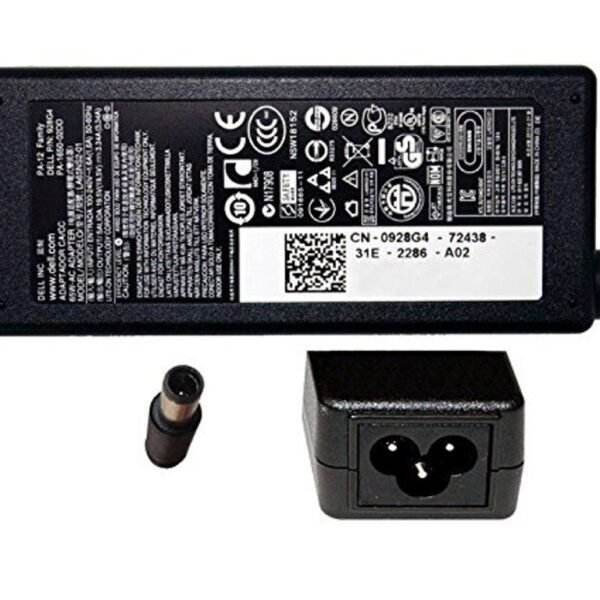
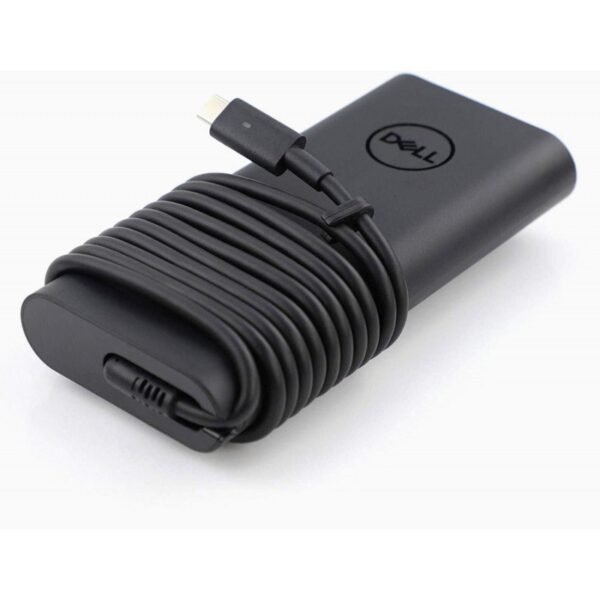
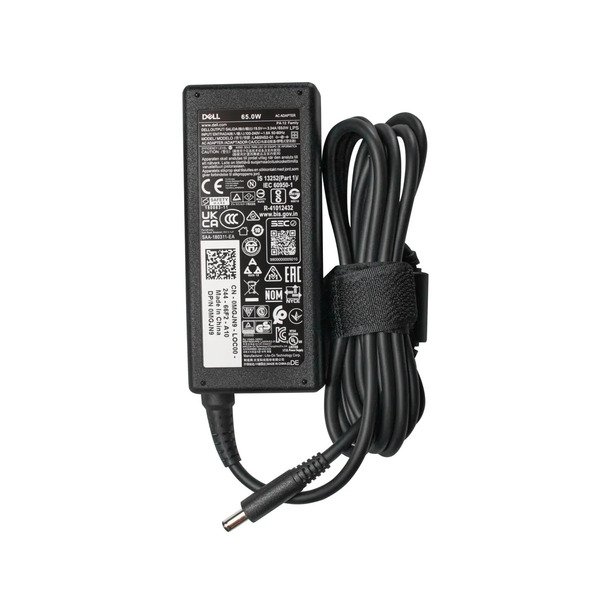
Finding the right charger for your Dell Inspiron 3583 is crucial. The wrong adapter can damage your battery or fail to power your device. Always choose a charger that matches your laptop’s voltage, wattage, and connector type.We got Dell Inspiron 3583 charger replacement.
Why You Need a Genuine Dell-Compatible Charger
Generic chargers may look the same but lack essential safety features. A genuine Dell-compatible charger ensures:
-
Consistent power supply
-
Battery longevity
-
Overheating and short-circuit protection
Don’t compromise on quality. Invest in a charger built for your device.
Features to Look for in a Replacement Charger
1. Power Output Compatibility
The Dell Inspiron 3583 usually requires a 45W or 65W charger. Check your original adapter’s label to match the specs. Choosing a lower wattage can result in slower charging or malfunction.
2. Connector Pin Size
Ensure the connector fits your laptop’s charging port. For the Inspiron 3583, it’s typically a 4.5mm x 3.0mm barrel tip with a center pin. Avoid forcing incompatible plugs—they may cause internal damage.
3. Safety Certifications
Look for certifications like CE, FCC, and RoHS. These indicate compliance with global safety standards. A certified charger protects your device from electrical issues.
Benefits of Upgrading Your Dell Inspiron 3583 Charger
An upgraded charger can significantly improve your laptop’s performance. It reduces charging time, supports heavy multitasking, and keeps your system powered efficiently.
Fast Charging Technology
Modern chargers now include fast-charging chips. These speed up battery replenishment without overheating.
Travel-Friendly Design
Slim, lightweight adapters make travel easy. Some include detachable cords and global voltage support, ideal for frequent travelers.
Best Dell Inspiron 3583 Charger Brands
1. Dell Original AC Adapter
Dell’s own charger is always a safe bet. It guarantees compatibility, durability, and comes with a manufacturer warranty.
2. PWR+ Charger for Dell
PWR+ offers high-quality replacements with premium build and protection circuits. They’re known for reliability and performance.
3. T-Power Dell-Compatible Charger
T-Power chargers are affordable, certified, and designed to meet OEM specifications. They offer excellent value for budget-conscious users.
How to Safely Use a Replacement Charger
-
Avoid coiling cables too tightly
-
Plug into surge protectors
-
Keep the charger well-ventilated
-
Disconnect when not in use
Proper use extends your charger’s life and safeguards your laptop.
Your Dell Inspiron 3583 deserves a powerful, safe, and efficient charger. Don’t risk your device with substandard replacements. Choose a model that matches original specs, includes safety features, and comes from a trusted brand.
Upgrade your charger today—and power up with confidence.












 ASUS
ASUS



