





 Laptop Computers
 Desktop Computers
 Printers

 Network
 Software
 Laptop Accessories
 Laptop Components
 Office
 Desktop peripherals
 Server

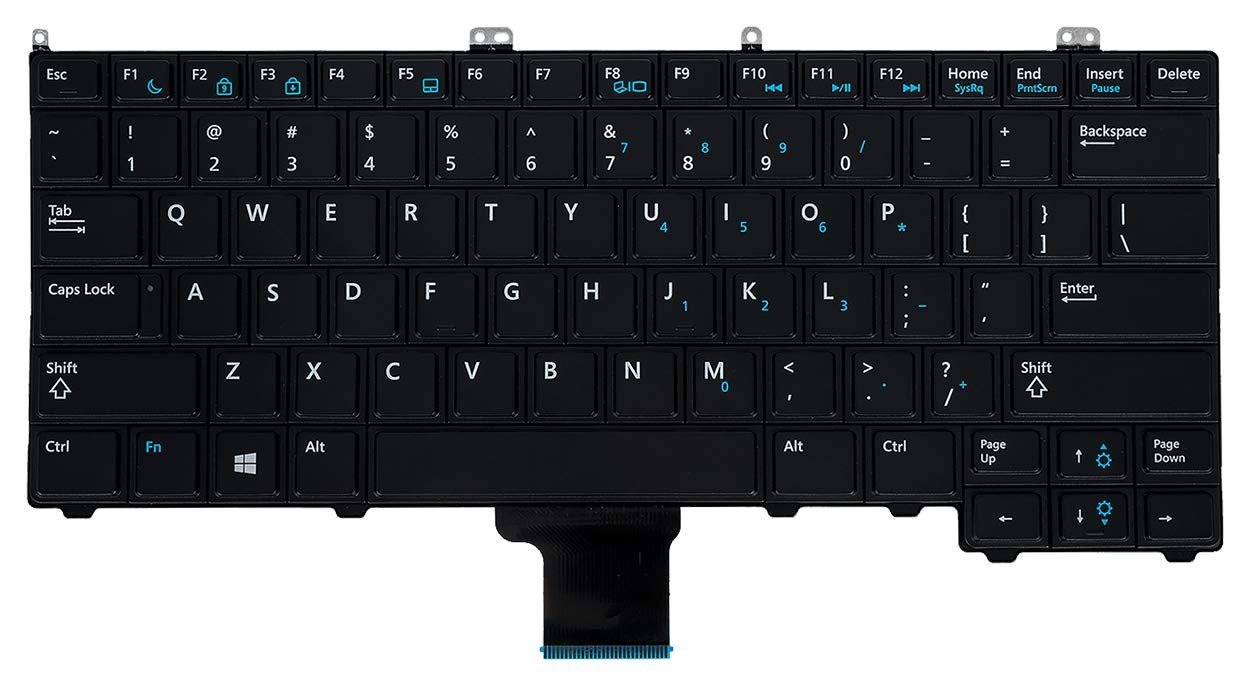
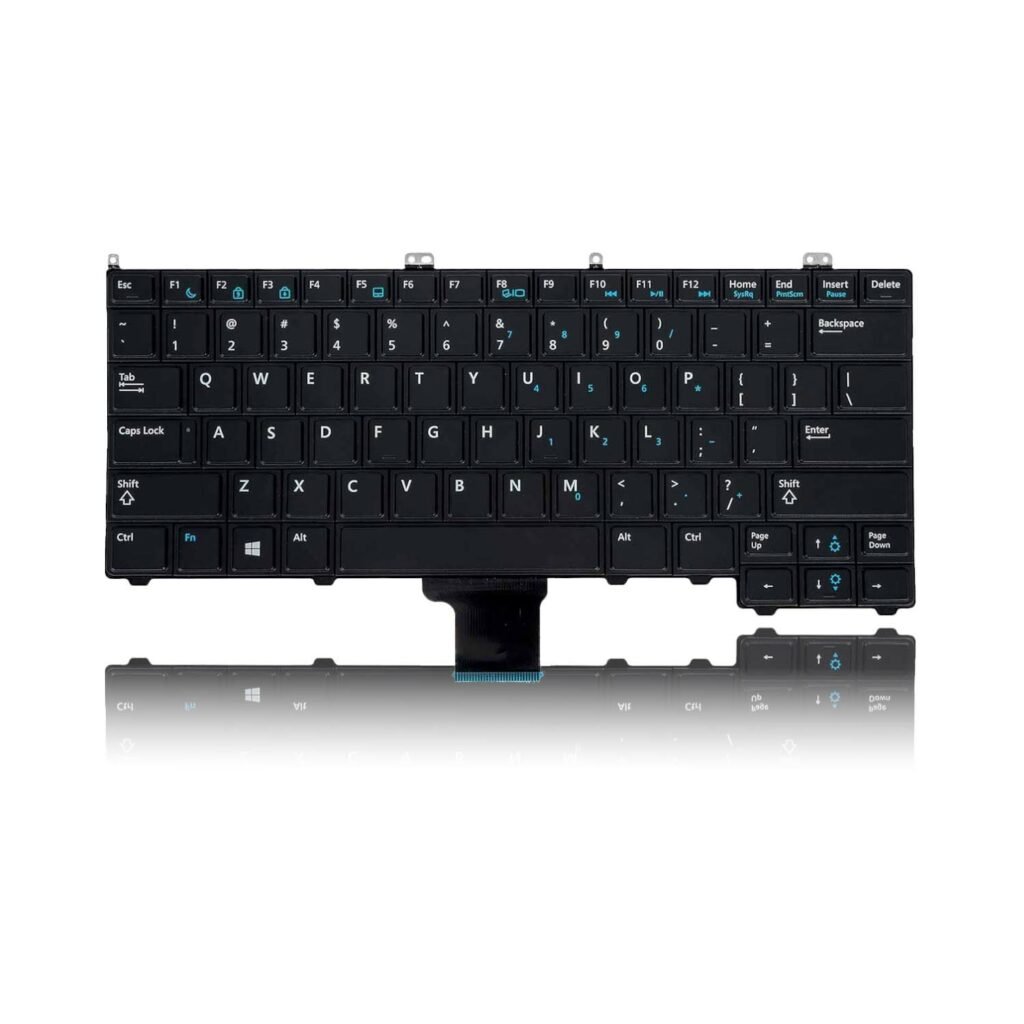
Compatible Models: E7440, E7420, E7240
Layout: US Standard QWERTY
Color: Black
Condition: Brand New – Genuine Dell Replacement
Features:
Quiet, responsive keys for a smooth typing experience
Perfect OEM fit for Dell Latitude models
Optional backlight support (model-dependent)
Long-lasting build for professional use
Easy installation and full key functionality

Hurry and get discounts on all Apple devices up to 20%
Sale_coupon_15
KSh2,000.00 excl. VAT
Payment Methods:

At Lansotech Solutions, we offer professional Dell keyboard replacement services tailored for business users, developers, and anyone who demands consistent performance. If your Dell Latitude E7440, E7420, or E7240 keyboard is malfunctioning, worn out, or missing keys, we provide a genuine US layout keyboard replacement that brings your laptop back to full functionality with precision and care.
Whether you’re coding late at night or working on presentations, our replacement keyboard ensures accurate, comfortable, and quiet typing in any setting.
Keyboard issues can hinder your workflow and productivity. Choosing a genuine replacement from Lansotech guarantees:
✅ Accurate fit for E7440, E7420, and E7240 models
✅ Quiet, responsive keys with long-life key switches
✅ Professional OEM quality for durability and smooth operation
✅ Easy integration with Dell’s original laptop frame and functionality
✅ Optional backlit variant for users who prefer night-time visibility
✔ Dell Latitude E7440
✔ Dell Latitude E7420
✔ Dell Latitude E7240
Layout: US Standard QWERTY
Color: Black
Backlit Option: May vary by model and availability
Condition: Brand New – Original Dell Replacement
Step 1 – Device Evaluation
We begin by testing the keyboard and ruling out any other software or hardware issues.
Step 2 – Laptop Disassembly
Our Dell-trained experts carefully open the device using specialized tools.
Step 3 – Keyboard Removal
We remove the defective keyboard without damaging internal components or connectors.
Step 4 – New Keyboard Installation
We install and align the replacement keyboard, securing all connections and screws.
Step 5 – Testing and Quality Check
Every key is tested for performance, and the laptop is cleaned before delivery.
Clean regularly using compressed air and a lint-free cloth
Avoid using the keyboard with wet or dirty hands
Keep food and liquids away from your laptop
Use a keyboard cover if working in dusty environments
Press keys gently to avoid mechanical wear
✔ Skilled, Dell-certified technicians
✔ Use of genuine, high-quality parts
✔ Fast service and fair pricing
✔ Warranty-backed keyboard replacements
✔ Trusted by IT firms, students, and business professionals
Let us help you bring your Dell Latitude back to its full productivity potential with our expert keyboard replacement services.

No account yet?
Create an Account











 ASUS
ASUS



