





 Laptop Computers
 Desktop Computers
 Printers

 Network
 Software
 Laptop Accessories
 Laptop Components
 Office
 Desktop peripherals
 Server
| Specification | Detail |
|---|---|
| Screen Size | 24.1 inches (approx. 61.2 cm) |
| Panel Type | IPS LCD, W‑LED backlight |
| Native Resolution | 1920 × 1200 WUXGA (Aspect ratio 16:10) |
| Refresh Rate | 60 Hz standard |
| Brightness | 300 cd/m² typical |
| Contrast Ratio | 1000:1 typical |
| Response Time | ~5 ms (fast), ~8 ms normal grey‑to‑grey |
| Viewing Angles | 178° horizontal / 178° vertical |
| Screen Coating | Anti‑glare, hardness ~3H, with edge‑light LED system |
| Ergonomics / Adjustability | Height adjustment (~130 mm), Tilt (‑5° to +21°), Swivel, Pivot (‑90° to +90°) |
| Connectivity | DisplayPort 1.2, HDMI, VGA, DVI; built‑in USB hub (USB 3.0, USB 2.0) |
| Power & Energy Usage | Typical power ~14.8 W, On mode; standby/off very low power; meets ENERGY STAR and environmental certifications |

Hurry and get discounts on all Apple devices up to 20%
Sale_coupon_15
KSh13,000.00 excl. VAT
Payment Methods:

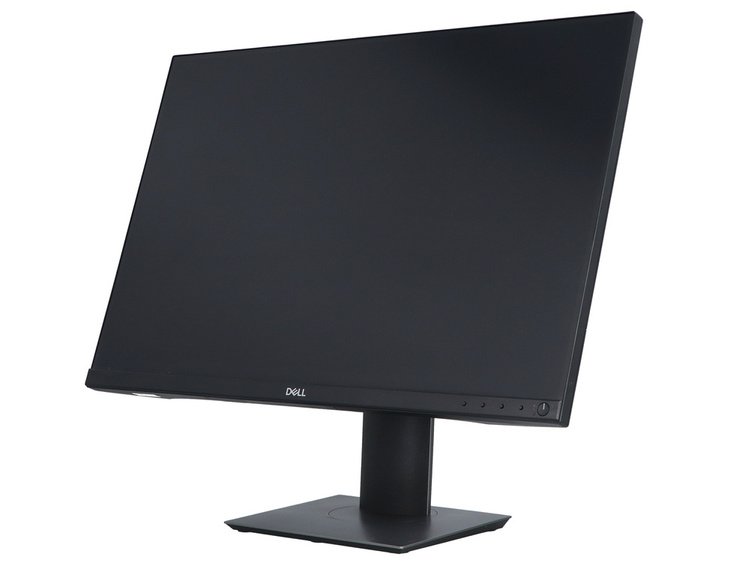
At Lansotech Solutions, we aim to offer displays that combine style, clarity, and practicality. The Dell P2421 24‑inch LED Edge‑to‑Edge Monitor stands out with its sleek design and strong performance, making it an excellent option for offices, workstations, and professional settings in Nairobi.
The P2421 features an edge‑to‑edge (or very thin bezel) design, especially along three sides (top and sides mostly). This gives a cleaner, more modern look, especially in multi‑monitor setups.
Less visual distraction from frame borders; allows for better alignment when using dual or triple monitor configurations.
More Vertical Real Estate (16:10 Aspect Ratio):
The 16:10 aspect ratio with WUXGA resolution gives more vertical space than standard 16:9 monitors. This means more lines of text, bigger spreadsheets, less scrolling. For office tasks—email, document editing, programming—the extra vertical space is a productivity boost.
Comfort & Ergonomics:
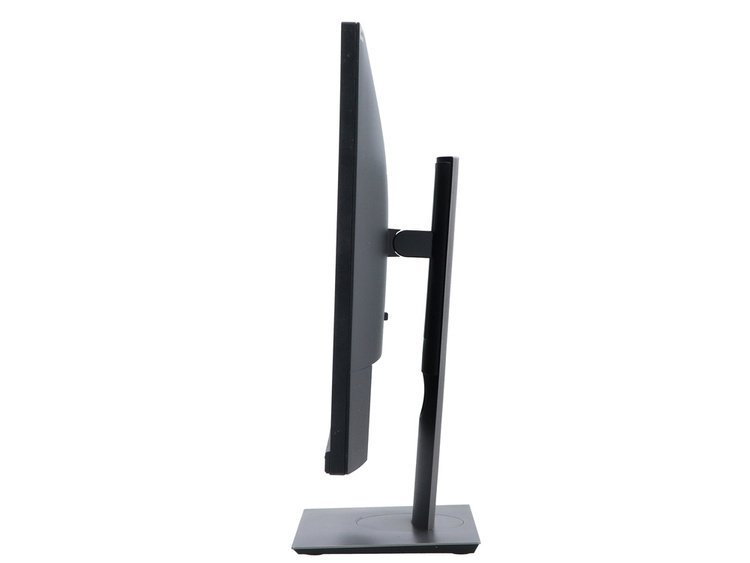
Its stand allows height adjustment, tilt, swivel, pivot. Users can adjust the monitor to eye level, reduce glare, orient it in portrait mode if needed. Anti‑glare coating reduces reflection. These features help reduce fatigue over long workdays.
Energy Efficiency & Environmental Credentials:
The P2421 uses modest power (~14.8 W typical) in normal operation, and very low power in standby/off. It meets ENERGY STAR and other certifications, which is helpful for organizations aiming to reduce power consumption and running costs.
Reliable Image Quality:
IPS panel ensures wide viewing angles and consistent colour and contrast. Text and UI remain crisp. Brightness of 300 cd/m² makes it usable in well‑lit office rooms. Anti‑glare helps under bright lighting.
Connectivity for Diverse Devices:
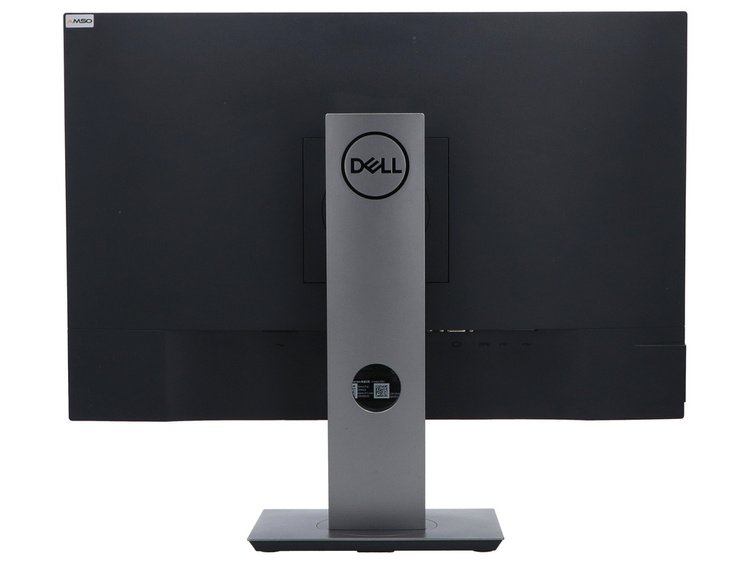
The presence of HDMI, DisplayPort, DVI, VGA, plus built‑in USB hub, makes it compatible with older and newer PCs, laptops, docking stations. Offices often have mixed hardware; this flexibility helps avoid needing adapters.
Professional Look & Build:
Thin bezels, edge‑light system, sleek stand — all contribute to a more refined workplace aesthetic. Also, VESA mount support (100×100 mm) allows mounting on arms or wall brackets for better desk space management.
Refresh rate is standard 60 Hz, so not ideal for fast gaming. If gaming is a priority, that might be a drawback.
Response time is reasonable but not ultra‑fast; motion in video or fast graphics might show slight lag compared to gaming‑grade monitors.
While brightness is good for typical indoor office lighting, direct sunlight or very bright overhead lighting may still cause visibility issues.
The Dell P2421 24‑inch Edge‑to‑Edge LED Monitor is a strong choice for office environments. Its clear display, ergonomic adjustability, efficient power usage, and modern design make it especially well suited for businesses, remote workers, students, and anyone who uses the computer for many hours daily.
If you’re setting up an office or upgrading workstations in Nairobi, the P2421 gives you excellent value: a professional, reliable, and comfortable monitor that meets the needs of productivity without unnecessary extras.
No account yet?
Create an Account











 ASUS
ASUS



