






 Laptop Computers
 Desktop Computers
 Printers

 Network
 Software
 Laptop Accessories
 Laptop Components
 Office
 Desktop peripherals
 Server
Compatibility: FUJITSU laptops supporting DDR4
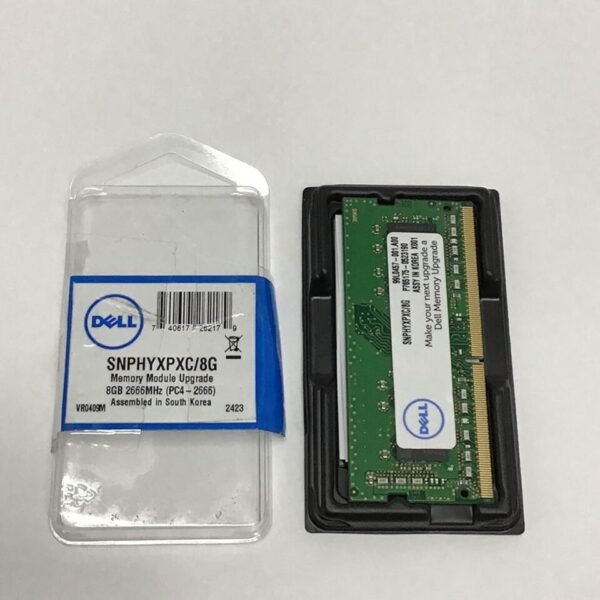
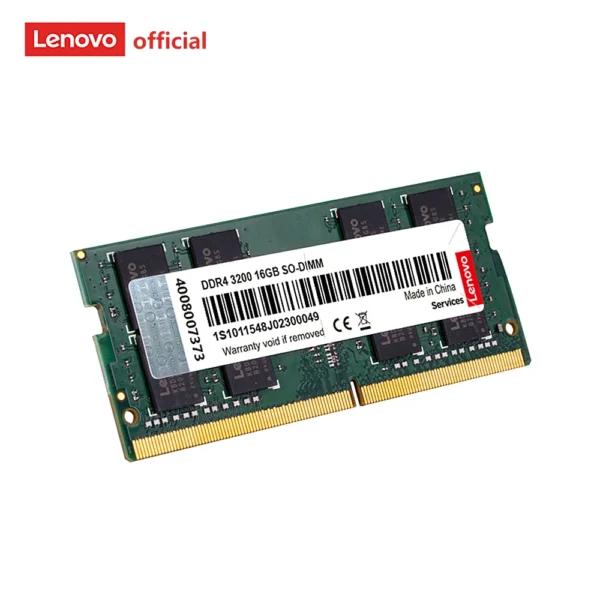
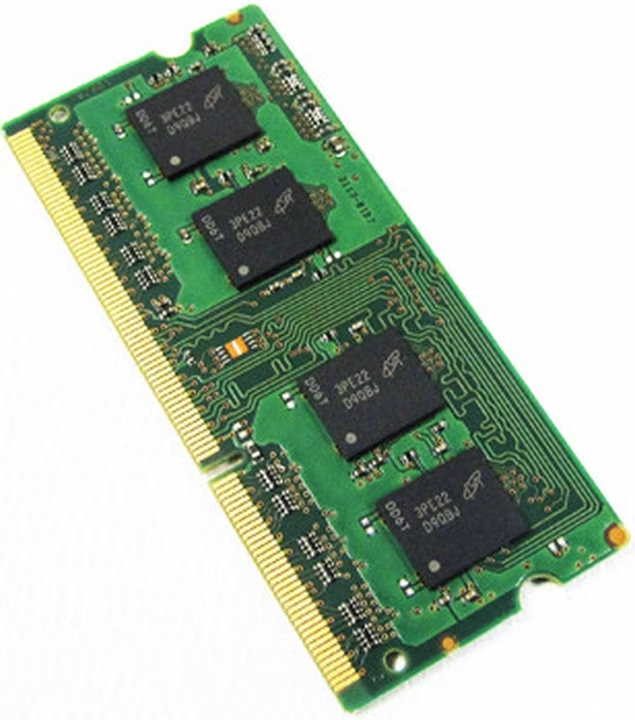
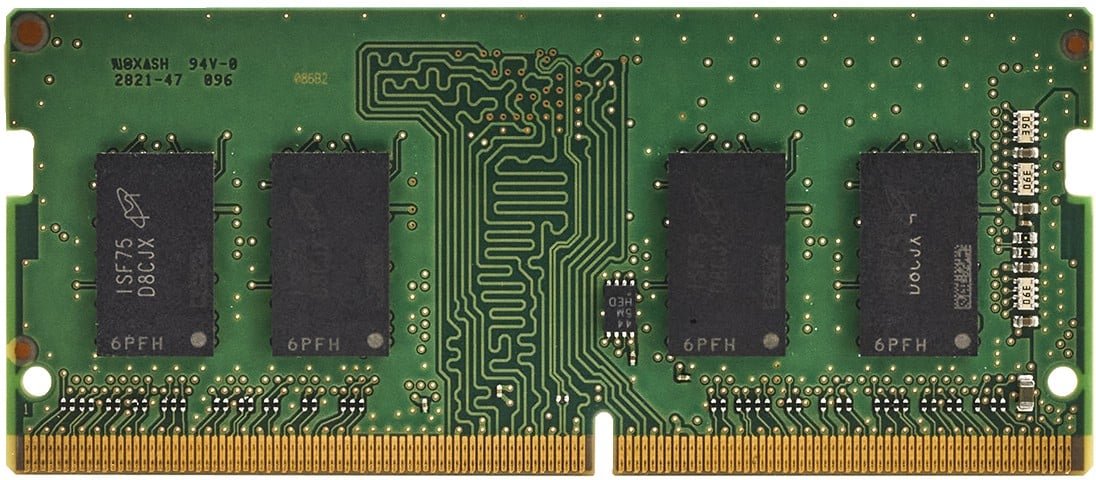
Capacity: 8GB
Memory Type: DDR4
Form Factor: 260-Pin SO-DIMM
Speed Options: 2133MHz / 2400MHz / 2666MHz / 3200MHz
Voltage: 1.2V
PC Ratings:
2133MHz – PC4-17000
2400MHz – PC4-19200
2666MHz – PC4-21300
3200MHz – PC4-25600

Hurry and get discounts on all Apple devices up to 20%
Sale_coupon_15
KSh3,500.00 excl. VAT
Out of stock
Out of stock
Payment Methods:

Upgrading your FUJITSU laptop with an 8GB DDR4 RAM module is one of the most effective ways to improve speed, multitasking capability, and overall system responsiveness. At Lansotech Solutions Nairobi, we provide high-quality 260-pin SO-DIMM DDR4 RAM modules compatible with a wide range of FUJITSU laptop models, available in speeds of 2133MHz, 2400MHz, 2666MHz, and 3200MHz.
If your laptop is experiencing slow performance, delayed boot times, or freezing during multitasking, a professional FUJITSU 8GB DDR4 RAM upgrade delivers immediate and noticeable improvements.
Modern applications demand more memory than ever. Running multiple browser tabs, office applications, accounting software, or creative tools can strain low-memory systems.
Installing 8GB DDR4 RAM provides:
Faster boot times
Improved multitasking performance
Reduced lag and system freezes
Better application stability
Enhanced productivity
Whether you use your FUJITSU laptop for business, school, programming, design, or everyday browsing, upgrading to 8GB ensures smoother performance across tasks.
At Lansotech Solutions Nairobi, we supply 260-pin SO-DIMM DDR4 RAM modules in the following speeds:
Ideal for older DDR4-compatible FUJITSU models. Provides stable and reliable everyday performance.
Offers improved bandwidth and better responsiveness for multitasking and office applications.
Suitable for business users and moderate multitasking workloads requiring faster memory throughput.
High-speed option for newer FUJITSU laptops that support 3200MHz. Ideal for demanding applications, virtualization, light gaming, and content creation.
Important: Your laptop will operate at the maximum speed supported by its motherboard and processor. Installing higher-speed RAM will not damage your system; it will simply run at supported speed.
Specifically designed for laptops, ensuring proper fit and compatibility with FUJITSU DDR4-enabled systems.
DDR4 operates at 1.2 volts, improving power efficiency and reducing heat generation compared to older DDR3 modules.
Higher MHz speeds provide increased data transfer rates, resulting in smoother application performance.
Quality-tested RAM modules ensure long-term stability and consistent operation under workload pressure.
Run Microsoft Office, web browsers, accounting software, email clients, and media applications simultaneously without slowdown.
Programs open quicker and switch smoothly between tasks.
Perfect for corporate environments, online work, remote offices, and educational use.
Eliminates memory bottlenecks that cause system hangs and crashes.
You may need an upgrade if you experience:
Frequent system slowdowns
Long boot times
High memory usage in Task Manager
Lag when opening multiple browser tabs
Freezing during basic multitasking
System errors due to insufficient memory
If your laptop currently has 2GB or 4GB RAM, upgrading to 8GB DDR4 significantly improves performance.
At Lansotech Solutions Nairobi, we provide:
Compatibility checks before installation
Professional RAM installation
Memory testing after upgrade
System performance optimization
Affordable upgrade pricing
Our technicians ensure your FUJITSU laptop receives the correct DDR4 module based on motherboard specifications.
To maintain optimal RAM performance:
Keep your laptop clean and dust-free.
Ensure proper airflow and cooling.
Avoid exposing your laptop to excessive heat.
Update BIOS and system drivers regularly.
Avoid physical shocks or drops.
Do not force RAM modules during installation.
Proper maintenance ensures long-lasting memory performance and system reliability.
No account yet?
Create an Account











 ASUS
ASUS



