





 Laptop Computers
 Desktop Computers
 Printers

 Network
 Software
 Laptop Accessories
 Laptop Components
 Office
 Desktop peripherals
 Server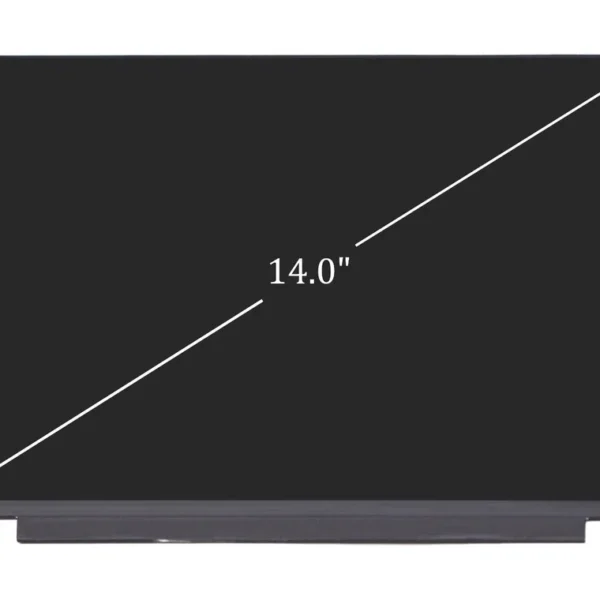

Hurry and get discounts on all Apple devices up to 20%
Sale_coupon_15
KSh8,000.00 excl. VAT
Payment Methods:

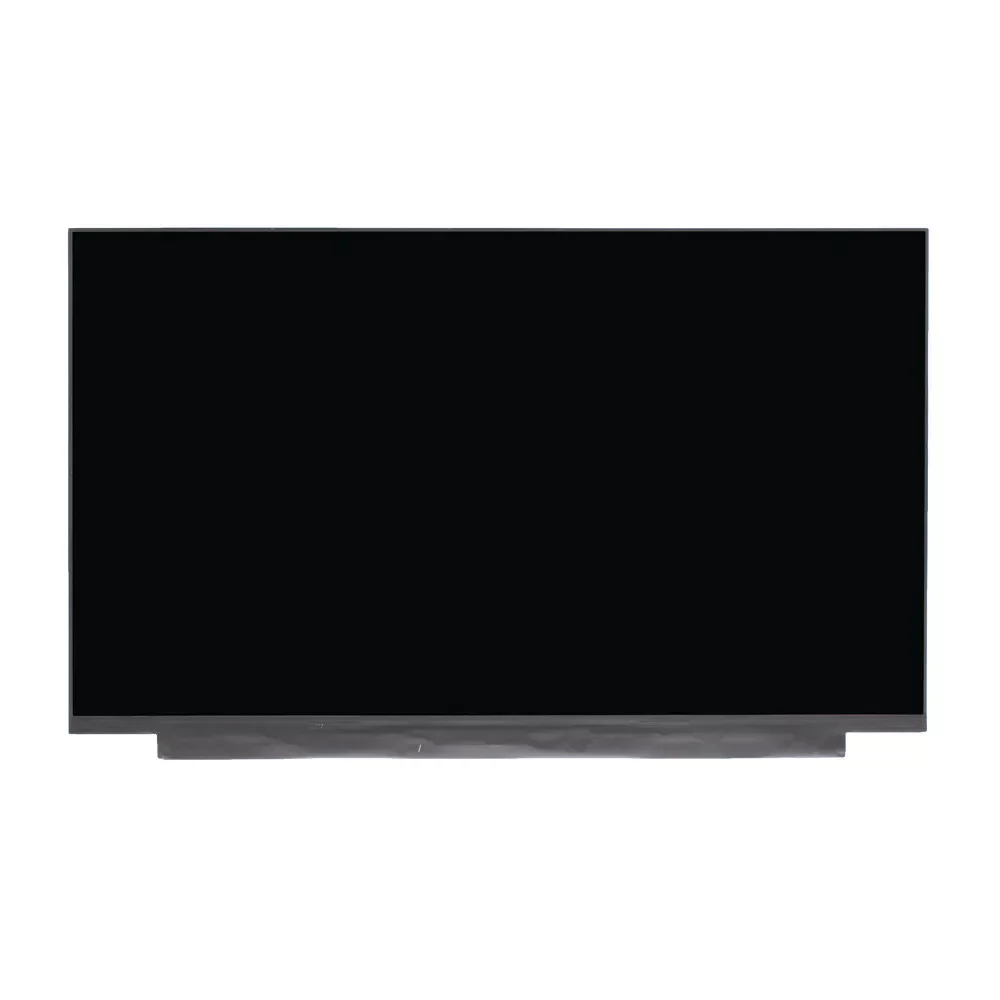
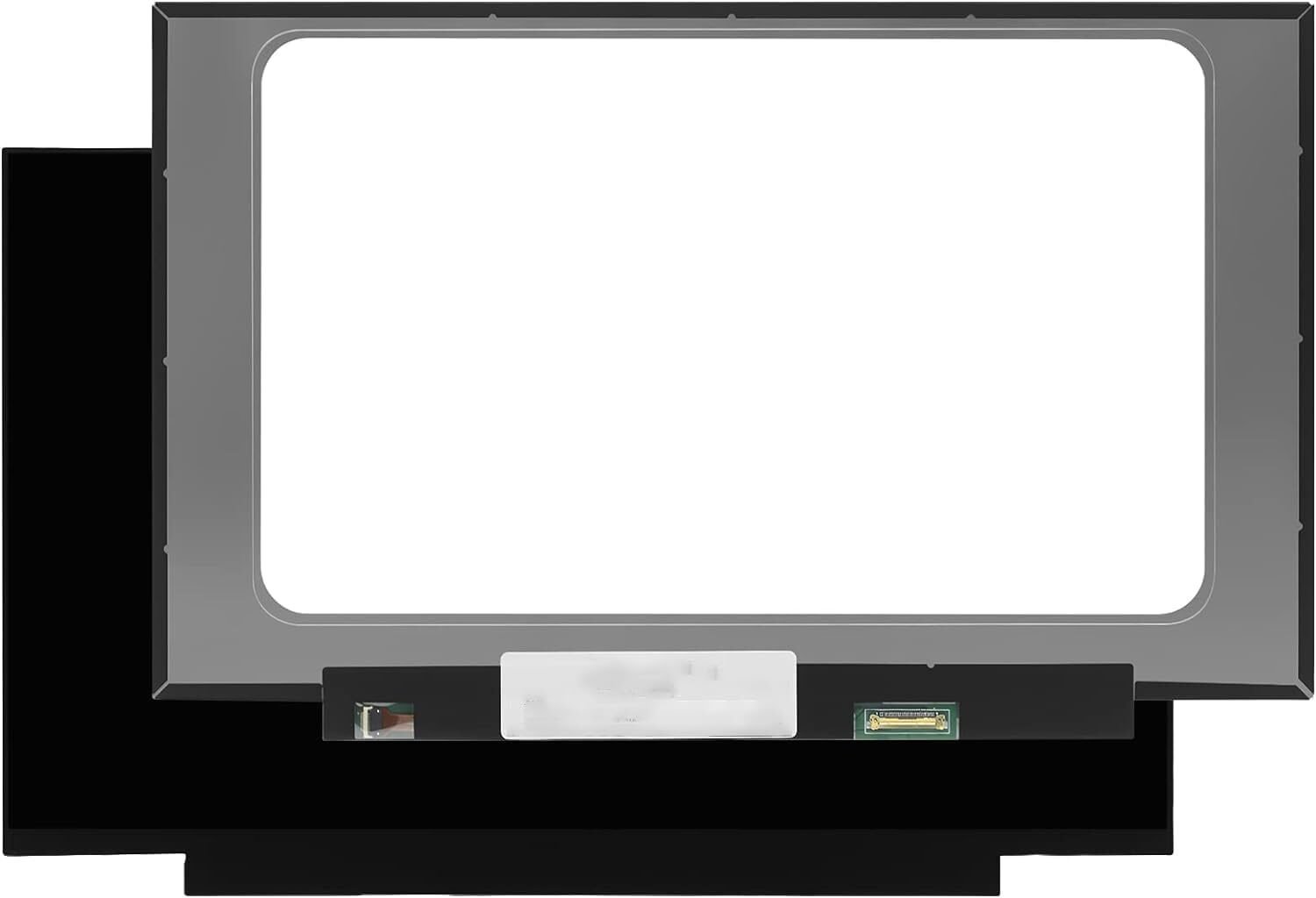
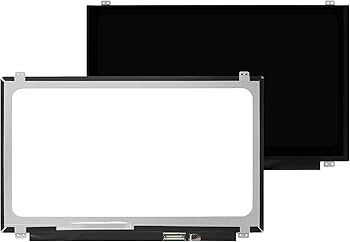
At Lansotech Solutions, we provide genuine HP 14-cf0014dx screen replacement services in Nairobi, Kenya, ensuring your laptop looks and functions like new again. If your HP 14-cf0014dx screen is cracked, blacked out, flickering, or showing distorted colors, our certified HP technicians will replace it with a brand new, original HP screen that restores perfect clarity and brightness.
As one of Nairobi’s most trusted laptop repair centers, we specialize in HP laptop screen replacements, offering fast service, competitive pricing, and guaranteed quality.
The HP 14-cf0014dx is a stylish, lightweight 14-inch notebook from HP’s 14-cf series. It is designed for everyday computing with features like an Intel Core i3 processor, HD LED display, and sleek portability.
However, even with its durable design, the screen can be damaged by accidental drops, pressure, or backlight failure. When that happens, replacing it with a genuine HP 14-cf0014dx screen is the only way to restore your laptop to its original display quality.
If your HP 14-cf0014dx laptop is showing any of the following issues, it’s likely time for a screen replacement:
Cracked or broken glass
Flickering or flashing display
Black screen though laptop powers on
Distorted or fuzzy images
Vertical or horizontal colored lines
Dim screen or backlight issues
White patches or black spots
Dead pixels or incomplete display
At Lansotech Solutions, we provide a free diagnostic service to confirm whether the screen is the cause of your problem — ensuring you only pay for what’s needed.
At Lansotech Solutions, we follow a systematic and professional process to replace your HP 14-cf0014dx screen safely and effectively.
We begin by testing your laptop to confirm the screen is the issue and identify the correct replacement part.
We safely remove the battery and unplug all power sources to prevent electrical shorting.
Our technicians carefully remove the screen bezel (the front frame) using precision tools to prevent casing damage.
We unscrew and disconnect the damaged screen from the laptop’s display connector with great care.
We install a brand new, genuine HP screen and connect it properly for stable and long-term performance.
We test the new screen for brightness, color uniformity, pixel quality, and connection stability.
The bezel is reattached, the screen is cleaned, and your laptop is returned to you in like-new condition.
While you might consider replacing your HP 14-cf0014dx screen on your own, DIY repairs can easily cause:
Damage to the display connector or ribbon cable
Short-circuiting due to improper power disconnection
Cracked bezels or mounting clips
Wrong screen installation or misalignment
To avoid these risks, trust Lansotech Solutions, where professional technicians perform each replacement using proper tools and antistatic procedures.
To maintain your new screen in perfect condition, follow these essential tips:
Always close the lid gently and avoid pressing on the screen.
Use a soft microfiber cloth and screen-safe cleaner to remove dust.
Keep liquids away from your laptop.
Store your laptop in a padded case during transport.
Avoid placing heavy objects on top of the laptop.
Proper care ensures your replacement screen lasts longer and maintains its original clarity.
If you’re experiencing display issues or have a broken HP 14-cf0014dx screen, contact Lansotech Solutions Nairobi today for genuine replacement parts and professional repair services.

No account yet?
Create an Account











 ASUS
ASUS



