





 Laptop Computers
 Desktop Computers
 Printers

 Network
 Software
 Laptop Accessories
 Laptop Components
 Office
 Desktop peripherals
 Server
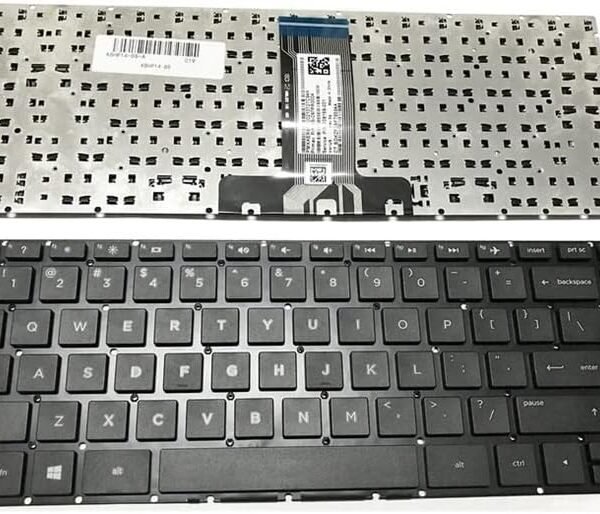
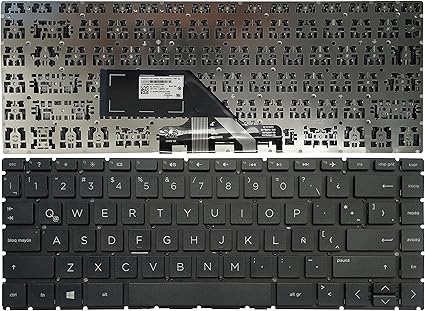
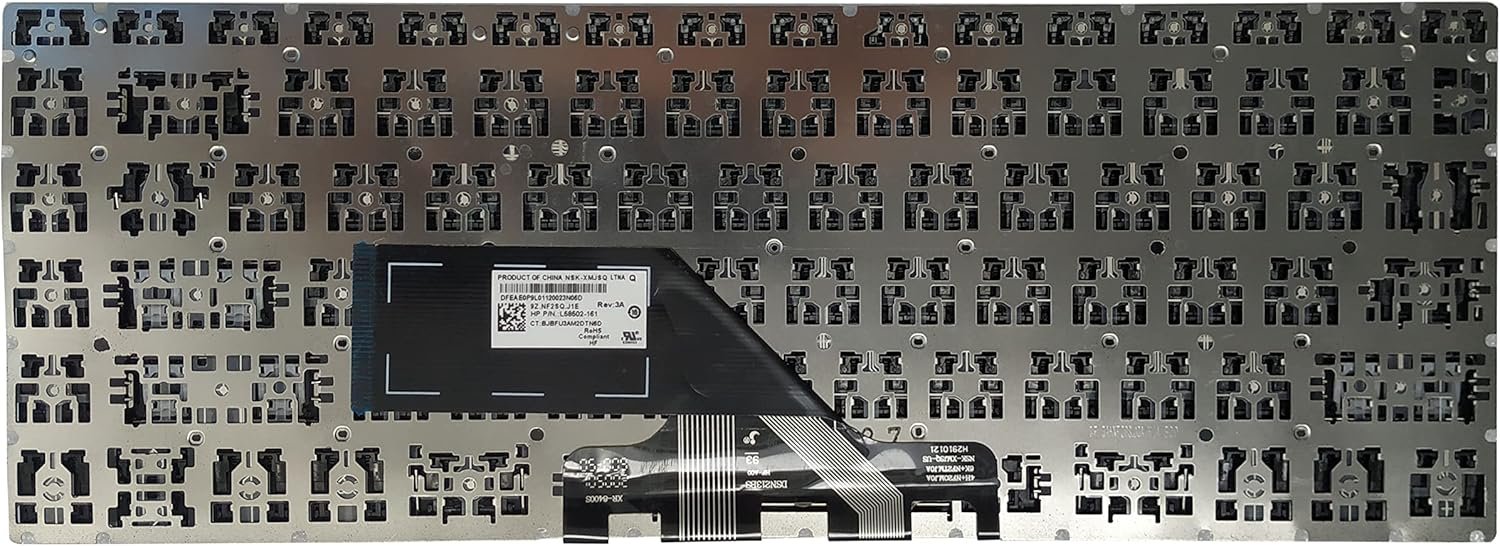
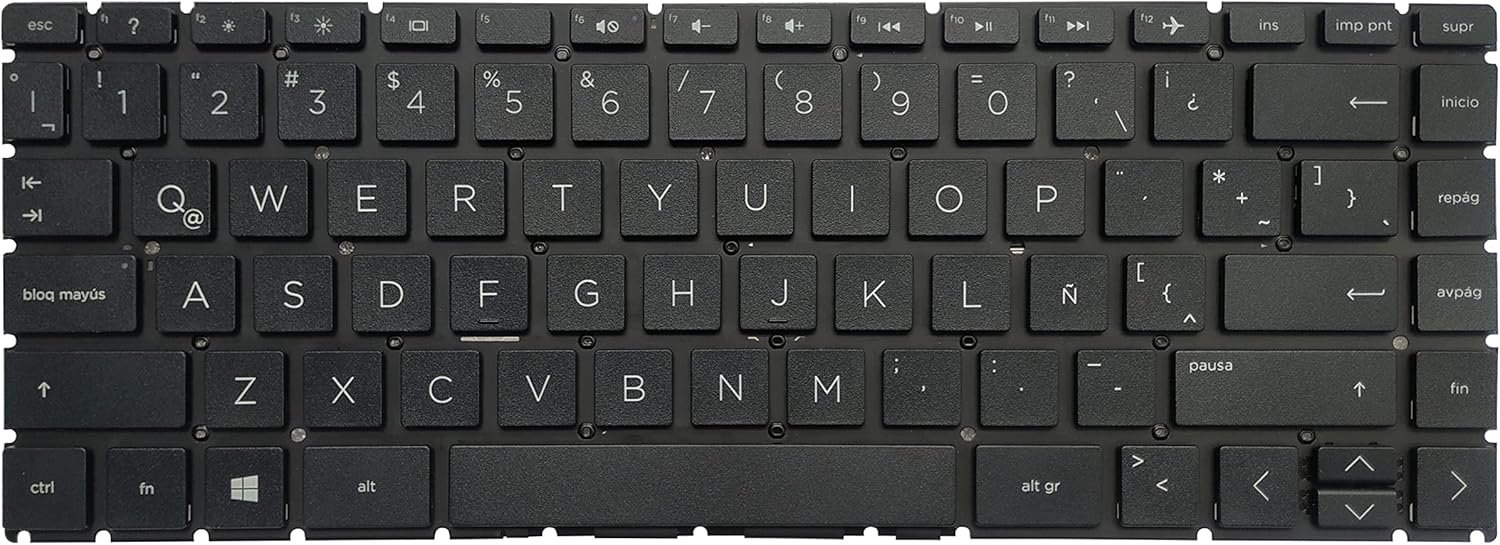
Product Name: HP 14s-dk / 14Z-DK / 14s-cf / 14s-cr / 14-CF Keyboard Replacement
Compatible Models: HP 14s-dk, 14Z-DK, 14s-cf, 14s-cr, 14-CF
Layout: US Standard QWERTY
Color: Black
Condition: Brand New – Original HP Part
Features:
Highly responsive, durable keys – comfortable keyboard for developers
Factory-fit design for smooth installation
Built for long-lasting daily use

Hurry and get discounts on all Apple devices up to 20%
Sale_coupon_15
KSh2,000.00 excl. VAT
Payment Methods:

At Lansotech Solutions, we specialize in providing premium HP keyboard replacement services in Nairobi. If your HP 14s-dk, 14Z-DK, 14s-cf, 14s-cr, or 14-CF series laptop keyboard has become unresponsive, has missing keys, or feels uncomfortable, we have the perfect solution. Our genuine US layout replacement keyboards are engineered to restore your laptop’s original performance and provide a comfortable keyboard for developers, students, and professionals alike.
Using your laptop daily demands a keyboard that can handle constant typing without issues. By replacing your old keyboard with an authentic part, you gain:
Precise compatibility with HP 14s-dk, 14Z-DK, 14s-cf, 14s-cr, and 14-CF series.
Smooth, responsive keys ideal for long hours of coding or writing.
Durable construction built to handle heavy usage.
Seamless fit and original look, maintaining your laptop’s professional style.
Reliable performance tested by our experienced technicians.
✔ HP 14s-dk Series
✔ HP 14Z-DK Series
✔ HP 14s-cf Series
✔ HP 14s-cr Series
✔ HP 14-CF Series
Layout: US Standard QWERTY
Color: Black
Condition: Brand New – Original HP Replacement
We follow a carefully planned, transitional process to ensure your laptop is treated with the utmost care:
Step 1 – Diagnosis and Inspection
We verify that the keyboard is the root cause of your typing issues.
2 – Precision Disassembly
Using anti-static tools, we open your HP laptop carefully without affecting other components.
3 – Old Keyboard Removal
We remove the faulty keyboard with precision to avoid any damage.
4 – New Keyboard Installation
We install a genuine HP 14 series keyboard, ensuring each screw and connector is perfectly aligned.
Step 5 – Thorough Testing and Cleaning
We test every key and clean the laptop exterior, delivering a product that feels brand new.
A new keyboard is an investment—keeping it clean helps extend its life:
Use compressed air weekly to remove dust and debris.
Wipe gently with microfiber cloth and a mild cleaning solution.
Avoid eating or drinking near the keyboard to prevent spills.
Consider using a keyboard protector in high‑dust environments.
Type softly to maintain key longevity.
These habits ensure your replacement remains a perfect keyboard for developers and daily users.
✔ HP-certified technicians with hands-on experience
✔ Authentic HP replacement parts for guaranteed quality
✔ Fast and reliable service with competitive pricing
✔ Warranty coverage for peace of mind
✔ Trusted by businesses, schools, and tech enthusiasts
No account yet?
Create an Account











 ASUS
ASUS



