





 Laptop Computers
 Desktop Computers
 Printers

 Network
 Software
 Laptop Accessories
 Laptop Components
 Office
 Desktop peripherals
 Server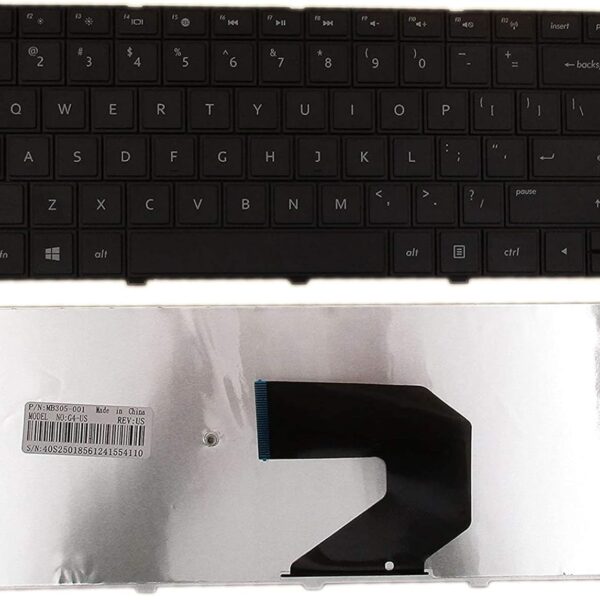

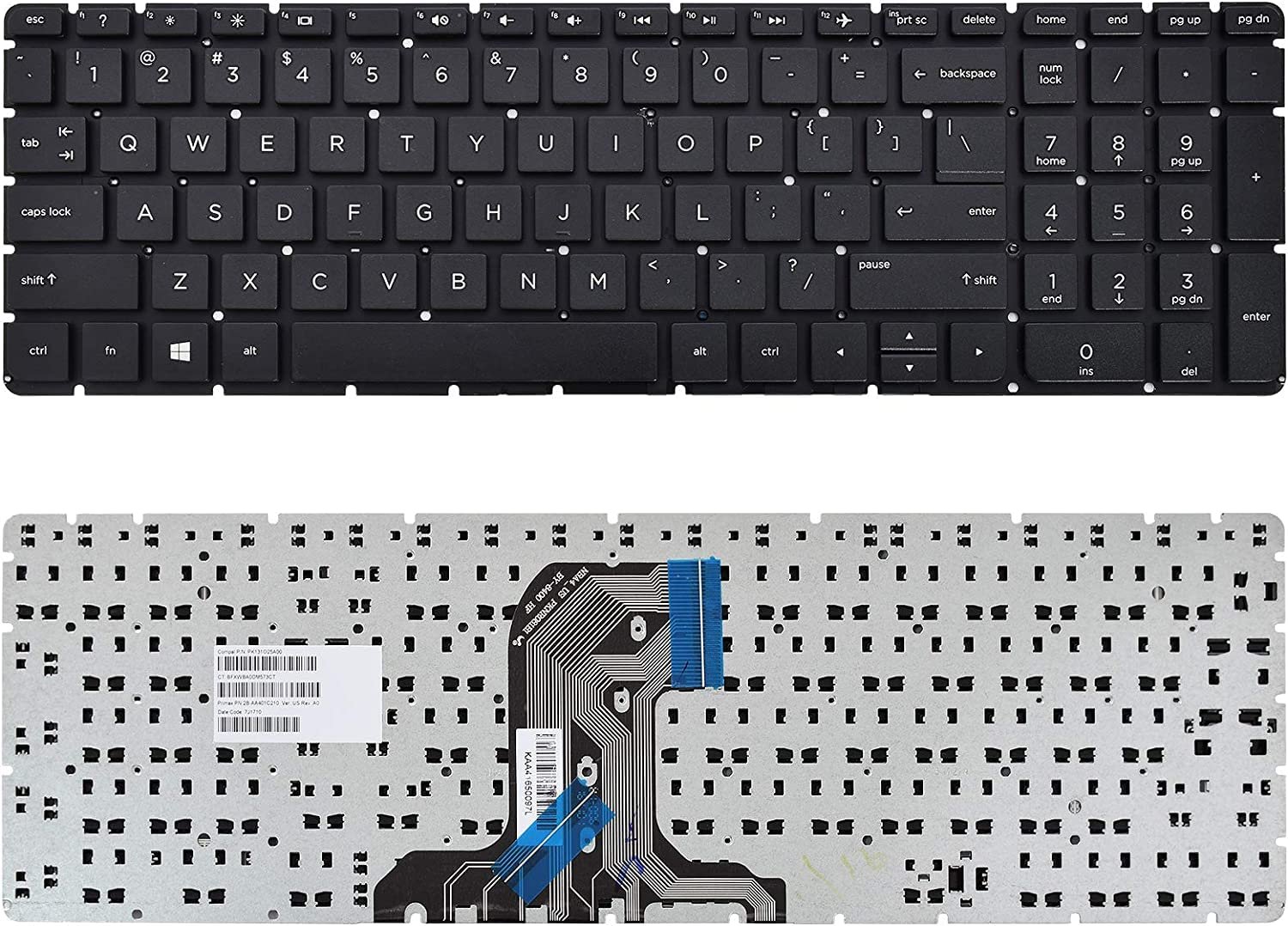
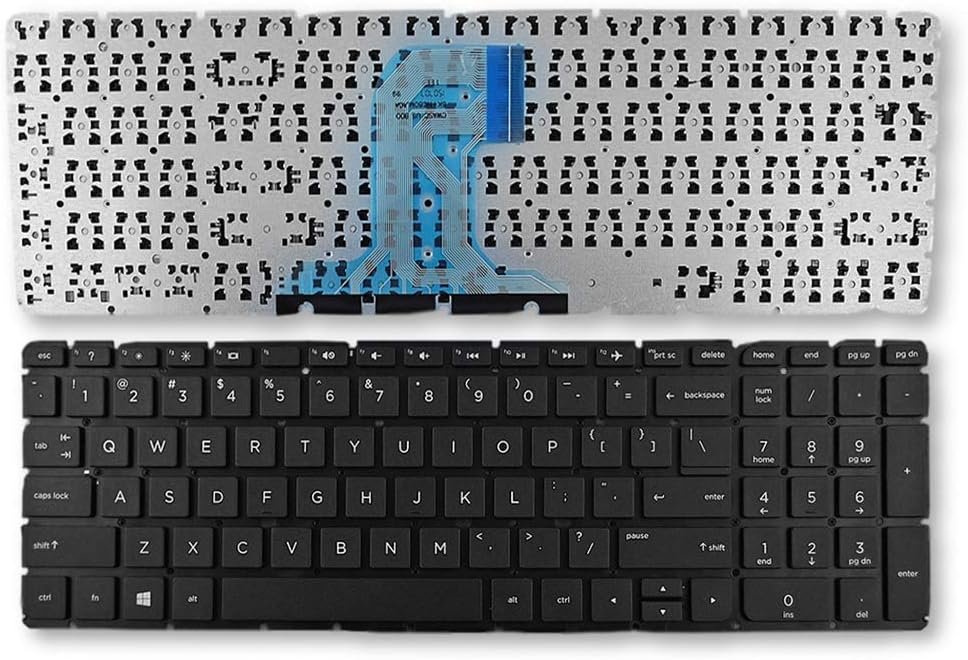
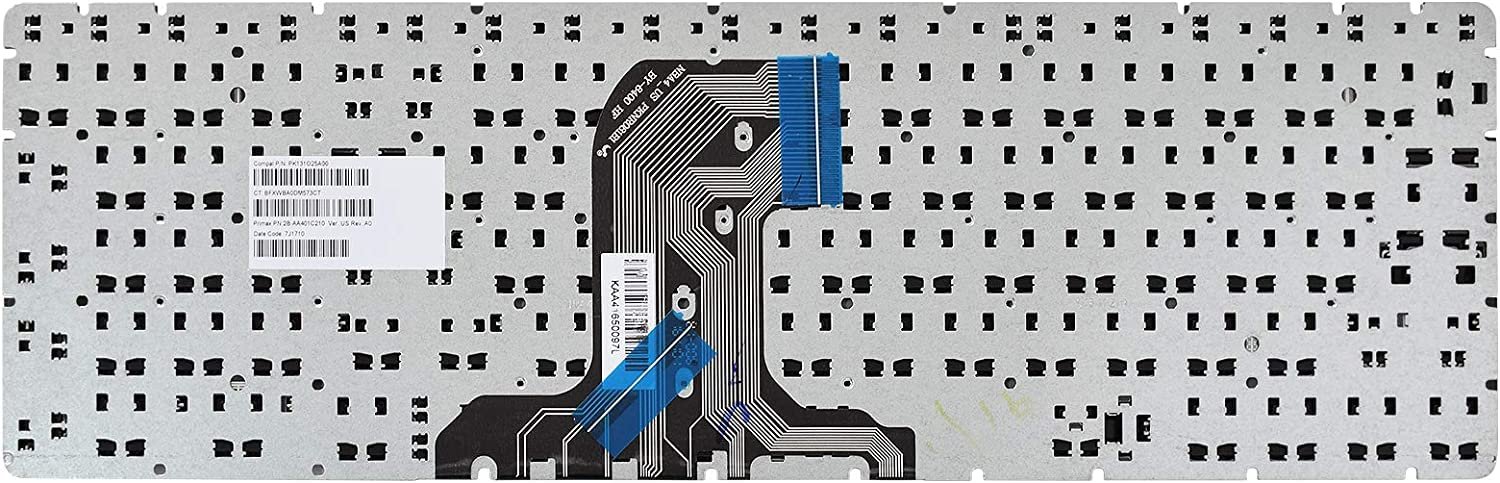
Compatible Models: HP 15‑AC / 15‑AF / 15‑AY / 15‑BA / 15‑BN / 250 G4
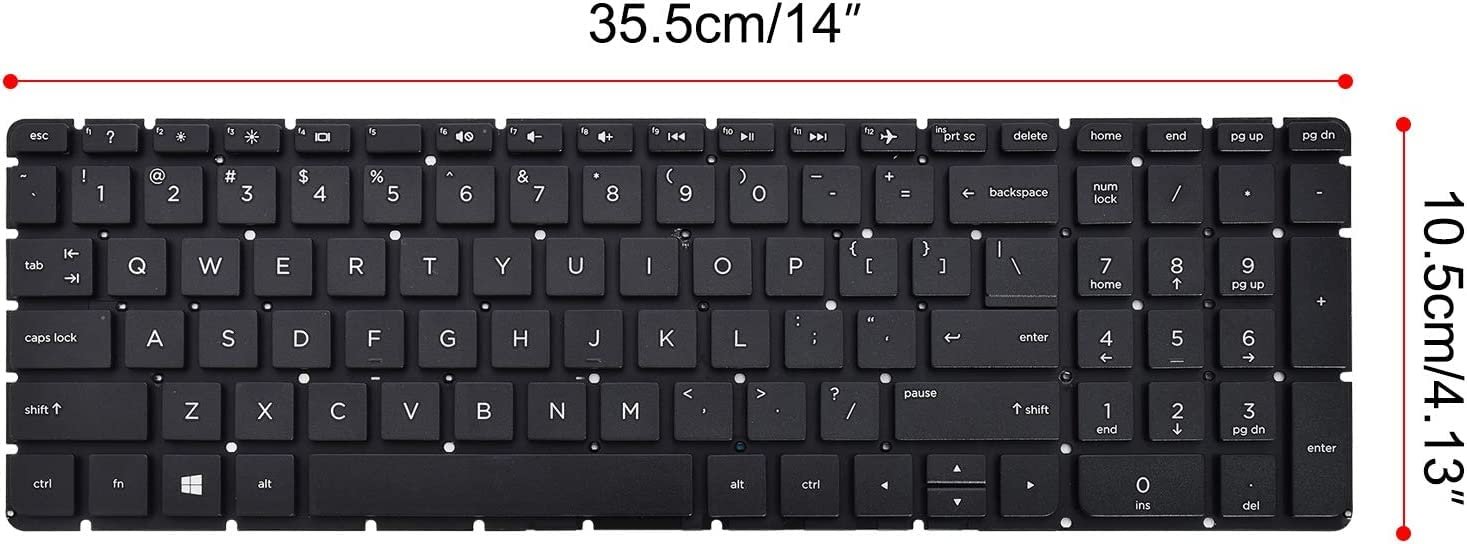
Layout: US Standard QWERTY
Color: Black
Condition: Brand New – Original HP Part
Features:
Responsive, durable keys for comfortable typing sessions
Perfect factory fit for seamless installation
Long‑lasting design tested for heavy usage
Warranty: Provided by Lansotech Solutions after professional installation

Hurry and get discounts on all Apple devices up to 20%
Sale_coupon_15
KSh2,000.00 excl. VAT
Payment Methods:

At Lansotech Solutions, we understand how important a responsive and comfortable keyboard is for your daily tasks. If your HP 15‑AC, 15‑AF, 15‑AY, 15‑BA, 15‑BN or HP 250 G4 laptop keyboard is faulty, missing keys, or feels uncomfortable to use, we offer a genuine HP US layout replacement keyboard that restores your laptop’s original performance. Whether you’re a student, business professional, or a developer looking for a comfortable keyboard for long coding sessions, we’ve got you covered.
Installing a genuine HP replacement keyboard offers many advantages:
Perfect fit and compatibility with HP 15‑AC, 15‑AF, 15‑AY, 15‑BA, 15‑BN, and 250 G4.
Smooth, precise keystrokes that enhance typing speed and accuracy.
Durable construction built to handle heavy, everyday use.
US standard layout with a sleek black design that matches your laptop.
At Lansotech Solutions, we only stock brand‑new, factory‑tested original keyboards to guarantee quality and longevity.
Our replacement keyboard is specifically designed for:
✔ HP 15‑AC Series
✔ HP 15‑AF Series
✔ HP 15‑AY Series
✔ HP 15‑BA Series
✔ HP 15‑BN Series
✔ HP 250 G4
All keyboards come with a US Standard QWERTY layout.
We follow a step‑by‑step transitional process to ensure a flawless replacement:
Step 1 – Diagnosis
We check your laptop to confirm that the keyboard needs replacement.
2 – Disassembly
Our technicians open your laptop carefully using precision tools to avoid damage.
Step 3 – Removal of the Old Keyboard
We disconnect and remove the faulty keyboard with utmost care.
4 – Installation of Genuine Keyboard
A brand‑new HP keyboard is installed, ensuring all connections are properly secured.
Step 5 – Testing and Final Cleaning
We test every key for responsiveness and clean your laptop for a polished finish.
To maintain your new keyboard and keep it working perfectly:
Dust Regularly: Use compressed air weekly to remove debris between keys.
Wipe Gently: Use a microfiber cloth with isopropyl alcohol to clean the surface.
Avoid Spills: Keep food and drinks away from your laptop area.
Use a Keyboard Cover: Protects against dust and accidental spills.
Type Softly: Avoid hitting keys too hard to extend their lifespan.
These tips will help you enjoy a comfortable keyboard for developers and professionals for years.
✔ HP‑certified technicians with extensive experience
✔ Original parts always in stock for fast replacements
✔ Same‑day service available for most models
✔ Affordable pricing and warranty on parts and installation
✔ Trusted by developers, students, and businesses across Nairobi
No account yet?
Create an Account











 ASUS
ASUS



