





 Laptop Computers
 Desktop Computers
 Printers

 Network
 Software
 Laptop Accessories
 Laptop Components
 Office
 Desktop peripherals
 Server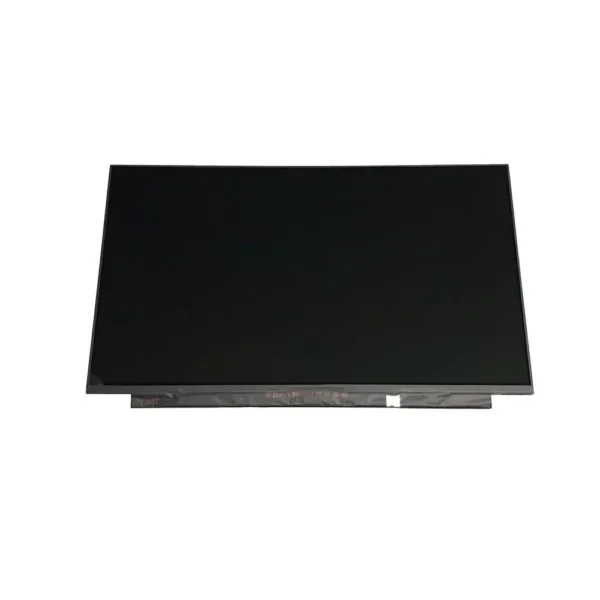

Hurry and get discounts on all Apple devices up to 20%
Sale_coupon_15
KSh8,000.00 excl. VAT
Payment Methods:

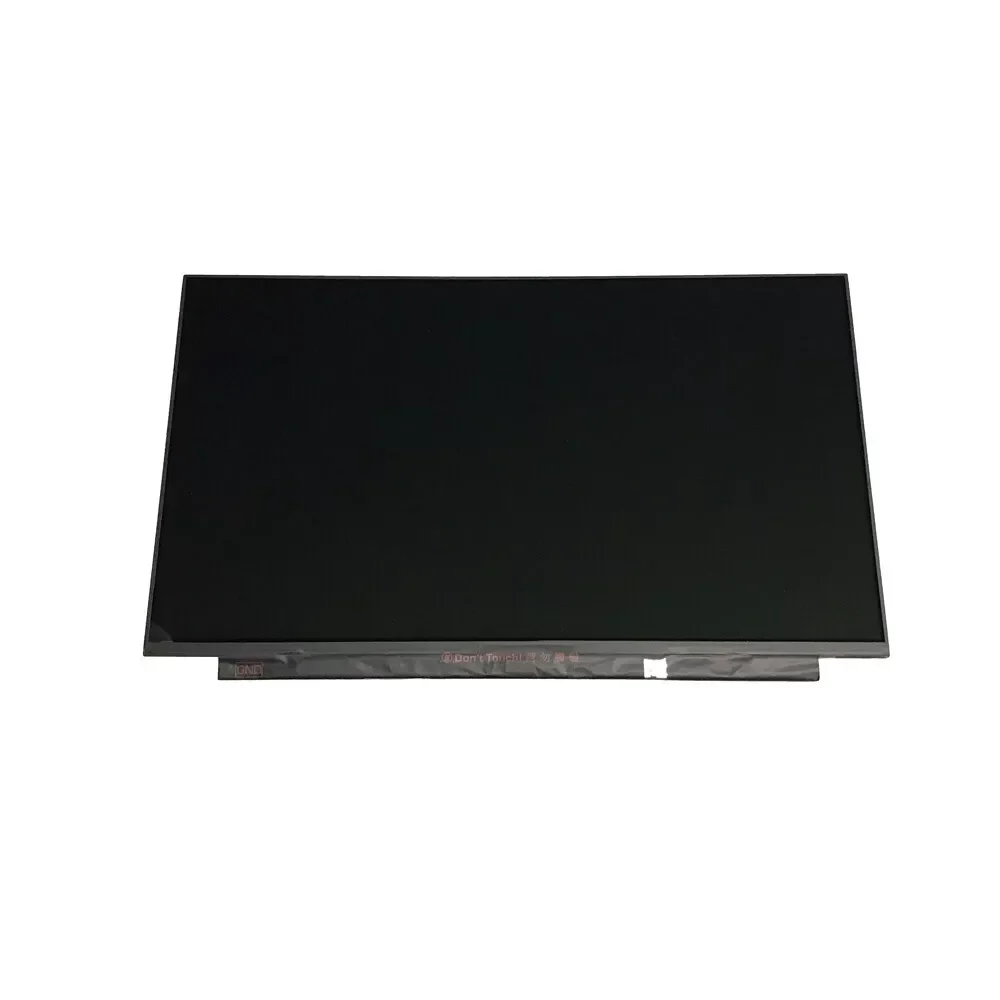
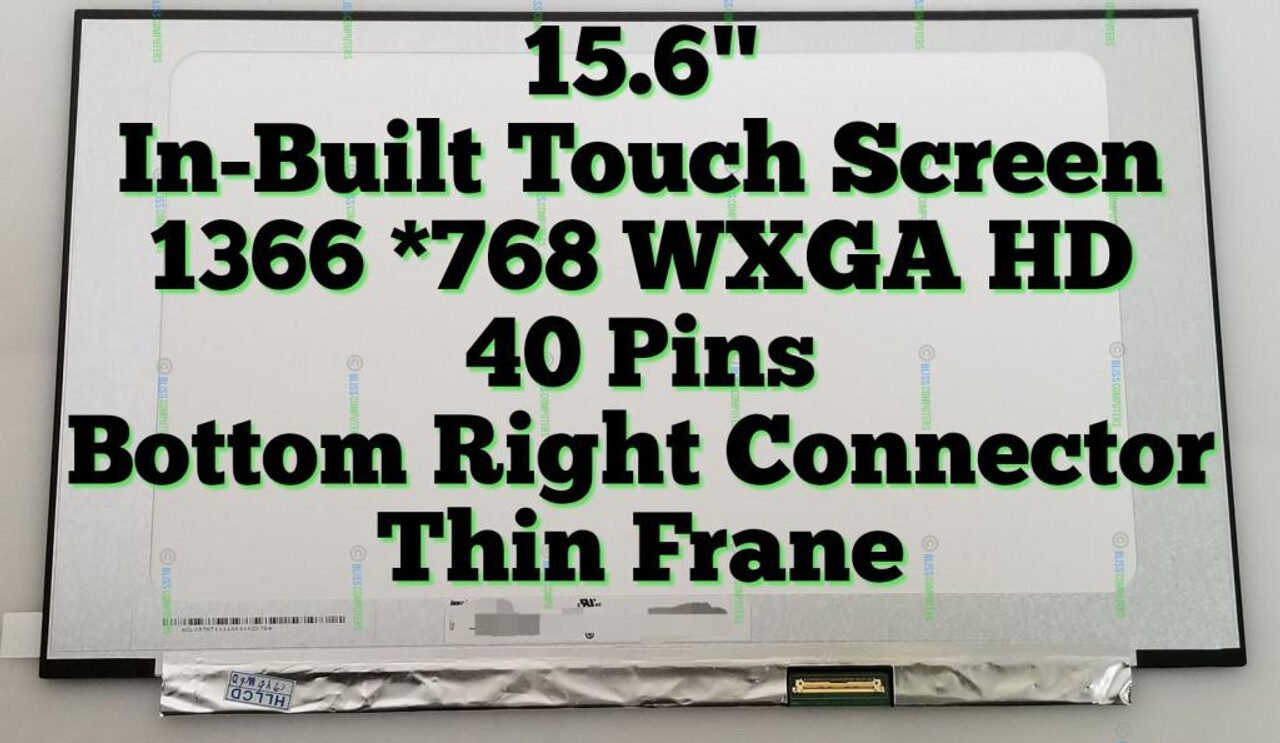
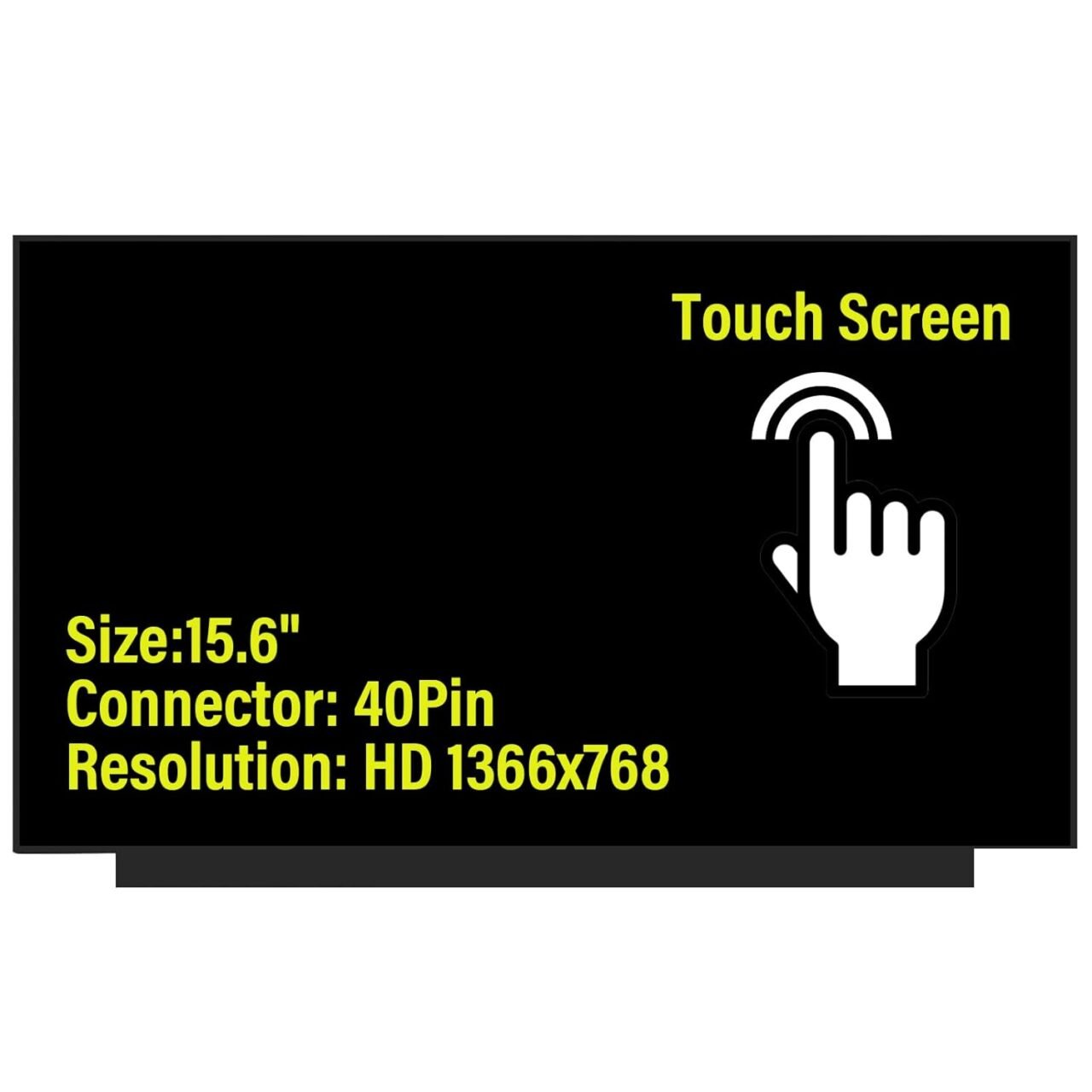
At Lansotech Solutions, we specialize in HP laptop screen replacement and professional repair services across Nairobi, Kenya. If your HP 15-dy1023dx screen is cracked, flickering, or showing distorted colors, our team can replace it with a genuine HP display panel that restores your laptop’s original sharpness and brightness.
When it comes to reliable laptop repair, Lansotech Solutions is the name you can trust. This article explains everything you need to know about HP 15-dy1023dx screen replacement, the process involved, and most importantly, why you should choose us for professional and affordable HP repairs in Nairobi.
The HP 15-dy1023dx is part of HP’s sleek and lightweight 15-inch notebook series. It features a 15.6-inch Full HD display (1920 x 1080 resolution), Intel Core i3/i5 processor, and anti-glare LED screen, making it ideal for students, professionals, and home users.
However, despite its durable design, the laptop screen is vulnerable to physical damage, accidental drops, or pressure cracks. A damaged display affects visibility and usability, which is why screen replacement is the best solution.
If your laptop shows any of these symptoms, your screen likely needs to be replaced:
Cracked or broken display glass
Flickering or flashing screen
Dim or black display even when powered on
Vertical or horizontal lines on the screen
Discoloration, white patches, or dead pixels
Distorted images or blurry text
At Lansotech Solutions, our technicians run a free diagnostic test to confirm that the issue is indeed with the screen and not the graphics chip or display cable.
At Lansotech Solutions Nairobi, we follow a professional and precise screen replacement procedure designed to protect your device and ensure lasting results.
Our experts start with a comprehensive hardware inspection to verify that the screen is faulty and to rule out other issues like motherboard or cable problems.
We disconnect the charger and remove the laptop battery to prevent any electrical short circuit during repair.
Using non-damaging plastic pry tools, we carefully remove the screen bezel without breaking clips or scratching the frame.
We unscrew and detach the old screen, then gently disconnect the 30-pin display cable from the back of the panel.
We install the new genuine HP Full HD screen, connect the cable securely, and test the display before securing it in place.
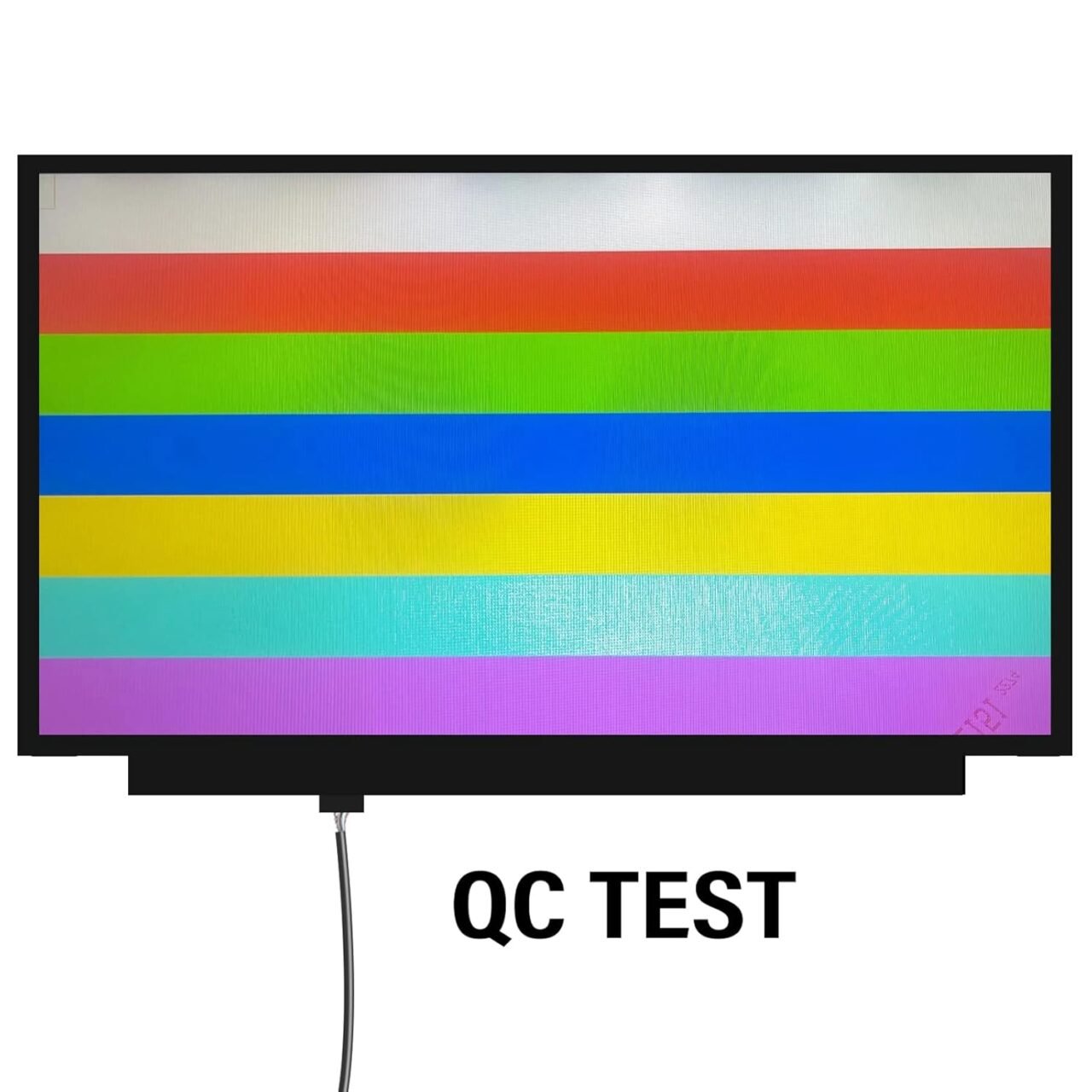
Once installed, we power on the laptop to check the new screen’s brightness, color accuracy, and pixel quality. After successful testing, we reattach the bezel and clean the screen for a professional finish.
After installing a new screen, follow these best practices to keep your display in excellent condition:
Always close the lid gently and avoid placing objects on top of the laptop.
Clean the display using a microfiber cloth and non-alcoholic cleaner.
Use a screen protector to prevent scratches.
Keep liquids away from your laptop.
Store your laptop in a padded bag or sleeve when traveling.
These habits help maintain brightness, clarity, and durability for your new HP screen.
If your HP 15-dy1023dx laptop screen is broken or malfunctioning, visit Lansotech Solutions today for fast, professional, and genuine screen replacement services.

No account yet?
Create an Account











 ASUS
ASUS



