





 Laptop Computers
 Desktop Computers
 Printers

 Network
 Software
 Laptop Accessories
 Laptop Components
 Office
 Desktop peripherals
 Server
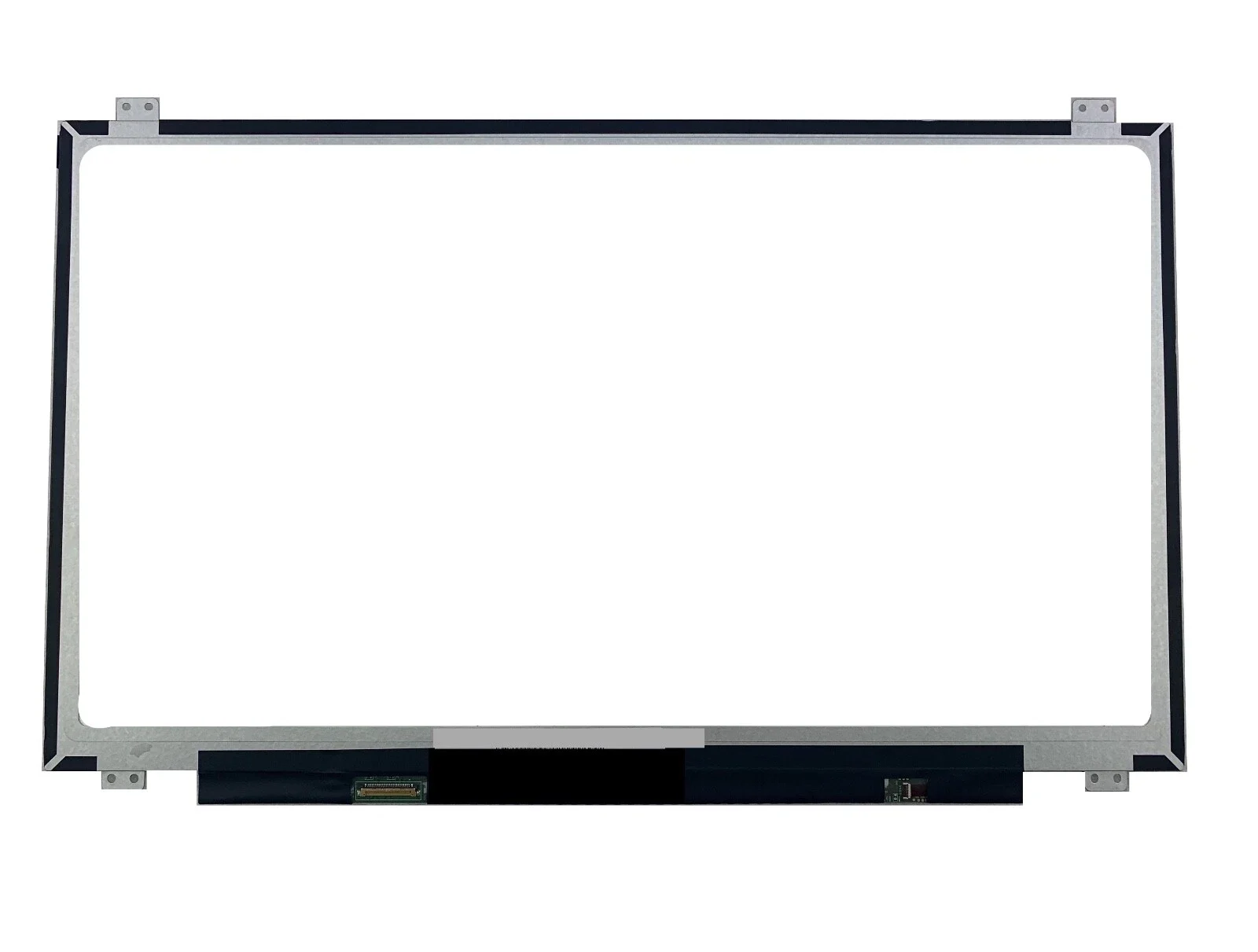
Choosing the correct replacement screen ensures full functionality, optimal brightness, and perfect color reproduction. At Lansotech Solutions, we source only compatible and high-grade panels for long-term performance.

Hurry and get discounts on all Apple devices up to 20%
Sale_coupon_15
KSh7,500.00 excl. VAT
Payment Methods:

A damaged or malfunctioning display can disrupt your workflow and reduce productivity, especially on large-screen laptops like the HP 17-x116dx. At Lansotech Solutions, Nairobi’s leading laptop repair and sales professionals, we specialize in high-quality HP laptop screen replacements delivered with precision, speed, and reliability. This comprehensive guide covers every important detail about HP 17-x116dx screen replacement, from specifications and symptoms to professional procedures and service benefits.
Laptop screens can fail due to accidental damage, pressure, impact, or internal component failure. Below are the common symptoms indicating that your HP display needs replacement.
Visible cracks, broken glass, or colored patches indicate severe internal damage.
This is often caused by internal panel failure or damaged connectors.
A clear sign that the LCD matrix is malfunctioning.
These indicate internal liquid crystal leakage.
If brightness control does not restore visibility, the LED backlight may be failing.
This may indicate a damaged screen or connector cable.
Our experts conduct detailed diagnostics before replacement to ensure the correct fix.
Replacing the HP 17-x116dx display requires expertise due to the delicate structure of HP’s 17.3-inch laptops. At Lansotech Solutions, we follow strict service protocols to ensure flawless results.
We check:
The exact screen model
Cable and connector integrity
GPU output
Bezel and hinge condition
This ensures full compatibility and prevents future screen issues.
Using specialized tools, our technicians remove the bezel, battery, screws, and display assembly without causing damage.
We detach the faulty panel with care, paying attention to the fragile 30-pin eDP connector.
We install a brand-new, genuine or premium-compatible LCD panel that matches HP’s specifications.
After installation, we verify:
Brightness performance
Color accuracy
Stability of the display cable
Full edge-to-edge visibility
Once all tests are complete, we reassemble the laptop and perform a full system check before handing it back.
Our team consists of experts with extensive HP repair experience.
We use high-quality, compatible panels to ensure durability and sharp display output.
Most HP 17-x116dx screen replacements take 1–2 hours.
We provide 3–6 months warranty on all screen replacements.
Quality repairs at competitive prices—no hidden charges.
Lansotech Solutions is known for professionalism, transparency, and superior customer support.
The cost varies depending on the display quality and stock availability.
HD+ (1600×900) LED Screen: Standard replacement price
Full HD 1080p Upgrade (if compatible): Premium option
For accurate and updated pricing, contact us directly.
In many cases, the HP 17-x116dx supports an upgrade from HD+ to Full HD 1080p, provided the motherboard’s eDP connector supports the higher resolution.
Sharper text and visuals
Improved multimedia experience
Better color accuracy
More workspace for multitasking
We can confirm compatibility and perform the upgrade professionally.
Follow these professional care tips:
Avoid closing the laptop with objects on the keyboard
Use a padded laptop bag
Clean the screen with a microfiber cloth only
Do not apply pressure to the display
Consider using a screen protector
Close the lid gently from the center
These precautions help maintain your screen’s lifespan.
DIY replacement can cause:
Cable damage
Incorrect screen installation
Internal short circuit
Hinge or bezel breakage
By choosing Lansotech Solutions, you receive:
Professional installation
Warranty protection
Correct screen compatibility
Perfect calibration
A defective screen can significantly affect your laptop experience, but with the right technicians, your HP 17-x116dx can be restored to perfect visual performance. At Lansotech Solutions Nairobi, we offer top-tier HP 17-x116dx screen replacement services, using high-quality screens and professional installation techniques to deliver long-lasting results.

No account yet?
Create an Account











 ASUS
ASUS



