





 Laptop Computers
 Desktop Computers
 Printers

 Network
 Software
 Laptop Accessories
 Laptop Components
 Office
 Desktop peripherals
 Server
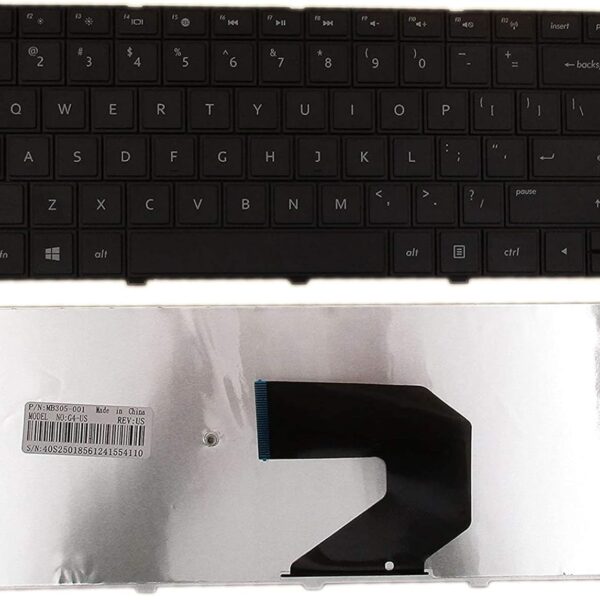
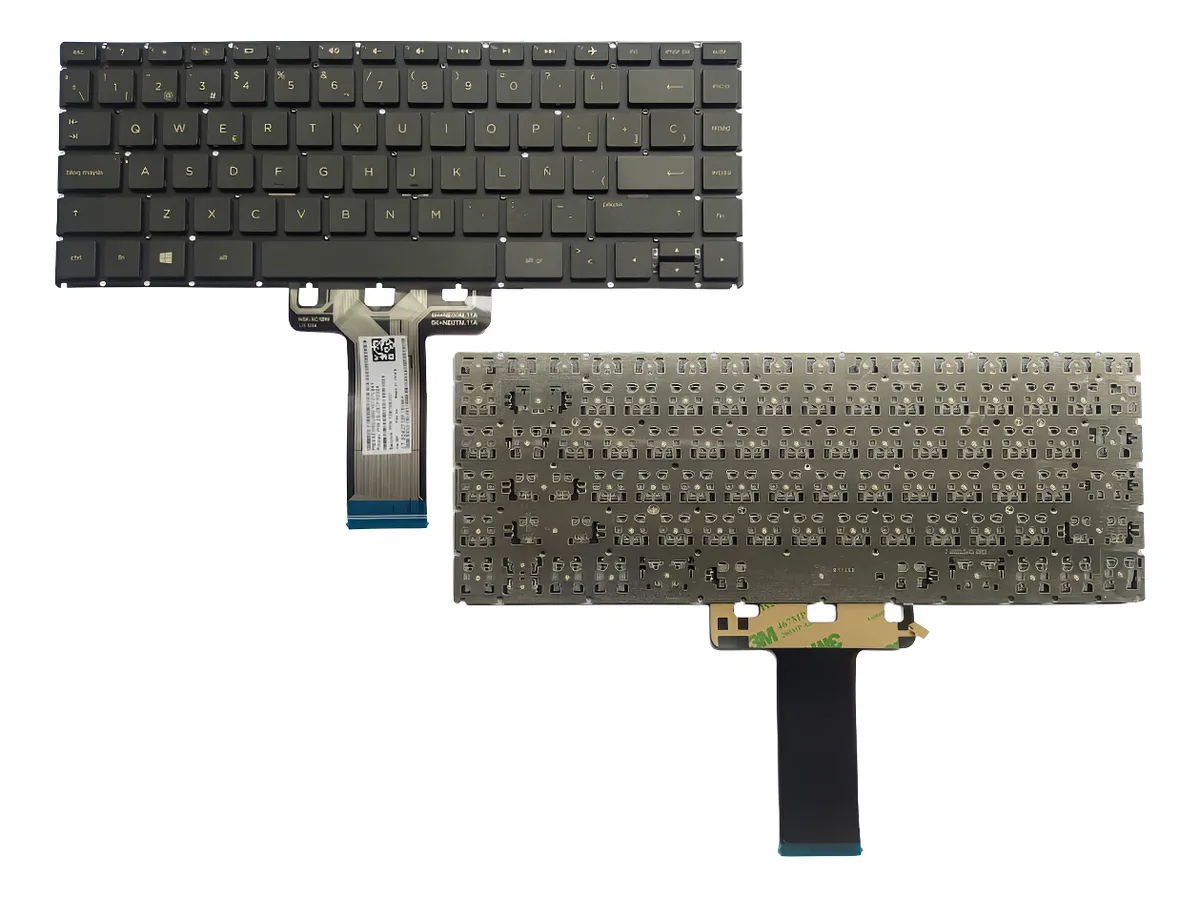
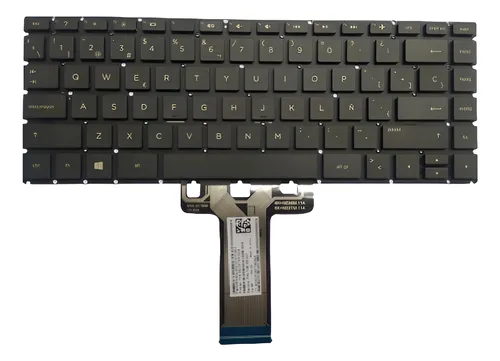
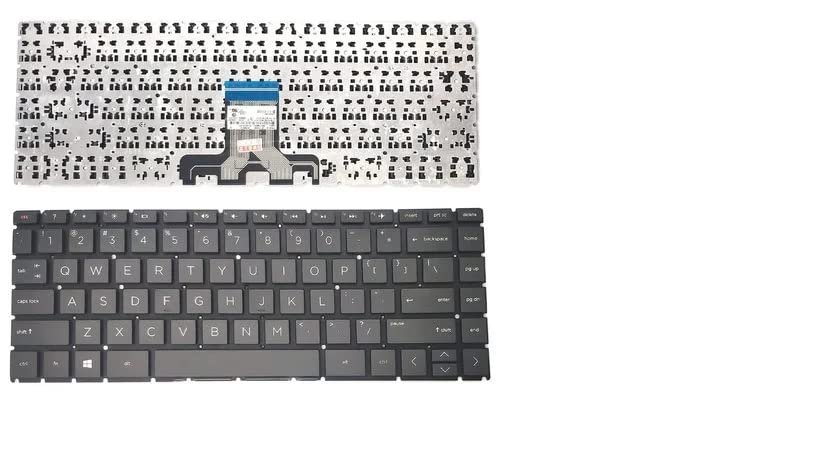
Compatible Models: HP 240 G7, HP 245 G7, HP 246 G7
Layout: US Standard (QWERTY)
Color: Black
Condition: Brand New, Original HP Part
Features:
Smooth key travel and excellent tactile feedback
Built to last under heavy daily use
Perfect fit with no modifications required

Hurry and get discounts on all Apple devices up to 20%
Sale_coupon_15
KSh2,200.00 excl. VAT
Payment Methods:

At Lansotech Solutions, we are proud to be Nairobi’s leading supplier and installer of genuine HP parts. If your HP 240 G7, 245 G7, or 246 G7 keyboard is damaged, unresponsive, or missing keys, we provide a high‑quality US layout keyboard replacement that restores your laptop’s original typing experience.
Our keyboards are perfect for students, business professionals, and developers who need a comfortable keyboard for long hours of use. With our professional services, you can enjoy a keyboard that feels brand new, improving your productivity and typing speed.
Replacing your keyboard with an original part guarantees:
Perfect compatibility with your HP 240 G7, 245 G7, or 246 G7.
Smooth, accurate key response, essential for error‑free typing.
Durability to withstand heavy daily use.
A clean US layout design, ideal for both casual and professional work.
At Lansotech Solutions, we only stock brand new, factory‑tested HP keyboards that meet strict quality standards.
Our replacement keyboards are fully compatible with:
✔ HP 240 G7
✔ HP 245 G7
✔ HP 246 G7
All replacements feature a US Standard QWERTY layout in classic black.
We follow a careful, professional process to ensure your new keyboard is installed perfectly:
Step 1 – Diagnosis and Confirmation
We first inspect your laptop to verify that the keyboard is the source of the problem.
2 – Safe Disassembly
Our technicians open your laptop using precision tools to avoid damage.
Step 3 – Old Keyboard Removal
The faulty keyboard is carefully detached without harming internal components.
4 – Installation of Genuine Keyboard
We install the new HP keyboard, ensuring all connections are secure.
Step 5 – Final Testing and Cleaning
Each key is tested, and the keyboard area is cleaned before returning your laptop.
After your new keyboard is installed, maintaining it well will keep it performing like new:
Dust Frequently: Use compressed air weekly to remove dirt between keys.
Wipe Gently: Clean the surface with a soft cloth and isopropyl alcohol.
Avoid Spills: Keep food and liquids away from your laptop.
Use a Keyboard Cover: Prevents dust, crumbs, and accidental spills.
Type Lightly: Gentle typing reduces wear on key mechanisms.
Following these tips ensures a comfortable keyboard for developers and professionals that stays reliable over time.
✔ Certified HP specialists with years of hands‑on experience
✔ Original parts always in stock for fast replacement
✔ Same‑day service for most models
✔ Affordable pricing with warranty on both parts and installation
✔ Trusted by students, IT experts, and businesses across Nairobi
No account yet?
Create an Account











 ASUS
ASUS



