





 Laptop Computers
 Desktop Computers
 Printers

 Network
 Software
 Laptop Accessories
 Laptop Components
 Office
 Desktop peripherals
 Server

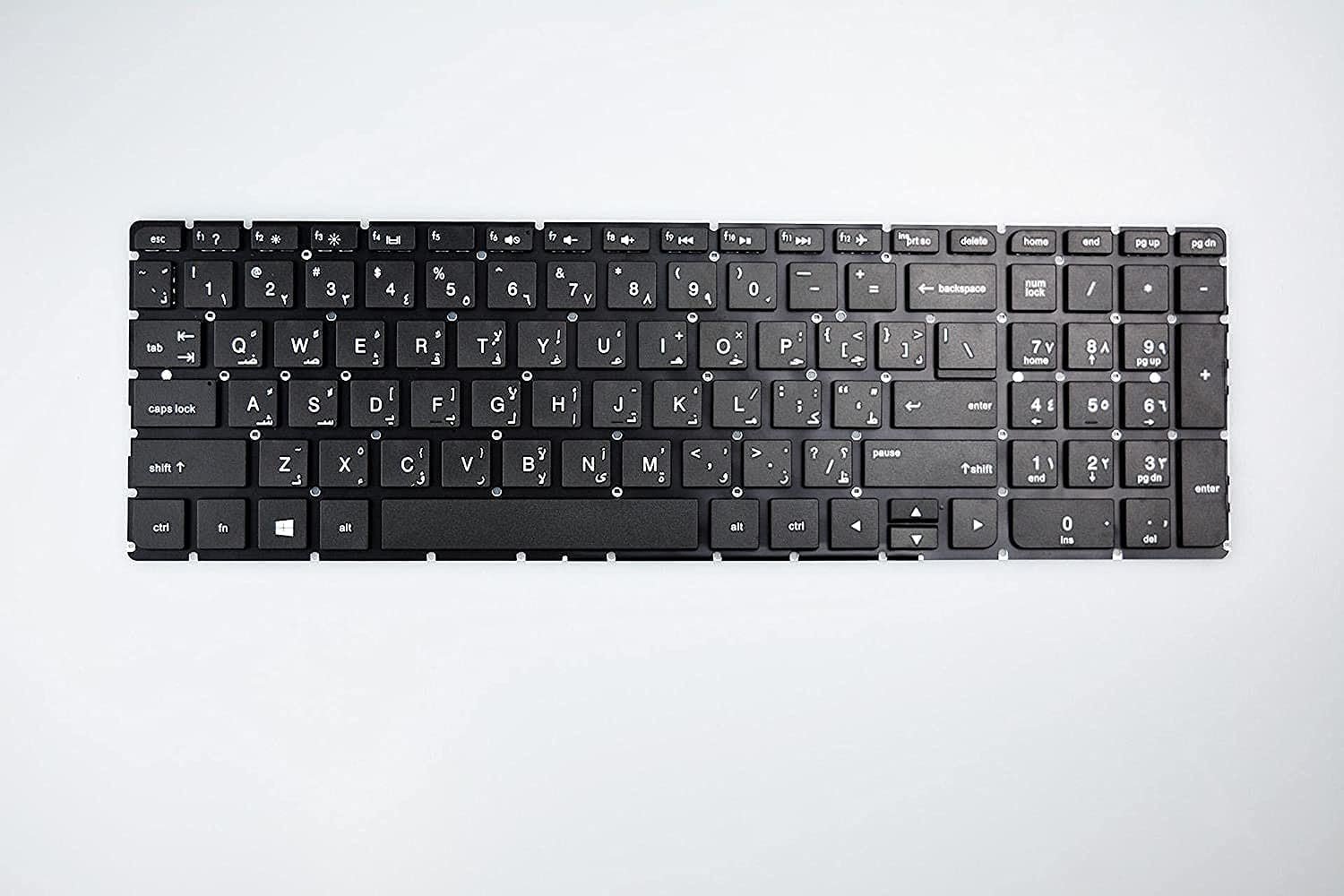
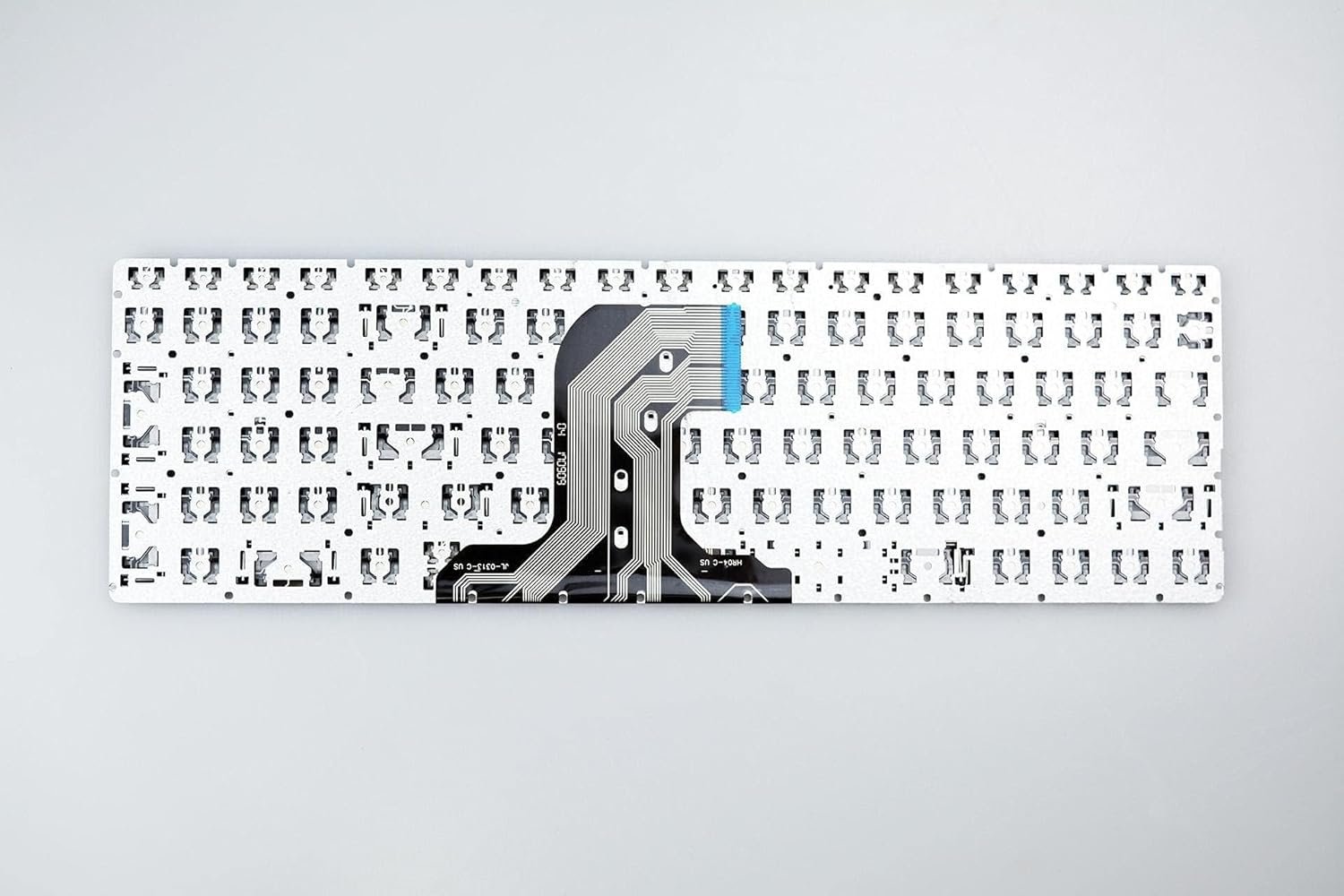
Compatible Models: HP 255 G4, HP 256 G4, HP 250 G5, HP 255 G5
Layout: US Standard (QWERTY)
Color: Black
Condition: Brand New, Original HP Part
Features:
Excellent key travel and feedback
Built to last under heavy daily use
Direct fit for supported models
Warranty: Parts and labor covered by Lansotech Solutions

Hurry and get discounts on all Apple devices up to 20%
Sale_coupon_15
KSh2,000.00 excl. VAT
Payment Methods:

At Lansotech Solutions, we are proud to be Nairobi’s leading laptop repair and parts supplier, trusted by countless customers for delivering original HP components. If you own an HP 255 G4, 256 G4, 250 G5, or 255 G5 and your keyboard is faulty, sticky, or missing keys, our team will provide a fast, professional keyboard replacement that restores your laptop’s performance and makes typing a joy again.
Using a genuine HP keyboard is critical for optimal performance. When you replace your keyboard with an original part, you enjoy:
Seamless compatibility with your specific HP model.
Precise, responsive keys that improve typing speed and accuracy.
Durability for long working hours, perfect for developers and professionals.
A truly comfortable keyboard for developers, writers, and anyone typing extensively.
We only supply and install keyboards that meet HP’s strict quality standards.
Our genuine replacement keyboards are specifically designed for these models:
✅ HP 255 G4
✅ HP 256 G4
✅ HP 250 G5
✅ HP 255 G5
These keyboards are US layout (QWERTY) and come in a sleek black color to match your laptop perfectly.
At Lansotech Solutions, we ensure the process is simple, transparent, and quick:
Step 1 – Inspection and Diagnosis
We start by carefully checking your laptop to confirm the keyboard is the issue.
2 – Safe Disassembly
Next, our skilled technicians open your laptop using professional tools, protecting all components.
3 – Removing the Faulty Keyboard
We disconnect the old keyboard and remove it without affecting your laptop’s other parts.
Step 4 – Installing the New Keyboard
The genuine HP keyboard is then installed with precision, ensuring all connectors are secure.
Step 5 – Final Testing
We test every key, shortcut, and function to ensure your laptop is ready for use.
After your replacement, maintain your keyboard with these tips:
Regular Cleaning: Use compressed air to remove dust and crumbs.
Weekly Wipe: Gently wipe the keys with a microfiber cloth and isopropyl alcohol.
Avoid Spills: Keep drinks and snacks away from the keyboard area.
Use a Keyboard Protector: A thin cover prevents dust and liquid damage.
Gentle Typing: Avoid excessive force to keep key mechanisms intact.
By following these steps, you’ll enjoy smooth typing for years.
✔️ Certified HP technicians with years of expertise
✔️ Genuine HP keyboards in stock for fast service
✔️ Same‑day replacement for most models
✔️ Clear, upfront pricing with no surprises
✔️ Warranty on parts and labor for your peace of mind
If you’re struggling with a damaged keyboard on your HP 255 G4, 256 G4, 250 G5, or 255 G5, visit Lansotech Solutions today. We’ll provide a professional replacement that feels brand new, helping you type faster, more accurately, and more comfortably.
No account yet?
Create an Account











 ASUS
ASUS



