





 Laptop Computers
 Desktop Computers
 Printers

 Network
 Software
 Laptop Accessories
 Laptop Components
 Office
 Desktop peripherals
 Server
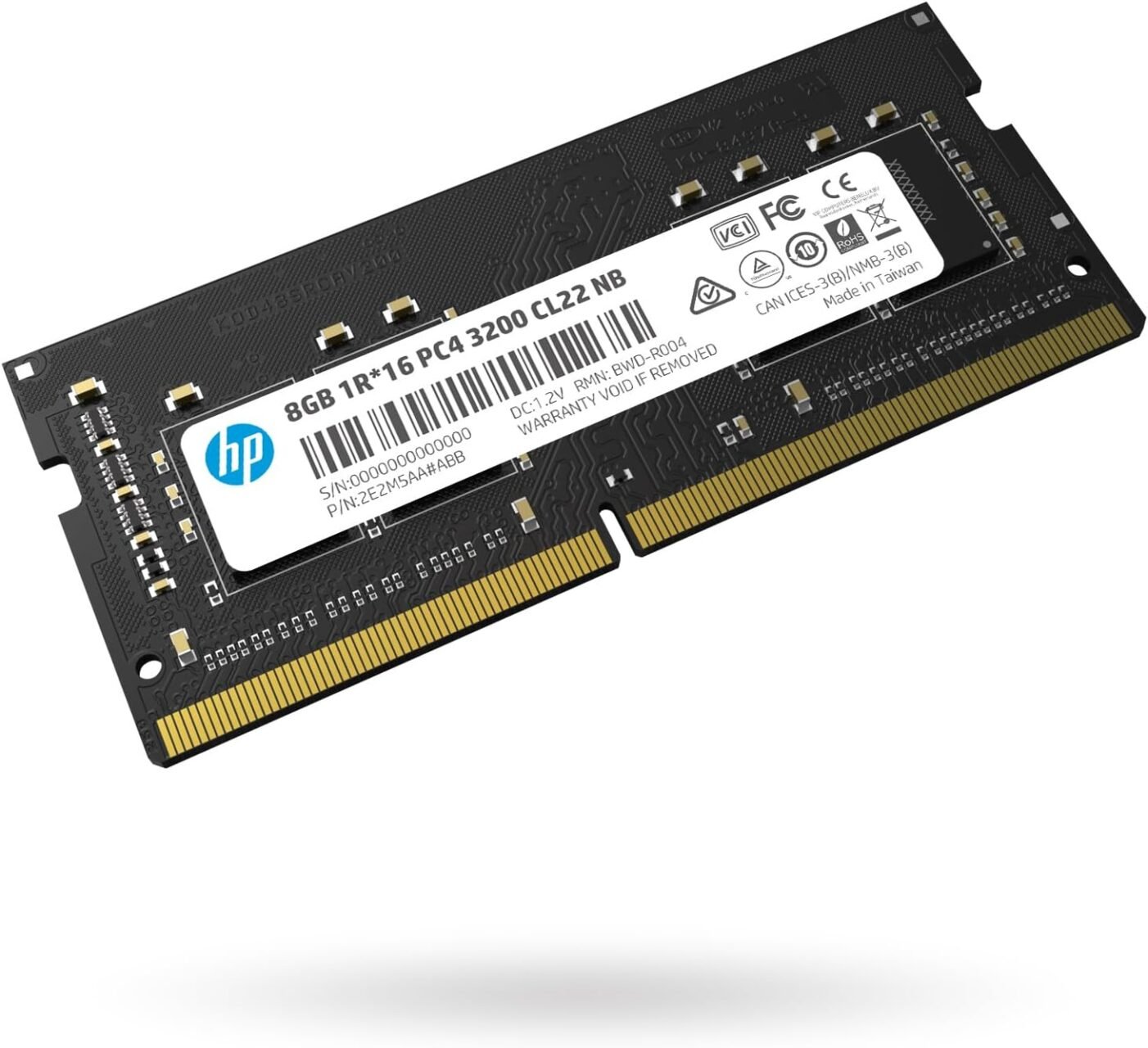
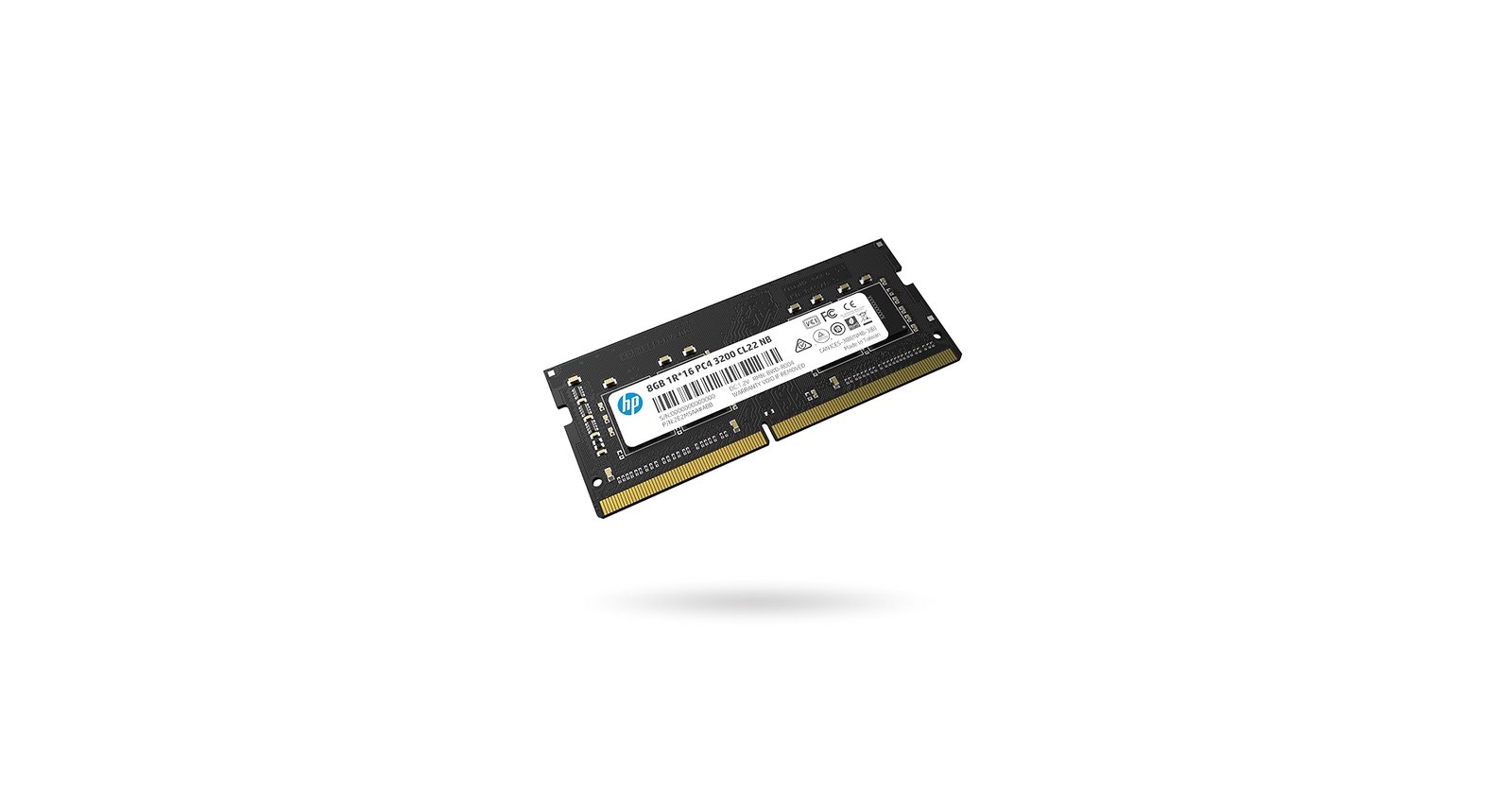
Brand: HP-compatible DDR4
Capacity: 8GB
Type: DDR4
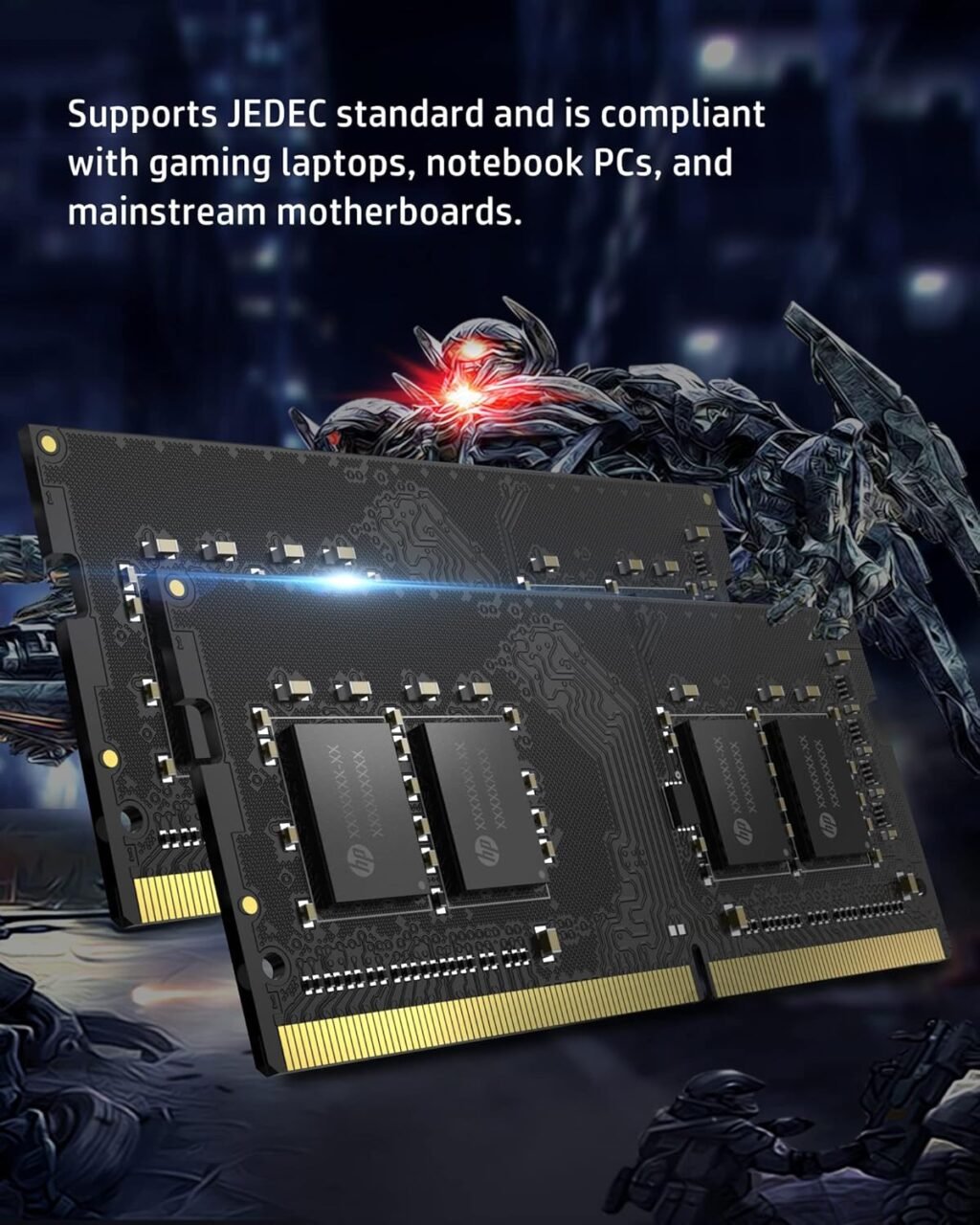
Form Factor: SO-DIMM 260-pin
Speed/Frequency: 2133MHz, 2400MHz, 2666MHz, or 3200MHz
Voltage: 1.2V
Compatibility: HP laptops supporting DDR4 SO-DIMM 260-pin modules
Use Case: Multitasking, gaming, multimedia editing, productivity, system stability

Hurry and get discounts on all Apple devices up to 20%
Sale_coupon_15
KSh3,500.00 excl. VAT
Out of stock
Out of stock
Payment Methods:

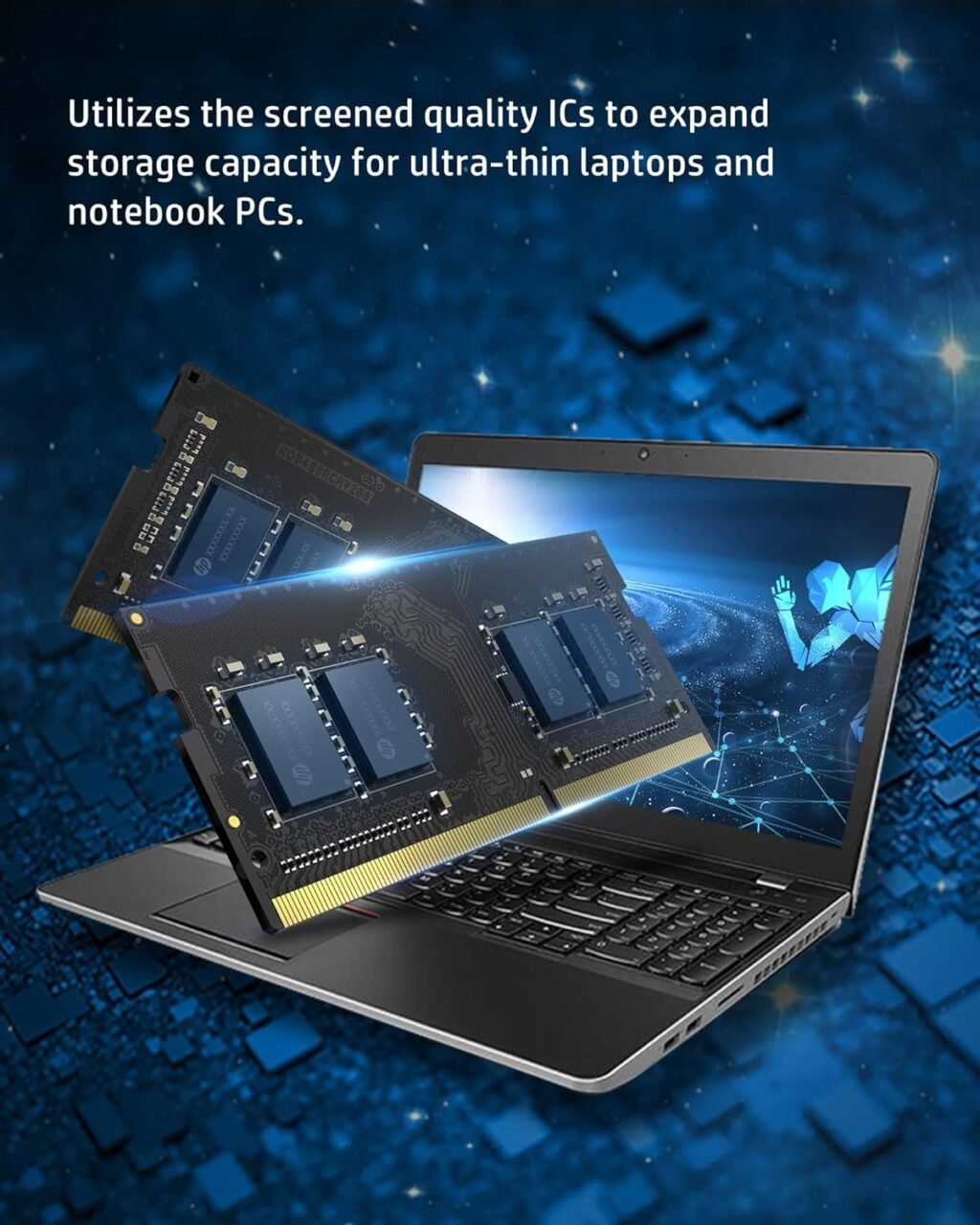
At Lansotech, we specialize in providing high-quality RAM upgrades for laptops. Upgrading your HP laptop with 8GB DDR4 RAM can significantly enhance system speed, multitasking, and reliability. Compatible with 260-pin SO-DIMM slots and available in speeds of 2133MHz, 2400MHz, 2666MHz, and 3200MHz, this upgrade ensures your laptop runs efficiently for work, gaming, or multimedia use.
Many HP laptops come with limited factory-installed memory, which can result in:
Slow application launches and system boot times
Lag during multitasking
Frequent system freezes when running multiple programs
Installing 8GB DDR4 RAM provides:
Enhanced multitasking – Run multiple applications and browser tabs simultaneously without performance drops.
Faster system responsiveness – Quicker boot times, software launches, and file handling.
Improved stability – Reduces crashes, freezes, and memory errors.
Better support for modern applications – Ideal for office productivity, multimedia editing, casual gaming, and web browsing.
The DDR4 architecture ensures higher speeds, lower voltage, and improved efficiency compared to DDR3 memory.
Available in speeds of 2133MHz, 2400MHz, 2666MHz, and 3200MHz, these modules provide fast data transfer rates, making your laptop more responsive and capable of handling demanding tasks.
The 260-pin SO-DIMM design is specifically built for laptops, ensuring easy installation and broad compatibility with HP laptop models that support DDR4 memory.
DDR4 RAM operates at 1.2V, consuming less power than previous generations. This reduces heat generation and extends battery life, making it ideal for long work sessions or mobile computing.
High-quality modules undergo rigorous testing to ensure compatibility, stability, and long-term performance, providing a dependable upgrade for your HP laptop.
With 8GB of DDR4 RAM, you can run multiple office applications, media players, and web browsers without slowing down your system. This is particularly beneficial for students, professionals, and content creators.
Upgrading to 2666MHz or 3200MHz RAM allows smoother gameplay, faster load times, and better performance in graphic design or video editing applications. Lower-speed modules like 2133MHz or 2400MHz are ideal for standard office and educational tasks.
Upgrading ensures your laptop can handle memory-intensive applications without crashes or freezes, improving reliability for work and study.
Increasing available memory reduces strain on the system, helping your HP laptop stay usable and responsive for longer.
Proper care ensures long-lasting performance:
Keep the laptop clean – Dust in vents or memory slots can reduce efficiency. Use compressed air regularly.
Prevent overheating – Maintain airflow, and consider using a cooling pad.
Handle RAM carefully – Ground yourself to prevent static discharge during installation.
Monitor system usage – Avoid running excessive heavy applications for extended periods.
Update BIOS and drivers – Ensures your laptop recognizes and optimizes the new memory.
Avoid physical damage – Install modules gently, aligning them correctly in the slots.
The 260-pin SO-DIMM form factor ensures compatibility with HP laptops that support DDR4 memory. Installation steps:
Turn off the laptop and remove the battery if possible.
Open the memory compartment carefully.
Align the RAM module with the slot, ensuring the notch matches the key.
Press gently until the module clicks into place.
Close the compartment and power on the laptop.
Most HP laptops will automatically detect the new RAM, improving performance immediately.
No account yet?
Create an Account











 ASUS
ASUS



