





 Laptop Computers
 Desktop Computers
 Printers

 Network
 Software
 Laptop Accessories
 Laptop Components
 Office
 Desktop peripherals
 Server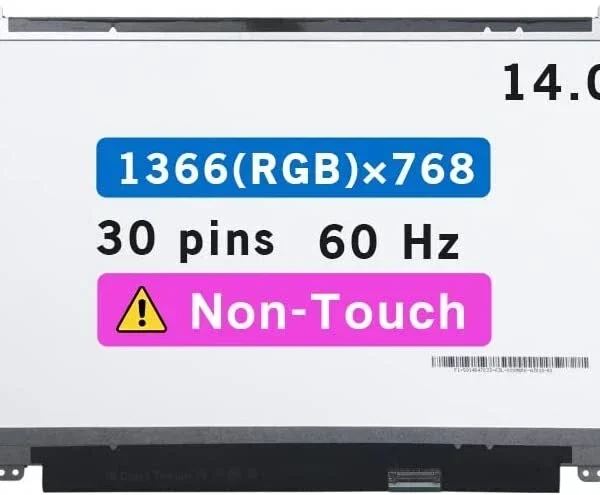

Hurry and get discounts on all Apple devices up to 20%
Sale_coupon_15
KSh9,000.00 excl. VAT
Payment Methods:

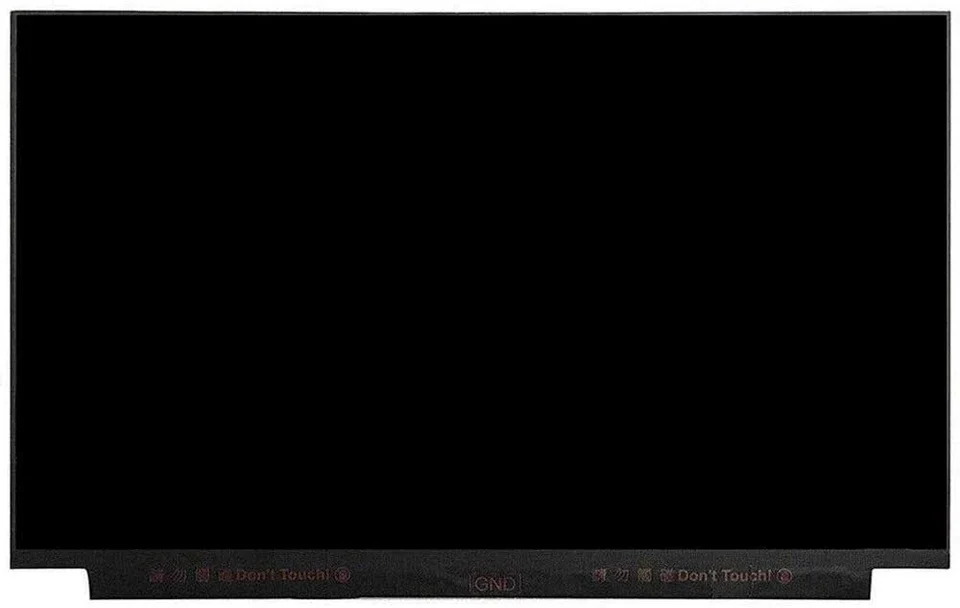
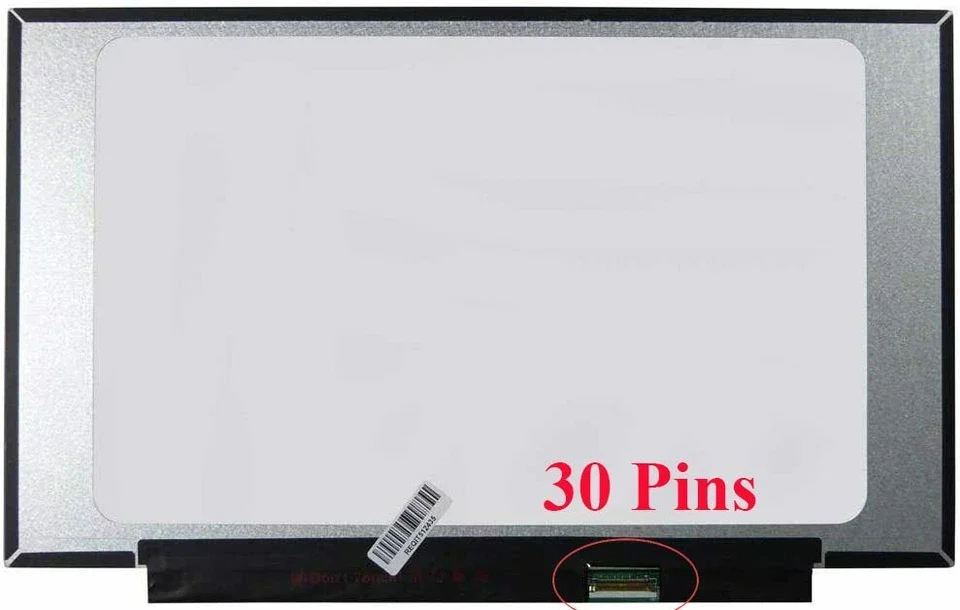
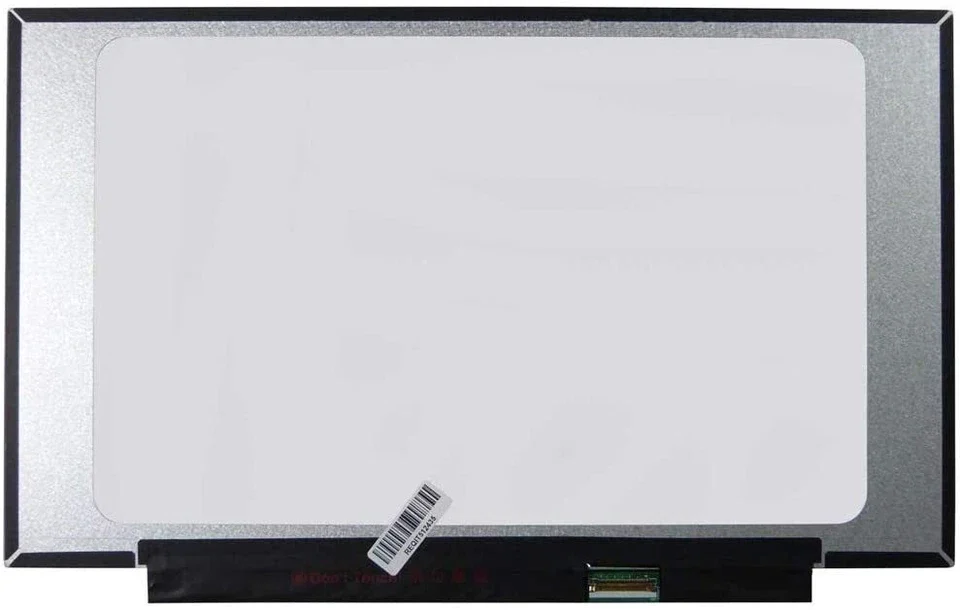
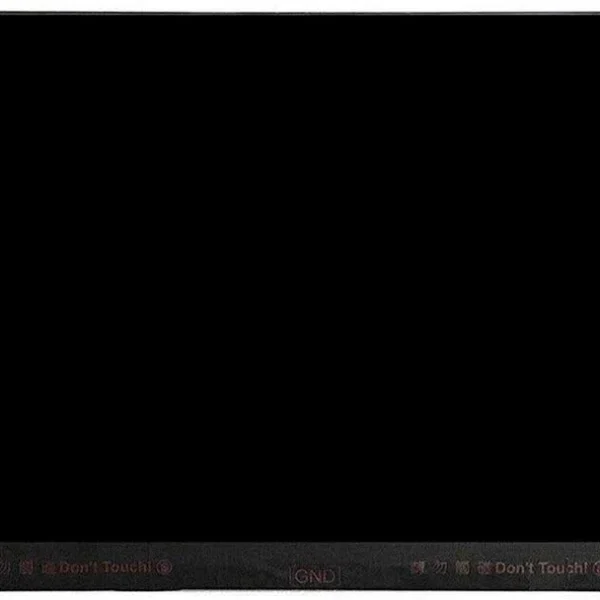
A damaged or malfunctioning screen on an HP EliteBook 745 G5 can seriously hinder productivity and compromise your professional experience. Whether your display is cracked, flickering, showing lines, or completely black, a proper screen replacement restores your laptop’s clarity and usability. At Lansotech Solutions, we specialize in genuine screen replacements for the EliteBook 745 G5, offering high-quality parts, efficient installation, and transparent, affordable pricing for our Nairobi customers.
Here are the typical signs you might need a new screen for your EliteBook 745 G5:
Cracked or Shattered Glass: Obvious physical damage or “black spots” spreading across the screen.
Flickering or Flashing Display: This could indicate backlight failure or a damaged LCD panel.
Colored Lines: Vertical or horizontal lines often point to internal matrix damage.
Blank Screen on Power On: The laptop may be functioning, but the screen stays black if the panel or backlight is faulty.
Dead Pixels or Bright/Dark Spots: Fixed pixel anomalies suggest display panel issues.
Poor Colour / Distortion: Faded colors or ghosting where display elements remain slightly visible.
At Lansotech Solutions, we guarantee quality and professionalism in every repair. Here’s why customers trust us:
Genuine OEM Parts: We use original or high-quality OEM replacement panels for EliteBook 745 G5, not cheap knockoffs.
Skilled Technicians: Our team is experienced with HP business laptops — we handle disassembly, connector handling, and reassembly carefully.
Efficient Turnaround: Most screen replacements are done on the same day, minimizing your downtime.
Affordable Pricing: We keep our pricing competitive while maintaining high standards — fewer hidden costs than many cheap computer shops.
Warranty Coverage: All replacements come with a warranty on the screen and the installation work.
Transparent Service: You’ll know exactly what part we are using, why we need it, and how we’ll install it.
Here is a detailed breakdown of how we replace your screen professionally:
Full Diagnostic Check
Confirm that the issue is the screen and not the graphics chipset or cable.
Identify the correct screen type (FHD, eDP) depending on your laptop’s submodel.
Power Down and Safety Prep
Turn off the laptop, disconnect the battery, and discharge any residual power.
Bezel Removal
Use precision pry tools to remove the screen bezel without damaging clips or frame.
Remove the Faulty Screen
Unscrew the display from the hinges and carefully lift the old panel.
Disconnect the eDP ribbon cable gently.
Install the New OEM Screen
Align the new screen properly with hinge brackets.
Reconnect the eDP cable and ensure a secure fit.
Reassemble Bezel
Snap the bezel back into place, ensuring all clips and corners align correctly.
Testing and Calibration
Power on and test screen brightness, color accuracy, pixel integrity, and backlight.
Run a test at different angles and brightness levels to ensure stability.
Final Quality Inspection
Inspect the finished screen for any blemishes, dust, or distortions.
Provide a final demo before handing the laptop back to you.
Depending on the screen variant and other factors, typical costs in Nairobi may include:
Parts + Labor: Local repair shops report EliteBook 745 G5 screen replacement costs around KSh 6,400. Fkay Smartphone
Premium or High-Brightness Panels: Higher watt, PSR, or special IPS screens may cost more based on availability.
Warranty Consideration: Prices may increase slightly when premium warranty coverage is added.
We always provide a detailed quote before performing any repair so you know exactly what you’re paying for.
After replacing your screen, here’s how to maximize its lifespan:
Use a padded laptop bag to protect against knocks.
Avoid placing heavy items on your keyboard when closing the lid.
Clean only with a microfiber cloth and screen-safe cleaner.
Don’t apply pressure to the screen — IPS panels are delicate.
Close the lid gently, using both hands to avoid hinge strain.
Putting off a screen repair can lead to:
Cracks spreading deeper into the panel
Further damage to the eDP ribbon cable
Potential short-circuit from exposed internal parts
Reduced productivity due to poor visibility
Lower resale value if you plan to sell later
Getting the repair done quickly and professionally avoids these risks.
Visit Lansotech Solutions in Nairobi CBD for:
Walk-in screen repairs
Genuine HP 745 G5 screens in stock or ordered on demand
Same-day or next-day service (depending on part availability)
Full service warranty
We are your trusted local partner for HP laptop repair.
A broken or failed screen on your HP EliteBook 745 G5 doesn’t have to be a major setback. With a genuine replacement screen, expert installation, and dependable service from Lansotech Solutions, you can restore your laptop’s performance and display clarity quickly.
Choose us for quality, speed, and reliability — let us bring your EliteBook back to life.
No account yet?
Create an Account











 ASUS
ASUS



