





 Laptop Computers
 Desktop Computers
 Printers

 Network
 Software
 Laptop Accessories
 Laptop Components
 Office
 Desktop peripherals
 Server


Hurry and get discounts on all Apple devices up to 20%
Sale_coupon_15
KSh9,000.00 excl. VAT
Payment Methods:

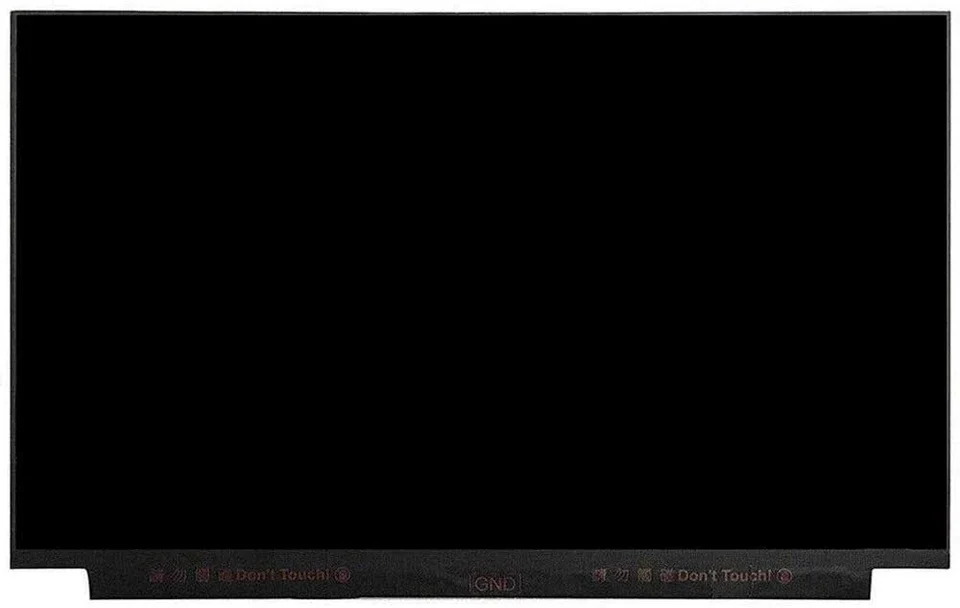
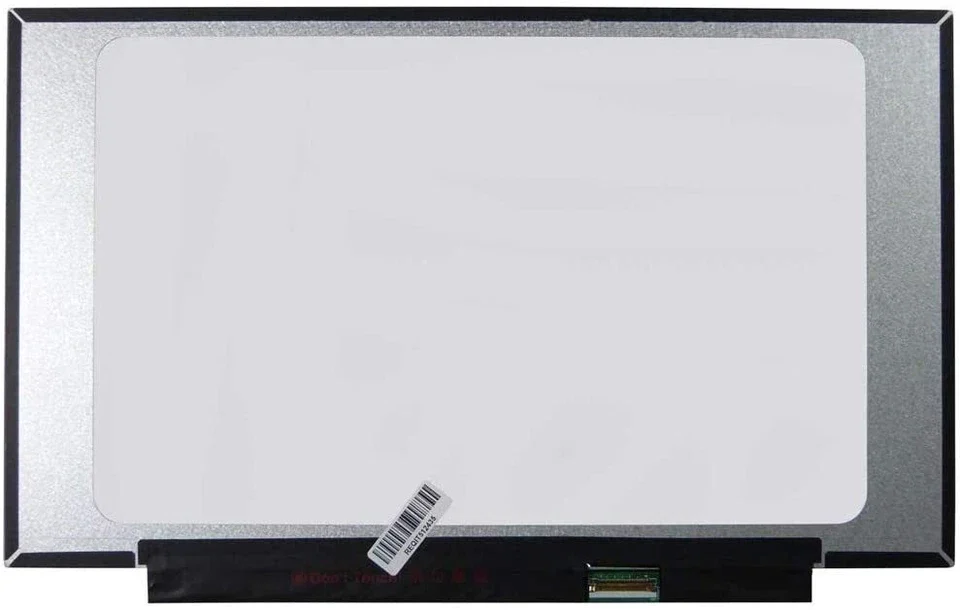
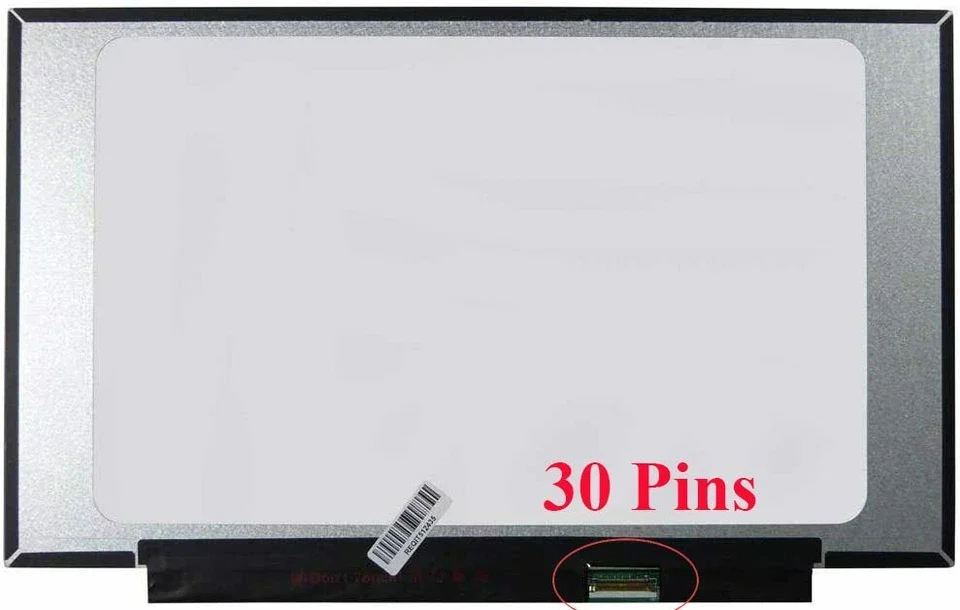
The HP EliteBook 745 G6 is one of the most reliable business laptops, known for its sleek design, durability, and excellent performance. However, just like any other laptop, the screen can get damaged due to accidental drops, pressure, or hardware faults. When this happens, fast and professional screen replacement becomes necessary to restore full functionality.
At Lansotech Solutions—Nairobi’s leading laptop repair and sales experts—we specialize in high-quality, same-day HP EliteBook 745 G6 screen replacement using genuine parts.
The HP EliteBook 745 G6 typically comes with a 14-inch Full HD (1920×1080) LED display. Some models may have:
IPS anti-glare panel
Touchscreen options
Slim bezel display
Because there are variations, selecting the correct screen replacement is crucial.
You may need a new screen if you notice:
Flickering display
Black screen
Horizontal/vertical lines
Dead pixels
Low brightness even at maximum setting
Cracked or shattered screen
Broken glass
Screen bleeding
Even with no physical cracks, you may still face:
Lines on the screen
Color distortion
Ghosting or display lag
These often indicate internal damage and require replacement.
A single drop can cause internal or external screen cracking.
Placing heavy items on the laptop or sitting on a laptop bag often leads to screen breakage.
Even minimal moisture can cause display malfunction or backlight failure.
The EliteBook 745 G6 uses a slim, delicate LCD panel. Opening the bezel carelessly may damage:
The camera module
Hinges
Display cable
Fake screens may:
Show dull colors
Drain battery faster
Break easily
At Lansotech Solutions, we only use original or high-grade OEM screens.
Mini Phillips screwdriver
Plastic prying tool
Anti-static cloth
Adhesive tape
The laptop is powered off and battery disconnected for safety.
Using a pry tool, the technician carefully removes the bezel without damaging the frame.
The broken screen is unscrewed and the display cable is gently unplugged.
The new LCD/LED panel is fitted, connected, and tested before the bezel is reattached.
This entire procedure takes 30–45 minutes with a skilled technician.
Touchscreen vs non-touch
Full HD vs HD
IPS vs TN
OEM vs original
Our team has years of experience repairing HP EliteBook laptops.
We only use durable, high-resolution, original or OEM-grade screens.
Most repairs are completed within 30–60 minutes.
We offer competitive prices while maintaining high standards.
A high-quality protector prevents scratches and cracks.
Avoid closing the laptop with objects on the keyboard
Do not apply pressure on the lid
Use a padded laptop bag
Replacing the screen of your HP EliteBook 745 G6 restores its usability, clarity, and productivity. Whether the damage is due to cracks, lines, flickering, or internal failure, a proper replacement ensures the laptop works like new again.
At Lansotech Solutions, we are committed to delivering fast, reliable, and affordable HP laptop repairs—making us the top laptop repair and sales experts in Nairobi, Kenya.
No account yet?
Create an Account











 ASUS
ASUS



