





 Laptop Computers
 Desktop Computers
 Printers

 Network
 Software
 Laptop Accessories
 Laptop Components
 Office
 Desktop peripherals
 Server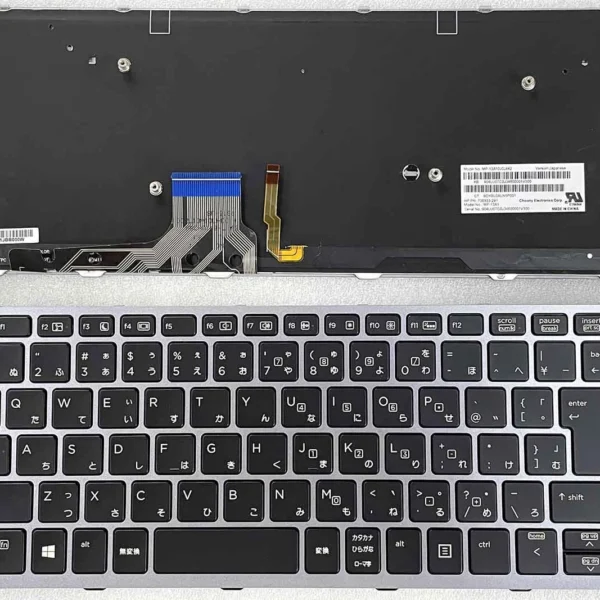

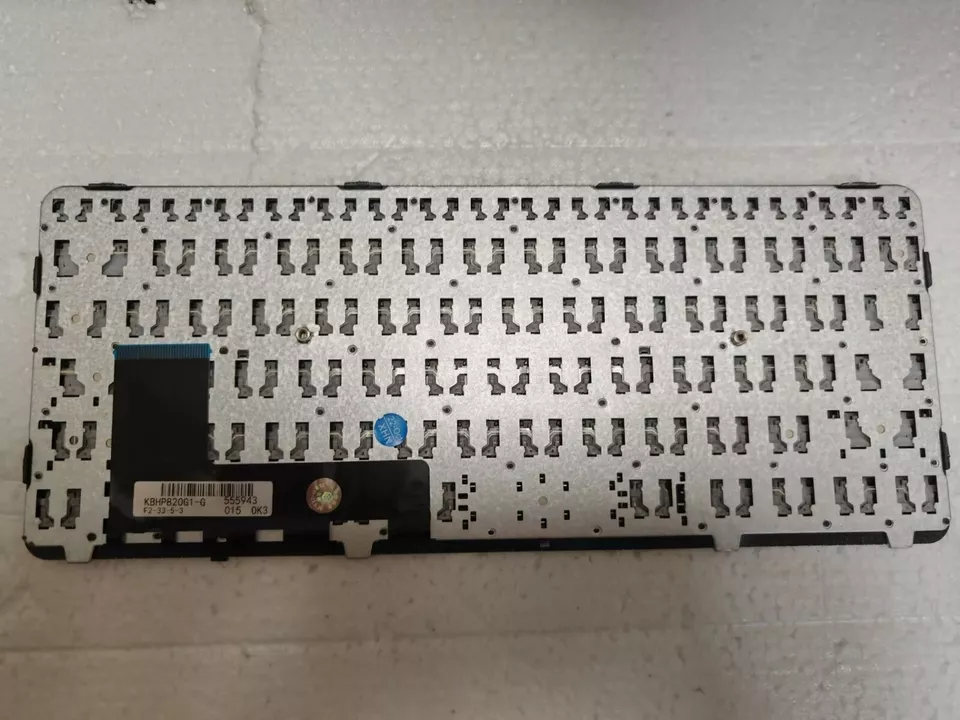
Compatible Models: HP EliteBook 820 G1, HP EliteBook 820 G2
Layout: US Standard (QWERTY)
Color: Black
Condition: 100% Brand New, Original HP Part
Features:
Comfortable, responsive keys – perfect keyboard for developers
Durable construction for long-term use
Sleek black design for professional appeal
Warranty: Backed by Lansotech Solutions’ service guarantee

Hurry and get discounts on all Apple devices up to 20%
Sale_coupon_15
KSh1,800.00 excl. VAT
Payment Methods:

At Lansotech Solutions, we proudly provide high‑quality HP laptop keyboard replacements with expert installation services in Nairobi. If your HP EliteBook 820 G1 or 820 G2 keyboard is worn out, has unresponsive keys, or simply needs an upgrade, our genuine US layout replacement keyboard is the ideal solution.
For software engineers, writers, and professionals, having a perfect keyboard for developers with smooth key travel and reliable performance is essential. That’s exactly what we deliver.
A damaged or unresponsive keyboard slows down productivity. Installing a genuine replacement gives you:
Seamless compatibility with HP EliteBook 820 G1 and 820 G2 models.
Smooth tactile feedback, making it the perfect keyboard for developers and power users.
Durable construction built to withstand intense daily use.
US Standard Layout in a professional black finish.
Factory-tested original part, ensuring long-term reliability.
✔ HP EliteBook 820 G1
✔ HP EliteBook 820 G2
Layout: US Standard QWERTY
Color: Black (backlit options available depending on your preference)
We follow a proven, careful method to ensure flawless installation and performance:
Step 1 – Professional Assessment
Our technicians run diagnostics to confirm the keyboard replacement is needed.
2 – Safe Disassembly
We carefully open your EliteBook using precision tools, preserving every component.
Step 3 – Old Keyboard Removal
We detach the faulty keyboard and its connectors without harming the internal circuits.
4 – Installation of New Keyboard
A brand-new HP US layout keyboard is installed and connected perfectly.
5 – Testing & Final Cleaning
Every key is tested, and your laptop is cleaned and polished before handover.
To make sure your new HP EliteBook 820 G1/G2 keyboard stays in perfect condition:
Clean regularly with compressed air to remove dust and debris.
Use a microfiber cloth with isopropyl alcohol to wipe key surfaces.
Avoid eating or drinking near the laptop to prevent spills.
Consider a silicone keyboard protector for added defense.
Type gently to maintain the keys’ tactile feedback for years.
Following these tips ensures your keyboard remains the perfect keyboard for developers, writers, and students.
✔ HP-certified technicians with years of experience
✔ Original HP parts always in stock
✔ Fast turnaround times with guaranteed results
✔ Affordable pricing with part and labor warranty
✔ Trusted by developers, businesses, and students throughout Nairobi

No account yet?
Create an Account











 ASUS
ASUS



