





 Laptop Computers
 Desktop Computers
 Printers

 Network
 Software
 Laptop Accessories
 Laptop Components
 Office
 Desktop peripherals
 Server

Hurry and get discounts on all Apple devices up to 20%
Sale_coupon_15
KSh9,000.00 excl. VAT
Payment Methods:

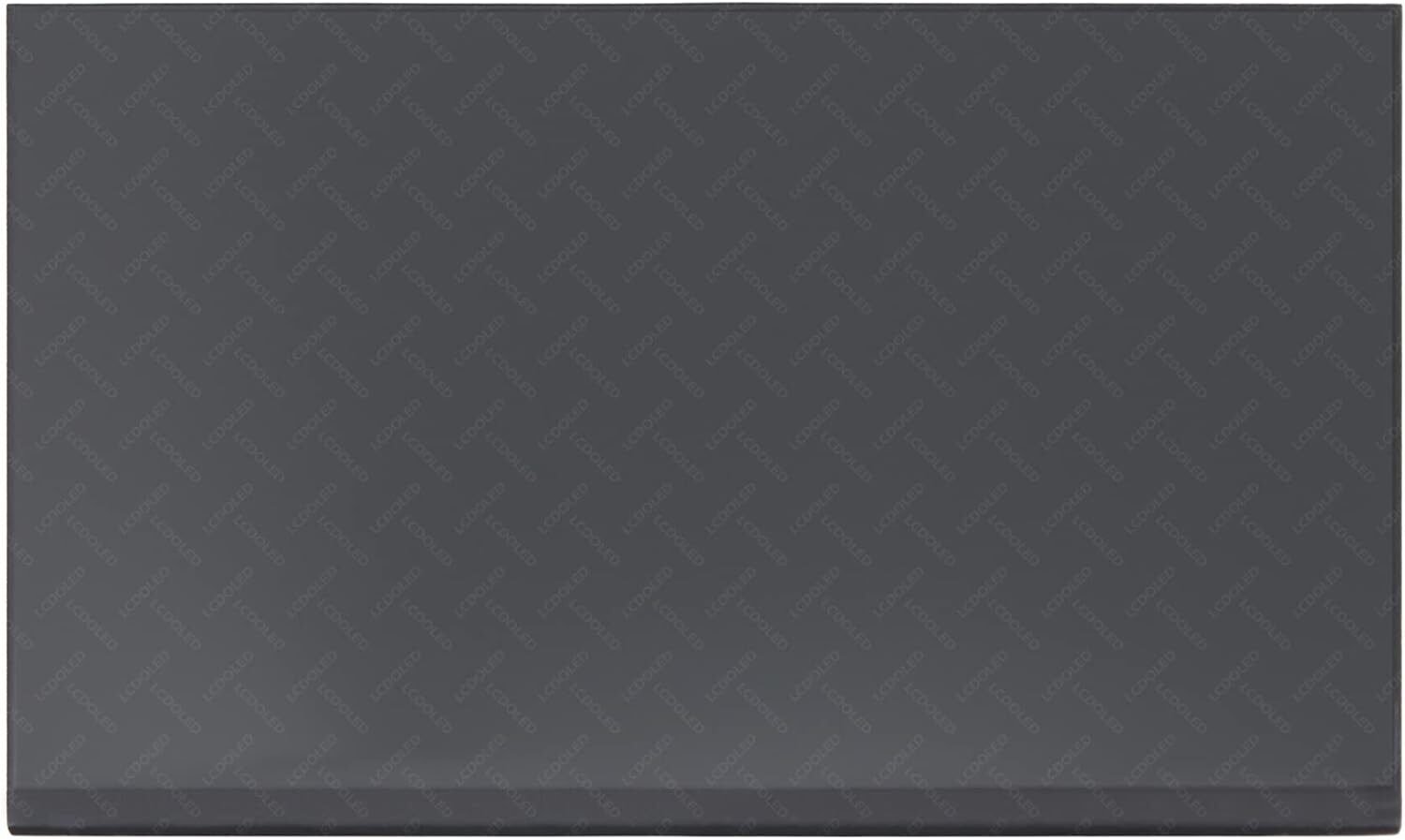
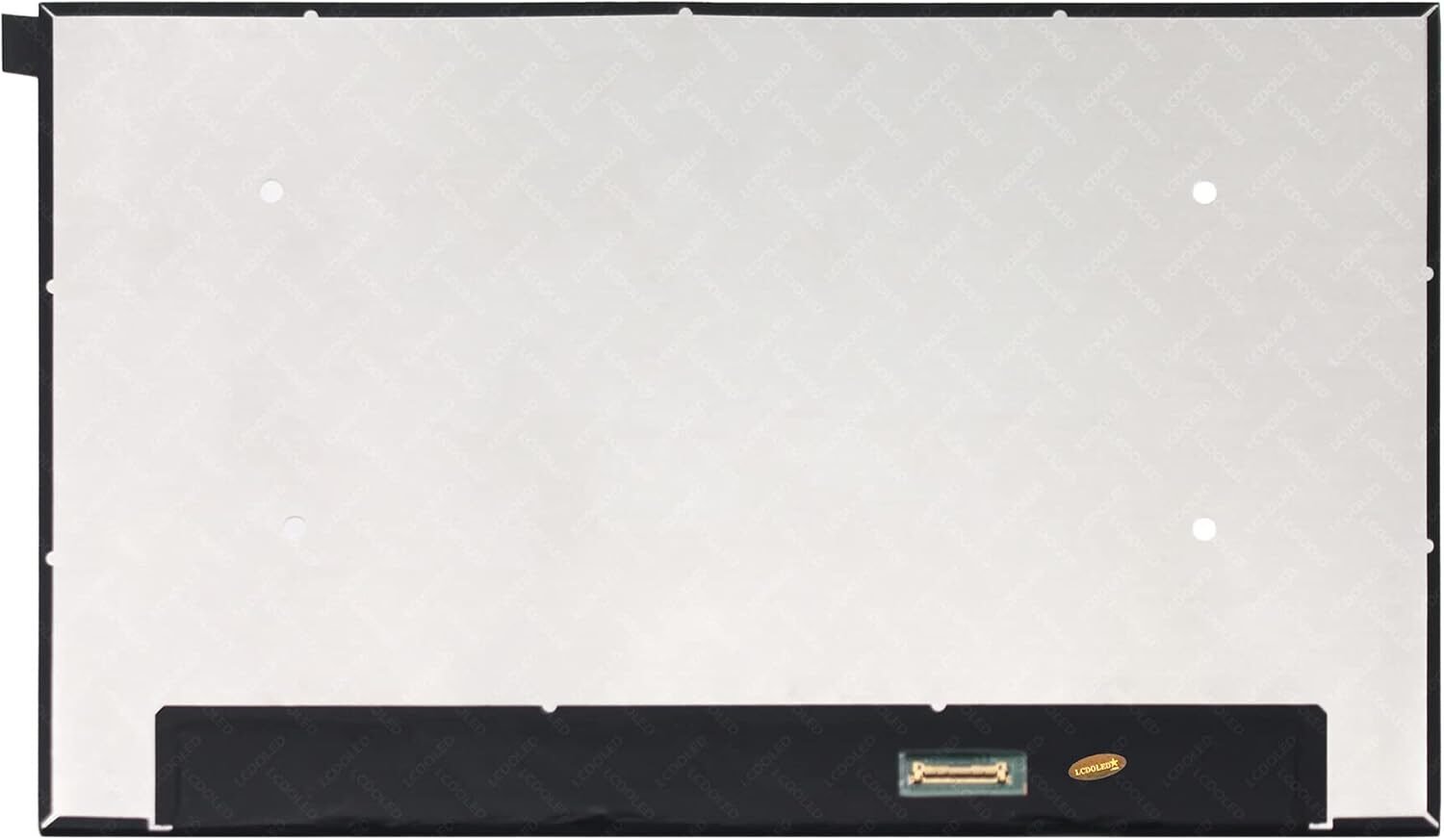
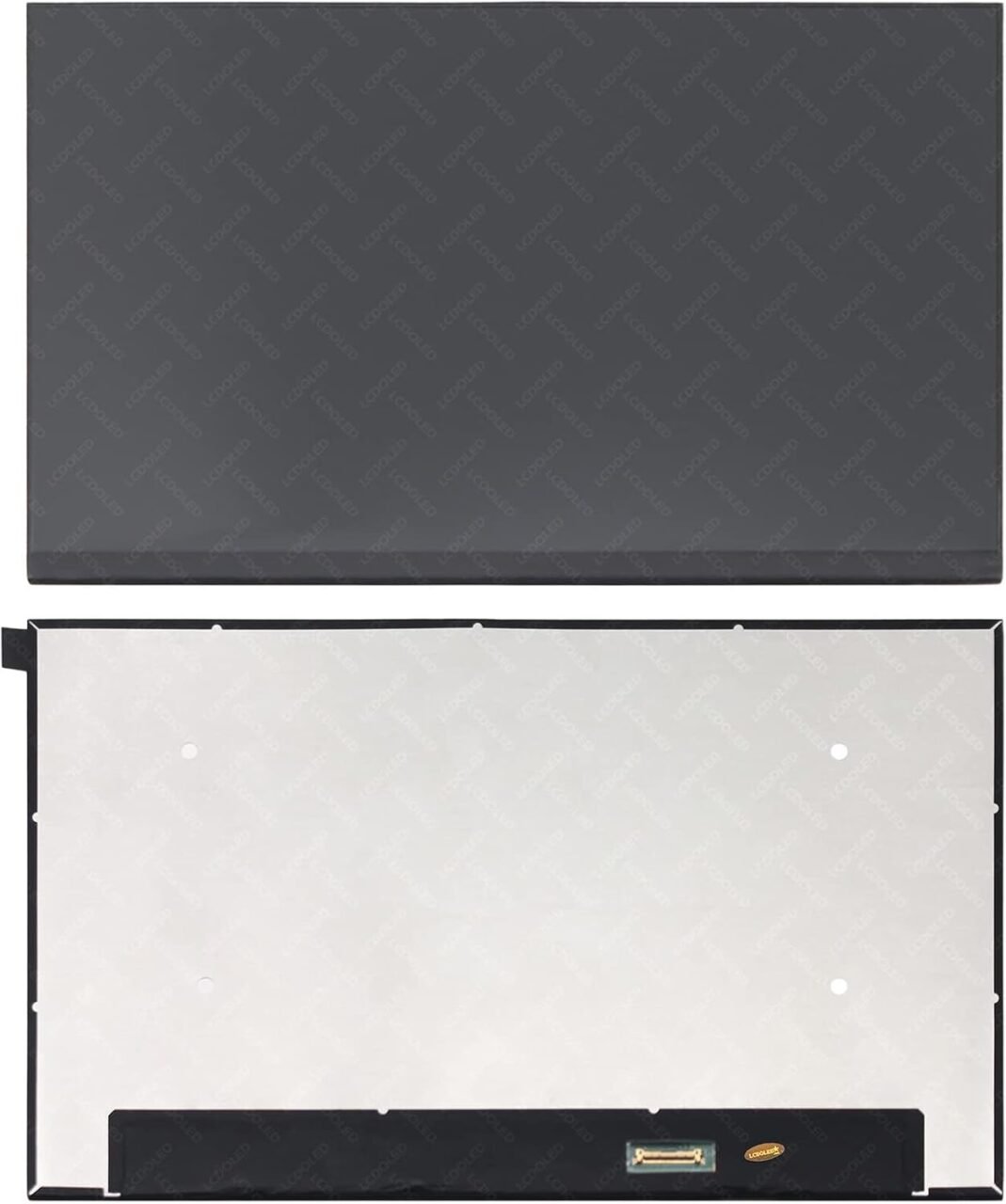
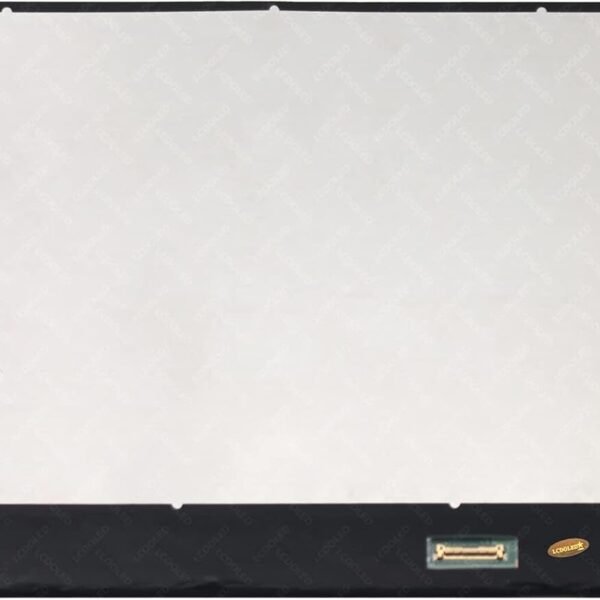
The HP EliteBook 830 G7 is a sleek, lightweight ultrabook built for business — but even the most carefully handled laptop isn’t immune to screen damage. Whether it’s a crack, flicker, or dead pixels, a screen issue can seriously disrupt your workflow.
At Lansotech Solutions, we offer top-quality HP EliteBook 830 G7 screen replacement services in Nairobi. With genuine OEM parts, expert technicians, and fast turnaround, we make sure your laptop looks and works like new again.
Here are some common screen problems you might see on the 830 G7:
Cracked or shattered glass from drops or pressure
Lines or flickering display, often due to internal damage or cable issues
Black or blank screen even when the laptop powers on
Dim or washed-out colors when the backlight is failing
These issues are frustrating and can make the laptop unusable — but in many cases, a replacement fixes them completely.
Here are some of the typical causes behind screen damage:
Accidental drops – even a small fall can damage the glass.
Pressure on the lid – carrying the laptop in a tight bag or stacking items on it.
Liquid spills – moisture inside can damage the backlight or LCD.
Wear and tear – over time, hinges or cables may stress the screen.
To pick the right replacement, you need to know the original screen specs for the EliteBook 830 G7:
Display Size: 13.3″ diagonal.
Resolution: Full HD (1920 x 1080) for most models.
Brightness: Typical 250 nits for non‑privacy display.
Interface: eDP 1.2 / eDP 1.4 depending on variant.
Panel Type: IPS with anti‑glare option; some versions are touch or use Gorilla Glass.
Connector / Pins: According to Nairobi UltraBooks, some 830 G7 screens use a 40‑pin connector.
To safely replace the screen, you’ll need:
Small Phillips screwdriver
Plastic pry tools / spudger
Tweezers
Anti-static wrist strap (recommended)
A compatible replacement screen (Genuine OEM ideally)
Turn off the laptop, unplug it, and remove the battery (if removable) to avoid damage.
Use a plastic pry tool to gently unclip and lift the screen bezel around the display.
Carefully unscrew the screen hinges, tilt the broken screen forward, and gently unplug the eDP cable from the back.
Align the replacement screen with the hinge brackets, screw it in place, and reconnect the display cable.
Reattach the bezel, reconnect the battery, power on the laptop, and test the new screen for brightness, flicker, and correct resolution.
Installing the wrong resolution screen (not matching FHD)
Using a screen with a wrong connector (e.g., wrong pin count)
Pulling the eDP cable too hard — it’s delicate
Overtightening the screws — can crack the new panel
Skipping the final test — always check for dead pixels, flicker, or instability before closing it up
Safety & Precision: A professional handles the delicate screen and cable carefully.
Right Part Matching: They’ll source the correct connector type and panel.
Warranty: Professional service often includes warranty on both parts and labor.
Speed: Technicians can do the job faster and more reliably than a DIY attempt.
Certified Technicians in Nairobi
Our team is experienced in HP EliteBook models, including the 830 G7.
Genuine OEM EliteBook Screens
We supply original HP EliteBook 830 G7 screens, not cheap knock-offs — giving you the best quality, color accuracy, and lifespan.
Fast Turnaround & Affordable Pricing
We typically complete the screen replacement within 30–60 minutes.
Warranty & Customer Support
We back up our replacements with a parts and labor warranty, and provide solid after‑sales service.
Convenience
Located in Nairobi, we’re easy to reach, and we can also offer on‑site or drop-off repairs depending on your needs.
Local repair shops (like FKAY) offer 830 G7 screen replacement for around KSh 6,400.
Some providers (e.g., Nairobi UltraBooks) list prices up to KSh 16,000 for original-type screens.
Costs depend on whether the screen is OEM, touch, or high-brightness.
A professional replacement at our workshop usually takes about 30–60 minutes, including testing.
Use a padded laptop sleeve or bag to reduce risk when you’re on the go
Avoid placing heavy objects on top of the laptop
Be gentle when opening or closing the lid — use both hands if possible
Keep liquids away from your laptop; clean your workspace before working
Clean the screen using a microfiber cloth and avoid harsh chemicals
A damaged screen on your HP EliteBook 830 G7 shouldn’t mean the end of your productivity. With the right replacement — especially a genuine OEM screen — and a careful installation, you can restore your laptop’s display to its original brilliance.
At Lansotech Solutions, we combine certified technical expertise, genuine OEM parts, fast turnaround, and affordable pricing to give you a reliable, high-quality screen replacement service in Nairobi. Trust us to get your EliteBook 830 G7 back to looking and performing its best.
No account yet?
Create an Account











 ASUS
ASUS



