





 Laptop Computers
 Desktop Computers
 Printers

 Network
 Software
 Laptop Accessories
 Laptop Components
 Office
 Desktop peripherals
 Server

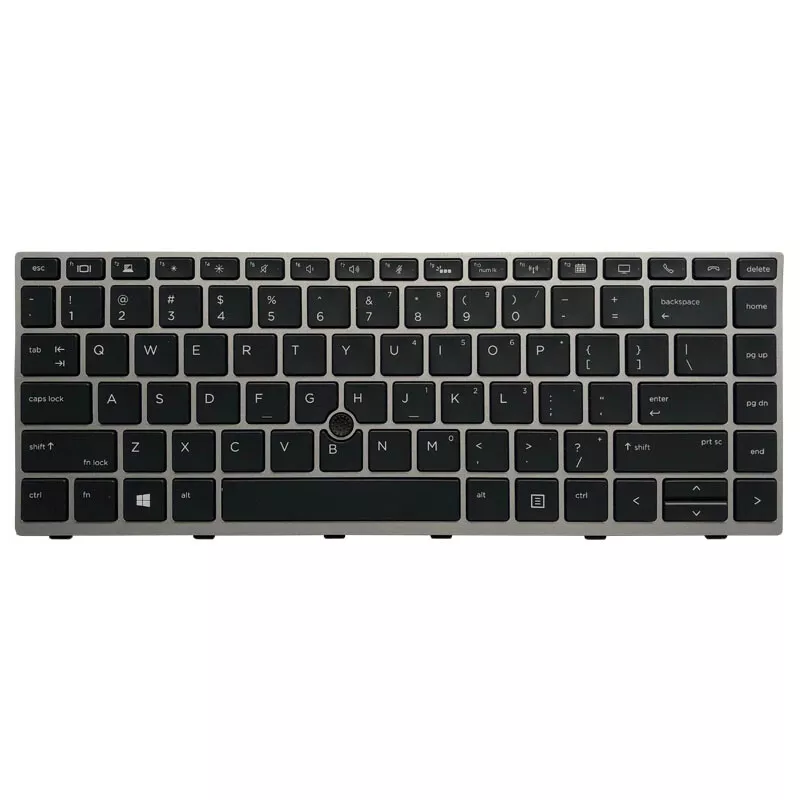
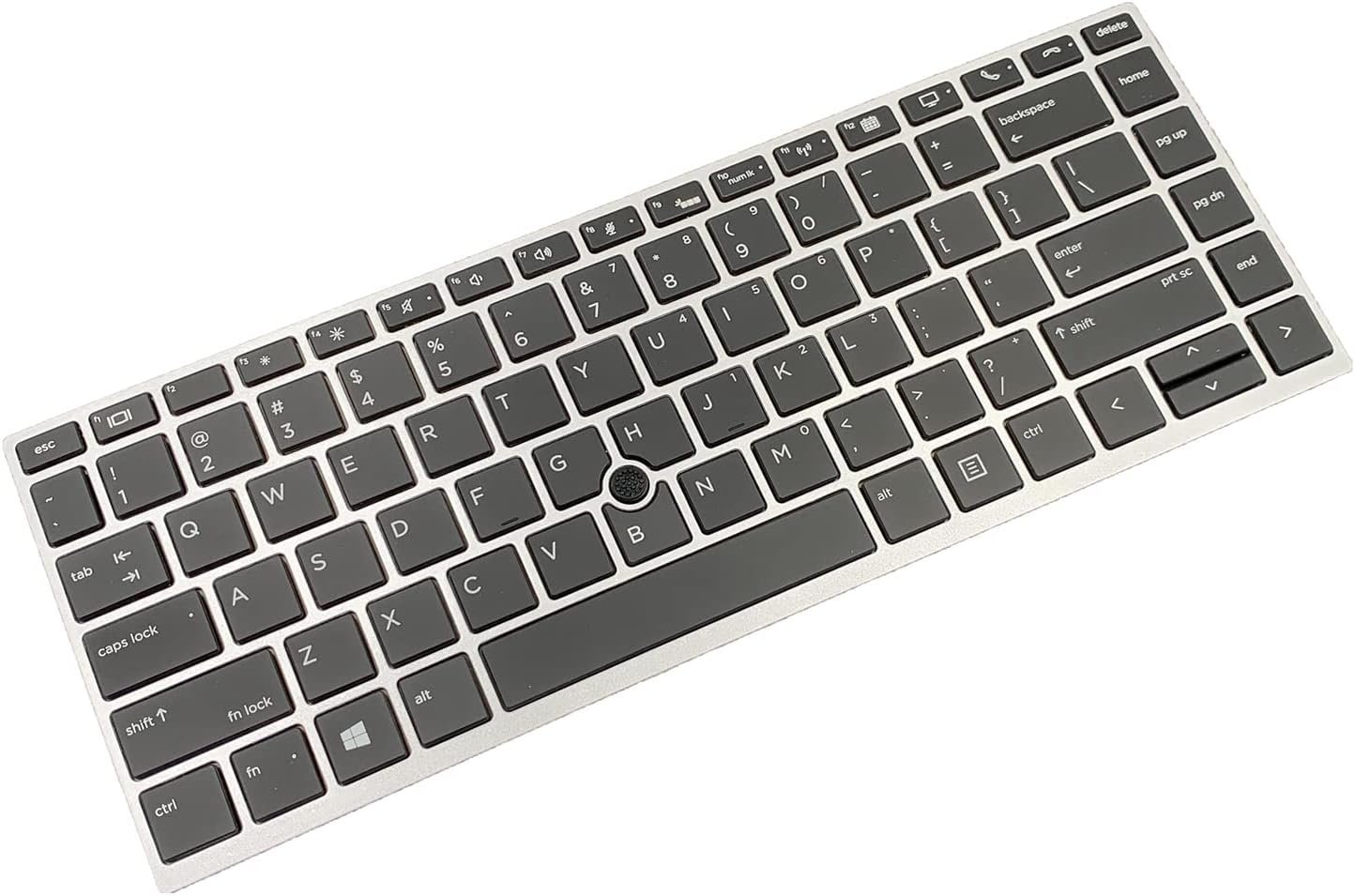
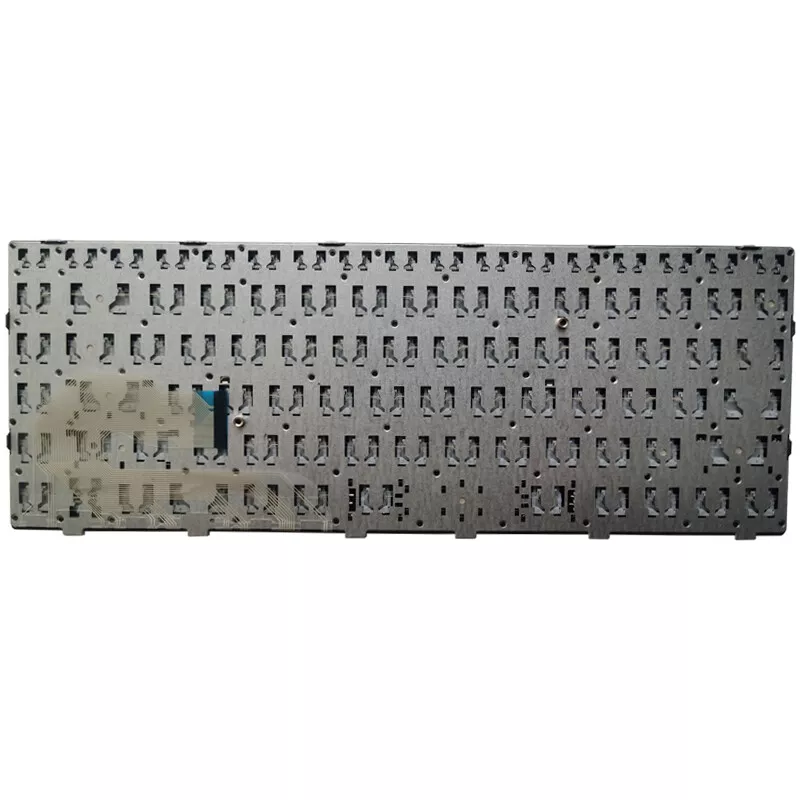
HP EliteBook 840 G5, 846 G5, 745 G5 Keyboard Replacement
Layout: US layout
Frame: Silver frame design
Type: OEM standard chiclet keyboard,
Condition: Brand new replacement part

Hurry and get discounts on all Apple devices up to 20%
Sale_coupon_15
KSh1,800.00 excl. VAT
Payment Methods:

Your keyboard is more than just keys; it is the instrument through which your ideas flow. When the keyboard on your HP EliteBook 840 G5, 846 G5, or 745 G5 begins to fail—keys sticking, letters not registering, or the backlight fading—it disrupts your rhythm. At Lansotech Solutions, we specialize in genuine keyboard replacements that bring your laptop back to life, matching its original beauty and functionality.
When you invest in a US layout keyboard with a silver frame, you’re choosing a part designed specifically for your laptop. With our replacements, you enjoy:
✅ Perfect Fit and Finish – Designed to match the premium look of your HP EliteBook G5 series.
✅ Smooth Typing Experience – Responsive chiclet keys that make typing effortless and accurate.
✅ Durability for Everyday Use – Built to handle countless keystrokes with ease.
✅ Backlit Functionality – (If supported by your laptop) for late‑night work or low‑light environments.
At Lansotech Solutions, we are known as one of the most reliable laptop keyboard shops in Nairobi CBD. Our services include:
🔧 Authentic US layout silver frame keyboards for HP EliteBook 840 G5, 846 G5, and 745 G5
🔧 Same‑day installation by expert technicians
🔧 Warranty and after‑sales support for peace of mind
🔧 Competitive pricing without compromising quality
Your laptop deserves the best, and we make sure you get it.
After replacing your keyboard, many users ask how to customize a keyboard to make it their own. Here are a few ideas:
🎨 Add Keycap Stickers: Choose colors or designs that inspire you.
💡 Remap Keys: Use software to assign shortcuts or change functions for better workflow.
🛡️ Use a Keyboard Protector: Keeps your new keyboard clean while adding style.
With a new HP EliteBook G5 keyboard, you have a fresh canvas to personalize according to your taste and needs.
Before you replace your keyboard, or after installing a new one, keep it in top condition with these steps:
Turn off your laptop and use compressed air to blow away dust.
Wipe gently with a microfiber cloth to maintain its shine.
Avoid eating or drinking near the keyboard to prevent accidental spills.
If your keyboard is already damaged beyond repair, we’re here to provide a swift replacement.
No account yet?
Create an Account











 ASUS
ASUS



