





 Laptop Computers
 Desktop Computers
 Printers

 Network
 Software
 Laptop Accessories
 Laptop Components
 Office
 Desktop peripherals
 Server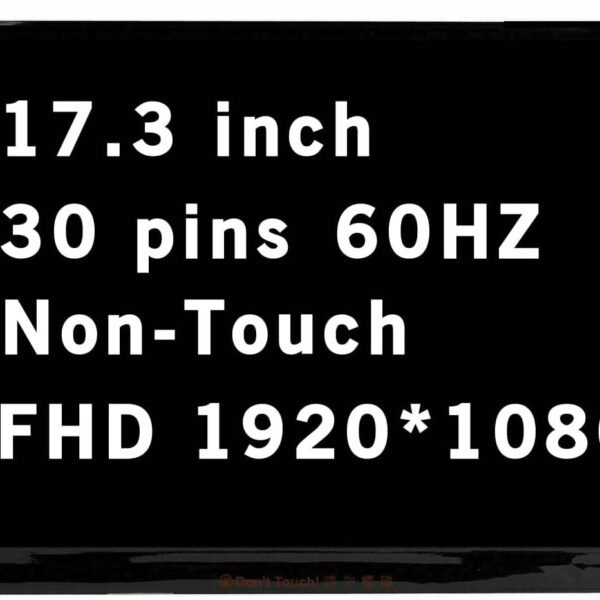

Hurry and get discounts on all Apple devices up to 20%
Sale_coupon_15
KSh7,500.00 excl. VAT
Payment Methods:

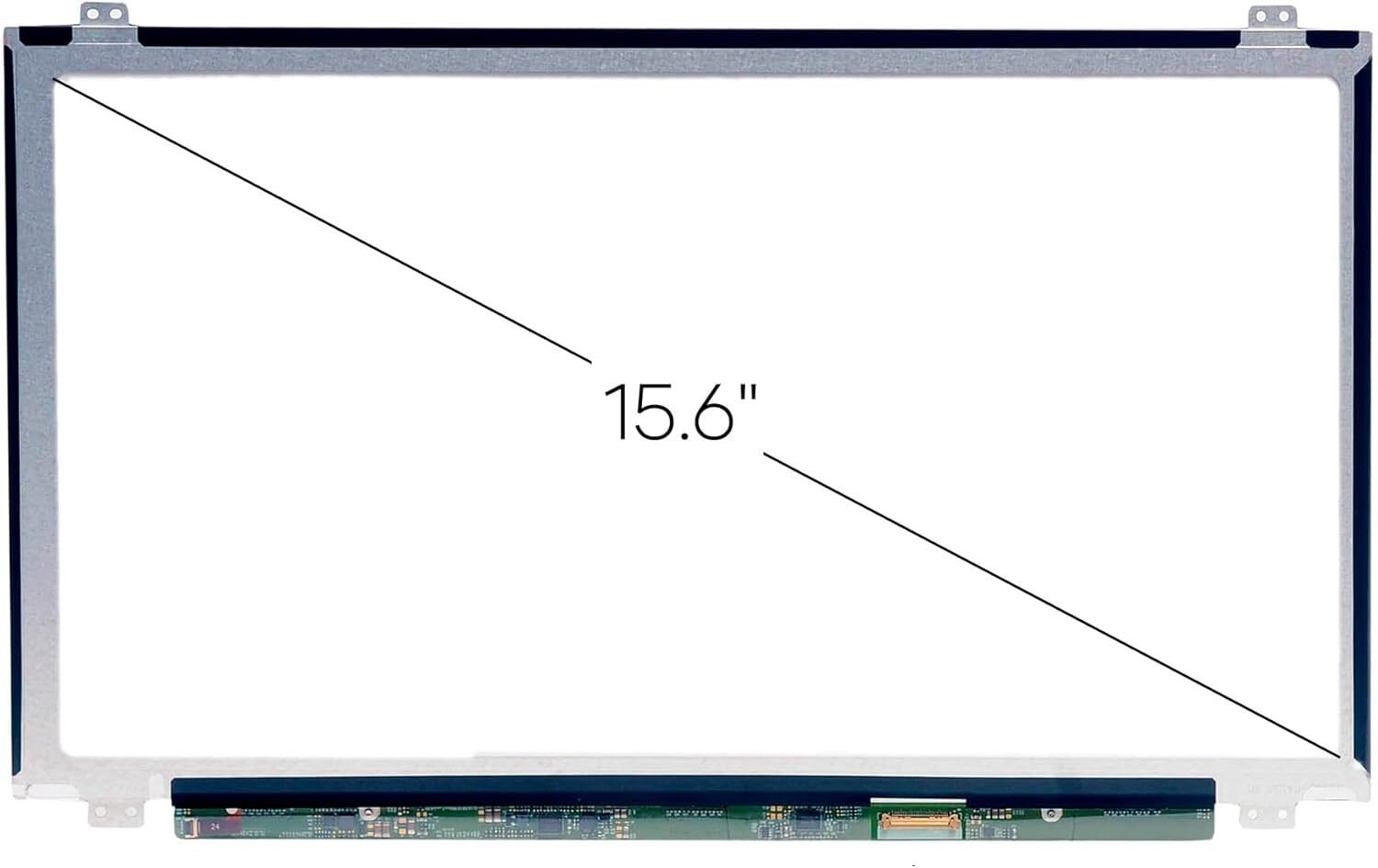
A broken or malfunctioning laptop screen can completely disrupt your work or studies. If you own an HP Laptop 17-BS0XX and the display is cracked, faded, or not functioning correctly, a screen replacement is the best solution.
At Lansotech Solutions, we specialize in genuine HP screen replacements and offer expert repair services in Nairobi, ensuring your laptop returns to peak performance quickly and safely.
Visible cracks, black spots, or shattered glass indicate immediate replacement.
This suggests damaged backlighting or a failing panel.
When the laptop turns on but the screen remains blank, the panel may be dead.
Strange colors, vertical lines, or blotches indicate internal screen damage.
Accidental drops
Pressure on the screen or laptop lid
Liquid spills
Manufacturing defects
Aging components
HD+ (1600×900) – Standard clarity and more affordable
Full HD (1920×1080) – Sharper images and better color quality
Glossy – Bright and vivid but reflective
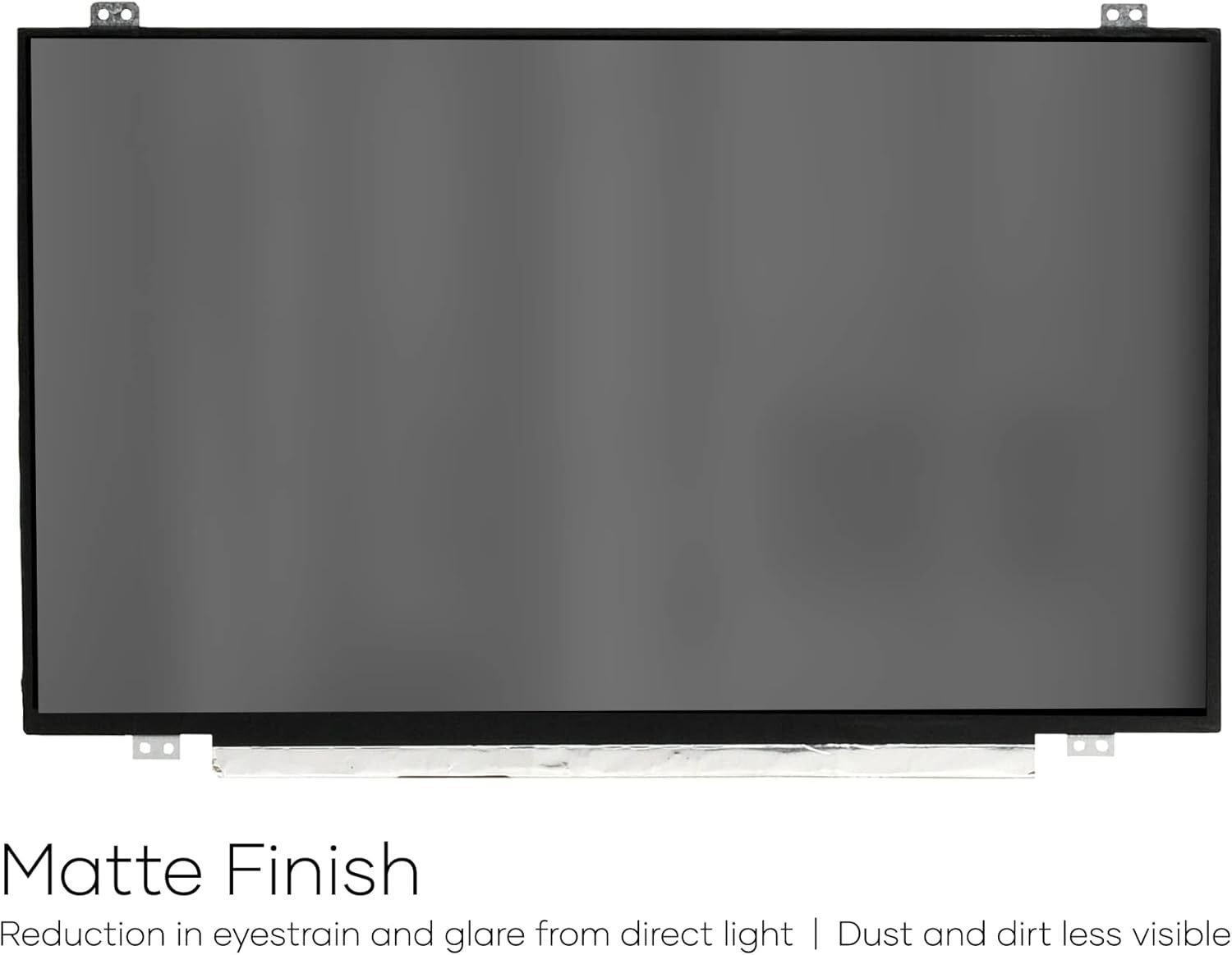
Matte – Anti-glare and great for outdoor use
TN – Faster response time, cheaper
IPS – Better color accuracy and wide viewing angles
You can check:
The laptop’s model number (under the battery or on the back cover)
The screen’s part number (requires removing the panel)
The connector type (30-pin)
Whether your current screen is HD+, Full HD, matte, or glossy
Phillips screwdriver
Pry tool or plastic spudger
Tweezers
Replacement screen (compatible with HP 17-BS0XX)
Shut down the laptop completely and remove the battery if possible.
Use a pry tool to gently lift and remove the screen bezel.
Unscrew the panel from the frame while holding it in place carefully.
Tilt the screen forward and disconnect the 30-pin cable attached to the back.
Attach the new screen, connect the cable, and secure it into position.
Turn on the laptop to confirm the screen is working before closing the bezel.
Forcing the bezel and breaking it
Bending the video cable
Buying the wrong screen specifications
Over-tightening screws into the frame
Reduces the risk of damaging internal components
Ensures the correct screen is installed
Protects you with a service warranty
Saves time and eliminates guesswork
Because you deserve quality, reliability, and professional service.
We supply original, high-quality HP screens—no counterfeits or cheap aftermarket panels.
Our experienced team guarantees proper installation with zero risk.
We offer competitive prices tailored to the Kenyan market.
Enjoy protection on both parts and labor.
Lansotech Solutions is recognized as one of the top laptop sellers and repair shops in Kenya—trusted by hundreds of customers.
Use a quality laptop backpack
Keep liquids away
Avoid placing items on the laptop lid
Always close the laptop gently
Clean using a microfiber cloth only
The HP Laptop 17-BS0XX screen replacement process is straightforward when done by a qualified technician. At Lansotech Solutions, we provide genuine screens, expert service, fast repairs, and competitive pricing—making us the best choice for laptop screen replacement in Nairobi, Kenya.
Your laptop will look as good as new and perform flawlessly once again.
No account yet?
Create an Account











 ASUS
ASUS



