







 Laptop Computers
 Desktop Computers
 Printers

 Network
 Software
 Laptop Accessories
 Laptop Components
 Office
 Desktop peripherals
 Server
| Component | Specification |
|---|---|
| Display Size & Type | 21.5 inches, VA (Vertical Alignment) panel |
| Resolution | Full HD 1920 × 1080 (16:9) |
| Aspect Ratio | 16:9 |
| Brightness | 250 nits (typical) |
| Contrast Ratio | 3,000:1 (static) |
| Response Time | 7 ms (GtG) |
| Refresh Rate | 60 Hz |
| Viewing Angles | 178° horizontal / 178° vertical |
| Color Support | 16.7 million colors, 72% NTSC (typical) |
| Ports | VGA, HDMI 1.4, DisplayPort 1.2 |
| Stand / Adjustability | Tilt only (–5° to +25°) |
| VESA Mount | 100 × 100 mm |
| Speakers | None (no built-in audio) |
| Power Consumption | 19 W (typical), <0.5 W (standby) |
| Dimensions (with stand) | Approx. 49.0 x 19.2 x 42.7 cm |
| Weight | Approx. 3.0 kg |

Hurry and get discounts on all Apple devices up to 20%
Sale_coupon_15
KSh8,000.00 excl. VAT
Payment Methods:

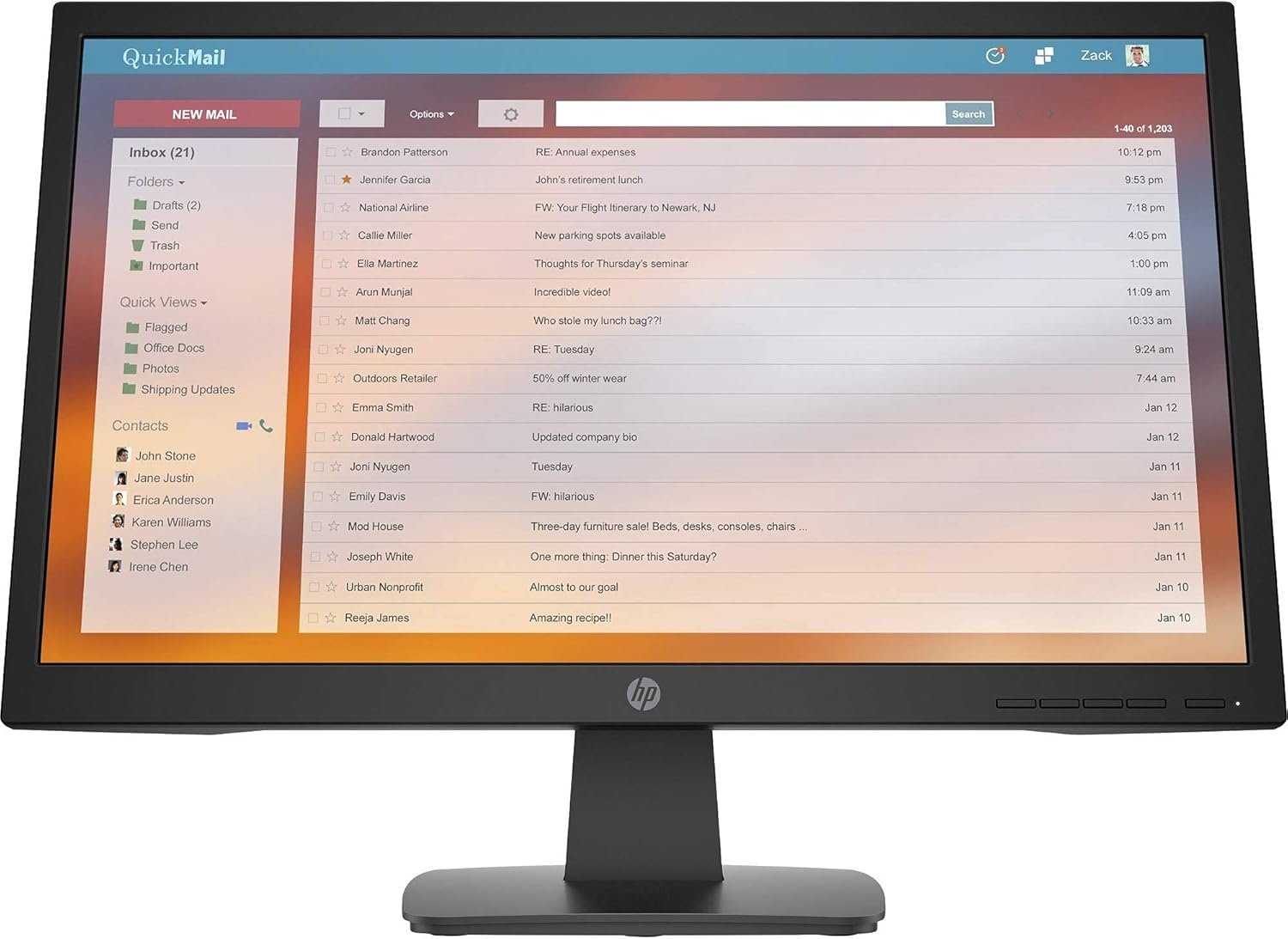
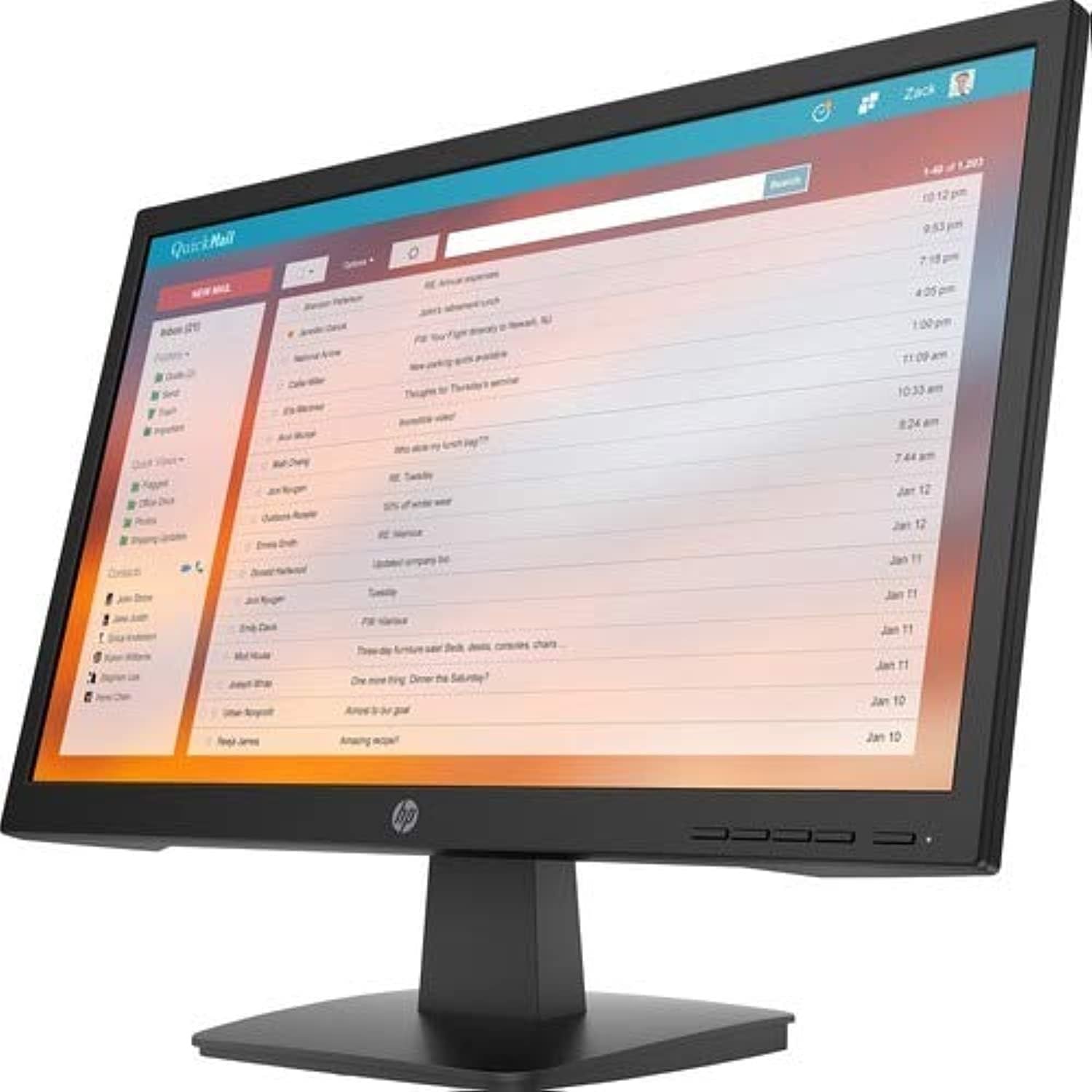
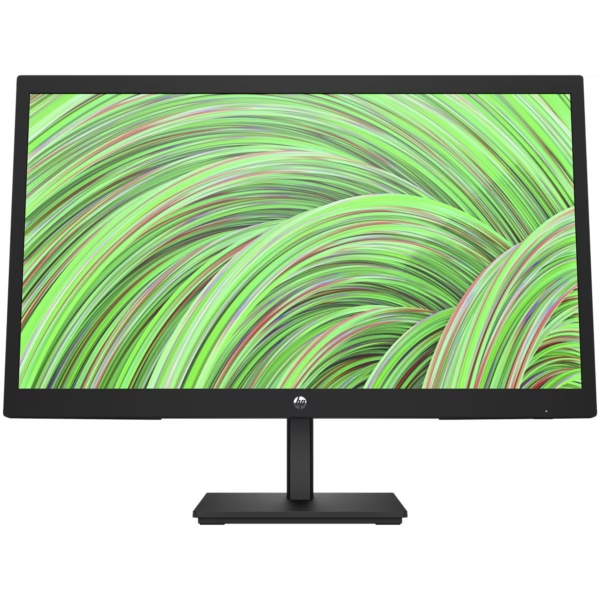
HP P22va G4 21.5-inch FHD VA Business Monitor – Complete Review & Buyer’s Guide
At Lansotech Solutions, we understand that every detail matters when selecting the right monitor for business, design, or everyday computing. The HP P22va G4 21.5-inch FHD VA Business Monitor offers a compelling blend of performance, reliability, and value — ideal for office environments in Nairobi, Kenya, and beyond. In this comprehensive review, we dive into specs, performance, comparisons, advantages, and buying advice to help you choose wisely.
The HP P22va G4 comes in a business-class aesthetic with a matte black bezel and slim side profile. The bezel is reasonably thin, giving a modern appearance well suited for multi-monitor arrays. The stand is functional — it offers tilt adjustment between –5° and +25° — though it lacks height adjustment, swivel, or pivot capabilities. However, the inclusion of a VESA 100 × 100 mm mount means that you can mount it on arms or adjustable stands should your setup demand more flexibility.
The materials feel durable and solid, suited for daily office use. The back panel has standard ventilation, and cable management is straightforward. This build quality aligns with what you’d expect of a business-oriented monitor rather than a plastic consumer unit.
Being a VA (Vertical Alignment) panel, the P22va G4 delivers deeper blacks and better contrast compared to typical IPS or TN displays. This results in punchier images, especially in darker scenes or document sections with black text on light background. Because of its 3,000:1 static contrast ratio, text clarity and visual depth are enhanced for general productivity work, web browsing, spreadsheets, and business applications.
However, VA panels traditionally suffer from slower response times and slight ghosting in fast motion. The P22va G4’s 7 ms GtG rating is acceptable for office use but not ideal for high-end gaming.
The monitor supports about 72% NTSC color coverage, meaning it is adequate for standard productivity, office work, and most non-color critical tasks. It isn’t designed for high-end color grading or graphic design where full sRGB or Adobe RGB is essential.
The 178° horizontal and vertical viewing angles ensure that color shift and brightness loss are minimal unless you view from extreme off-angles — which is suitable for collaborative workspace settings.
With a typical 250 nits brightness, the P22va G4 is sufficient in most indoor office lighting scenarios. It might fall short in extremely bright or direct sunlight settings unless you control ambient light or position properly.
Overall brightness and uniformity are adequate for business needs, though you might notice slight edge variation in some units, as common with many midrange monitors.
The P22va G4 features a rich connectivity array:
VGA — ensures backward compatibility with legacy systems.
HDMI 1.4 — for modern digital sources.
DisplayPort 1.2 — to support higher throughput, daisy chaining, or future expandability if needed.
This trio of ports gives flexibility: connect your desktop or laptop via HDMI or DP, and keep a backup VGA input ready for older equipment.
In terms of setup, the monitor is plug-and-play on Windows and modern Linux distributions. HP also provides an on-screen display (OSD) menu accessible via control buttons on the bezel. You can adjust brightness, contrast, input source, color settings, and more.
For spreadsheets, document editing, web applications, email, and presentation work, the P22va G4 excels. The FHD resolution provides crisp, readable text, while the contrast helps with clarity. For dual-monitor setups or small control centers, its modest 21.5″ footprint is useful without overpowering desk space.
Watching videos, tutorials, and business presentation media is handled well thanks to the high contrast and color depth. However, due to the slower response time, extremely fast motion (e.g. high frame rate action scenes) may exhibit mild ghosting — but that’s hardly problematic in routine business viewing.
While possible, this is not the ideal domain for this monitor. The limited color gamut (72% NTSC) means professionals working on accurate color reproduction (e.g. printing, design) might prefer IPS or higher-end monitors. But for basic image editing, UI design, or general graphic tasks, it’s serviceable.
With only 60 Hz refresh rate and a 7 ms response time, the P22va G4 is not optimized for competitive gaming or high-FPS titles. Occasional office games will run, but high motion scenes may show trailing. This is acceptable given the monitor’s business orientation.
HP P24q G4 (IPS, 23.8″, QHD): better color and resolution, but at a higher cost — ideal for design users.
Dell P2219H (IPS, 21.5″, FHD): competing business display with better color accuracy and adjustability at a premium.
AOC 22V2H (VA, 21.5″, FHD): consumer option with minimal features and thinner build, but lacks business durability and warranty.
The P22va G4 strikes a balance: better contrast and deep blacks over IPS TN options, with sufficient connectivity and durability for everyday business use.
High Contrast & Deep Blacks — thanks to VA panel and 3,000:1 static contrast.
Versatile Connectivity — VGA, HDMI, DisplayPort cover legacy and modern devices.
VESA Mount Compatible — flexibility for monitor arms or custom setups.
Business-Class Durability — built for consistent use in office environments.
Energy Efficient — 19 W typical power consumption is modest.
No height adjustment, swivel, or pivot on the base.
7 ms response time is not ideal for demanding motion use.
Limited color gamut — not ideal for color professionals.
Basic brightness may struggle under intense ambient light.
No built-in speakers requires external audio solution
No account yet?
Create an Account











 ASUS
ASUS



