





 Laptop Computers
 Desktop Computers
 Printers

 Network
 Software
 Laptop Accessories
 Laptop Components
 Office
 Desktop peripherals
 Server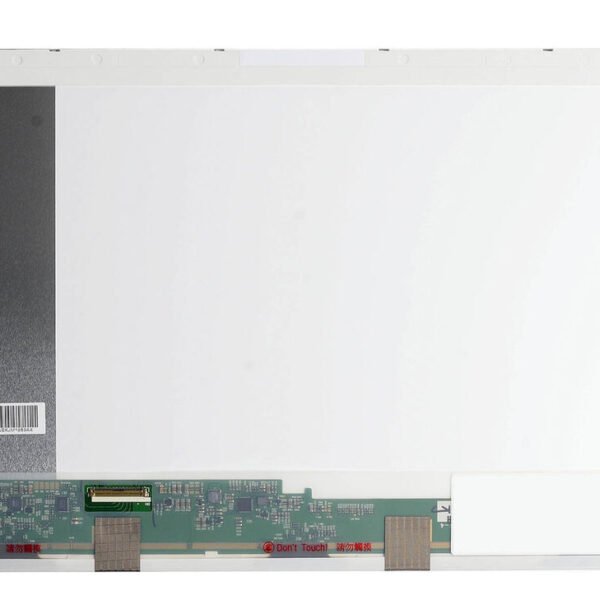

Hurry and get discounts on all Apple devices up to 20%
Sale_coupon_15
KSh6,000.00 excl. VAT
Payment Methods:

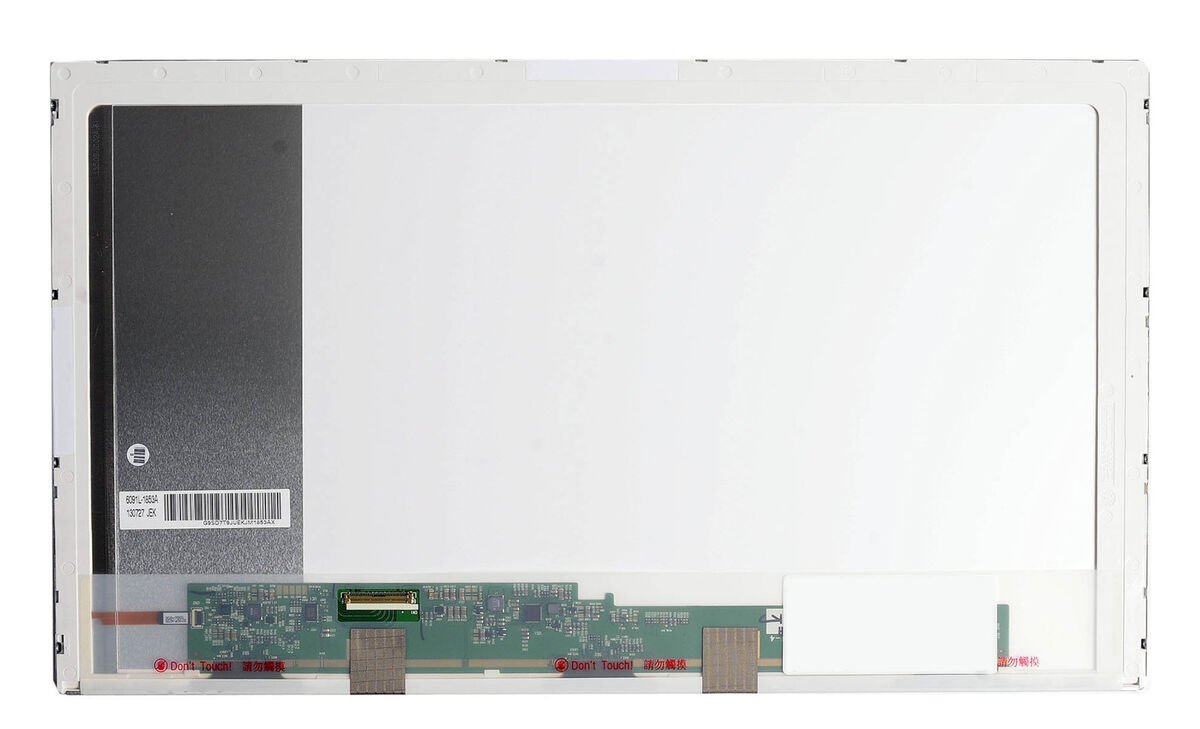
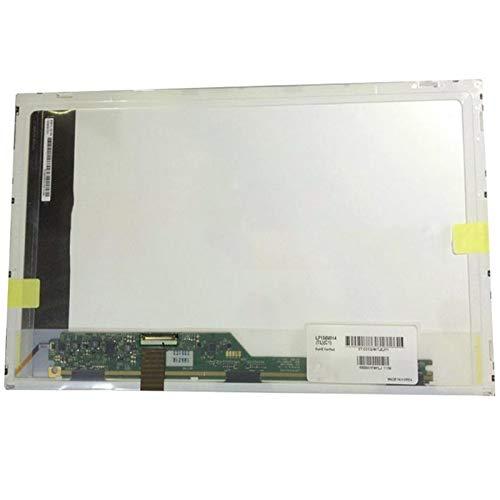
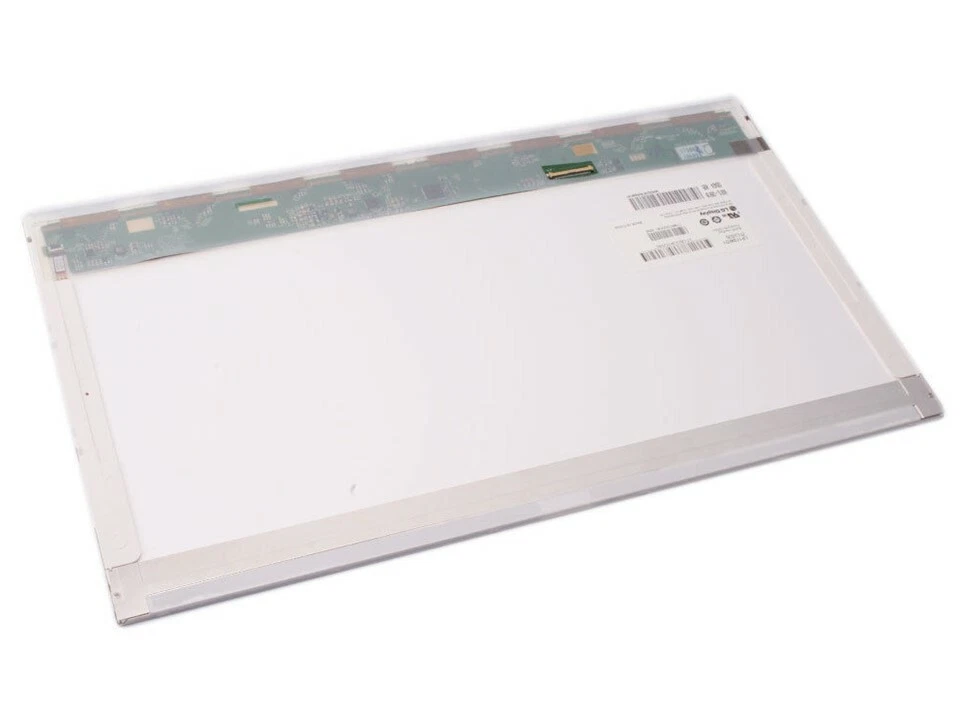
Replacing the screen on your HP ProBook 4730s can restore clear visuals, eliminate dead pixels, cracks, or discoloration, and make your laptop easier and more enjoyable to use. Whether your screen was damaged by impact, wear and tear, or display failure, this guide covers what you need to know in clear, practical English.
You may need a new screen if you notice:
Cracks or visible physical damage on the display
Lines, flickering, or distortion across the panel
Black spots, dead pixels, or color inconsistency
Backlight failures or dim display
No display at all when the laptop powers on but sounds working
These issues typically mean the LCD panel, inverter, or screen connector has failed or been physically damaged.
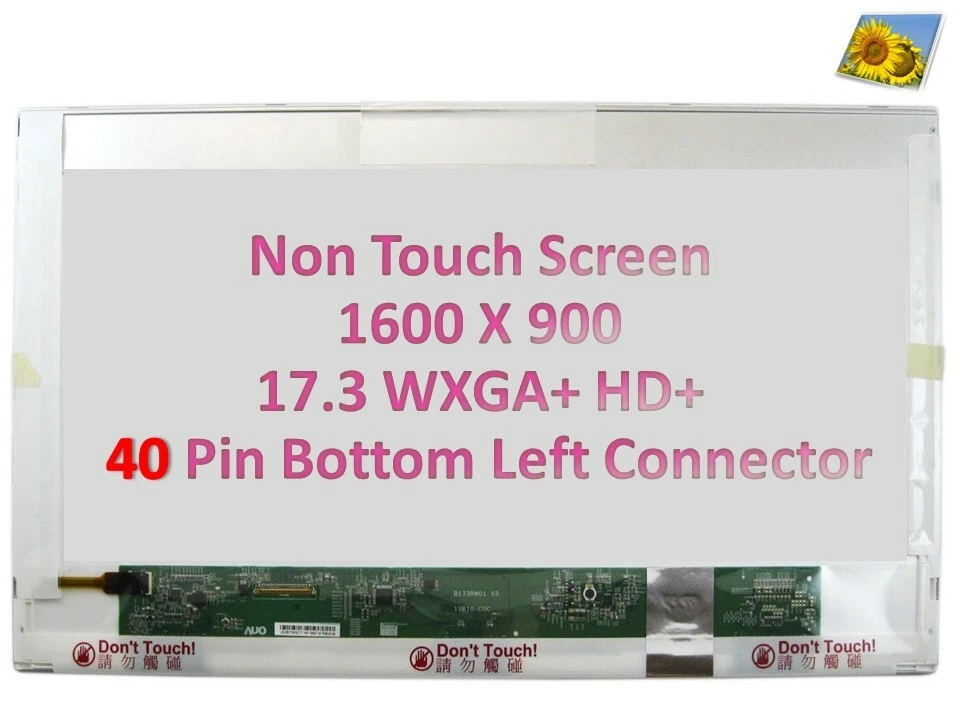
The HP ProBook 4730s originally comes with a 14-inch LED or CCFL display. Replacement screens include:
Resolution: 1366 × 768
Budget-friendly replacement
Good for general computing
Brighter, more energy-efficient
Better viewing angles and color
Slightly more expensive
Before starting the replacement, prepare:
Small Phillips screwdriver
Plastic spudger / pry tool
Tweezers
Anti-static wrist strap (optional but recommended)
Clean microfiber cloth
No soldering skills are required—screens are mounted and connected with screws and ribbon cables.
⚠️ Important: Always power off the laptop, disconnect the power adapter, and remove the battery before repair to avoid electrical damage.
Turn the laptop off.
Disconnect the power adapter.
Slide the battery release and remove the battery.
Carefully pry the screen bezel (plastic frame around the display) using a nylon pry tool.
Start at a corner and gently release clips around the edge.
Be patient—don’t force the bezel to avoid cracking.
Once the bezel is off, you’ll see screws holding the LCD panel to the metal brackets.
Remove the screws on both sides.
Gently tilt the panel forward.
At the back of the screen, unplug the video/display cable gently.
Use tweezers if needed but avoid pulling on the cable itself—pull from the reinforced connector.
Align the new screen with the metal brackets.
Reconnect the display cable securely.
Reinstall the mounting screws.
Snap the bezel back into place with gentle pressure around the edges.
Reinsert the battery and reconnect power.
Turn on the laptop to confirm the new screen works—check brightness, colors, and angles.
Before buying a replacement screen:
Check model number on the back of your old screen – use the panel’s part number to confirm exact compatibility
Ensure the connector type and position match (commonly 30-pin for this model)
Opt for LED backlight displays for better brightness and energy efficiency
If replacing a CCFL screen with LED, make sure the laptop’s inverter and power system support the change
Forcing the bezel off
Pulling on the ribbon cable instead of the connector
Using incorrect replacement screen models
Touching the LCD surface with bare fingers
Not confirming backlight type (LED vs CCFL)
Avoiding these mistakes ensures a successful, long-lasting repair.
Prices vary depending on screen quality:
Standard HD Replacement: Most affordable
High-Brightness LED: Mid-range
Premium IPS or Anti-Glare Panels: Higher cost but better visual quality
Labor cost also depends on whether you do the replacement yourself or hire a technician.
Consider professional installation if:
You are unfamiliar with laptop hardware
The laptop case is difficult to open safely
You want warranty or assurance of quality installation
Technicians can also test connectors and cables to ensure no other components are damaged.
Upgrade your HP screen laptop and redefine your display expectations with our exceptional screen replacement. Whether you’re gaming, working, or enjoying multimedia content, our screen replacement guarantees an enhanced visual experience that surpasses all others.
Get the HP probook 4730s service from Lansotech Solutions now!

No account yet?
Create an Account











 ASUS
ASUS



