





 Laptop Computers
 Desktop Computers
 Printers

 Network
 Software
 Laptop Accessories
 Laptop Components
 Office
 Desktop peripherals
 Server
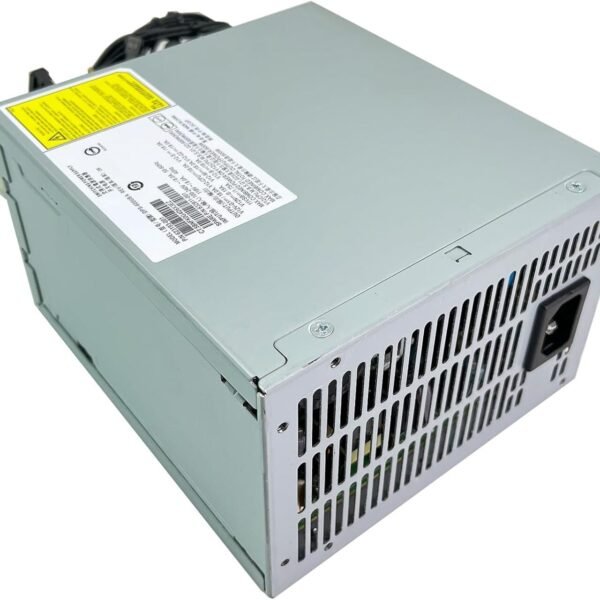
Model Compatibility: HP ProDesk 400 G5 (SFF & Microtower)
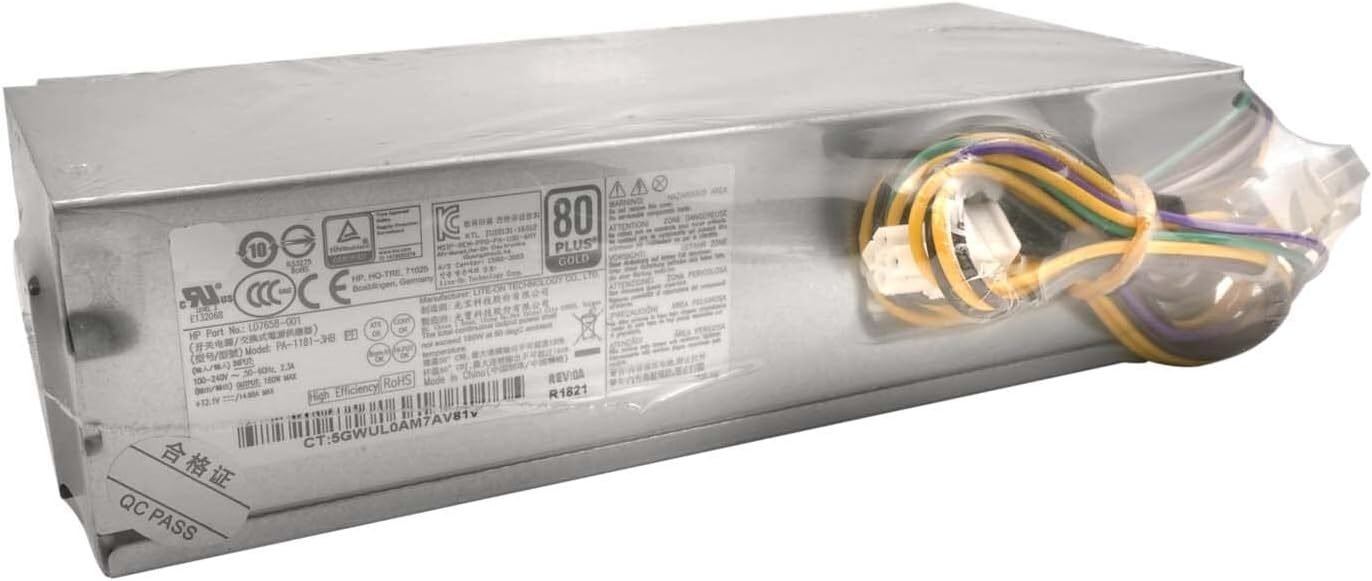
Output Power: 180 W / 310 W
Input Voltage: 100–240 V AC (auto-switching)
Frequency Range: 50–60 Hz
Efficiency: Up to 90% (Energy Star® compliant)
Thermal Management: Intelligent temperature-controlled fan with optimized airflow
Form Factor: Internal proprietary HP PSU (non-ATX for SFF, semi-standard for MT)
Connectors:
Proprietary 6-pin motherboard power
SATA power connectors
Optional GPU 6-pin (for MT higher-wattage variants)
Cooling System: Single 80 mm low-noise ball-bearing fan
Operating Temperature: 10 °C – 50 °C
Safety Certifications: CE, UL, FCC, RoHS, and HP Quality Assurance Certified
Each PSU is tested and certified by HP to ensure precise voltage regulation, efficient power delivery, and maximum hardware protection — features often missing in generic alternatives.

Hurry and get discounts on all Apple devices up to 20%
Sale_coupon_15
KSh4,500.00 excl. VAT
Payment Methods:

At Lansotech Solutions, Nairobi’s trusted supplier of HP computer parts and accessories, we provide only genuine and high-quality replacement components for HP desktops, laptops, and servers. Among our top-selling items is the HP ProDesk 400 G5 Power Supply, a critical component that ensures your HP desktop operates efficiently, safely, and reliably.
Whether you’re upgrading or replacing a faulty power unit, our original HP ProDesk 400 G5 PSU delivers consistent power output that matches HP’s factory specifications — ensuring the best performance and long-term stability for your system.
The HP ProDesk 400 G5 is part of HP’s renowned business desktop lineup, designed for dependability, scalability, and long operating hours. These desktops come in Small Form Factor (SFF) and Mini Tower (MT) variants, both of which require precisely rated power supplies for optimal operation.
The HP ProDesk 400 G5 Power Supply Unit (PSU) converts AC power from your wall socket into regulated DC voltage that powers your motherboard, CPU, storage drives, and other internal components. Using a genuine HP PSU ensures that your system receives stable voltage and current, protecting critical components from electrical surges or inconsistent power delivery.
Not all power supplies are created equal. While many third-party options claim compatibility, only the genuine HP ProDesk 400 G5 PSU guarantees the performance, reliability, and safety HP desktops are designed for.
Here’s why using the original HP power supply is crucial:
Perfect Compatibility – Designed specifically for the HP ProDesk 400 G5 series, ensuring precise fit and full functionality.
Stable Power Output – Consistent power delivery for components like the CPU, GPU, RAM, and motherboard.
Built-in Safety Protections – Features over-voltage, over-current, and short-circuit protection to safeguard your hardware.
Energy Efficiency – Complies with HP’s energy-efficient design, minimizing power waste and heat generation.
Longevity – Tested under HP’s rigorous standards to last through thousands of power cycles with minimal degradation.
At Lansotech Solutions, we stock 100% original HP PSUs sourced directly from certified suppliers, ensuring authenticity and reliability.
The genuine HP PSU provides stable power ratings between 180W and 310W, depending on your desktop’s configuration. This allows your ProDesk 400 G5 to operate smoothly even under heavy workloads, ensuring uninterrupted business productivity.
Engineered with active power factor correction (PFC) and 80 PLUS certification, this PSU ensures minimal power loss and reduced heat generation — ideal for office environments that demand long operating hours.
HP’s advanced circuit protection prevents voltage fluctuations from damaging sensitive components. The PSU includes overload, over-voltage, and short-circuit protection, offering unmatched reliability for mission-critical systems.
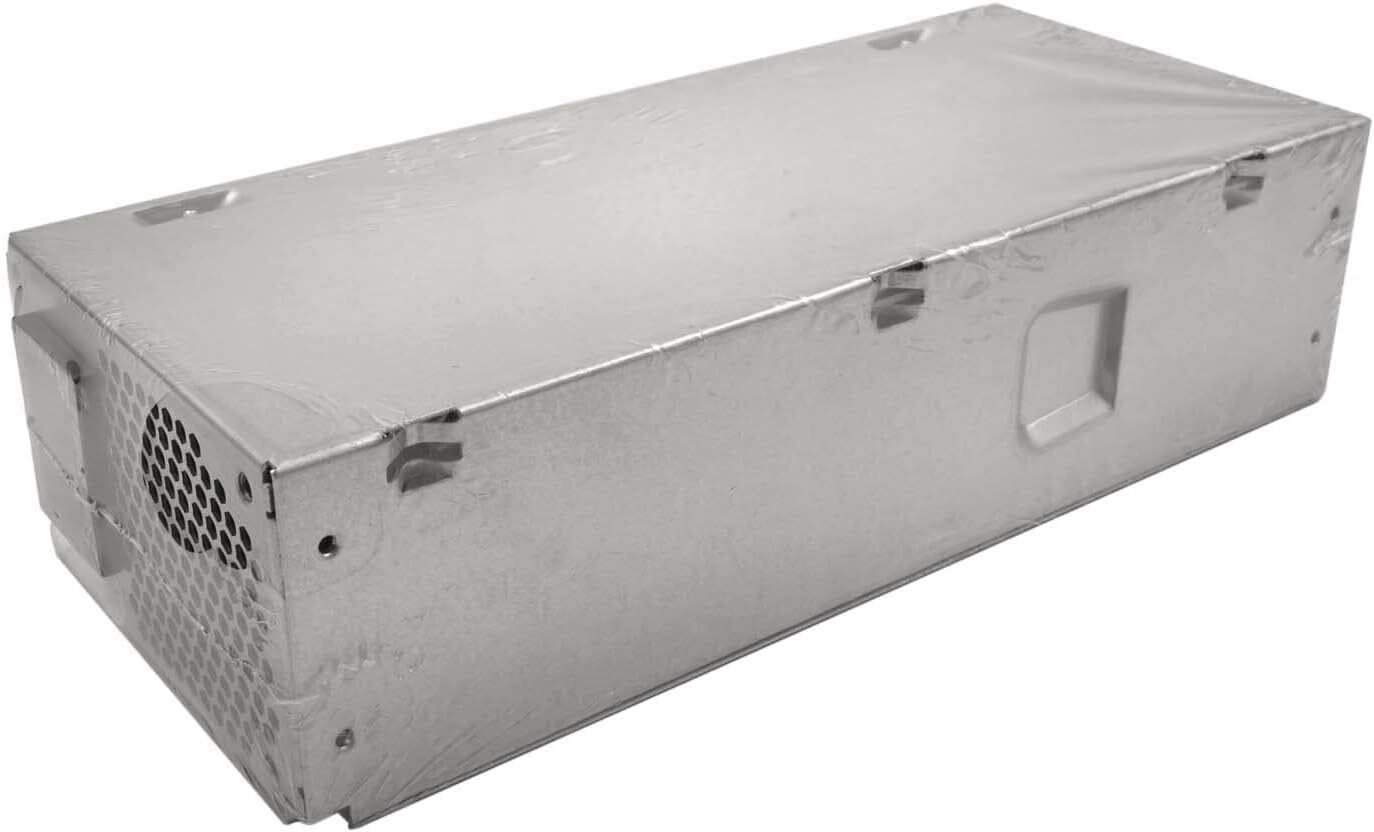
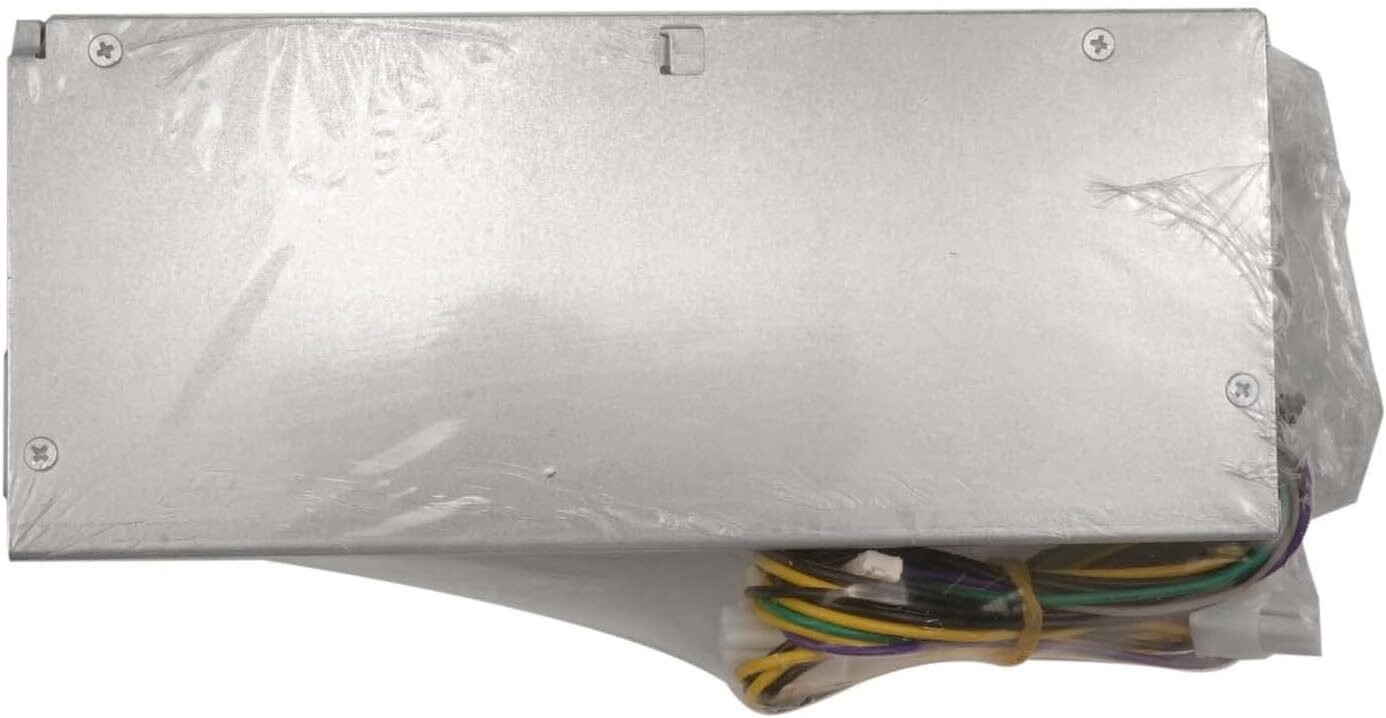
The PSU’s small form factor fits perfectly into the HP ProDesk chassis, while its durable metal casing provides superior heat dissipation and physical protection.
Equipped with a low-noise cooling fan, the power supply maintains optimal temperature levels with minimal sound, keeping your workspace quiet and productive.
The HP ProDesk 400 G5 Power Supply is compatible with the following HP systems:
HP ProDesk 400 G5 Small Form Factor (SFF)
HP ProDesk 400 G5 Microtower (MT)
HP ProDesk 600 G5 Series (select models)
HP EliteDesk 800 G5 Series (with matching wattage)
If you’re unsure about compatibility, our expert technicians at Lansotech Solutions can assist you in verifying the exact PSU model your desktop requires.
If your HP ProDesk 400 G5 exhibits any of these symptoms, it may be time to replace the power supply:
The desktop fails to power on or shuts down unexpectedly.
Fans spin briefly, but the system doesn’t boot.
You experience intermittent restarts or power surges.
The PSU emits burning smells or unusual noises.
The system fails under load, indicating inconsistent power flow.
Replacing your old or faulty PSU with a genuine HP replacement ensures smooth, safe, and stable performance.
Installing the HP ProDesk 400 G5 Power Supply is straightforward, but precision is key:
Unplug the desktop and remove all power connections.
Open the side panel to access internal components.
Disconnect all PSU cables from the motherboard, storage devices, and peripherals.
Unscrew and remove the old PSU carefully.
Install the new HP PSU, align it properly, and secure it in place.
Reconnect all cables, ensuring firm and correct connections.
Close the casing, plug in the power cable, and power up your system.
Pro Tip: Always use a surge protector or UPS to shield your PSU from sudden voltage spikes, especially in areas with unstable power supply.
At Lansotech Solutions, we are your one-stop shop for genuine HP parts. We provide authentic HP ProDesk 400 G5 Power Supplies with warranty, fast delivery, and professional installation services.
When you buy from us, you’re guaranteed:
Original HP power supplies
Competitive pricing and bulk discounts
Fast delivery across Nairobi and Kenya
Expert installation support
Warranty-backed quality assurance
Our mission is to help businesses and individuals keep their HP systems running at peak efficiency with authentic, high-performance components.
The HP ProDesk 400 G5 Power Supply is more than just a replacement part — it’s the foundation of your desktop’s reliability and performance. Using a genuine HP PSU ensures consistent power delivery, protects your components, and extends the lifespan of your device.
No account yet?
Create an Account











 ASUS
ASUS



