





 Laptop Computers
 Desktop Computers
 Printers

 Network
 Software
 Laptop Accessories
 Laptop Components
 Office
 Desktop peripherals
 Server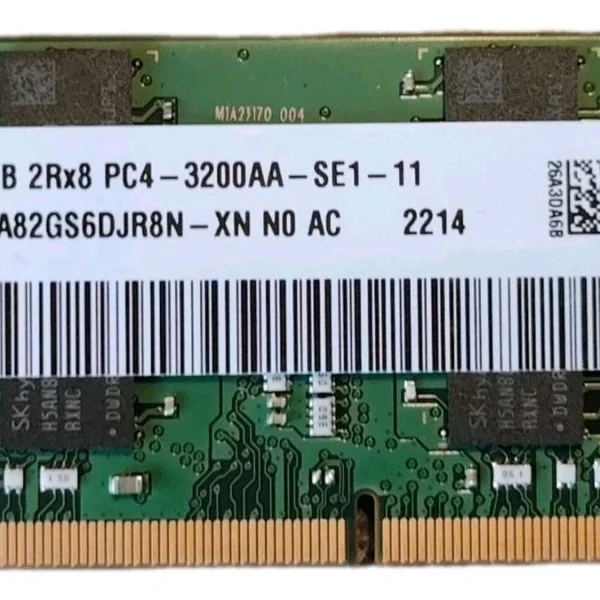
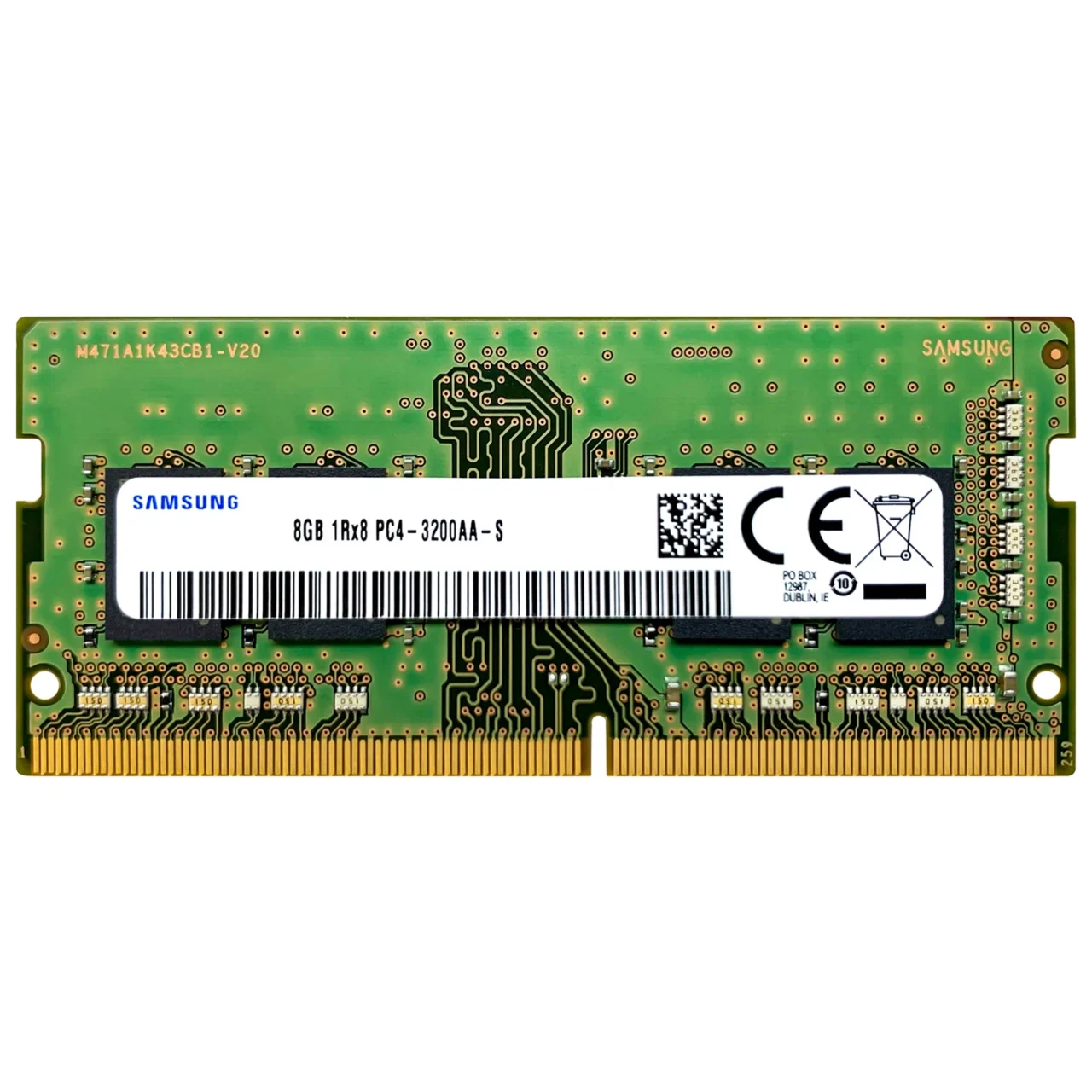
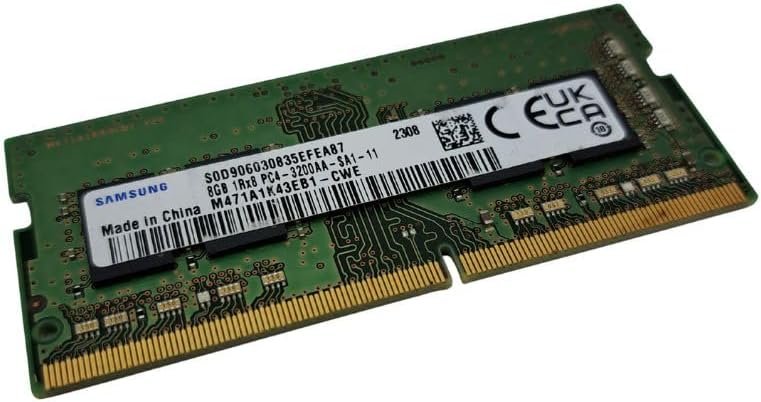
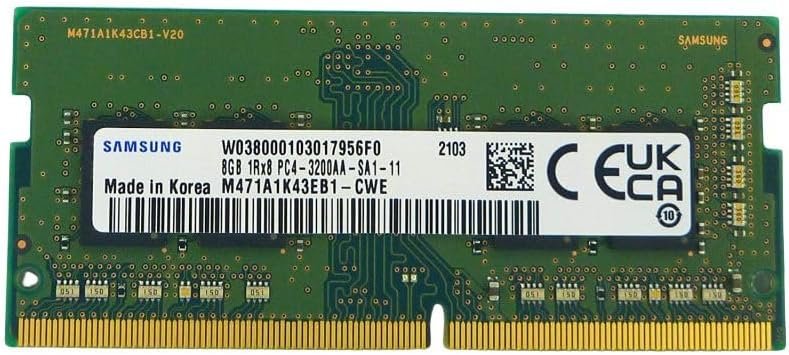
Brand: Samsung
Capacity: 8GB
Type: DDR4
Form Factor: SODIMM 260-pin
Speed/Frequency: 3200MHz
Module Configuration: 1Rx8 (Single Rank)
Voltage: 1.2V
PC Rating: PC4-25600
Compatibility: Laptops supporting DDR4 SODIMM 260-pin modules

Hurry and get discounts on all Apple devices up to 20%
Sale_coupon_15
KSh3,500.00 excl. VAT
Out of stock
Out of stock
Payment Methods:

At Lansotech, we know that laptop performance hinges on the quality and efficiency of its RAM (Random Access Memory). The Samsung 8GB DDR4 3200MHz PC4-25600 1.2V 1Rx8 260-Pin SODIMM is a high-performance memory module designed to deliver speed, reliability, and energy efficiency. Whether you’re a professional handling heavy software, a gamer, or a student juggling multiple applications, this RAM upgrade ensures your laptop runs smoothly without lag. Additionally, knowing how to take care of my laptop RAM can significantly extend its lifespan and maintain peak performance.
Laptops with insufficient memory often suffer from slow performance, application crashes, and longer boot times. Upgrading to 8GB DDR4 RAM provides:
Enhanced multitasking capabilities – Run multiple apps, browser tabs, and background processes simultaneously.
Faster system responsiveness – Boot up, load software, and switch between programs with ease.
Optimal performance for demanding applications – Perfect for video editing, gaming, CAD software, and programming.
Improved system stability – Prevents crashes and memory-related errors.
The Samsung DDR4 3200MHz module offers a significant speed improvement over DDR3 RAM while consuming less power.
With a frequency of 3200MHz, this RAM ensures rapid data transfer and low latency, which is essential for resource-intensive applications. The PC4-25600 rating guarantees a high bandwidth, providing smoother performance for modern laptops.
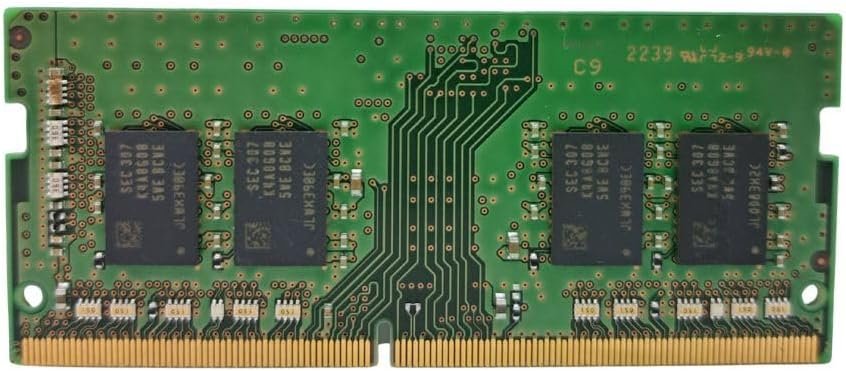
The 1Rx8 single-rank architecture optimizes data flow and enhances compatibility with a wide range of laptops. By distributing data efficiently across memory chips, this design reduces delays in processing and improves overall system efficiency.
Operating at a low voltage of 1.2V, this DDR4 RAM consumes less power, which translates to reduced heat generation and longer battery life. This is especially beneficial for users who rely on laptops for extended periods, such as remote work or travel.
Samsung is a global leader in memory technology, ensuring each RAM module undergoes rigorous testing for quality, reliability, and compatibility. Users can trust that Samsung DDR4 memory modules offer consistent performance and low failure rates, even under heavy workloads.
Upgrading to 8GB DDR4 3200MHz ensures that users can open multiple applications, browser tabs, and background programs without slowing down the system. Professionals using Adobe Creative Cloud, Microsoft Office, or virtual machines will experience significantly improved workflow efficiency.
Although DDR4 is primarily for memory-intensive computing tasks, 3200MHz speed allows laptops to handle moderate to high-end gaming and 3D rendering applications with less stutter and smoother frame rates. Users can enjoy faster load times and better graphics performance.
Low memory can cause application errors, freezes, and crashes. Samsung 8GB DDR4 RAM provides stable operation, reducing the risk of interruptions during important tasks. The single-rank configuration further enhances compatibility with most laptop motherboards.
The 1.2V low voltage design not only reduces heat but also improves battery longevity, making it ideal for laptops used for remote work, travel, and long study sessions. Efficient energy consumption helps maintain consistent performance without overtaxing the system.
Proper care can maximize the lifespan and efficiency of your laptop RAM. Here are essential tips:
Keep Your Laptop Clean – Dust can accumulate in the memory slots, causing poor contact and overheating. Use a soft brush or compressed air to clean the interior periodically.
Avoid Overheating – Ensure your laptop’s cooling system works properly. Consider using cooling pads or placing the laptop on hard, flat surfaces.
Handle RAM Carefully During Installation – Always ground yourself to avoid static electricity when inserting or removing modules.
Monitor System Usage – Avoid running too many heavy applications simultaneously for prolonged periods. This prevents excessive strain on the RAM.
Keep Firmware and Drivers Updated – Laptop BIOS and driver updates can optimize RAM performance and compatibility.
Avoid Physical Damage – Never bend or force RAM modules into slots; this can damage both the memory and the motherboard.
Following these practices ensures your Samsung DDR4 8GB RAM maintains high-speed performance and remains reliable for years.
The 260-pin SODIMM form factor is compatible with most modern laptops supporting DDR4 memory. Installation is straightforward:
Turn off your laptop and disconnect the power source.
Remove the laptop’s back panel or memory compartment cover.
Align the notch on the RAM module with the slot in the motherboard.
Press the module gently until it clicks into place.
Replace the cover and power on your laptop.
Most laptops will automatically detect the new RAM without additional configuration.
High-speed performance – 3200MHz frequency for demanding applications.
Low voltage operation – Conserves power and reduces heat.
Reliable brand – Samsung’s stringent quality control ensures long-term stability.
Wide compatibility – Works with almost all DDR4 SODIMM-compatible laptops.
Future-ready – 8GB capacity meets modern computing demands efficiently.
Upgrading to the Samsung 8GB DDR4 3200MHz PC4-25600 1.2V 1Rx8 260-Pin SODIMM provides enhanced speed, stability, and energy efficiency for your laptop. Knowing how to take care of my laptop RAM ensures that this performance remains consistent, helping you achieve faster boot times, smooth multitasking, and longer system life.
No account yet?
Create an Account











 ASUS
ASUS



