





 Laptop Computers
 Desktop Computers
 Printers

 Network
 Software
 Laptop Accessories
 Laptop Components
 Office
 Desktop peripherals
 Server

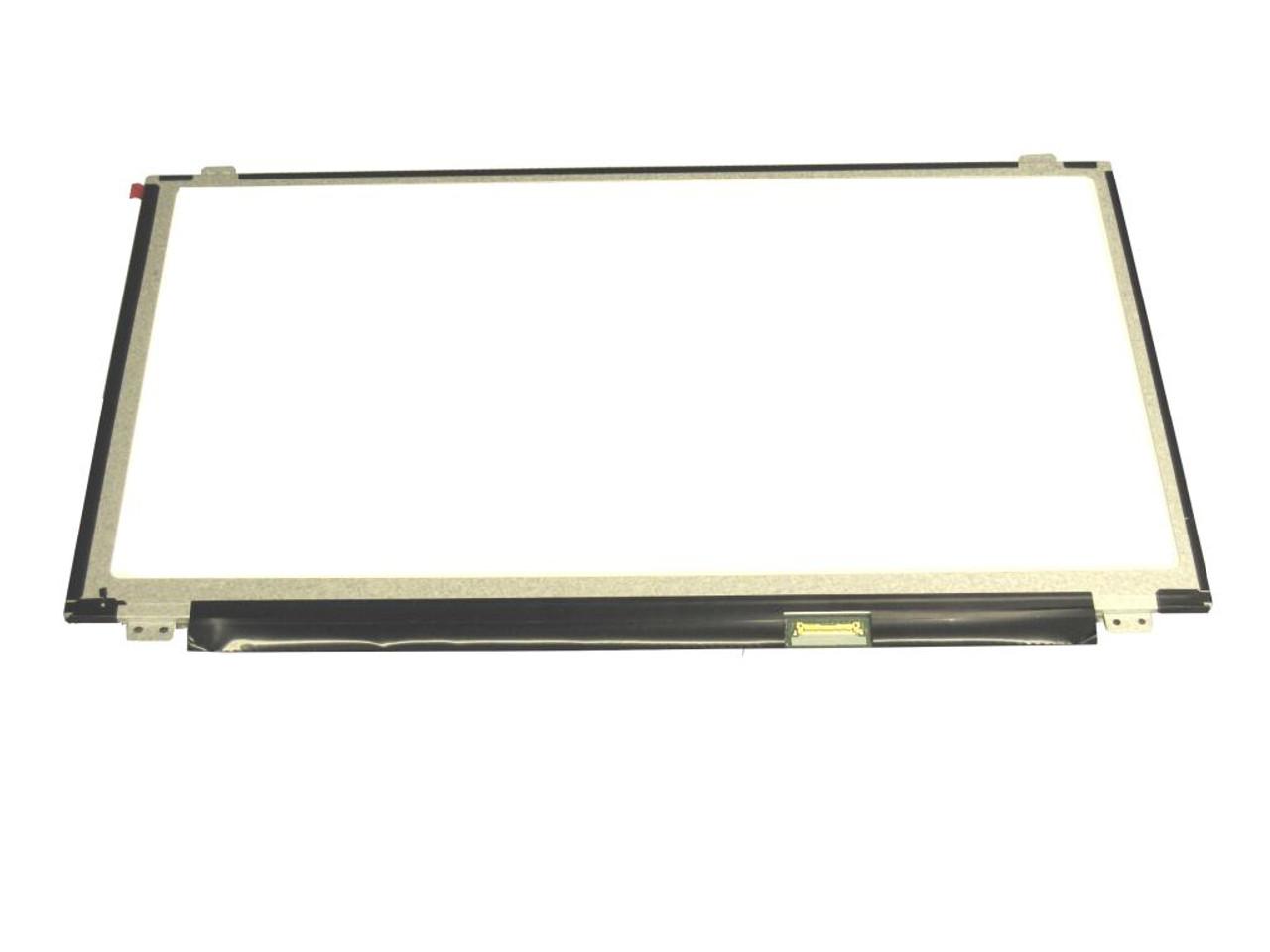
Size: 15.6″
Resolution: HD (1366 x 768) / FHD (1920 x 1080)
Pixels: 1366 x 768 or 1920 x 1080 (depending on variant)
Backlight Type: LED
Backlight Lamp: DIODE
Connector: eDP
Pin Connection: 30 Pins
Side: Bottom Right
Finish: Matte/Glossy (write in checkout note)
Condition: NEW
Commodity: Non-Touch / Touch (depending on model)
Technology: LCD Screen Panel
Dead Pixel Policy: In Accordance with ISO 13406-2 norm
Source: Factory Direct
Packaging: Fragile Customized Package
Compatibility: OEM – Lenovo ThinkPad E570

Hurry and get discounts on all Apple devices up to 20%
Sale_coupon_15
KSh6,000.00 excl. VAT
Payment Methods:

At Lansotech Solutions, we provide genuine Lenovo ThinkPad E570 screen replacements for customers in Nairobi. The ThinkPad E570 is a reliable business laptop, but accidents and wear can lead to cracked screens, flickering displays, or dead pixels. Our professional technicians specialize in supplying and installing OEM-quality Lenovo screens, ensuring your laptop’s display is restored to its original sharpness and clarity.
You may require a new screen if your laptop shows:
Cracks or physical damage caused by drops or pressure.
Flickering or dim brightness from backlight failure.
Vertical or horizontal lines that disrupt visibility.
Dead pixels or dark patches across the display.
Discoloration or distorted visuals affecting clarity.
Completely black screen while the laptop is powered on.
Replacing the screen with a genuine Lenovo OEM part guarantees compatibility and long-lasting performance.
After replacing your screen, follow these steps to protect it:
Carry your laptop in a padded sleeve or bag.
Avoid pressing or placing heavy objects on the laptop lid.
Clean the display using a soft microfiber cloth only.
Keep food and liquids away from your laptop.
Consider adding a screen protector for extra protection.
Get the Lenovo e570 screen Replacement service from Lansotech Solutions now!
No account yet?
Create an Account











 ASUS
ASUS



