





 Laptop Computers
 Desktop Computers
 Printers

 Network
 Software
 Laptop Accessories
 Laptop Components
 Office
 Desktop peripherals
 Server

Hurry and get discounts on all Apple devices up to 20%
Sale_coupon_15
KSh6,000.00 excl. VAT
Payment Methods:

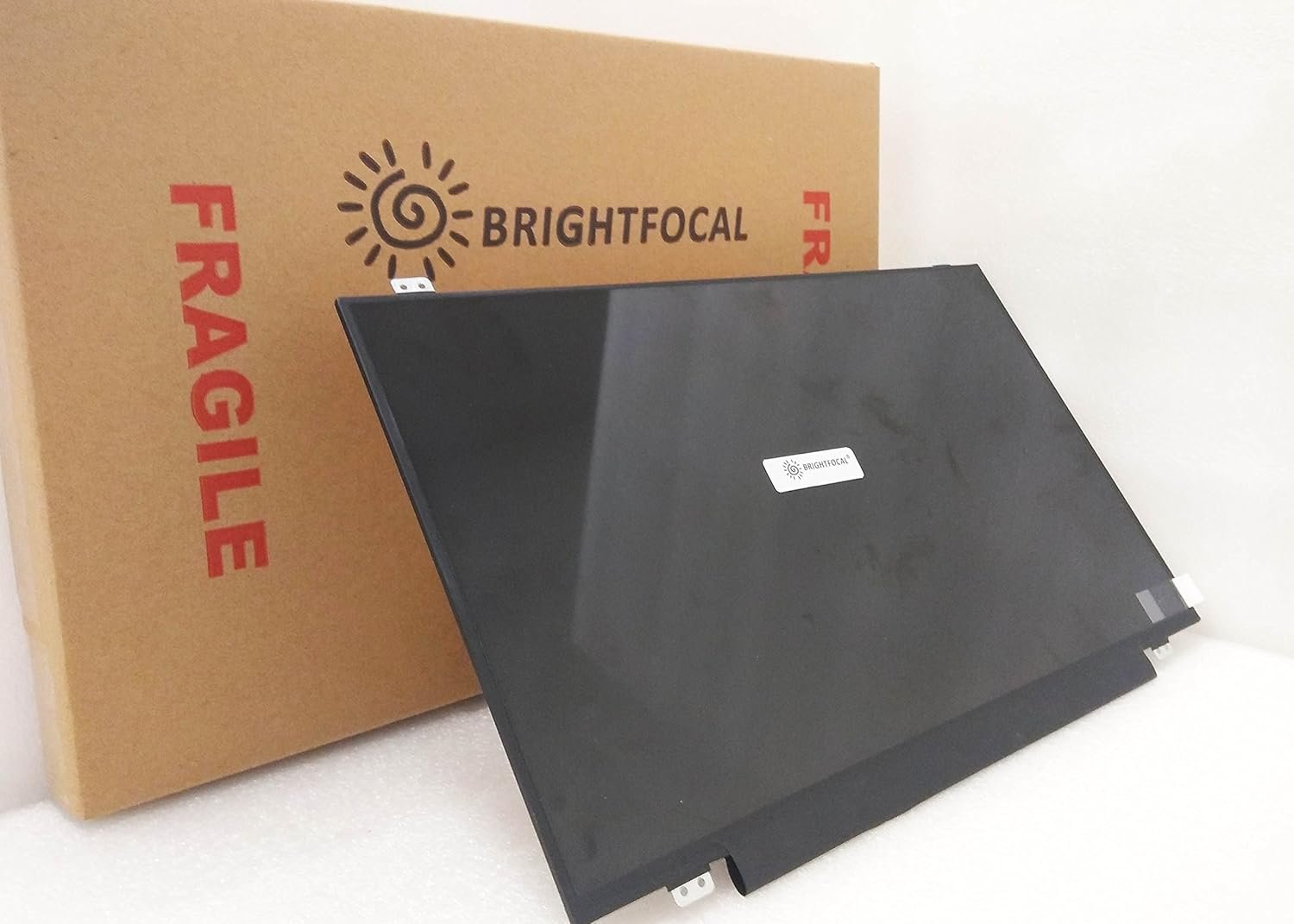
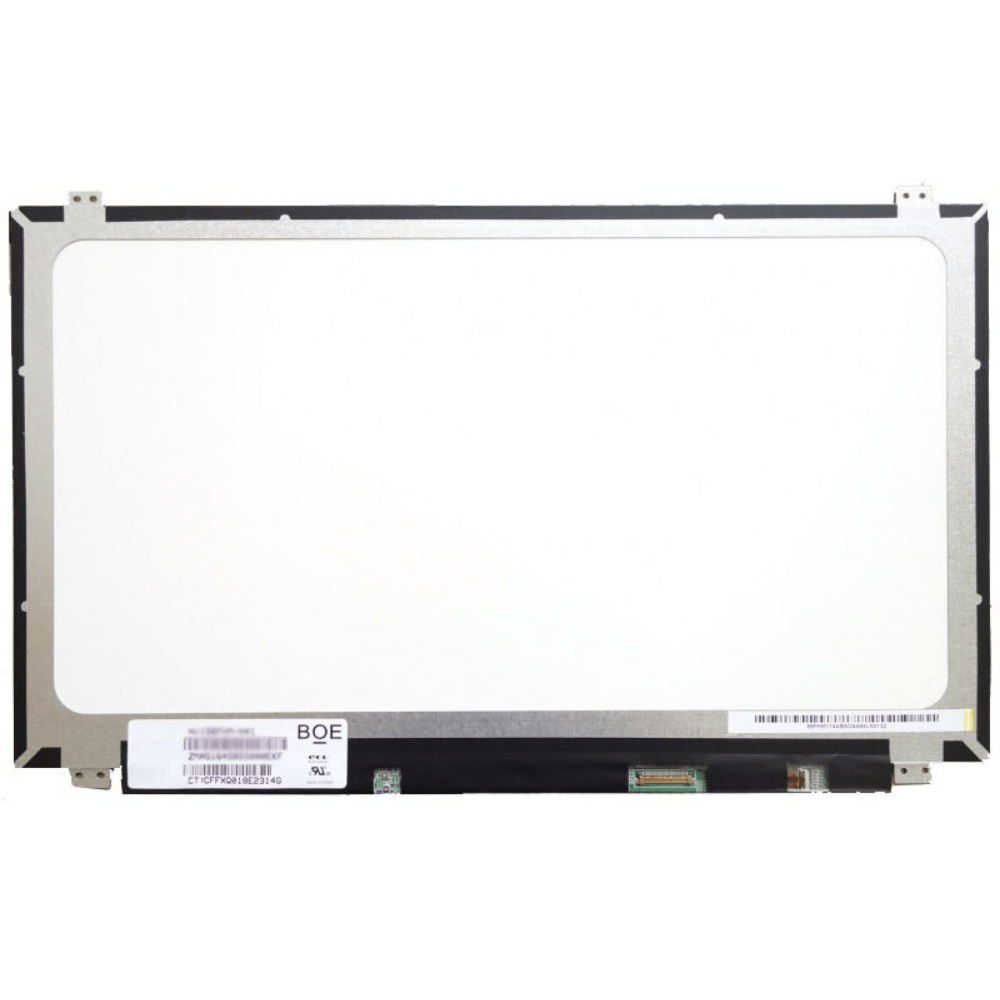
Is your Lenovo ThinkPad E590 laptop screen cracked, flickering, or showing no display? At Lansotech Solutions, we provide professional Lenovo screen replacement services in Nairobi, ensuring your laptop looks and works like new again.
Original Lenovo screens only for perfect compatibility
Quick replacement service – most done within 30–45 minutes
Affordable pricing without compromising quality
Warranty on all screen replacements
Experienced technicians who handle your device with care
Whether your screen is broken, dim, or showing lines, we can fix it fast.
✔ Cracked or broken glass
✔ Black spots or dead pixels
✔ Flickering or dim display
✔ Colored lines across the screen
✔ No display but the laptop powers on
If you see any of these symptoms, it’s time for a screen replacement.
At Lansotech Solutions, we offer competitive prices for Lenovo E590 screens. The cost depends on whether you need:
✔ HD (1366 × 768) screen
✔ Full HD (1920 × 1080) screen
Contact us for an accurate quote and same-day service.
Many users think water is safe for cleaning screens, but it can cause:
Liquid damage to internal parts
Short circuits
Permanent streaks or stains
Instead, use:
✔ A microfiber cloth
✔ Screen-safe cleaning solution
1. How long does it take to replace the screen?
Typically 30–45 minutes if the screen is in stock.
2. Do you provide onsite installation?
Yes, we offer onsite screen replacement in Nairobi and countrywide delivery.
3. Is there a warranty?
Yes! Every Lenovo screen replacement comes with a warranty.
4. Can I replace the screen myself?
Possible, but risky without tools and expertise. We recommend professional service.
Avoid cleaning with water
Close the laptop gently to avoid cracks
Use a laptop sleeve for extra protection
Keep away from sharp or heavy objects
Get the Lenovo e590 screen Replacement service from Lansotech Solutions now!

No account yet?
Create an Account











 ASUS
ASUS



