





 Laptop Computers
 Desktop Computers
 Printers

 Network
 Software
 Laptop Accessories
 Laptop Components
 Office
 Desktop peripherals
 Server
Brand: Non-Touch Screen
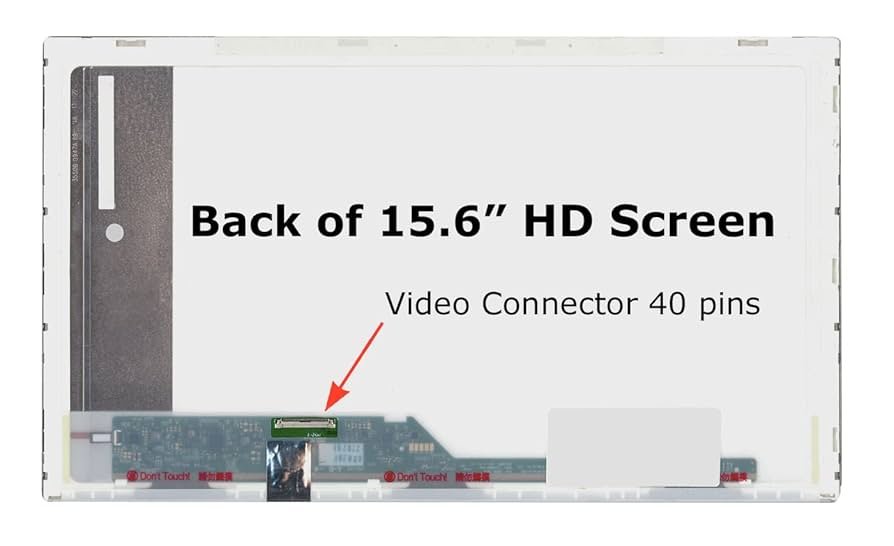
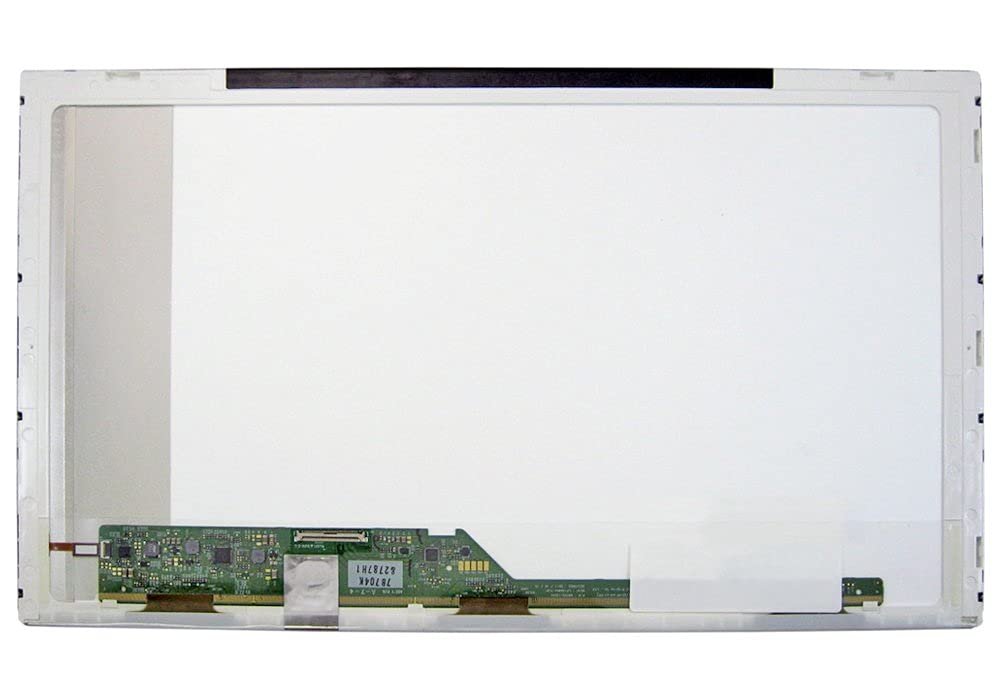
Size: 15.6 inches
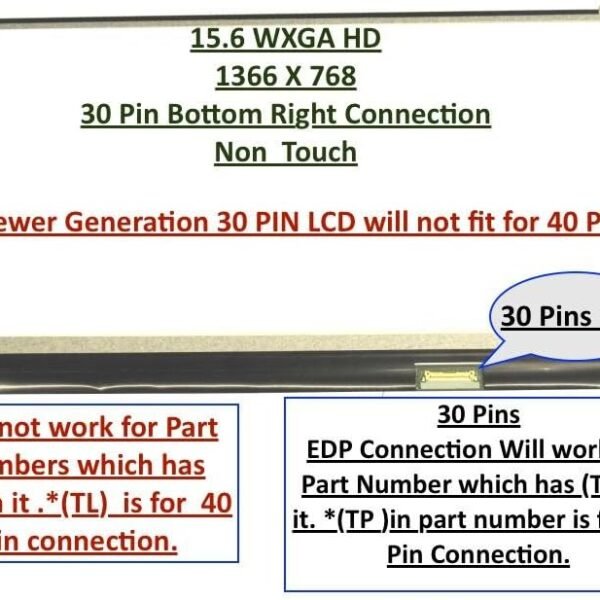
Resolution: HD (1366×768) / FHD (1920×1080)
Type: LED
Backlight Lamp: DIODE
Pin Connection: 30 Pins / 40 Pins (check your laptop model)
Finish: Matte/Glossy (specify in checkout)
Condition: NEW
Technology: Non-Touch
Category: Laptop Replacement Screen
Dead Pixel Policy: ISO 13406-2 Standard
Source: Factory Direct
Packaging: Fragile Customized Package
Compatibility: 101% OEM Compatible

Hurry and get discounts on all Apple devices up to 20%
Sale_coupon_15
KSh5,500.00 excl. VAT
Payment Methods:

Is your Lenovo G500 screen cracked, flickering, or completely black? At Lansotech Solutions Nairobi, we provide genuine Lenovo G500 screen replacements to restore your laptop’s display to its original clarity and brightness.
We are among the top laptop screen shops in Nairobi CBD, trusted by hundreds of customers for professional laptop repairs and original OEM-quality replacement parts. Whether you use your Lenovo G500 for work, school, or personal use, our technicians will ensure your laptop screen is replaced quickly and professionally.
Authentic Lenovo G500 screens – durable and long-lasting.
Skilled technicians with years of laptop repair experience.
Same-day screen replacement in Nairobi CBD.
Affordable prices compared to other laptop shops.
Fragile customized packaging for safe delivery outside Nairobi.
We are ranked among the best laptop repair shops in Nairobi, making us your trusted partner for Lenovo screen replacement services.
If your screen is cracked or shattered.
When you see lines, dead pixels, or flickering lights.
If the screen is too dim even at full brightness.
When the display shows distorted or blurry images.
If your laptop screen is completely black but the laptop is on.
To extend the life of your replacement screen:
Always clean using a microfiber cloth and screen-safe solution.
Do not press hard while cleaning.
Avoid closing the laptop lid with objects on the keyboard.
Keep liquids away to prevent accidental spills.
Handle your laptop gently when opening or closing the lid.
Get the Lenovo g500 screen Replacement service from Lansotech Solutions now!
No account yet?
Create an Account











 ASUS
ASUS



