





 Laptop Computers
 Desktop Computers
 Printers

 Network
 Software
 Laptop Accessories
 Laptop Components
 Office
 Desktop peripherals
 Server
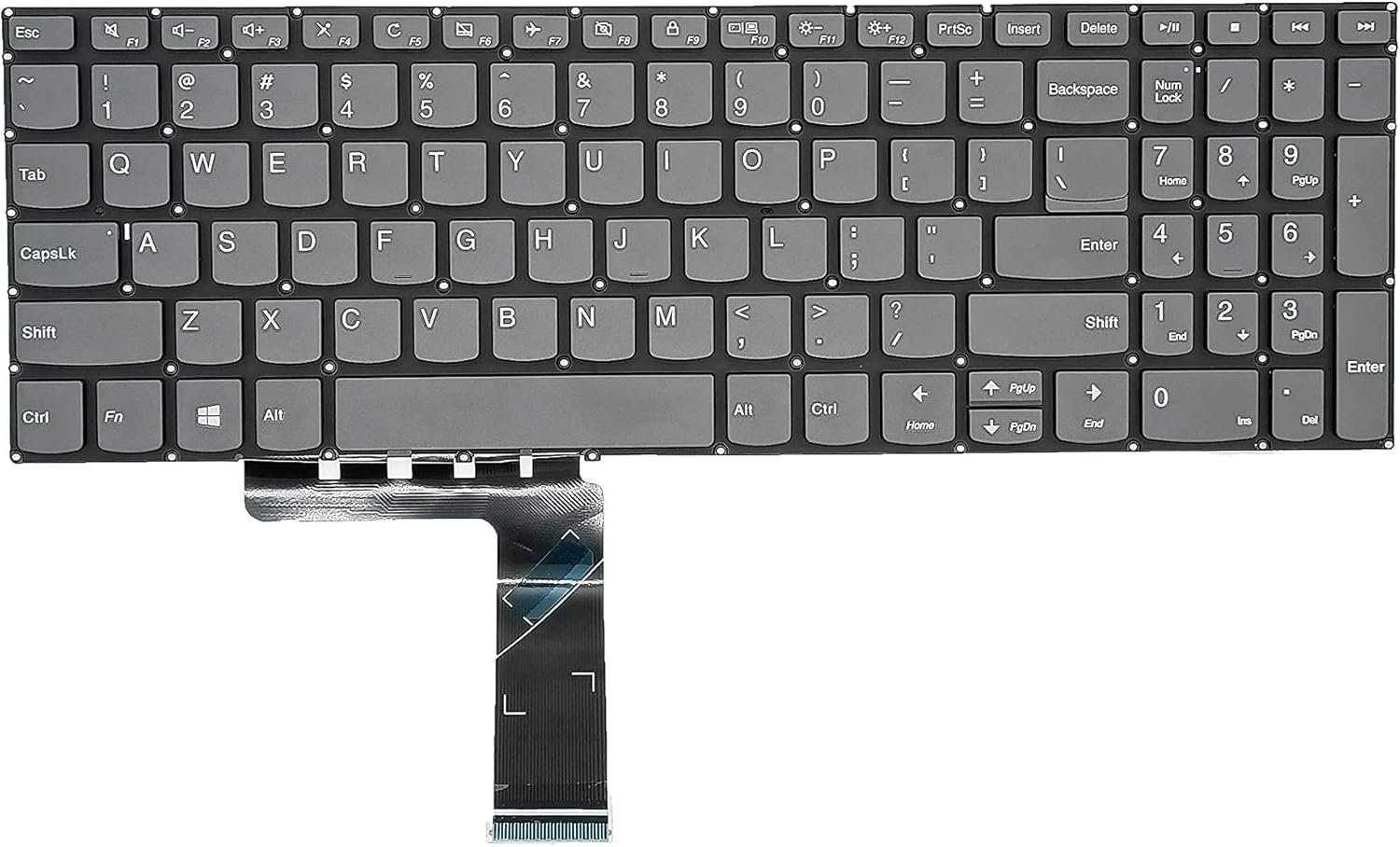
Compatible Models: Lenovo ideaPad 330s-15IKB 330s-15ARR 330s-15ISK, ideapad S340-15IWL S340-15API S340-15IIL , Lenovo ideapad 3-15IIL05, ideapad 3-15ADA05, ideapad 3-15ARE05, ideapad 3-15IGL05 Series Laptop
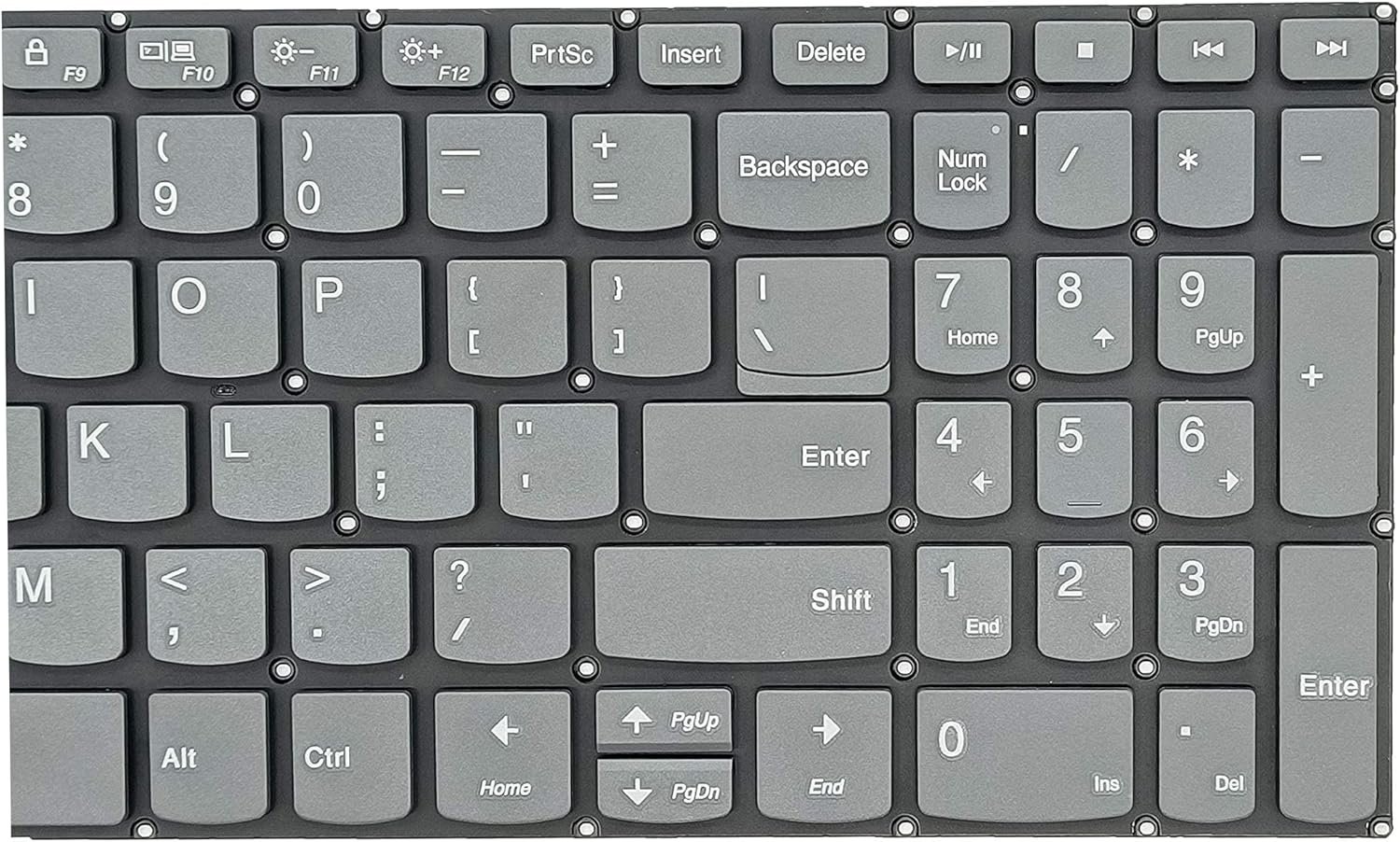
Layout: QWERTY (US/UK/EU layouts available)
Backlit Option: Available on select models
Key Count: 104 keys with function and multimedia support
Touchpad Compatibility: Designed with precise touchpad cutouts
Dimensions: Fits 15.6″ chassis perfectly
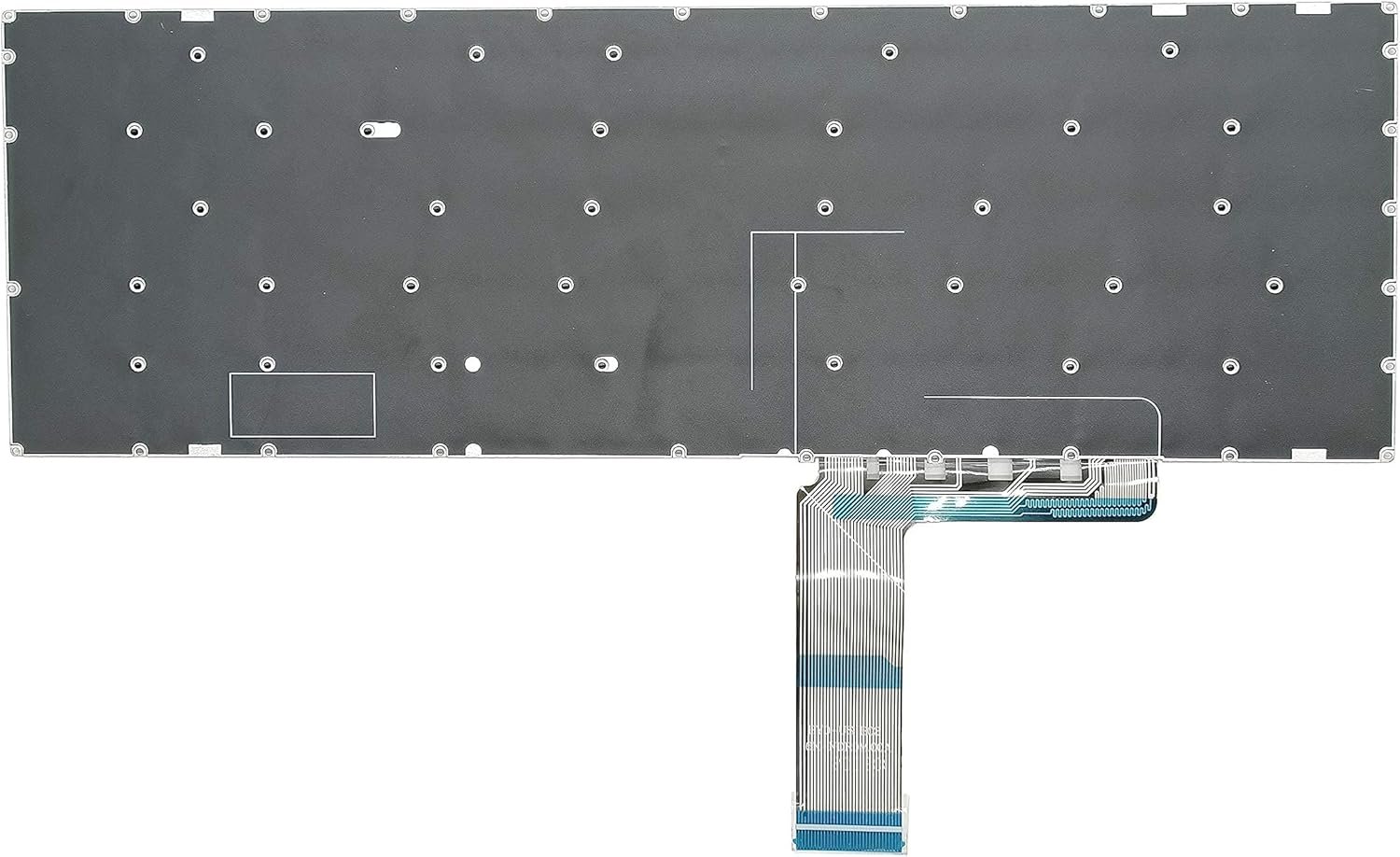
Connection Type: Ribbon cable interface with secure ZIF connector
Material: Durable ABS plastic with matte finish for keytops
Warranty: 6 months

Hurry and get discounts on all Apple devices up to 20%
Sale_coupon_15
KSh3,500.00 excl. VAT
Payment Methods:

At Lansotech Solutions, we are proud to be the leading provider of laptop repairs and accessories in Nairobi CBD. As a trusted name in the industry, we specialize in providing genuine Lenovo IdeaPad 3 15IIL05 keyboards, expert installation, and premium after-sales support. If you’re searching for laptop keyboard shops in Nairobi CBD, you’ve found the right place.
Whether your keyboard is malfunctioning, physically damaged, or you simply need a new one installed, this guide offers a complete breakdown of everything you need to know about the Lenovo IdeaPad 3 15IIL05 keyboard. Backed by our technical experience and vast inventory, we guarantee the best service and original parts.
The Lenovo IdeaPad 3 15IIL05 is a well-known mid-range laptop featuring a 15.6-inch display and 10th Gen Intel processors. Its keyboard is designed for everyday productivity, offering fast typing and comfortable key travel. Whether you use your laptop for school, office tasks, or business operations, having a reliable keyboard is essential.
Key features of the Lenovo IdeaPad 3 15IIL05 keyboard include:
Full QWERTY layout with a dedicated numeric keypad
Low-profile, island-style keys for quiet and accurate typing
Available in backlit and non-backlit versions
Durable design, built to handle daily typing pressure
Integrated multimedia function keys for quick access to volume, brightness, and other controls
As one of the top laptop keyboard shops in Nairobi CBD, we’ve seen all types of issues with the Lenovo IdeaPad 3 15IIL05 keyboard. Here are the most common:
If certain keys do not respond when pressed, the issue might be caused by dust accumulation, liquid spills, or a loose ribbon connection.
Frequent use or environmental conditions (like dust or moisture) can cause keys to become stuck or hard to press.
This is usually due to a hardware fault, BIOS settings, or damaged internal connectors.
Broken, missing, or popped-out keys usually result from accidental drops or mishandling. In such cases, replacing the entire keyboard is often the most effective solution.
We highly recommend that you let our professionals handle this, but if you are technically skilled, here’s how to perform a DIY replacement.
Phillips screwdriver
Plastic pry tool
ESD strap
Tweezers
Power Down and Remove Battery
Unplug the charger, turn off the laptop, and disconnect the battery (if detachable).
Open the Bottom Cover
Use the screwdriver to remove all screws, then gently pry open the cover using a plastic tool.
Locate the Keyboard Connector
You’ll see a flat ribbon cable that connects the keyboard to the motherboard. Carefully unlock the ZIF connector and remove the ribbon.
Detach and Replace the Keyboard
Pop the keyboard out from the top, replace it with the new one, and reconnect the ribbon cable securely.
Reassemble and Test
Replace the bottom cover and screws. Power on the device and test all keys for functionality.
Note: A mistake during this process can permanently damage the motherboard. If you’re not confident, visit our Nairobi CBD laptop repair shop for safe and professional service.
Here’s why customers across Kenya trust Lansotech Solutions when searching for laptop keyboard shops in Nairobi CBD:
We stock 100% original Lenovo keyboards
Fast replacement services – typically within 30–60 minutes
Competitive pricing – starting from KES 2,500 depending on the model and version (backlit or non-backlit)
Nationwide delivery – including Mombasa, Kisumu, Eldoret, and Nakuru
Expert technicians with over 10 years of experience
Our Lansotech Solutions office is centrally located in Nairobi CBD, making it easy for walk-in customers to access quality laptop parts. Whether you’re looking to replace a Lenovo IdeaPad 3 15IIL05 keyboard or need help diagnosing your laptop’s issue, we’re here to help.
We also support bulk purchases for schools, businesses, and institutions, and offer discounts for resellers.
With counterfeit parts flooding the market, it’s crucial to verify authenticity before purchasing. Here’s how to tell you’re buying the real thing:
Serial numbers and Lenovo logo are engraved, not stickered
The keyboard is tightly built, with no loose or rattling keys
Even key spacing and consistent resistance when typing
Comes in sealed anti-static packaging
At Lansotech, we guarantee that every Lenovo IdeaPad 3 15IIL05 keyboard we sell is 100% original, tested, and covered by a limited warranty.
To prevent future damage and ensure smooth performance, follow these maintenance tips:
Avoid eating and drinking near your laptop
Use a keyboard protector or silicone cover
Clean the keyboard weekly using compressed air
Don’t press keys with excessive force
Keep your software and keyboard drivers updated
Yes. We have both backlit and non-backlit Lenovo IdeaPad 3 15IIL05 keyboards available in stock.
At Lansotech Solutions, most replacements are completed within 30–60 minutes.
Yes. We provide same-day delivery within Nairobi and next-day delivery to major towns countrywide.
Yes, we offer trade-in discounts depending on the condition of your current keyboard.

No account yet?
Create an Account











 ASUS
ASUS



