





 Laptop Computers
 Desktop Computers
 Printers

 Network
 Software
 Laptop Accessories
 Laptop Components
 Office
 Desktop peripherals
 Server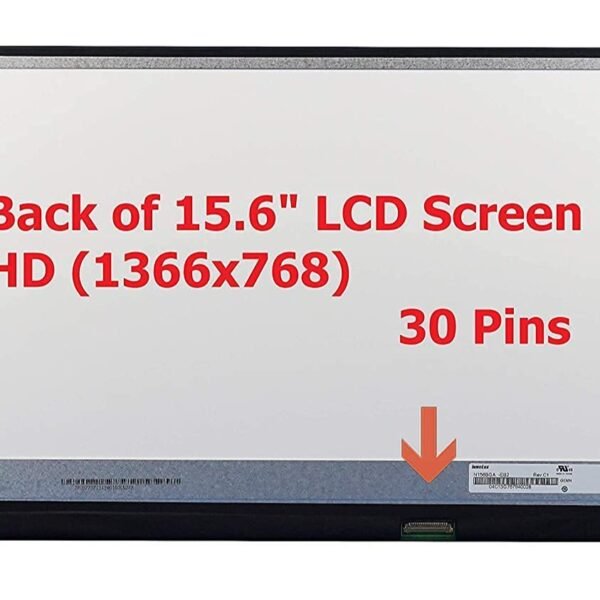
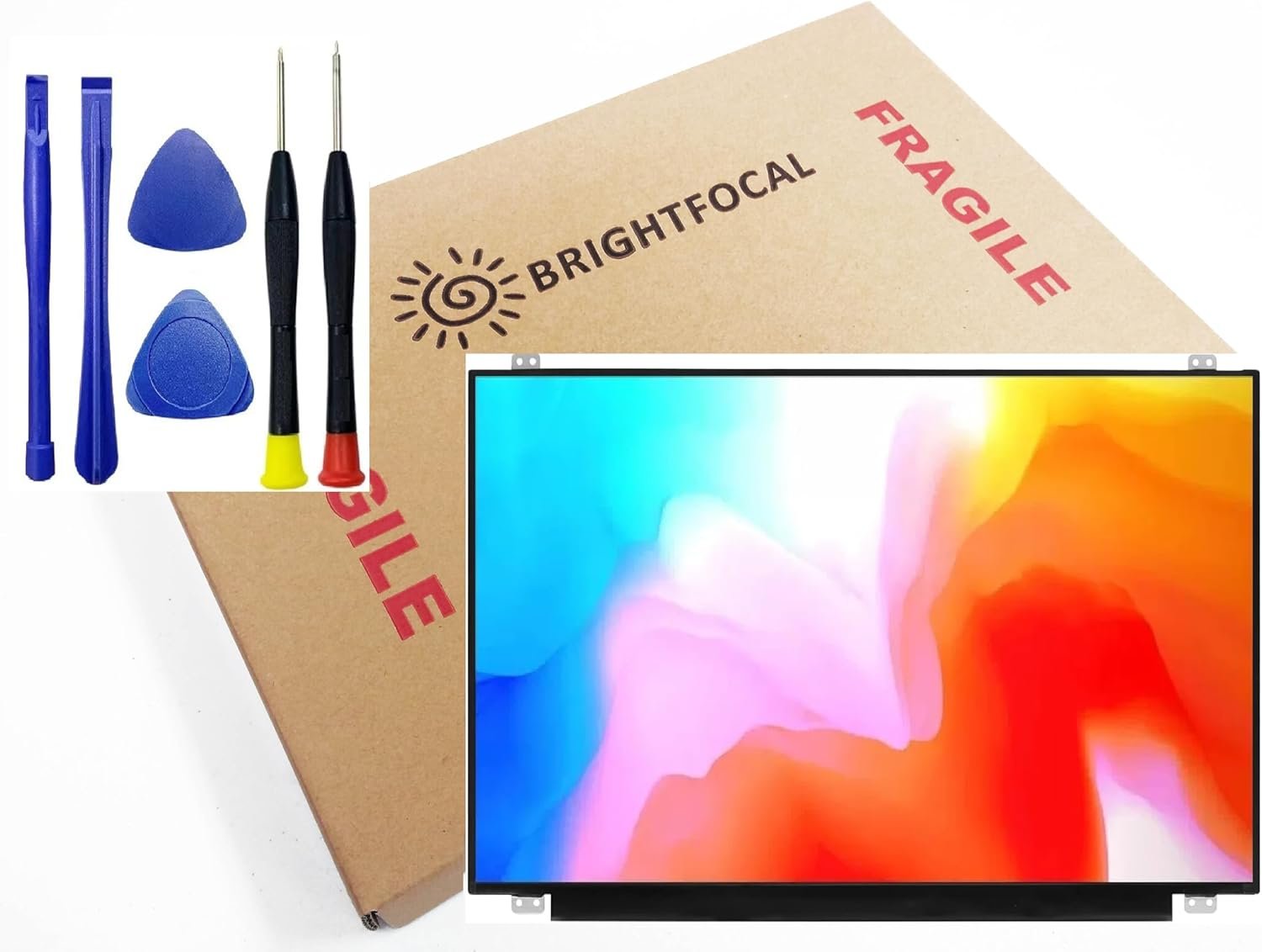
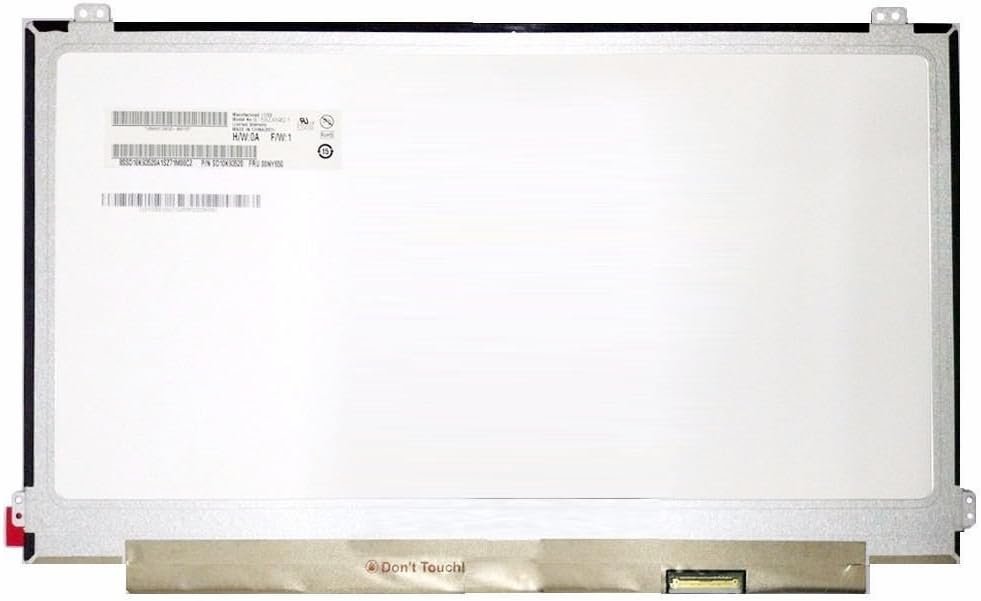
Brand: LENOVO
Model: Ideapad 320-15IKB
Size: 15.6″
Resolution: WXGA HD or Full HD (1366 x 768 or 1920 x 1080)
Pixels: 1366 x 768 (HD) / 1920 x 1080 (FHD)
Backlight Type: LED
Backlight Lamp: DIODE
Connector: EDP
Pin Connection: 30 Pins
Connector Position: Bottom Right
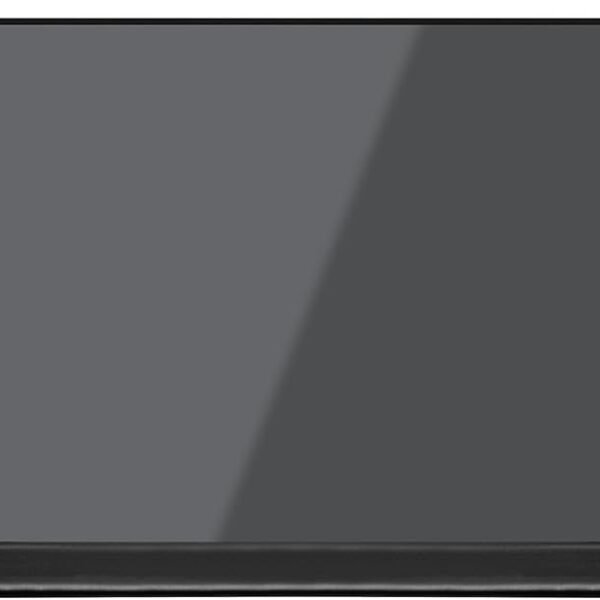
Finish: Matte / Glossy (please specify in checkout note to avoid RMA fees)
Condition: NEW
Commodity: Non-Touch Screen
Technology: LCD LED
Dead Pixel Policy: In Accordance with ISO 13406-2 norm
Source: Factory Direct
Packaging: Fragile Customized Package for Safe Delivery
Compatibility: OEM – Lenovo Ideapad 320-15IKB

Hurry and get discounts on all Apple devices up to 20%
Sale_coupon_15
KSh7,000.00 excl. VAT
Payment Methods:

If your Lenovo Ideapad 320 15IKB laptop screen is cracked, flickering, or completely black, you’re in the right place. At Lansotech Solutions, we are Nairobi’s leading laptop experts, and we provide professional Lenovo screen replacement services at affordable rates. This comprehensive guide will help you understand everything about replacing a Lenovo Ideapad 320 15IKB screen, from the tools required to the step-by-step installation process.
Laptop screens are delicate and prone to damage. Here are some common reasons why you might need a screen replacement:
Cracked or Broken Screen – Dropping the laptop or applying pressure on the lid can shatter the display.
Black or Blank Screen – If your laptop powers on but the display remains dark, the screen could be faulty.
Flickering Display – Continuous flickering usually means a failing screen or loose connection.
Dead Pixels or Lines on Screen – Horizontal or vertical lines and black spots often indicate internal screen damage.
Dim Display or Backlight Issue – When brightness control doesn’t fix the dim display, the backlight may have failed.
Ignoring these issues can make your laptop unusable. A timely screen replacement restores full functionality and protects your device from further internal damage.
Before purchasing a replacement screen, it’s important to know the exact specifications:
Model: Lenovo Ideapad 320-15IKB
Screen Size: 15.6 inches
Resolution: 1366×768 (HD) or 1920×1080 (FHD), depending on the original model
Connector: 30-pin eDP
Finish: Glossy or Matte
To confirm these details, check the part number at the back of your broken screen. Using the wrong screen can cause compatibility issues or display errors.
Here’s a quick list of tools you’ll need to perform the replacement safely:
Small Phillips screwdriver
Plastic pry tool or spudger
Tweezers for handling small screws
Anti-static wrist strap (recommended)
A soft surface to place the laptop during the process
Follow these steps carefully to avoid damaging other components:
Turn off your laptop completely. Remove the charging cable and ensure there is no power source connected.
Flip the laptop over and remove the battery if it’s removable. For non-removable batteries, hold the power button for 10-15 seconds after unplugging to discharge residual power.
Open the laptop lid fully.
Use a plastic pry tool to gently separate the screen bezel (the plastic frame around the display).
Start from one corner and work your way around. Take care not to crack the bezel.
After removing the bezel, you’ll see four small screws holding the screen to the metal brackets.
Use a Phillips screwdriver to remove these screws.
Tilt the screen forward carefully.
Locate the 30-pin connector at the back of the screen.
Gently peel back any tape and disconnect the cable without pulling too hard.
Take your new Lenovo Ideapad 320 15IKB screen.
Connect the display cable firmly and secure it with tape.
Position the screen back into the brackets and tighten the screws.
Snap the bezel back into place, pressing gently along the edges until it fits securely.
Reinsert the battery, plug in the charger, and power on your laptop.
Check if the display works perfectly. If not, ensure the cable connection is secure.
While DIY replacement is possible, it’s not always risk-free. If you prefer expert help, Lansotech Solutions offers fast and affordable Lenovo screen repair services in Nairobi. We stock genuine Lenovo screens for all models, including the Ideapad 320-15IKB, and provide same-day service.
Original replacement screens
Experienced and certified technicians
Affordable prices
Quick turnaround time
Warranty on all repairs
The cost depends on the screen type (HD or FHD) and labor charges. On average:
HD Screen Replacement (1366×768): Ksh 6,500 – Ksh 8,500
Full HD Screen Replacement (1920×1080): Ksh 9,000 – Ksh 12,500
For exact pricing and availability, contact us directly.
Always close the lid gently.
Avoid putting heavy objects on the laptop.
Use a screen protector to prevent scratches.
Clean with a microfiber cloth only.
Store the laptop in a padded bag when traveling.
Replacing a Lenovo Ideapad 320 15IKB screen can restore your laptop’s performance and extend its life. Whether you choose a DIY approach or professional repair, make sure you use a genuine replacement screen for the best results.
Get the Lenovo ideapad 320 15ikb screen Replacement service from Lansotech Solutions now!
No account yet?
Create an Account











 ASUS
ASUS



