





 Laptop Computers
 Desktop Computers
 Printers

 Network
 Software
 Laptop Accessories
 Laptop Components
 Office
 Desktop peripherals
 Server

Hurry and get discounts on all Apple devices up to 20%
Sale_coupon_15
KSh8,500.00 excl. VAT
Payment Methods:

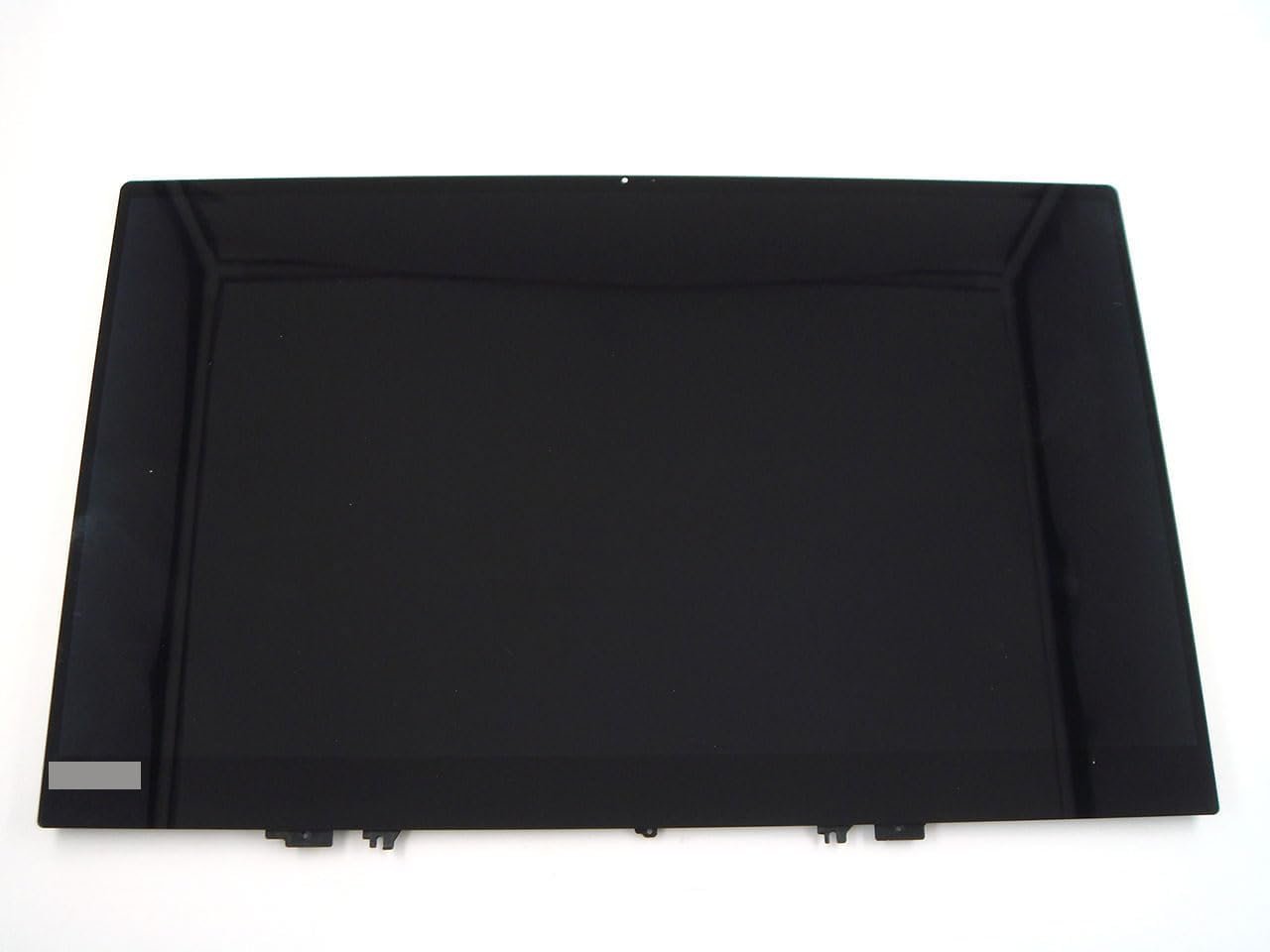
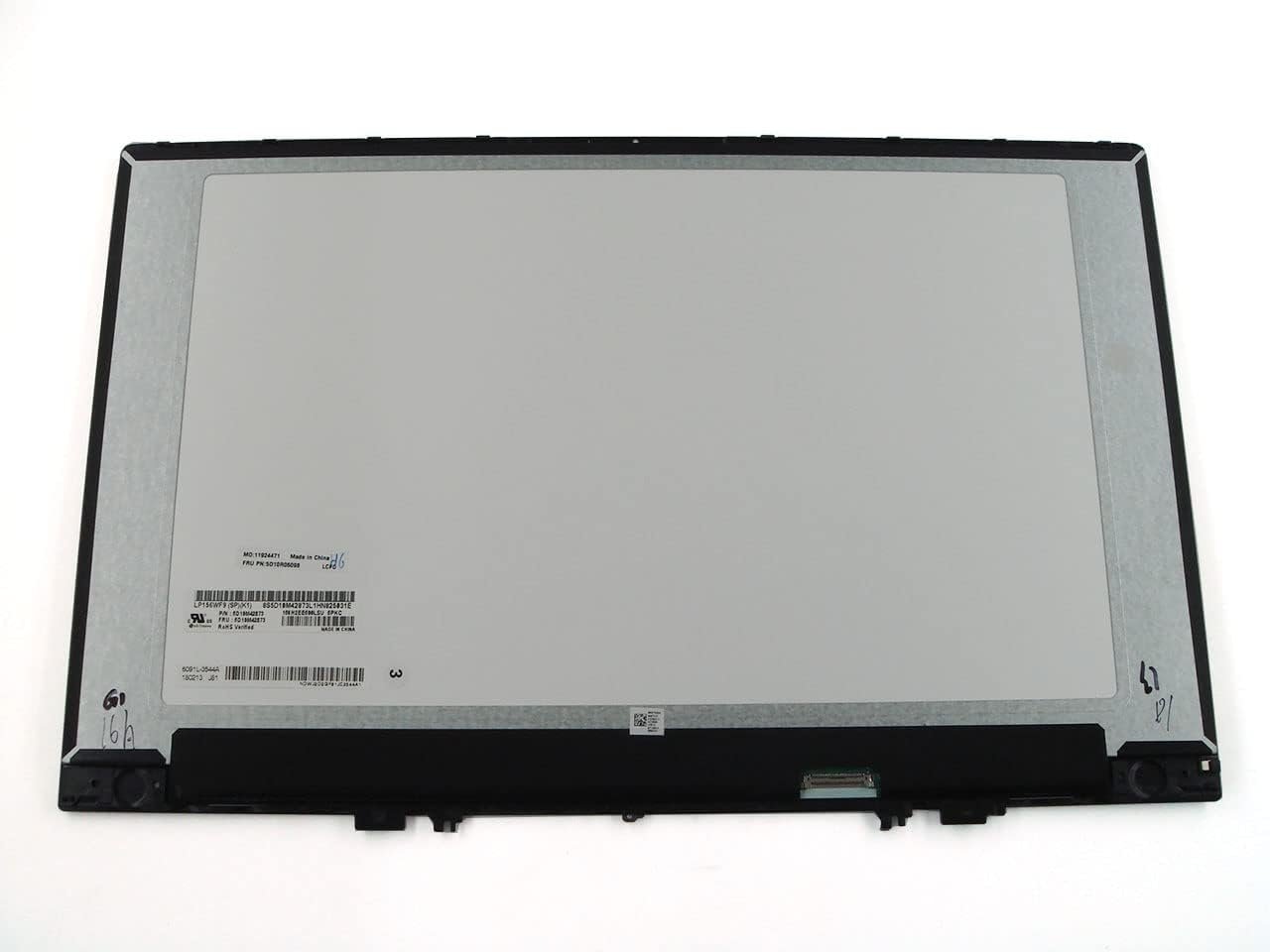
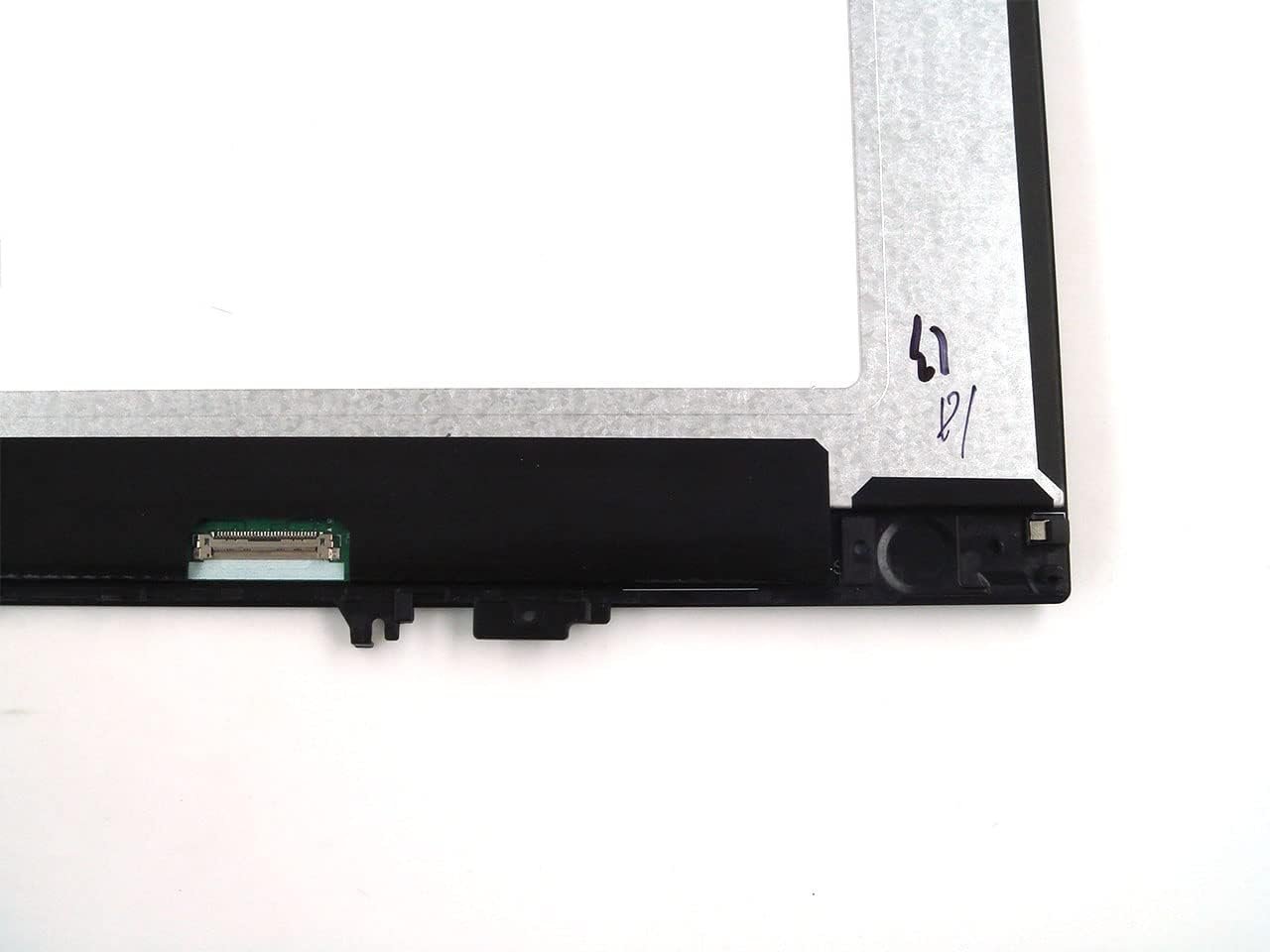
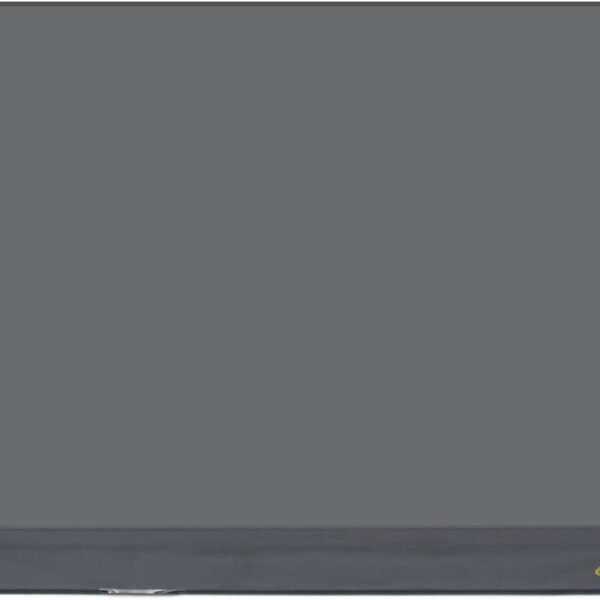
Is your Lenovo IdeaPad 530s screen cracked, broken, flickering, or completely blank? At Lansotech Solutions, we provide top-quality Lenovo laptop screen replacement services in Nairobi. We use genuine Lenovo screens, ensuring your device performs like new again.
Our service is fast, affordable, and reliable, making us the best choice for Lenovo screen repairs in Kenya.
The Lenovo IdeaPad 530s is a premium laptop with a sleek design and vibrant display, but like any screen, it can get damaged due to:
Accidental drops leading to cracks or complete shattering
Pressure damage from heavy objects or tight bags
Black screen issues despite the laptop being powered on
Vertical or horizontal lines across the display
Dead pixels or distorted colors
Touchscreen not working (for touch models)
If you have any of these issues, don’t ignore them. Delaying repair can cause further internal damage to your laptop.
Many laptop users make the mistake of using plain water or harsh chemicals to clean their screens. This can cause:
Moisture damage leading to short circuits
Stains or streaks that never go away
Internal damage if water seeps into the panel
The correct way is to use a microfiber cloth and a specialized screen cleaning solution. At Lansotech Solutions, we also stock safe screen cleaning kits for your convenience.
Use a screen protector to prevent scratches
Avoid heavy pressure on the lid when carrying the laptop
Always transport in a padded laptop bag
Keep liquids away from your device
Clean with proper cleaning solutions only
Technically yes, but it’s not recommended unless you have experience. A wrong installation can damage your motherboard or cables. Professional installation is safer and ensures warranty validity.
At Lansotech Solutions, most screen replacements take less than 1 hour.
Yes! We provide same-day delivery and on-site installation services within Nairobi. For customers outside Nairobi, we offer safe shipping nationwide.
We offer a warranty on all our Lenovo screens, covering manufacturing defects.
Get the Lenovo ideapad 530s screen Replacement service from Lansotech Solutions now!
No account yet?
Create an Account











 ASUS
ASUS



