





 Laptop Computers
 Desktop Computers
 Printers

 Network
 Software
 Laptop Accessories
 Laptop Components
 Office
 Desktop peripherals
 Server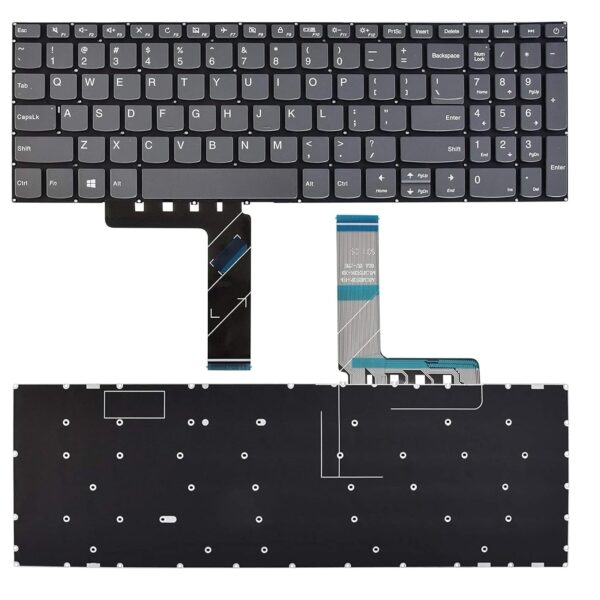

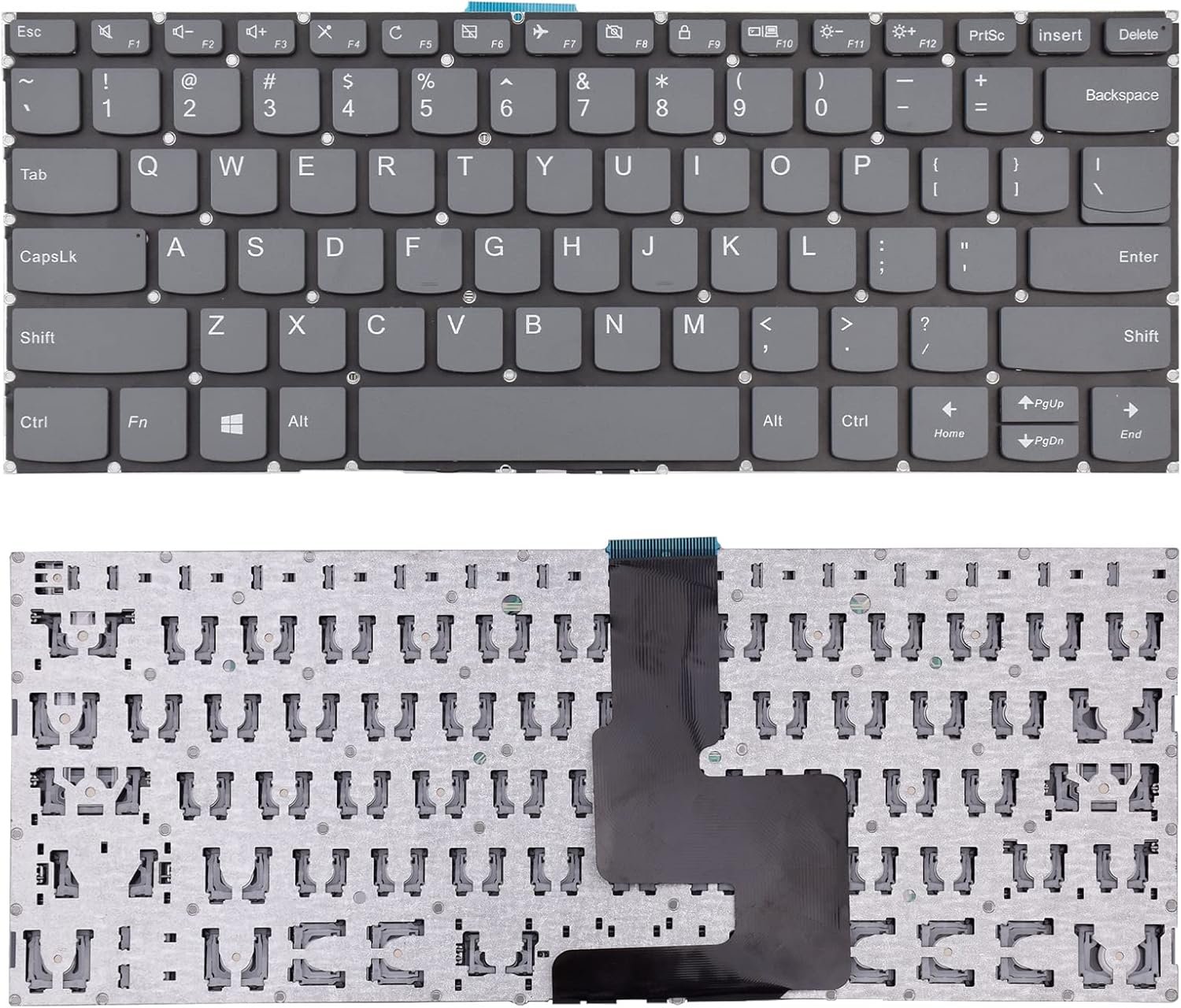
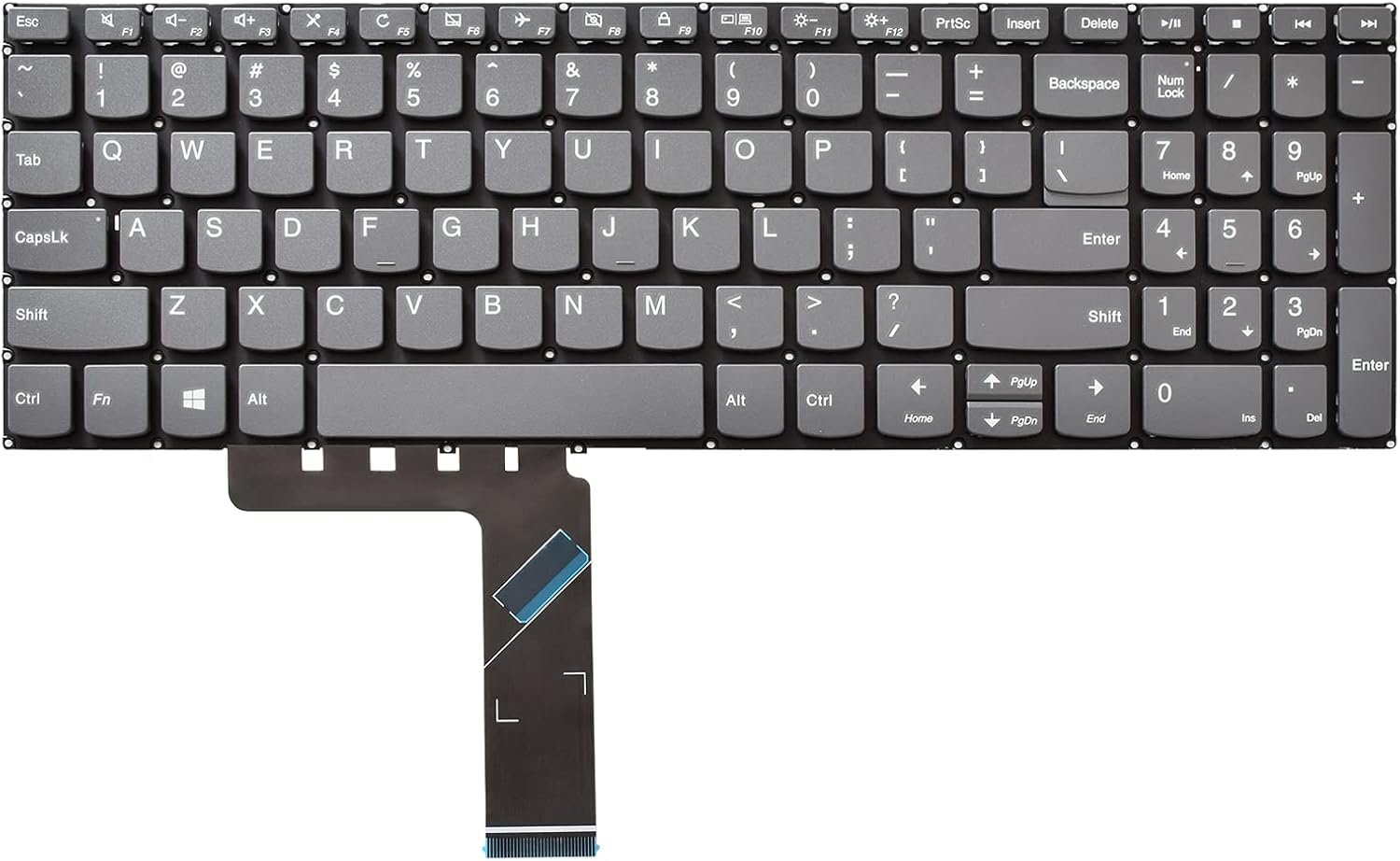
The Lenovo IdeaPad C340 keyboard is a slim, precision‑engineered input device designed for the convertible chassis:
Layout: Full‑size 6‑row with function keys and multimedia controls.
Key Travel: Approx. 1.3 mm with scissor‑switch precision.
Lighting: Non‑backlit
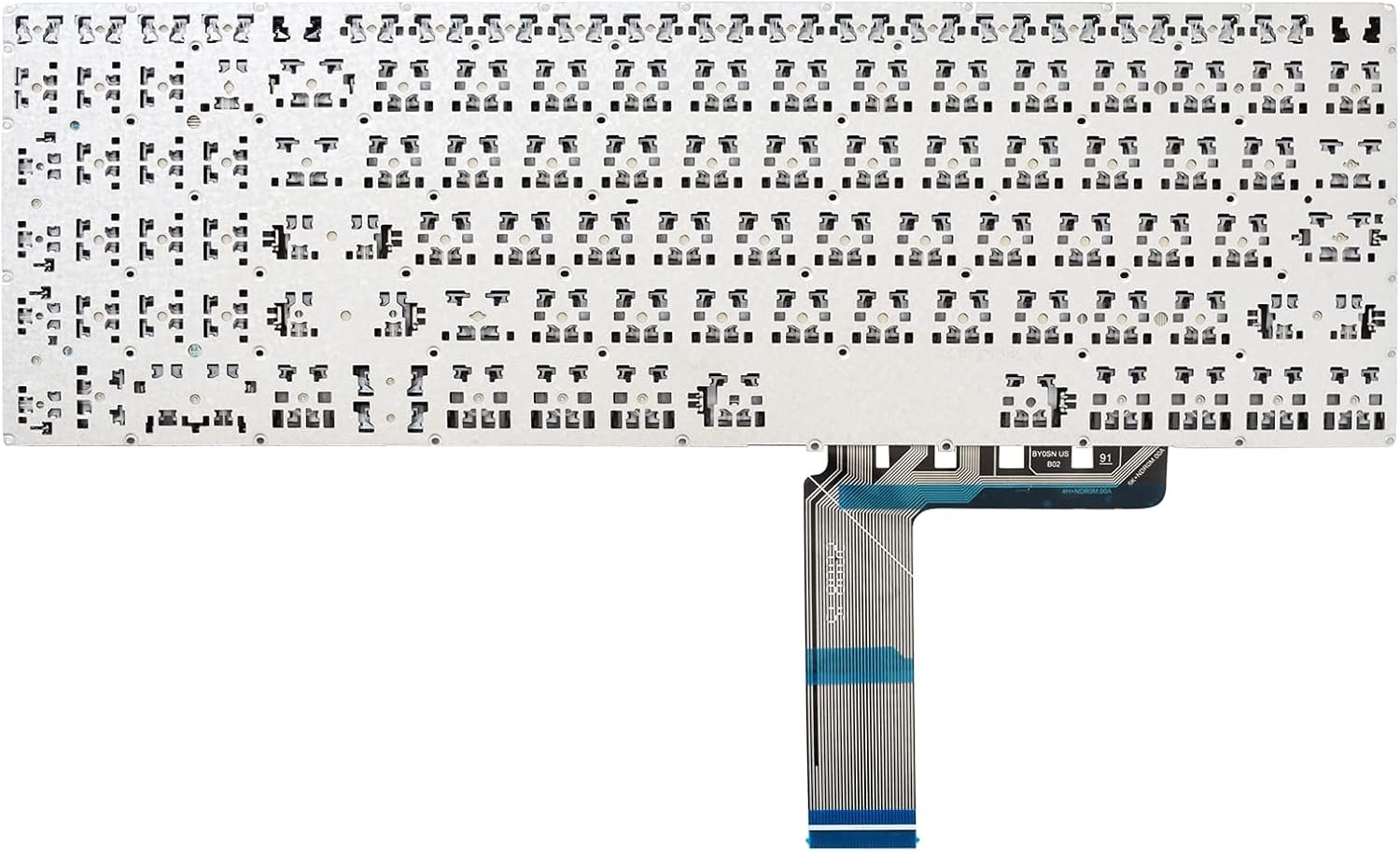
Connection: Flat ribbon cable with gold contacts and ZIF lock.
Mounting: Integrated into the upper case, requiring palm rest disassembly for replacement.
Durability: Designed for extended use with spill‑resistant features.
Installing this genuine keyboard restores original typing feel, reliability, and aesthetics to your Lenovo IdeaPad C340.

Hurry and get discounts on all Apple devices up to 20%
Sale_coupon_15
KSh3,400.00 excl. VAT
Payment Methods:

At Lansotech Solutions, we specialize in Lenovo laptop repairs and supply genuine spare parts in Nairobi. If your Lenovo IdeaPad C340 keyboard is unresponsive, damaged, or missing keys, replacing it with an OEM keyboard is the best solution. Below is an extensive step‑by‑step technical guide to the Lenovo IdeaPad C340 keyboard replacement process.
The IdeaPad C340 series (C340‑14IWL, C340‑14API, and similar variants) uses a slim, convertible‑optimized keyboard built into the top cover assembly.
Keyboard Type: Full‑size island-style chiclet keyboard
Key Mechanism: Low‑profile scissor switch with approximately 1.3 mm travel
Backlight: Available in backlit and non‑backlit variants (check your model FRU)
Connector: Flat Flexible Cable (FFC) with ZIF (Zero Insertion Force) connector
Mounting: Integrated into the palm rest assembly using plastic rivets or screws
Spill Resistance: Protected by a sealed membrane layer
Precision Phillips #0/#00 screwdrivers
Torx T5 driver for base screws
Plastic opening picks/spudgers
Fine tweezers for ribbon cables
Anti‑static wrist strap and mat
OEM Lenovo IdeaPad C340 keyboard assembly (verify FRU from the hardware manual or old keyboard)
Completely shut down the laptop.
Disconnect the AC adapter and any peripherals.
Hold the power button for 10 seconds to drain residual current.
Invert the laptop and remove all T5 screws securing the bottom cover.
Use a plastic pry tool to gently release the clips and lift the cover.
Locate the main battery connector and unplug it from the motherboard.
This step prevents accidental short circuits while working.
The C340 keyboard is part of the upper palm rest assembly:
Remove the system board, speakers, and other internal modules that are attached to the palm rest.
Carefully trace and disconnect all ribbon cables (keyboard, touchpad, power button).
From the underside of the palm rest, release plastic rivets or screws that hold the keyboard.
Gently push the keyboard out of its frame.
Detach the FFC ribbon cable by unlocking the ZIF connector and sliding the cable free.
Position the new Lenovo C340 keyboard in the palm rest cutout.
Secure it using the required screws or replacement rivets according to the Lenovo Hardware Maintenance Manual.
Reinsert the ribbon cable into the ZIF connector and lock it securely.
Reinstall all internal components, routing cables exactly as before.
Reconnect the battery.
Reattach the bottom cover and tighten the T5 screws.
Power on the laptop and run a full test:
Verify all alphanumeric keys.
Test function keys and special shortcuts.
If you installed a backlit keyboard, test the illumination.
Genuine OEM Lenovo parts with warranty.
Expert technicians experienced with convertible series like the C340.
Fast turnaround with careful ESD‑safe handling.
Comprehensive diagnostics after repair to ensure factory‑level performance.
No account yet?
Create an Account











 ASUS
ASUS



