





 Laptop Computers
 Desktop Computers
 Printers

 Network
 Software
 Laptop Accessories
 Laptop Components
 Office
 Desktop peripherals
 Server
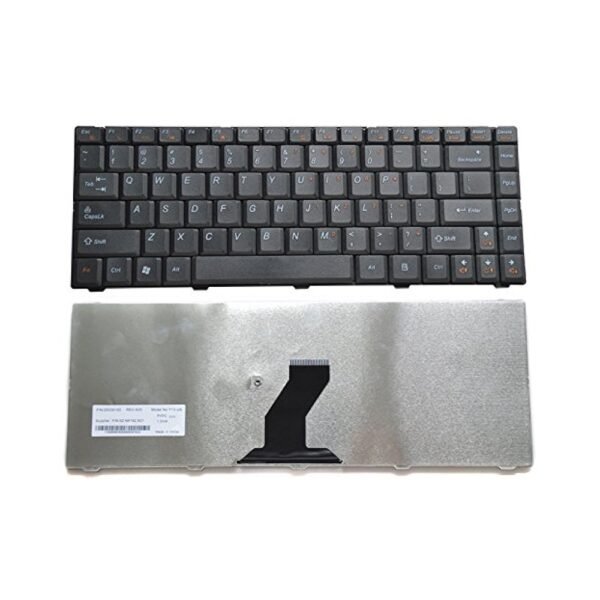
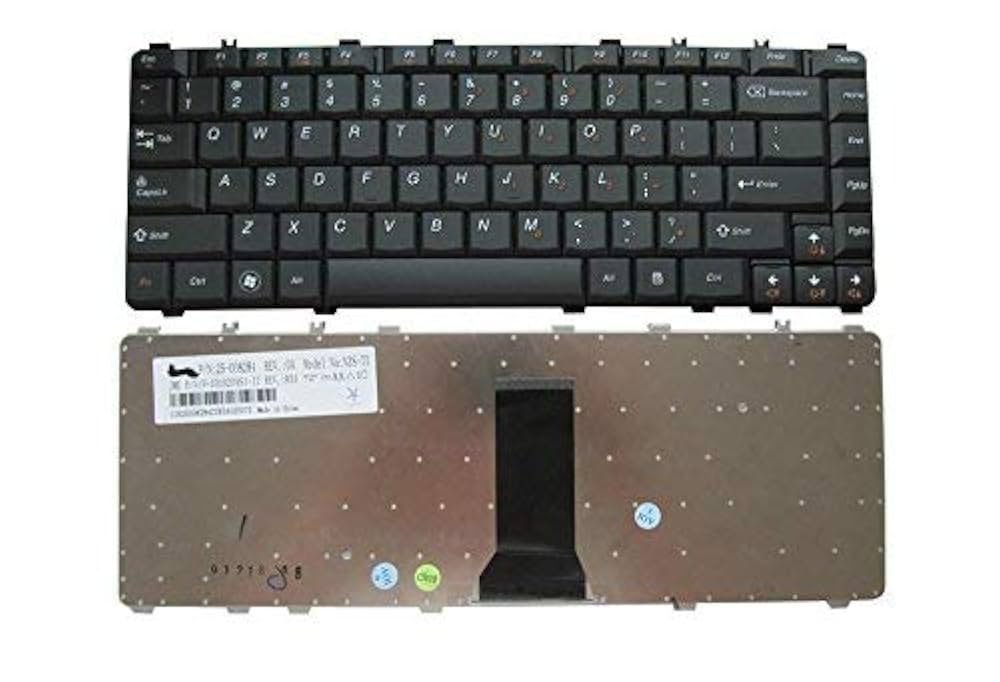
Compatibility: Fits Lenovo IdeaPad Y450, Y460, Y550, Y560, B460, V460
Layout: Full‑size QWERTY with function keys
Backlight: Available in backlit and non‑backlit versions
Design: Spill‑resistant, durable construction
Installation: Direct fit – no modification needed

Hurry and get discounts on all Apple devices up to 20%
Sale_coupon_15
KSh2,500.00 excl. VAT
Payment Methods:

At Lansotech Solutions, we are Nairobi’s top suppliers of original Lenovo laptop parts and trusted technicians for repairs. If your Lenovo IdeaPad Y450, Y460, Y550, Y560, B460, or V460 keyboard is damaged or unresponsive, we provide genuine replacement keyboards with expert installation. In addition, we guide you on how to clean a keyboard to extend its life and maintain peak performance.
The keyboards for Lenovo IdeaPad Y450, Y460, Y550, Y560, B460, and V460 are built to Lenovo’s high engineering standards. Replacing your old keyboard with a genuine part ensures:
Exact Compatibility with your IdeaPad model.
Full‑size QWERTY layout with smooth key travel.
Spill‑resistant design to protect internal components.
Durability tested for millions of keystrokes.
Optional Backlit Versions for improved visibility in low light.
If your keyboard has:
Non‑responsive keys,
Broken or missing keycaps,
Backlight failure,
Liquid damage or sticky keys,
then it’s time to replace it with a genuine Lenovo keyboard from Lansotech Solutions.
We assess your laptop and ensure the replacement part is the perfect match.
Our trained technicians follow strict procedures:
Power down and open the laptop carefully.
Remove the old keyboard without harming other components.
Install the new Lenovo keyboard, aligning all connectors perfectly.
Test each key and backlight before completion.
All replacements are backed by our warranty and after‑sales support.
Regular cleaning extends the life of your keyboard. Here’s how to clean a keyboard safely:
Turn off your laptop and disconnect power.
Use a soft brush or compressed air to remove dust between keys.
Wipe the surface with a slightly damp microfiber cloth—avoid excess liquid.
For stubborn dirt, use cotton swabs with isopropyl alcohol on key edges.
Do not soak or spray directly; always clean gently to prevent damage.
By following these steps, you can keep your Lenovo IdeaPad keyboard working smoothly for years.
Genuine Lenovo Parts Only
Quick Service – same‑day replacements available
Affordable Pricing with expert installation
Trusted Technicians with years of experience
Warranty and After‑Sales Support
We are based in Nairobi and serve customers across Kenya with reliable, original laptop parts.
No account yet?
Create an Account











 ASUS
ASUS



