






 Laptop Computers
 Desktop Computers
 Printers

 Network
 Software
 Laptop Accessories
 Laptop Components
 Office
 Desktop peripherals
 Server

Hurry and get discounts on all Apple devices up to 20%
Sale_coupon_15
KSh6,000.00 excl. VAT
Payment Methods:

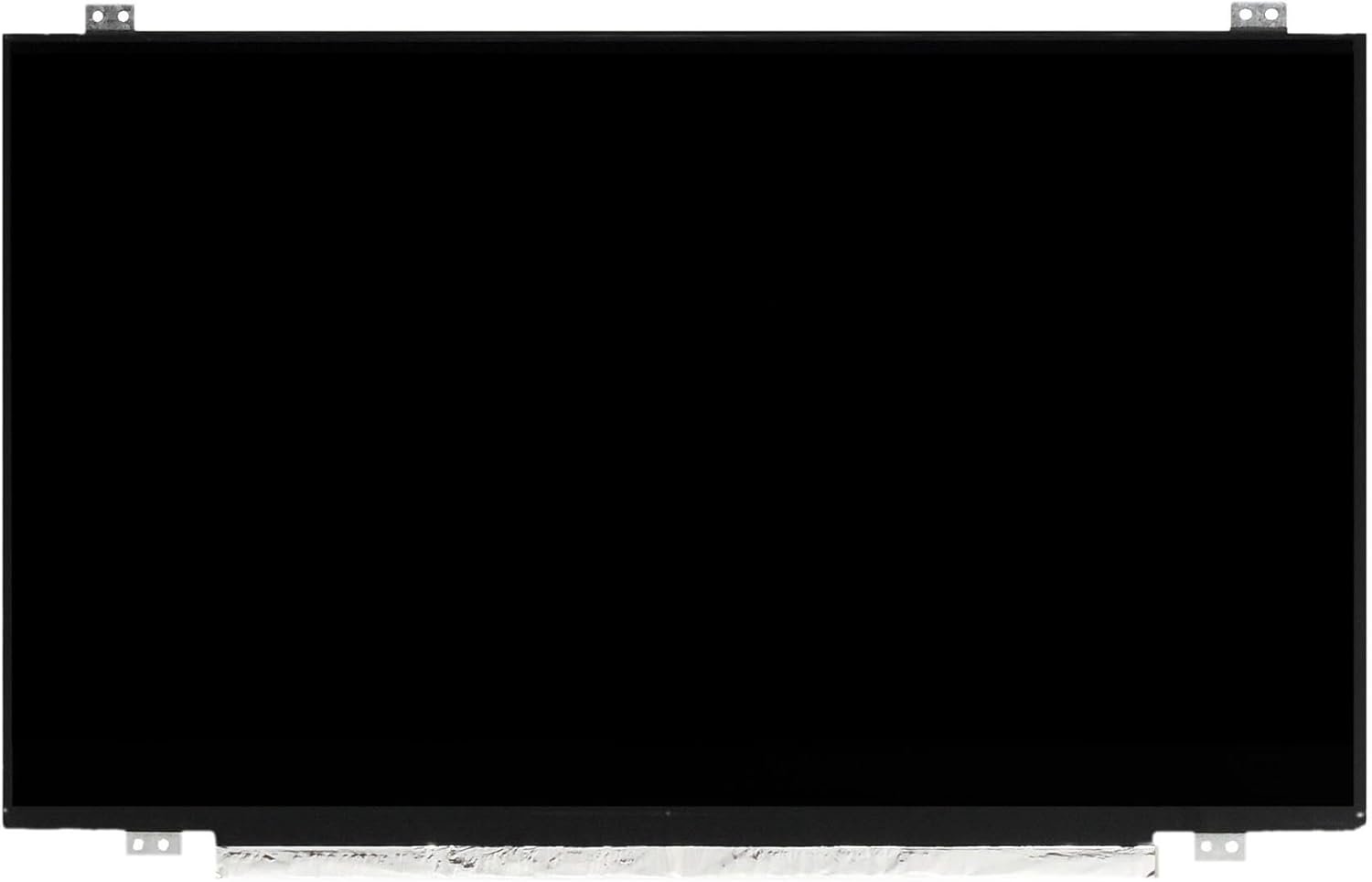
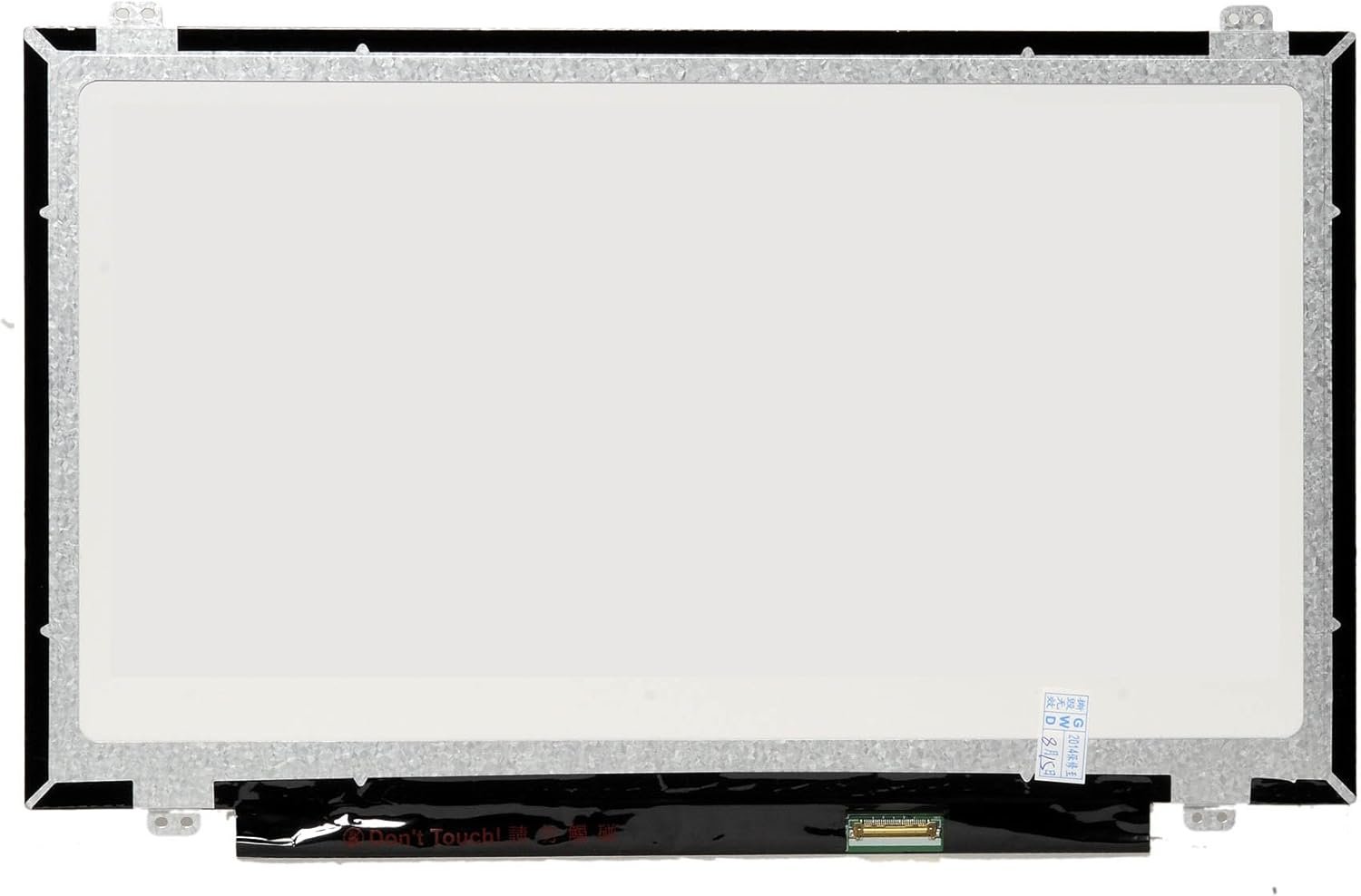
Is your Lenovo ThinkPad T440p screen cracked, flickering, or showing dead pixels? At Lansotech Solutions, we specialize in professional Lenovo laptop screen replacement services in Nairobi, offering genuine parts, expert installation, and competitive prices.
The Lenovo ThinkPad T440p is a high-performance business laptop, and its display quality is critical for productivity. Replacing the screen with a genuine OEM part ensures:
✔ Perfect resolution match – No scaling or display distortion
✔ Long-lasting durability – Screens designed for heavy daily use
✔ Accurate colors & brightness – Ideal for business and multimedia
✔ Full compatibility – No driver or hardware issues
Avoid cheap aftermarket screens – they often lead to poor display quality, quick failures, and potential motherboard damage.
Cracked or shattered display
Lines or black spots on the screen
Flickering or dim display
No display even when the laptop is powered on
If you notice any of these issues, it’s time for a professional Lenovo screen replacement.
Many users make the mistake of cleaning their Lenovo ThinkPad T440p screen with water, which can cause:
Moisture damage to internal components
Streaks and residue on the display
Short-circuits if water seeps inside
Instead, always use a microfiber cloth and a safe screen cleaning solution. At Lansotech Solutions, we also offer professional screen cleaning services to keep your laptop in perfect condition.
Benefits of Our Same-Day Service:
✔ No long waiting times
✔ Professional screen fitting with zero damage risk
✔ Free testing after installation
✔ Warranty on parts and service
The price of Lenovo T440p screen replacement in Nairobi depends on:
Screen type – HD vs Full HD
Touch or Non-Touch
Warranty duration
At Lansotech Solutions, we guarantee affordable pricing with genuine parts. Contact us now for a quick quote.
To extend the life of your new Lenovo T440p screen:
✔ Avoid pressing hard on the display
✔ Do not clean with water or harsh chemicals
✔ Always close the laptop gently
✔ Use a keyboard cover to prevent pressure marks
For professional laptop maintenance and cleaning, visit Lansotech Solutions.
Get the Lenovo t440p screen Replacement service from Lansotech Solutions now!
No account yet?
Create an Account











 ASUS
ASUS



