






 Laptop Computers
 Desktop Computers
 Printers

 Network
 Software
 Laptop Accessories
 Laptop Components
 Office
 Desktop peripherals
 Server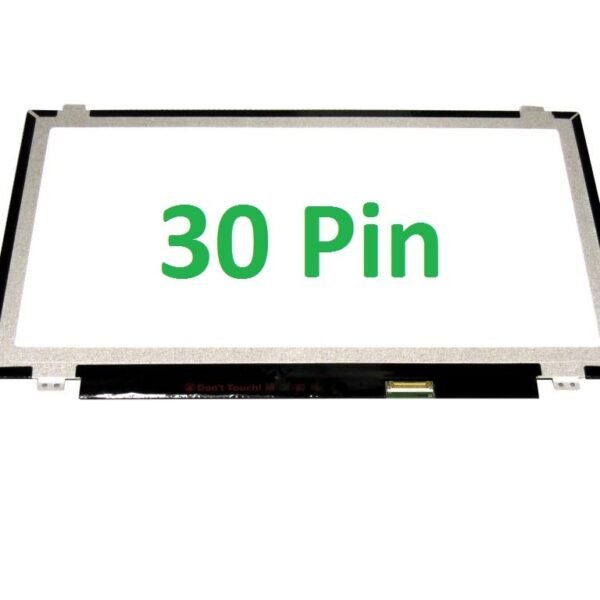
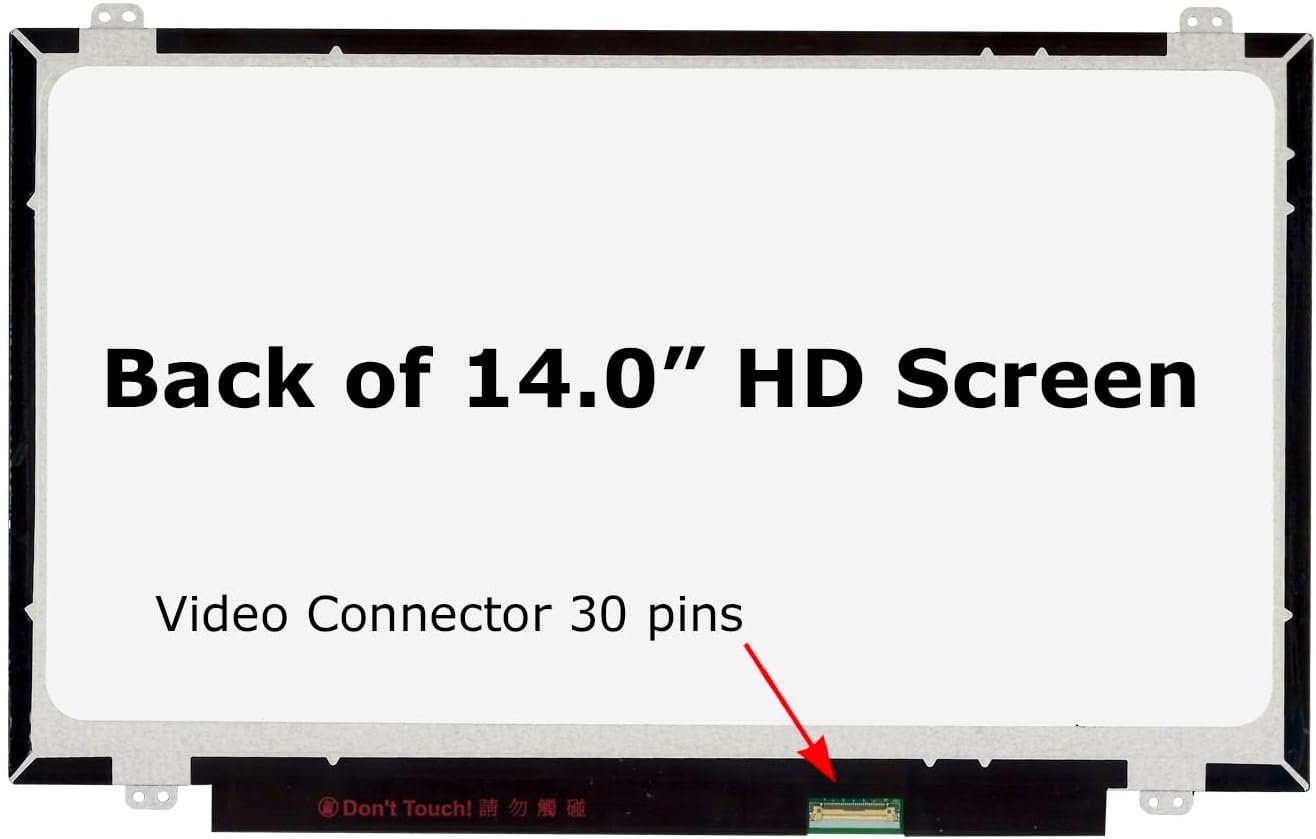
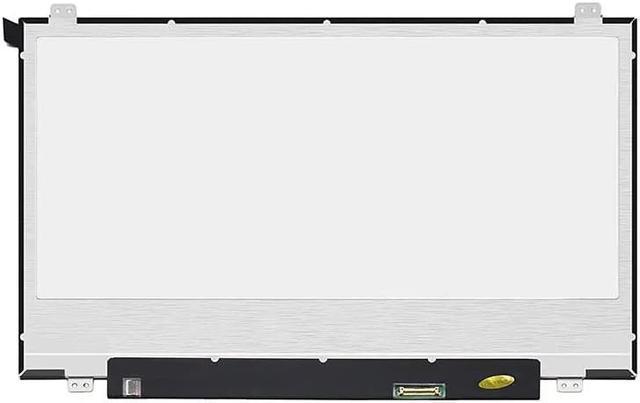
Size: 14.0″
Resolution: Full HD (1920 x 1080)
Pixels: 1920 x 1080
Backlight Type: LED
Backlight Lamp: DIODE
Connector: eDP
Pin Connection: 30 Pins
Side: Bottom Right
Finish: Matte / Glossy (choose in checkout note)
Condition: NEW
Commodity: Non-Touch Screen
Technology: Non-Touch LCD Panel
Dead Pixel Policy: In Accordance with ISO 13406-2 norm
Source: Factory Direct
Packaging: Fragile Customized Package
Compatibility: OEM

Hurry and get discounts on all Apple devices up to 20%
Sale_coupon_15
KSh8,500.00 excl. VAT
Payment Methods:

At Lansotech Solutions, we specialize in providing genuine Lenovo ThinkPad L480 screen replacements in Nairobi. The ThinkPad L480 is a reliable business laptop known for its durability, performance, and portability. However, even the strongest laptops are not immune to screen damage caused by accidental drops, scratches, or display malfunctions. That’s why we stock brand-new OEM Lenovo screens designed to bring your ThinkPad L480 back to its original display quality.
If your ThinkPad L480 is showing any of these symptoms, it’s time for a replacement screen:
Cracked or shattered display due to impact.
Black screen even though the laptop powers on.
Flickering or distorted images.
Dead pixels or dark patches affecting visibility.
Backlight issues making the screen appear dim.
Replacing the damaged screen restores your ThinkPad’s brightness, clarity, and usability, making it as reliable as when it was new.
After replacement, keeping your new screen safe is important. Here’s how you can extend its life:
Use a screen protector to prevent scratches.
Close the laptop gently without applying pressure.
Avoid placing heavy items on top of your laptop.
Clean only with a microfiber cloth to avoid smudges.
Carry your laptop in a padded case during travel.
These steps will help you avoid future screen repairs and maintain display quality.
Upgrade your Lenovo screen laptop and redefine your display expectations with our exceptional screen replacement. Whether you’re gaming, working, or enjoying multimedia content, our screen replacement guarantees an enhanced visual experience that surpasses all others.
Get the Lenovo thinkpad l480 screen Replacement service from Lansotech Solutions now!


No account yet?
Create an Account











 ASUS
ASUS



