





 Laptop Computers
 Desktop Computers
 Printers

 Network
 Software
 Laptop Accessories
 Laptop Components
 Office
 Desktop peripherals
 Server
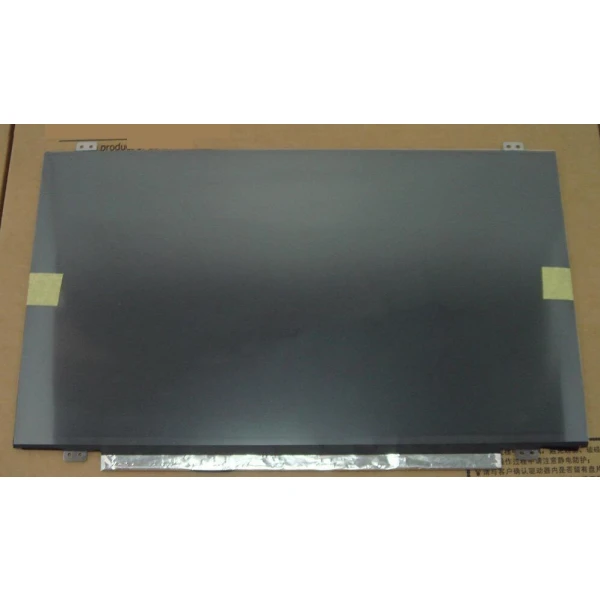
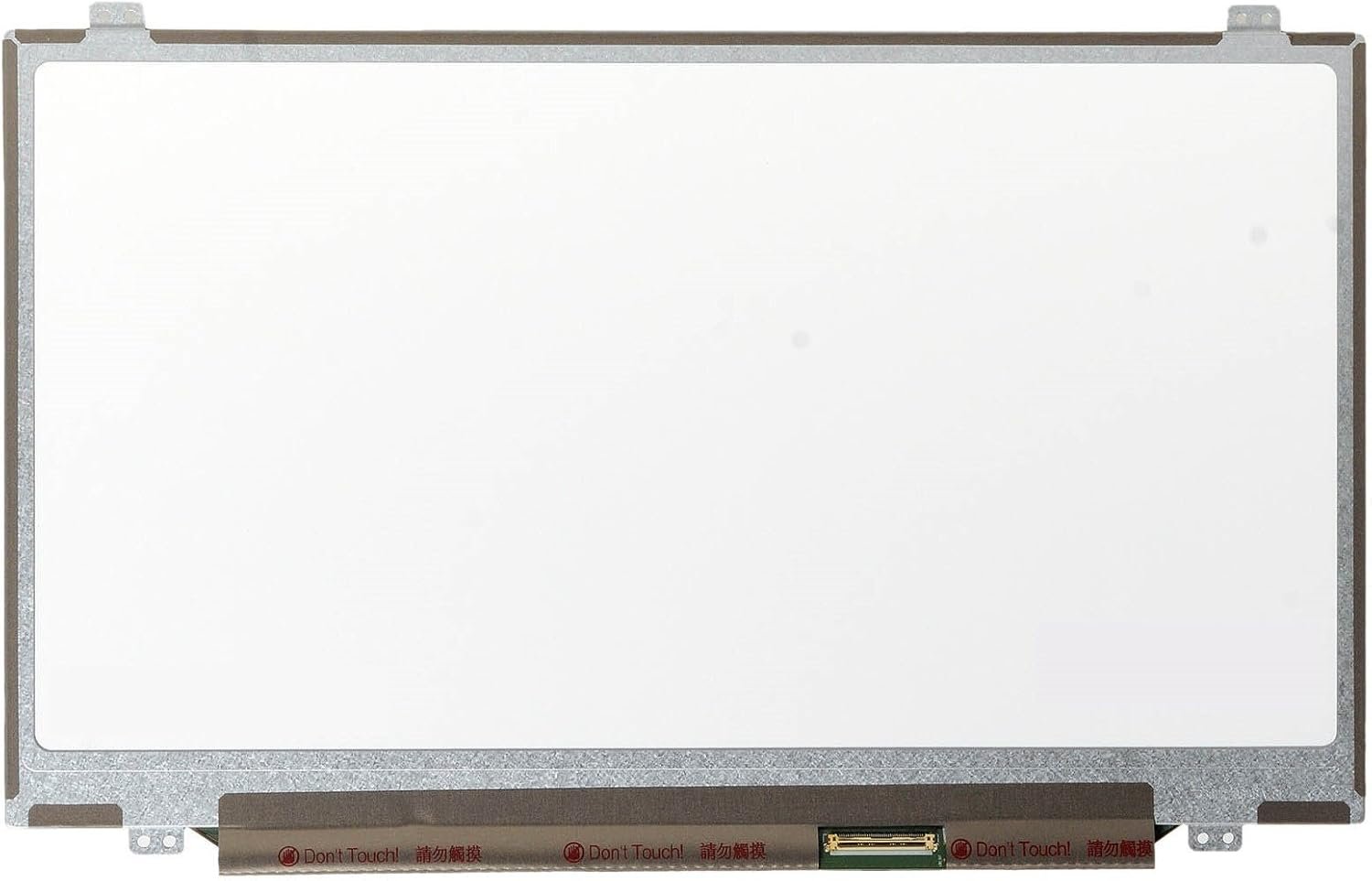
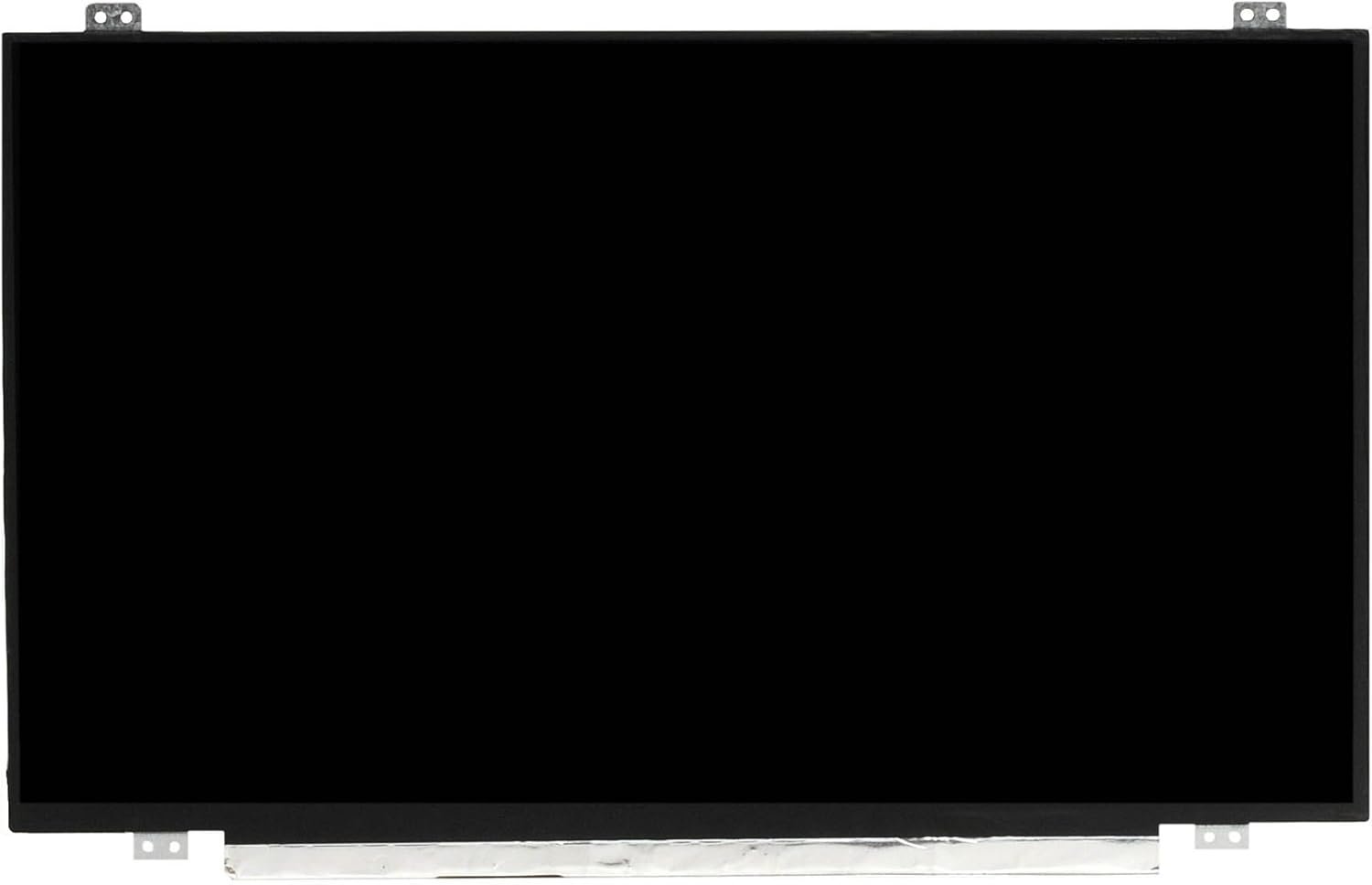
Size: 14.0″
Resolution Options: WXGA (1366 x 768) / WXGA+ (1600 x 900)
Pixels: 1366 x 768 / 1600 x 900
Backlight Type: LED
Backlight Lamp: DIODE
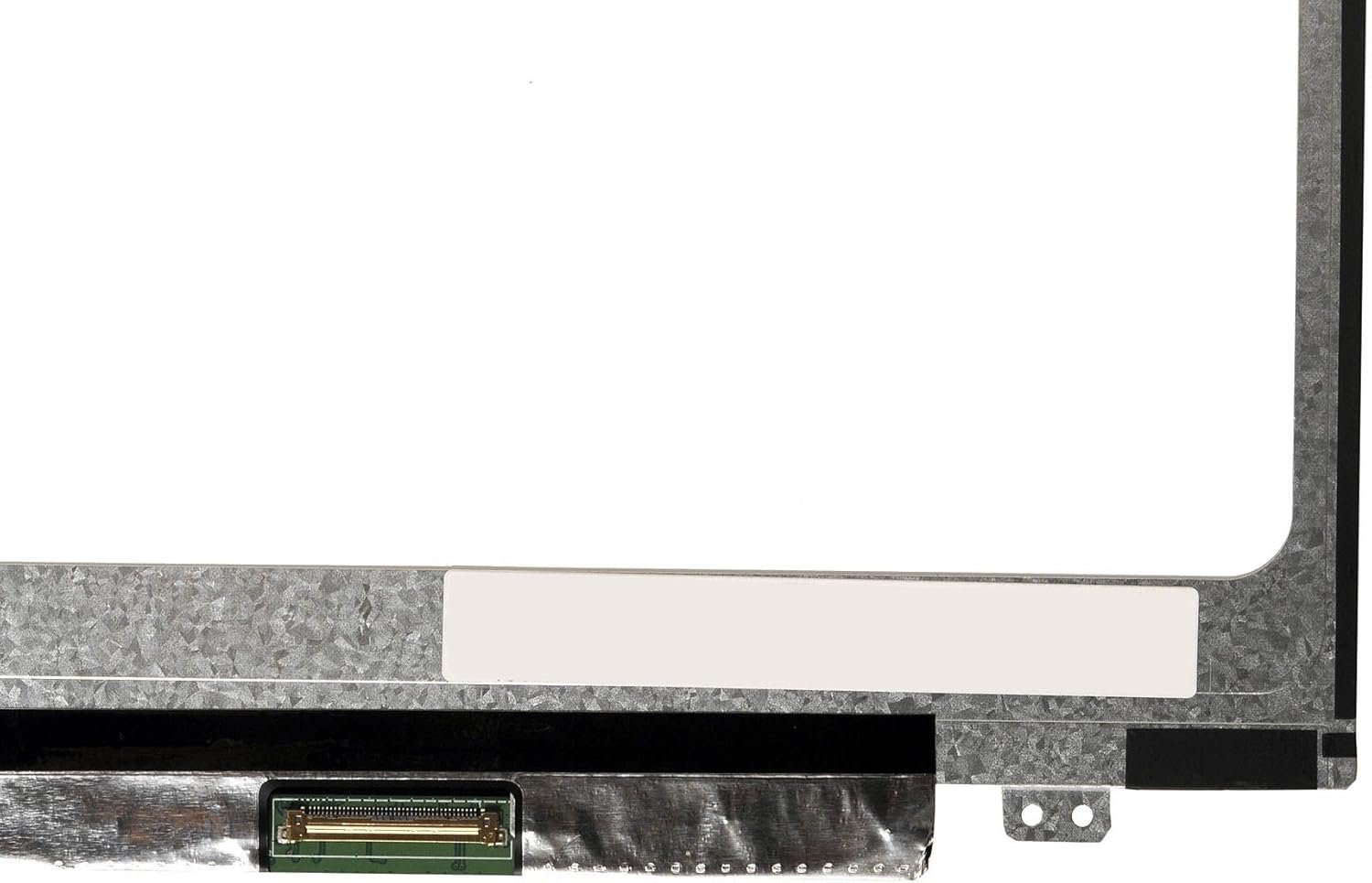
Connector: LVDS
Pin Connection: 40 Pins
Side: Bottom Left
Finish: Matte (Anti-glare)
Condition: NEW
Commodity: Non-Touch Screen
Technology: Non-Touch LCD
Dead Pixel Policy: In Accordance with ISO 13406-2 norm
Source: Factory Direct
Packaging: Fragile Customized Package
Compatibility: OEM – Lenovo ThinkPad T420

Hurry and get discounts on all Apple devices up to 20%
Sale_coupon_15
KSh6,500.00 excl. VAT
Payment Methods:

At Lansotech Solutions, we provide authentic Lenovo ThinkPad T420 screen upgrade and replacement services in Nairobi. The Lenovo ThinkPad T420 is a robust business-class laptop favored by professionals for its durability and performance. However, many users struggle with broken, flickering, or low-resolution screens that affect productivity. With our OEM Lenovo screens and upgrade options, you can restore your laptop’s sharp display or even improve its resolution for a better visual experience.
Your Lenovo T420 may need a new screen or upgrade if you encounter:
Cracked or shattered screen after accidental impact.
Flickering, dim, or dead backlight making usage difficult.
Black screen with no display though the laptop powers on.
Dead pixels, colored lines, or distortion that affect clarity.
Desire for higher resolution beyond the stock WXGA display.
Instead of discarding your laptop, a screen upgrade or replacement breathes new life into your T420.
After upgrading or replacing your screen, take these precautions:
Use a shockproof laptop bag or sleeve when carrying it.
Avoid pressing the lid or placing heavy objects on your laptop.
Clean with a soft microfiber cloth only.
Keep food and liquids away from the device.
Install a screen protector for added scratch resistance.
Get the Lenovo thinkpad t420 screen Replacement service from Lansotech Solutions now!
No account yet?
Create an Account











 ASUS
ASUS



