





 Laptop Computers
 Desktop Computers
 Printers

 Network
 Software
 Laptop Accessories
 Laptop Components
 Office
 Desktop peripherals
 Server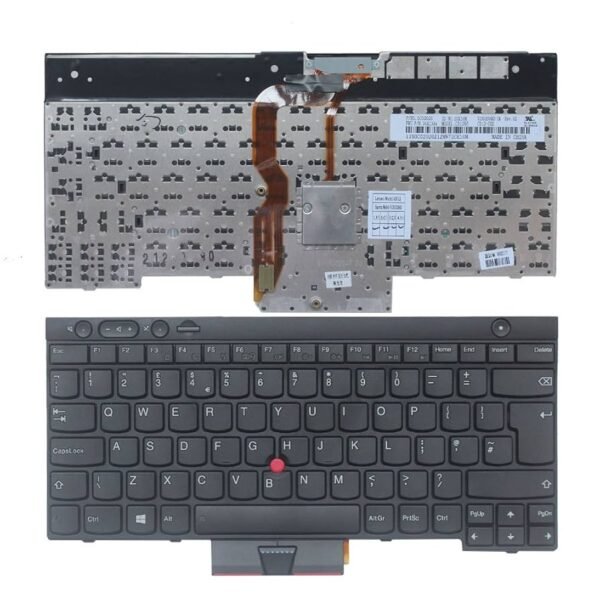
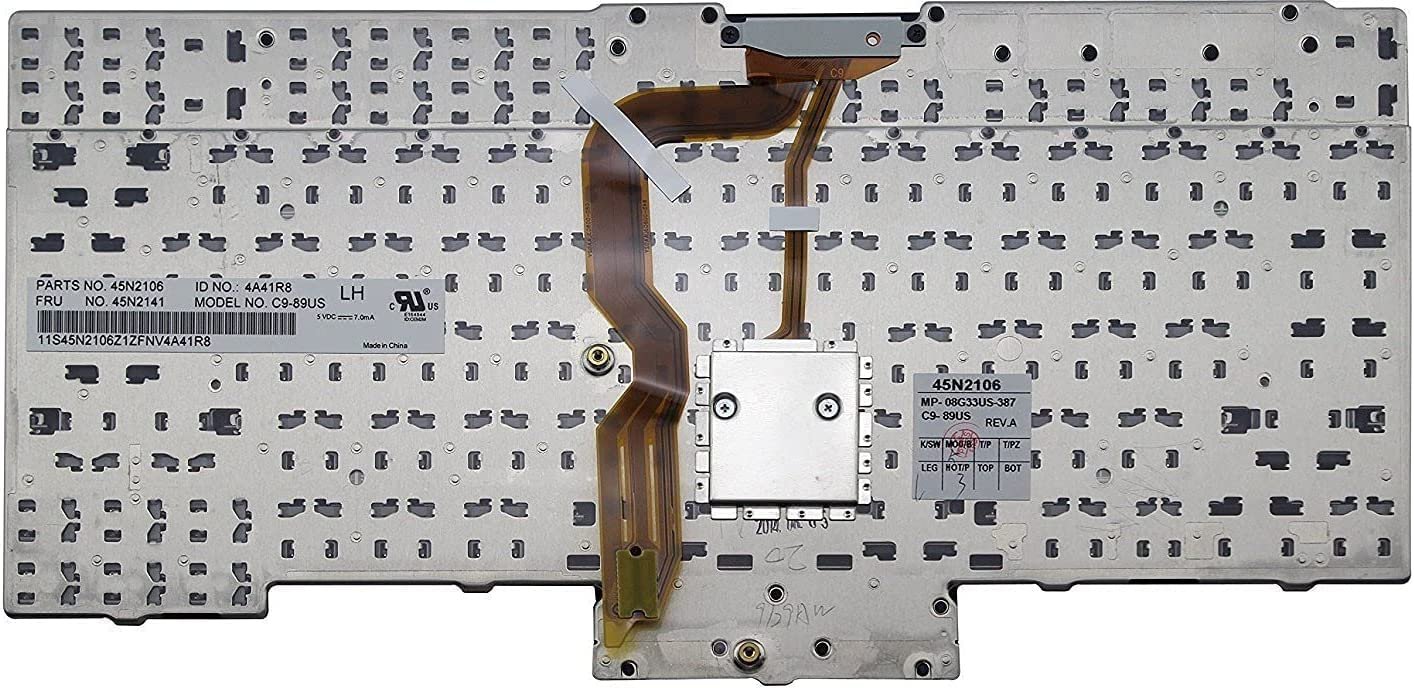
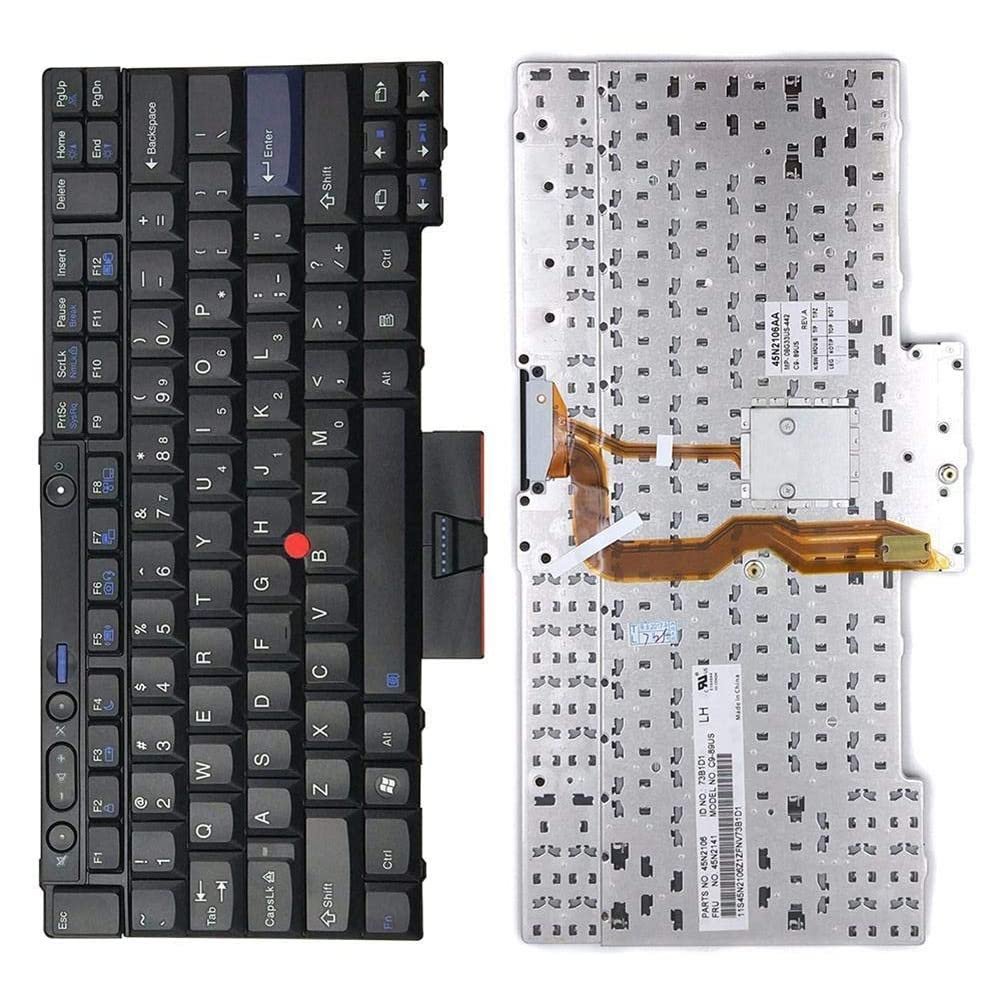
Compatible Models:
T520, T520i, T420s, T420, T420i, T400s, T410s, T410, T410i, T510, T510i, W510, W520, X220T, X220s
Keyboard Layout: US QWERTY
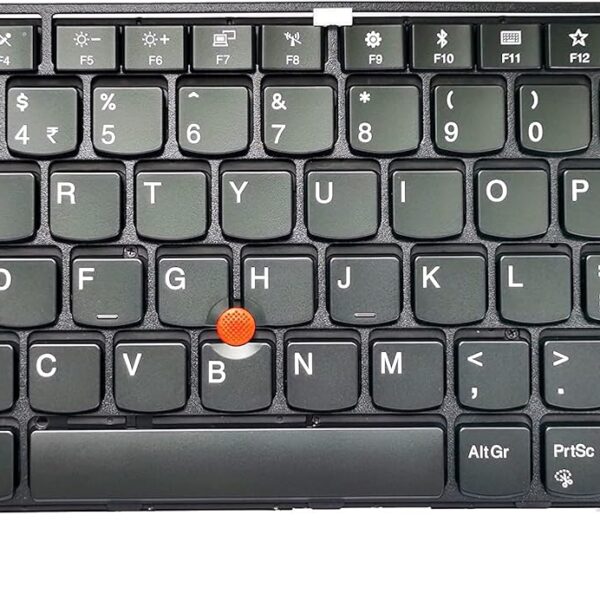
TrackPoint: Included
Color: Classic ThinkPad Matte Black
Condition: Brand New
Key Style: Precision scissor-type keys
Material: ABS plastic, spill-resistant design
Connectivity: ZIF ribbon connector
Warranty: 6 months
Availability: In stock

Hurry and get discounts on all Apple devices up to 20%
Sale_coupon_15
KSh2,800.00 excl. VAT
Payment Methods:

When it comes to professional laptop performance, the Lenovo ThinkPad T-Series and X-Series models stand out. Designed for enterprise use, software developers, field technicians, students, and business professionals, these laptops are known for their durability, reliability, and exceptional typing experience. A major component of that experience lies in the iconic ThinkPad keyboard—a critical part that must always remain in peak condition.
At Lansotech Solutions, the top-rated laptop keyboard shop in Nairobi CBD, we provide genuine Lenovo replacement keyboards for a wide range of ThinkPad models, including:
ThinkPad T520 / T520i
ThinkPad T420 / T420i / T420S
ThinkPad T410 / T410i / T410S
ThinkPad T510 / T510i
ThinkPad W510 / W520
ThinkPad X220T / X220s
ThinkPad T400S
If you’re dealing with worn-out keys, water damage, or keyboard failure, we’re here to offer expert advice, same-day replacements, and only original components for your ThinkPad.
Lenovo’s classic 7-row ThinkPad keyboard is often considered the gold standard for typing. These keyboards were engineered for precision and performance, which is why many users prefer to repair their ThinkPad rather than replace the entire laptop.
Key advantages include:
Tactile key feedback ideal for long hours of typing
Spill-resistant design to withstand accidental liquid exposure
TrackPoint integration (red dot in the center of the keyboard)
Strong build quality with reinforced key mechanisms
Full compatibility with various models via interchangeable parts
Many of the ThinkPad models in the T, W, and X Series use the same or highly similar keyboard assemblies. At Lansotech Solutions, we understand the intricacies of compatibility. Here’s a basic compatibility map:
| Keyboard Part | Compatible Models |
|---|---|
| 45N2071 / 45N2141 | T410, T410i, T420, T420i, T510, T510i, T520, T520i, W510, W520 |
| 45N2141 (Backlit) | Optional on same models above |
| 45N2211 / 45N2071 | T400S, T410S, T420S |
| 45N2221 | X220s, X220T |
Important Note: Always check the FRU (Field Replaceable Unit) number or let our technicians match the correct keyboard for you.
As Nairobi’s go-to laptop repair shop, we’ve handled hundreds of keyboard replacement cases for ThinkPad users. Here are the signs it’s time for a replacement:
Keys are missing, loose, or sticking
Keyboard is not responding after liquid damage
Keys type the wrong characters (possible short circuit)
Backlight or TrackPoint failure
Heavy wear on key labels
These problems can impact productivity and comfort, especially for professional users. Replacing your keyboard is often a cost-effective way to extend the life of your laptop.
Phillips-head screwdriver
ESD wrist strap (anti-static)
Plastic prying tool
Turn off and disconnect the laptop from any power sources. Remove the battery.
Unscrew the retaining screws under the laptop labeled with keyboard icons.
Gently slide and lift the keyboard from the top edge.
Disconnect the ribbon cable from the motherboard carefully.
Insert the new keyboard, reattach the cable, and secure it into place.
Tighten all screws, reinstall the battery, and test the keyboard functionality.
While this can be done manually, improper handling may result in motherboard damage or faulty connections. We recommend visiting Lansotech Solutions in Nairobi CBD for professional service and peace of mind.
If you’re looking for genuine Lenovo ThinkPad keyboards in Nairobi CBD, Lansotech Solutions is your most reliable destination. Here’s what sets us apart:
Original OEM Lenovo parts
Professional installation available same-day
Countrywide delivery, including Kisumu, Nakuru, Eldoret, and Mombasa
Bulk orders for schools, corporates, and resellers
We carry a wide range of backlit and non-backlit keyboard models, and our technical team will ensure you receive the right fit for your laptop.
To get the best performance and longest lifespan out of your ThinkPad keyboard, follow these care tips:
Use a keyboard protector to guard against dust and spills
Avoid eating or drinking near your laptop
Clean gently with a microfiber cloth and isopropyl alcohol
Don’t pry keys manually – call a technician if a key is stuck
Update keyboard drivers regularly for smooth functionality
As the most trusted laptop keyboard shop in Nairobi CBD, we’re committed to quality, affordability, and professional service.
Over 10 years of experience in Lenovo servicing
Qualified, factory-trained technicians
On-site diagnosis and fast turnaround
Transparent pricing, no hidden costs
Verified reviews and repeat customers
Whether you’re in town or ordering from another county, Lansotech Solutions is your #1 source for reliable, genuine Lenovo laptop parts.
Yes, select models such as 45N2141 are available in backlit versions. We’ll help you confirm compatibility.
Yes, but the motherboard must support the backlight power line. Our technicians can verify this for you.
Standard replacement takes 30–60 minutes, depending on the model.
Absolutely. We offer fast and safe shipping countrywide, with doorstep delivery options.
No account yet?
Create an Account











 ASUS
ASUS



