





 Laptop Computers
 Desktop Computers
 Printers

 Network
 Software
 Laptop Accessories
 Laptop Components
 Office
 Desktop peripherals
 Server
Compatible Models:
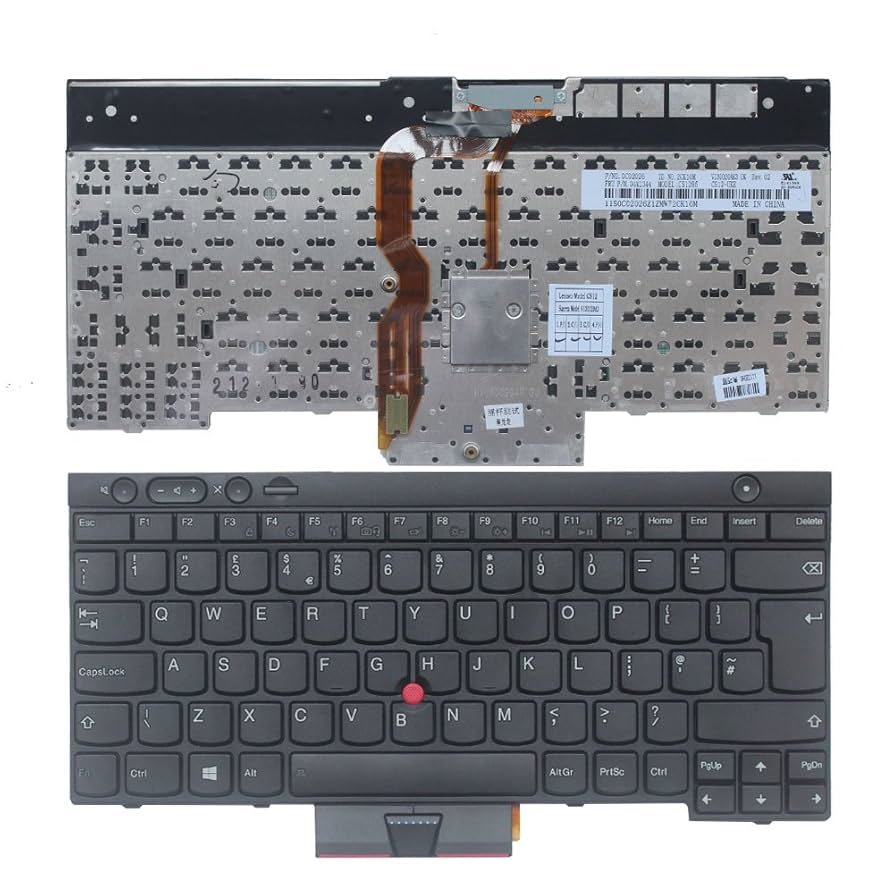
T530, T430, T430s
X230, W530
Specifications:
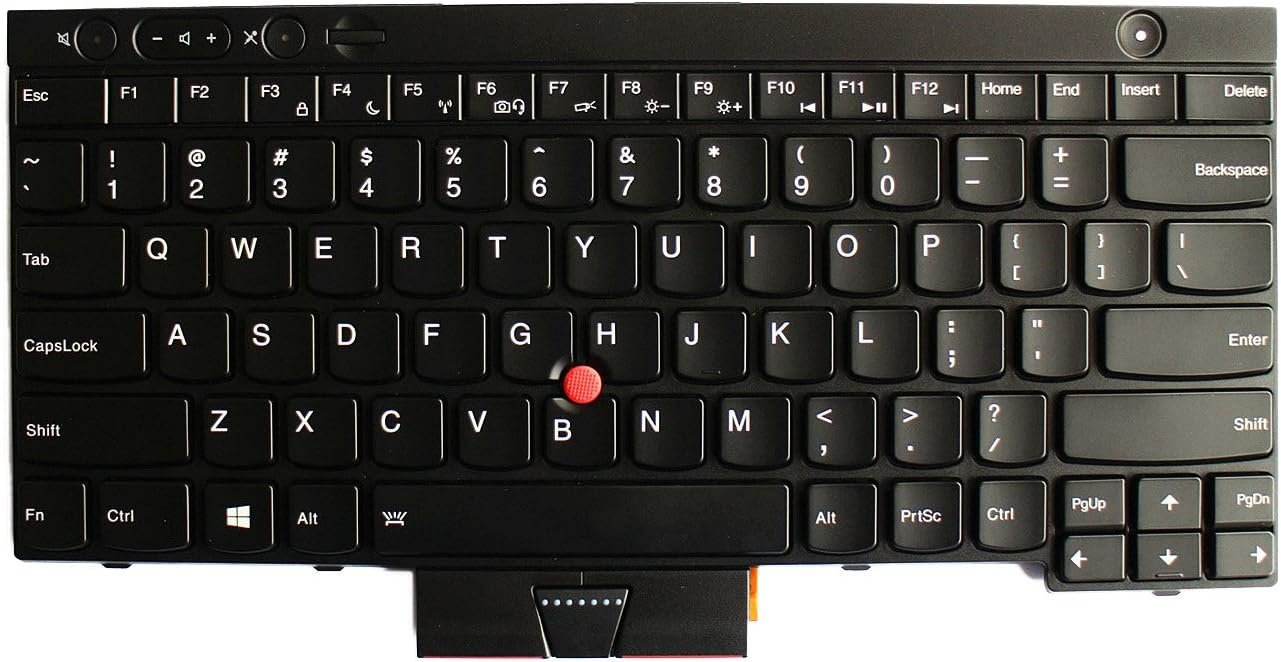
Layout: US English (QWERTY)
Build: ABS plastic with matte finish
Color: Classic ThinkPad Black
Key Style: Precision backlit / non-backlit variants available
TrackPoint: Built-in (Red cap)
Material: Spill-resistant with drainage system
Connection: Ribbon cable (ZIF connector)
Warranty: 6 months
Condition: Brand new / OEM standard
Availability: In stock

Hurry and get discounts on all Apple devices up to 20%
Sale_coupon_15
KSh3,800.00 excl. VAT
Payment Methods:

At Lansotech Solutions, we are Nairobi’s premier destination for Lenovo ThinkPad keyboard replacements, including the reliable T-series and X-series business laptops. If your ThinkPad T530, T430, T430s, X230, or W530 keyboard is malfunctioning, unresponsive, or physically damaged, we offer fast and professional keyboard replacement services using original Lenovo parts.
The ThinkPad series is renowned for its legendary typing experience. However, like any other laptop component, the keyboard can wear out or get damaged over time due to:
Worn-out or non-responsive keys
Broken keycaps or missing keys
Keyboard not detected by the system
Water or liquid damage
Backlight failure (for models with backlit keyboards)
At Lansotech Solutions, we restore your ThinkPad’s performance by replacing your keyboard with genuine, OEM-standard replacements, ensuring a perfect fit and function.
We stock original Lenovo keyboards compatible with the following ThinkPad models:
Layout: US QWERTY
Key Style: Island-style
TrackPoint: Yes (Red pointing stick)
Backlight: Optional
Mount: Standard screw-fit design
T430: Durable business-class keyboard, full-size
T430s: Slimmer keyboard for lightweight chassis
TrackPoint: Present in both
Backlight: Optional
Installation: Requires bottom-case access and ribbon cable handling
Type: Compact 12.5-inch laptop keyboard
Design: Precision keyboard with TrackPoint
Backlight: Yes (optional)
Ideal For: Field professionals, programmers
Workstation-class keyboard
Durability: High-use design
TrackPoint: Included
Backlit Support: Yes (in some variants)
Connectivity: Ribbon flex cable
Our certified Lenovo technicians follow a professional process to ensure flawless keyboard replacement:
Power-down and open chassis of your ThinkPad
Remove battery and screws securing the keyboard
Disconnect ribbon cable carefully
Fit new keyboard, reconnect cable, and secure
Test all keys, TrackPoint functionality, and backlight (if supported)
Reassemble device and clean exterior
Genuine Lenovo OEM parts in stock
Expert technicians familiar with ThinkPad models
Fast turnaround – most repairs done within the hour
Affordable pricing without compromising on part quality
Customer-focused service with honest diagnostics
Nationwide delivery available for orders across Kenya
Whether you’re a corporate client, student, or a freelancer, Lansotech Solutions ensures that your ThinkPad returns to peak productivity.
Avoid food and drinks near your keyboard
Use compressed air to clear dust between keys
If a liquid spill occurs, shut down the laptop immediately
Use a keyboard skin/protector in dusty or industrial environments
Don’t force keys; gentle typing preserves mechanical integrity
No account yet?
Create an Account











 ASUS
ASUS



