





 Laptop Computers
 Desktop Computers
 Printers

 Network
 Software
 Laptop Accessories
 Laptop Components
 Office
 Desktop peripherals
 Server
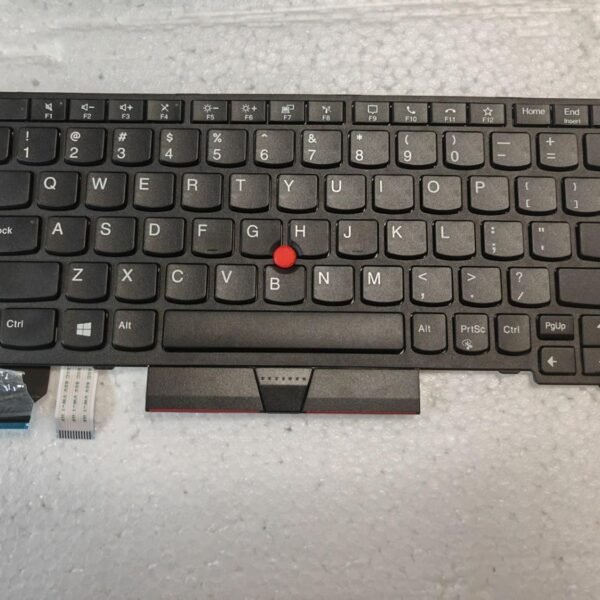
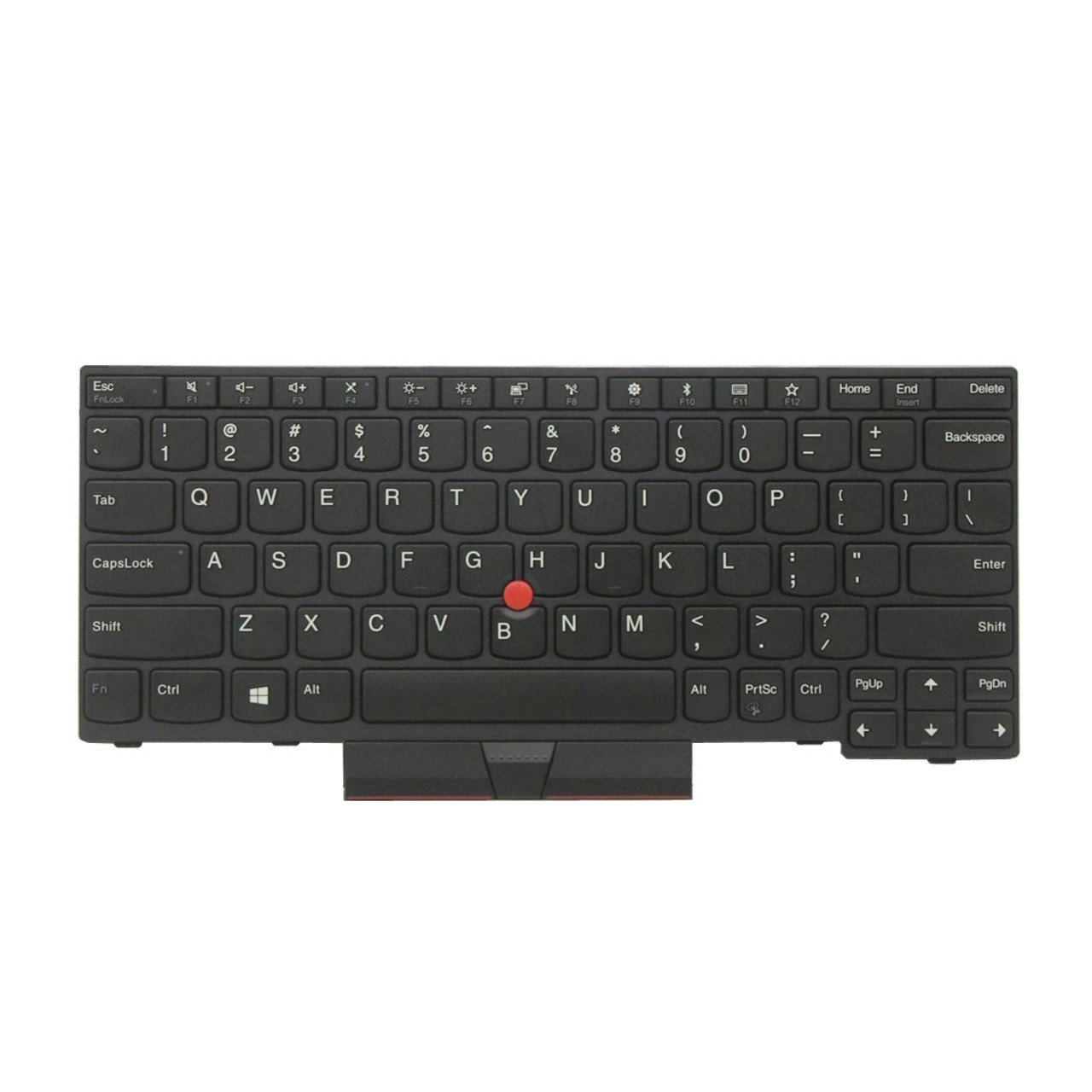
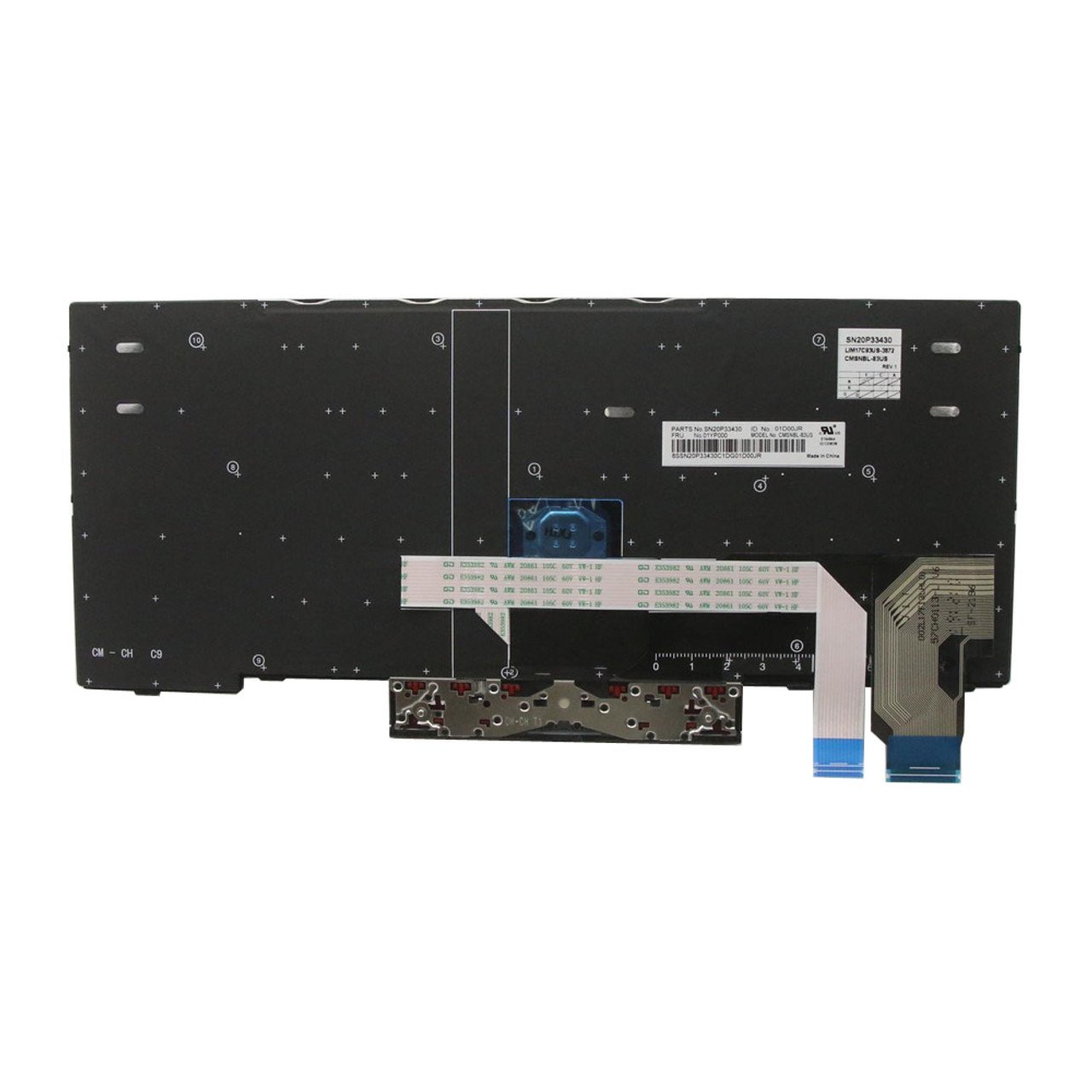
Lenovo ThinkPad X280 / X390 / X395 Replacement Keyboard
Designed for X280, X390, and X395 ThinkPad laptops
Full QWERTY layout with smooth, precise keys
non‑backlit
Spill‑resistant construction for extra protection
Built to withstand heavy daily use
Easy to install with perfect compatibility
Order your genuine Lenovo ThinkPad X‑series keyboard today from Lansotech Solutions and enjoy professional installation and dependable service in Nairobi

Hurry and get discounts on all Apple devices up to 20%
Sale_coupon_15
KSh4,300.00 excl. VAT
Payment Methods:

At Lansotech Solutions, we are dedicated to keeping your Lenovo ThinkPad running at peak performance. If you own a ThinkPad X280, X390, or X395, you know how vital a reliable keyboard is for your daily work. When keys stop responding, the backlight fails, or typing feels inconsistent, it can quickly affect your productivity. That is why we supply and install genuine Lenovo replacement keyboards for these models, ensuring you get back to work without interruptions.
The ThinkPad X‑series is renowned for its durability, ergonomic design, and premium feel. To maintain these qualities, you need a keyboard designed by Lenovo specifically for your model. Here’s why choosing an original replacement matters:
Perfect Fit and Compatibility: Designed specifically for X280, X390, and X395 with no adjustments required.
Exceptional Typing Experience: Correct key travel and tactile feedback for faster, comfortable typing.
Spill‑Resistant Layer: Added protection against accidental liquid damage.
Built to Last: Tested for durability through millions of keystrokes.
Using genuine parts keeps your ThinkPad performing at its best for years.
Watch out for these common signs that indicate it’s time for a new keyboard:
Keys that no longer respond or register multiple strokes.
A malfunctioning or flickering backlight.
Physical damage, missing keycaps, or worn-out keys.
Sticky keys or input errors after a liquid spill.
A keyboard that feels uneven or inconsistent after years of heavy use.
Replacing your keyboard promptly prevents further damage and keeps your laptop looking and functioning like new.
At Lansotech Solutions, we ensure that the process of replacing your keyboard is smooth and professional:
Diagnosis: We confirm compatibility with your X280, X390, or X395.
Removal: We carefully remove the old or damaged keyboard.
Installation: We fit a brand‑new, genuine Lenovo keyboard.
Testing: We test every key and the backlight to guarantee full functionality.
Final Touch: We clean and reassemble your device for immediate use.
Our technicians are trained and experienced, ensuring your laptop is handled with care.
Original Lenovo Parts: Guaranteed quality and durability.
Expert Technicians: Specializing in ThinkPad repairs.
Quick Turnaround: Most replacements completed the same day.
Competitive Pricing: Affordable rates with warranty support.
Trusted Service: Preferred by professionals and businesses across Nairobi.
No account yet?
Create an Account











 ASUS
ASUS



