





 Laptop Computers
 Desktop Computers
 Printers

 Network
 Software
 Laptop Accessories
 Laptop Components
 Office
 Desktop peripherals
 Server

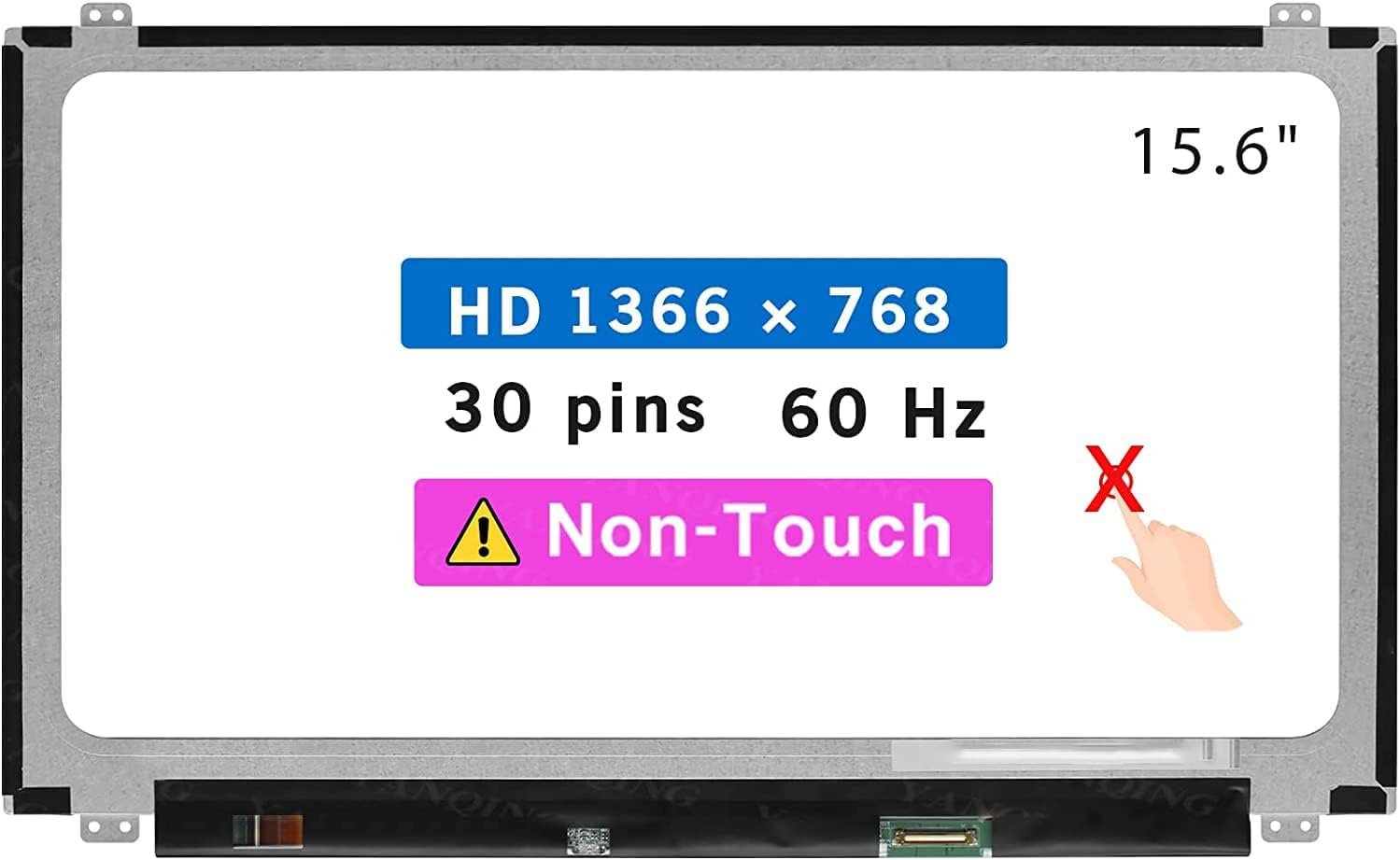
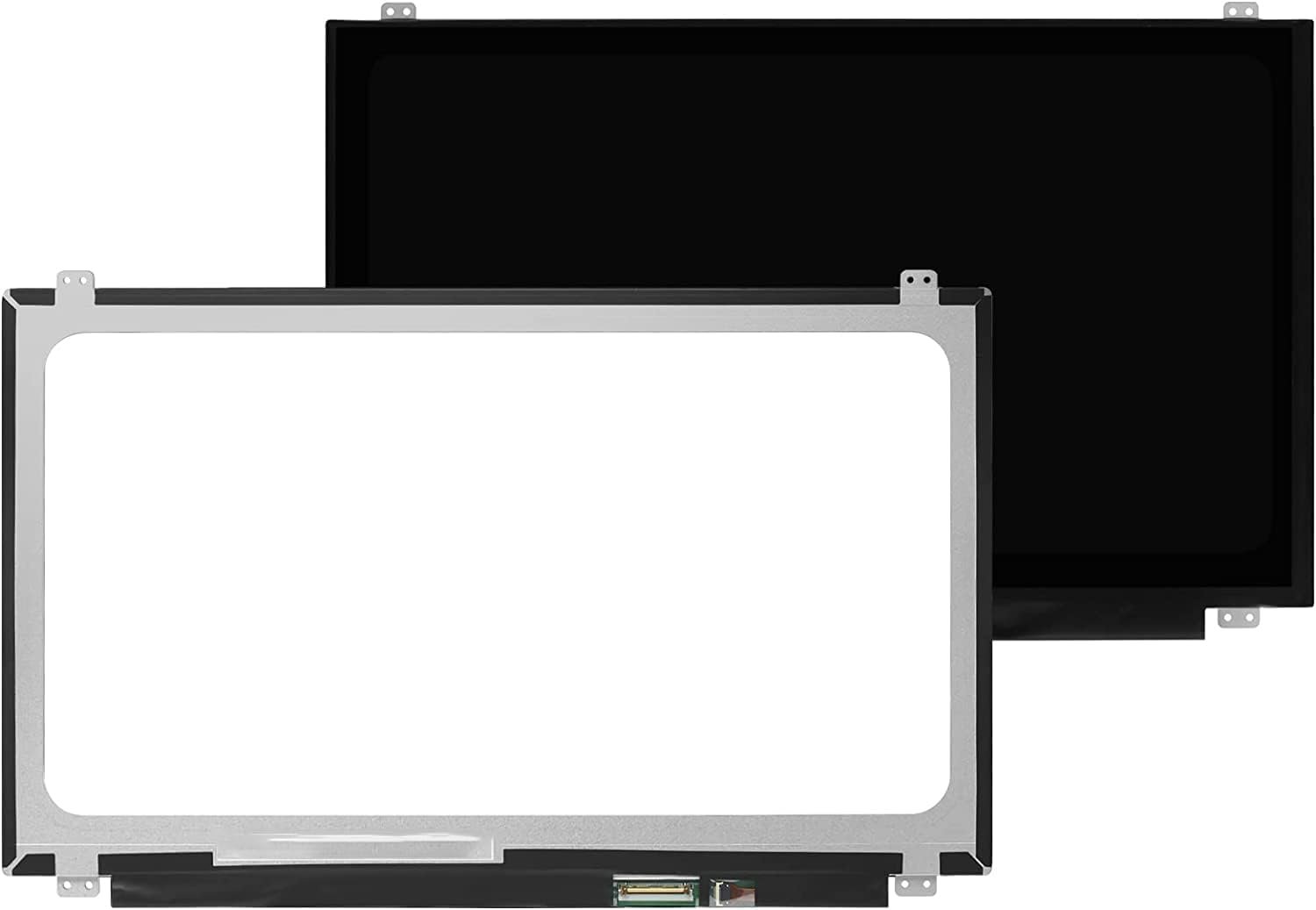
Size: 15.6″
Resolution: WXGA HD (1366 x 768) / Full HD (1920 x 1080)
Pixels: 1366 x 768 / 1920 x 1080 (depending on variant)
Backlight Type: LED
Backlight Lamp: DIODE
Connector: EDP
Pin Connection: 30 Pins
Side: Bottom Right
Finish: Matte / Glossy (specify in checkout note to avoid RMA fees)
Condition: NEW
Commodity: Non-Touch Screen
Technology: LCD LED
Dead Pixel Policy: In Accordance with ISO 13406-2 norm
Source: Factory Direct
Packaging: Fragile Customized Package
Compatibility: OEM – Lenovo V330-15IKB

Hurry and get discounts on all Apple devices up to 20%
Sale_coupon_15
KSh7,000.00 excl. VAT
Payment Methods:

At Lansotech Solutions, we provide genuine Lenovo V330-15IKB screen replacement services in Nairobi. The Lenovo V330-15IKB is a dependable 15.6-inch laptop designed for productivity and professional use. However, its screen is prone to physical damage such as cracks, dim displays, flickering, or dead pixels. If your laptop screen is damaged, the best solution is to replace it with an authentic OEM Lenovo V330 screen for maximum compatibility and durability.
We specialize in both supplying and installing Lenovo V330-15IKB replacement screens, ensuring you get the right part and expert installation for long-lasting performance.
The screen is one of the most delicate parts of your laptop, and common issues include:
Cracked or shattered screen due to accidental drops.
Flickering or distorted display caused by faulty backlight or connectors.
Black screen or no display, even when the laptop powers on.
Vertical or horizontal lines across the screen.
Dead pixels or discoloration affecting visual clarity.
Replacing your screen ensures your laptop is restored to crystal-clear visuals and full usability.
To avoid compatibility issues, it’s important to choose the exact replacement screen designed for the V330-15IKB model. Typical specifications include:
Size: 15.6 inches
Resolution: WXGA HD (1366 x 768) or Full HD (1920 x 1080), depending on the model
Display Type: LCD LED-backlit
Backlight Type: LED
Connector: 30-pin EDP
Position: Bottom right connector
Finish: Matte / Glossy (select preference)
Technology: Non-Touch (standard model)
At Lansotech Solutions, we only stock factory-direct genuine Lenovo V330 replacement screens, ensuring a perfect fit and long-lasting quality.
Our expert technicians follow a careful and structured process when handling screen replacements:
Verify the exact screen model (HD or FHD).
Power off the laptop and remove the battery.
Use anti-static tools to avoid damaging sensitive components.
Detach the display bezel carefully.
Unscrew the faulty screen from the brackets.
Disconnect the 30-pin EDP connector.
Attach the genuine replacement screen securely.
Re-screw the panel into the brackets.
Refit the bezel to its original position.
Power on the laptop.
Confirm brightness, resolution, and display clarity.
Check for dead pixels or touch issues (if applicable).
This ensures a factory-quality finish and restores your laptop’s display performance.
When it comes to Lenovo screen replacement, Lansotech Solutions stands out as Nairobi’s most trusted supplier and repair center:
100% Genuine Lenovo screens – no counterfeit or low-quality parts.
Expert technicians with years of Lenovo repair experience.
Same-day screen replacement for most models.
Affordable prices without hidden charges.
Warranty on both parts and labor.
Corporate and bulk support for schools, businesses, and organizations.
We guarantee quality, affordability, and reliability with every Lenovo screen replacement service.
To maximize the lifespan of your new screen:
Always use a shockproof laptop bag when carrying your device.
Avoid pressing the lid or stacking heavy items on it.
Keep liquids away from the laptop.
Clean gently with a microfiber cloth only.
Consider a screen protector for additional scratch resistance.
Get the Lenovo v330 15ikb screen Replacement service from Lansotech Solutions now!
No account yet?
Create an Account











 ASUS
ASUS



