






 Laptop Computers
 Desktop Computers
 Printers

 Network
 Software
 Laptop Accessories
 Laptop Components
 Office
 Desktop peripherals
 Server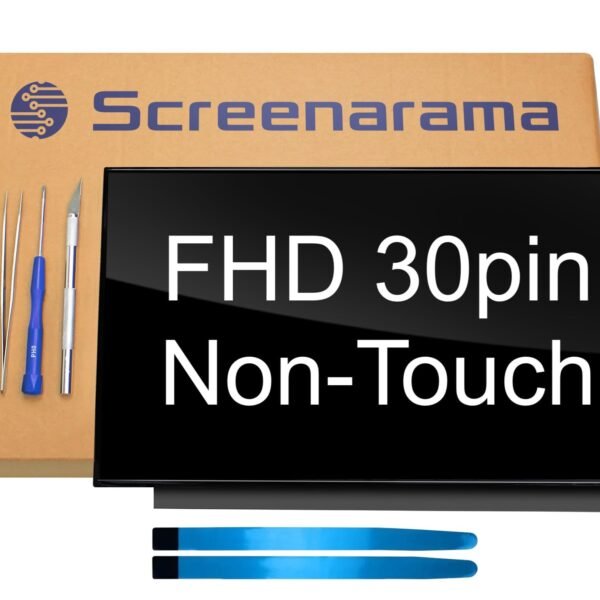


Hurry and get discounts on all Apple devices up to 20%
Sale_coupon_15
KSh5,000.00 excl. VAT
Payment Methods:

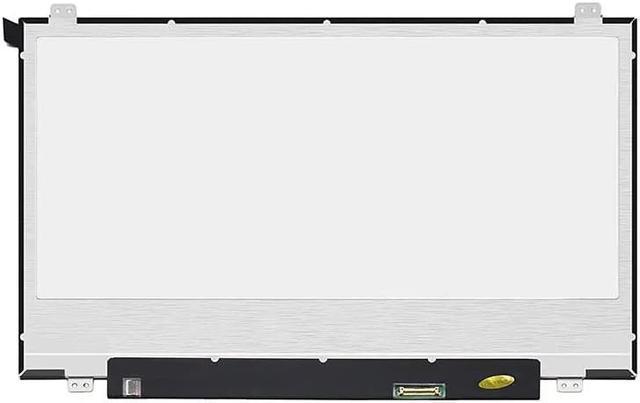
At Lansotech Solutions, we supply and install genuine Lenovo ThinkPad X220 screen replacements in Nairobi. The Lenovo X220 is a durable business-class laptop, widely praised for its performance and reliability. However, like any laptop, its screen is prone to damage from drops, pressure, or long-term wear. A cracked, flickering, or non-functional display can disrupt your workflow, but you don’t need to replace the entire laptop — a new OEM Lenovo X220 screen replacement restores it to full working condition.
Even though the X220 is known for its rugged build, its display is still vulnerable. Some common issues include:
Cracked or shattered display caused by accidental drops or pressure.
Dead pixels and black spots that reduce clarity.
Flickering or dim brightness due to backlight problems.
Vertical or horizontal lines affecting usability.
Completely black screen while the system powers on.
When any of these problems o
We are Nairobi’s trusted Lenovo repair experts, offering:
100% genuine OEM Lenovo screens – no refurbished or fake parts.
Experienced Lenovo-certified technicians who guarantee a perfect fit.
Same-day screen replacement service for most repairs.
Affordable pricing with no hidden costs.
Warranty coverage on both the screen and installation.
Corporate repair packages for offices, schools, and institutions.
When you buy from us, you are assured of quality, reliability, and long-lasting performance.
After installing your new Lenovo X220 screen, you can extend its lifespan with these simple practices:
Use a padded laptop bag when carrying your device.
Avoid pressing on the lid or stacking objects on top.
Keep liquids away to prevent spills.
Clean gently with a microfiber cloth only.
Install a screen protector to prevent scratches.
ccur, the best solution is to install a genuine Lenovo replacement screen to restore original performance.
Get the Lenovo x220 screen Replacement service from Lansotech Solutions now!
No account yet?
Create an Account











 ASUS
ASUS



