





 Laptop Computers
 Desktop Computers
 Printers

 Network
 Software
 Laptop Accessories
 Laptop Components
 Office
 Desktop peripherals
 Server


Hurry and get discounts on all Apple devices up to 20%
Sale_coupon_15
KSh18,000.00 excl. VAT
Payment Methods:

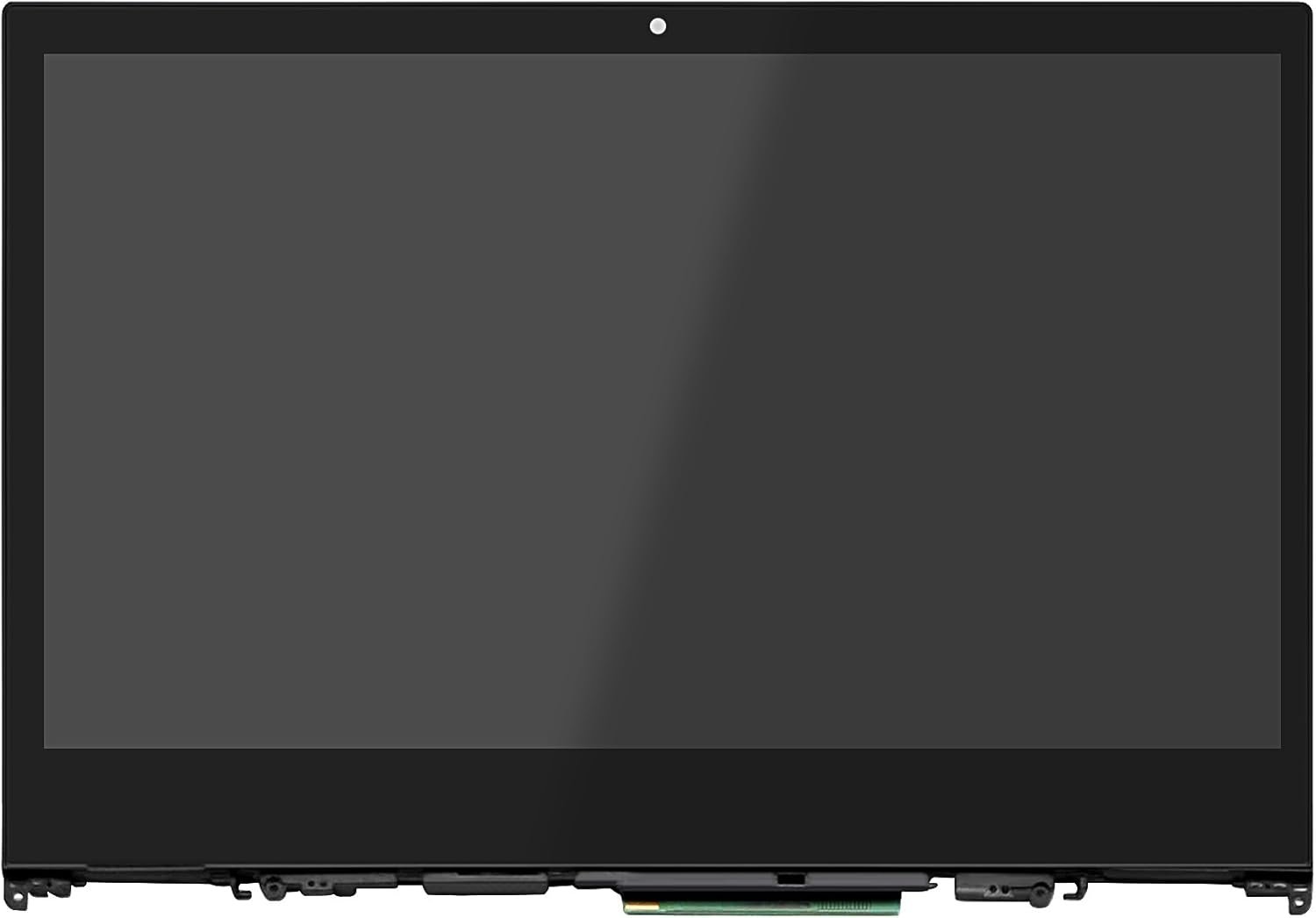
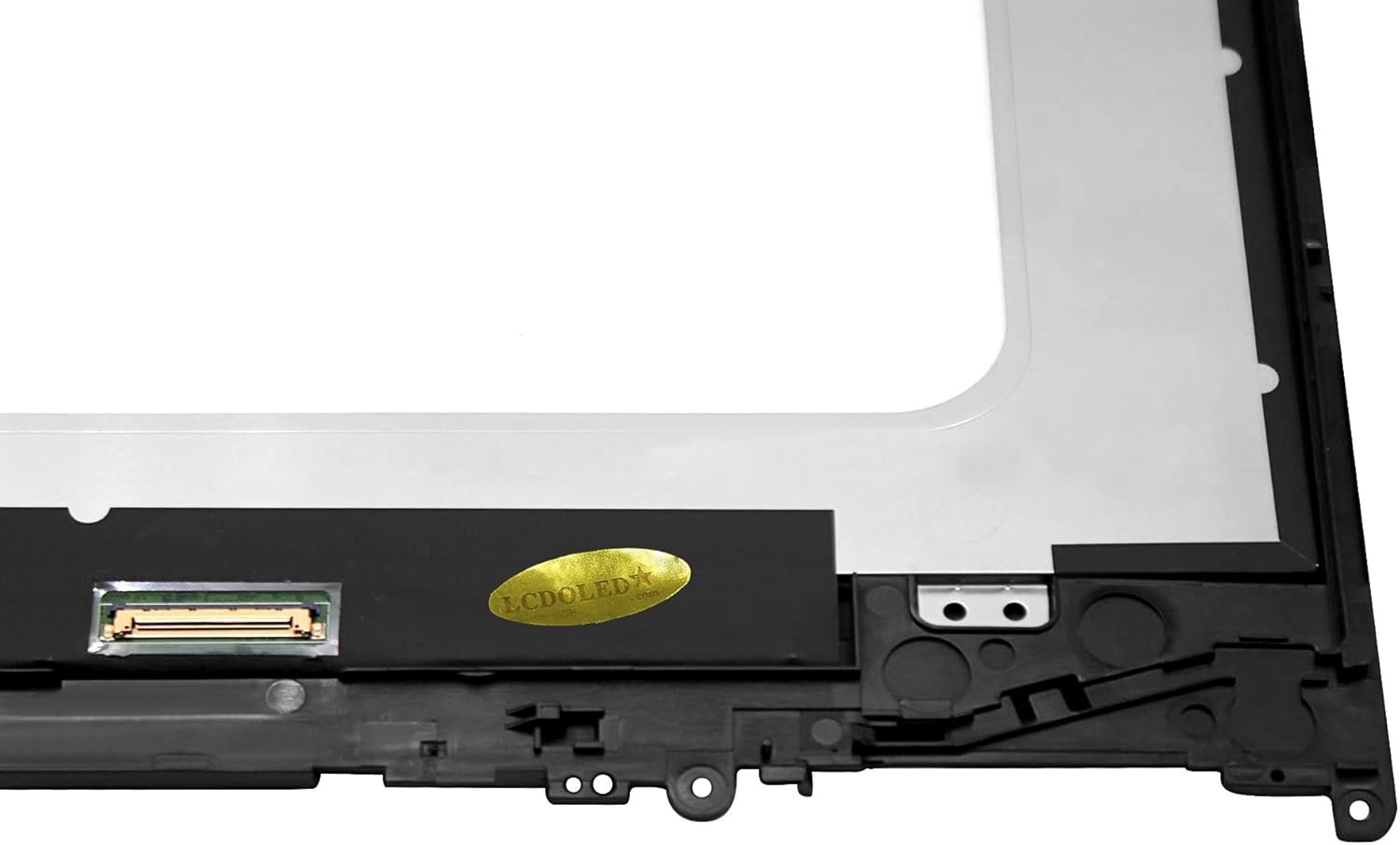
Is your Lenovo Yoga 520-14IKB screen cracked, flickering, or completely black? At Lansotech Solutions Nairobi, we provide original Lenovo Yoga 520-14IKB replacement screens that guarantee the same sharp clarity and durability as your factory-installed display.
We are one of the best laptop screen shops in Nairobi CBD, trusted by thousands of customers for providing genuine laptop screens and expert installation services. Whether you need a touch screen or non-touch screen replacement, we’ve got you covered.
Original Lenovo 520-14IKB screens – 101% OEM compatible.
Same-day screen replacement services in Nairobi CBD.
Skilled technicians with years of Lenovo laptop repair experience.
Affordable pricing without compromising quality.
Nationwide delivery with safe and secure packaging.
Cracks or visible damage on the screen.
Black spots, dead pixels, or lines across the display.
Screen flickering or low brightness issues.
Touchscreen unresponsive (for touch models).
Screen goes black while the laptop is running.
Always use a microfiber cloth for cleaning.
Avoid pressing the screen too hard.
Do not place objects on the keyboard when closing the laptop.
Keep away from liquids and dust.
Open and close the lid carefully to prevent hinge pressure damage.
Get the Lenovo yoga 520-14ikb screen Replacement service from Lansotech Solutions now!
No account yet?
Create an Account











 ASUS
ASUS



